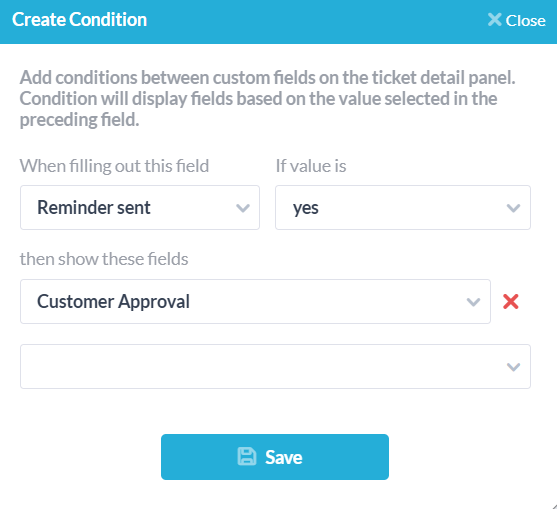
Custom fields in OneDesk allow you to capture information unique to your business. Conditional fields are configurable to only show up if certain prerequisites are met. For example, if the United States is selected in your ‘Country’ field, then the ‘State’ field will be revealed.
For tickets, tasks, and more
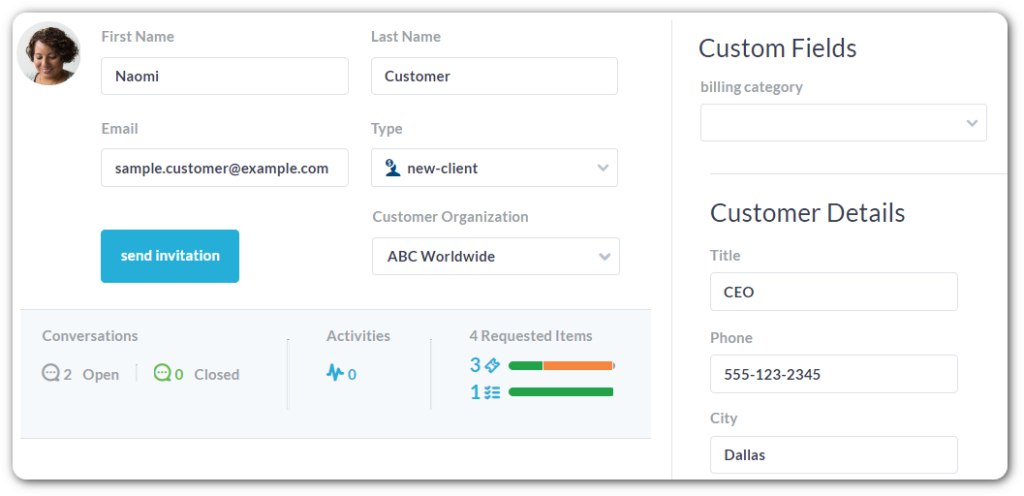
Like all custom fields in OneDesk, you can add conditional fields to where you need them. Add fields to customer or user profiles, your task’s details, timesheets, and more.
Add conditional fields to customer forms
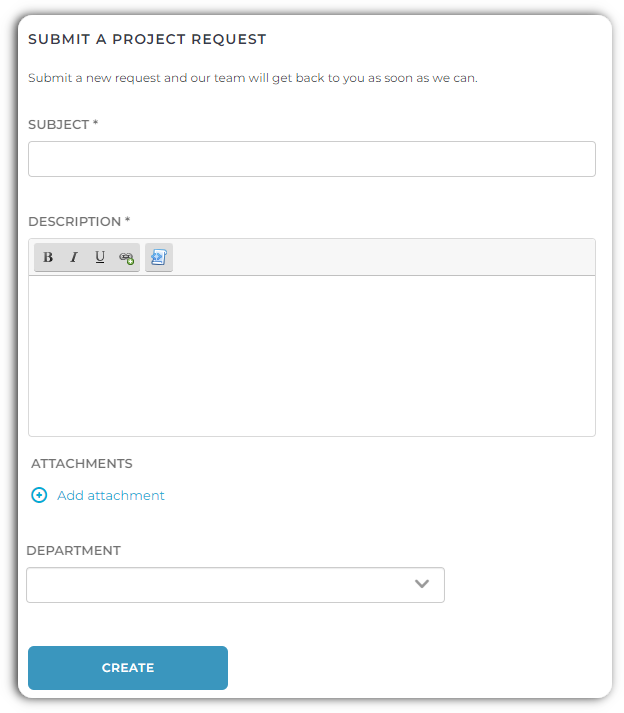
Support forms, also called webforms, allow customers or end-users to submit tickets or tasks. Need to guide your customers along a certain path in your forms? Achieve this goal with conditional fields.
To provide the best experiences, we use technologies like cookies to store and/or access device information. Consenting to these technologies will allow us to process data such as browsing behavior or unique IDs on this site. Not consenting or withdrawing consent, may adversely affect certain features and functions.