Every request, captured right the first time.
Web Forms turn scattered emails or chat messages into structured requests that land exactly where they belong. Build intake forms for tickets, tasks, or projects, add the fields your team needs, and let auto-routing send each submission to the right person or queue.
Free 14-day trial · No credit card required
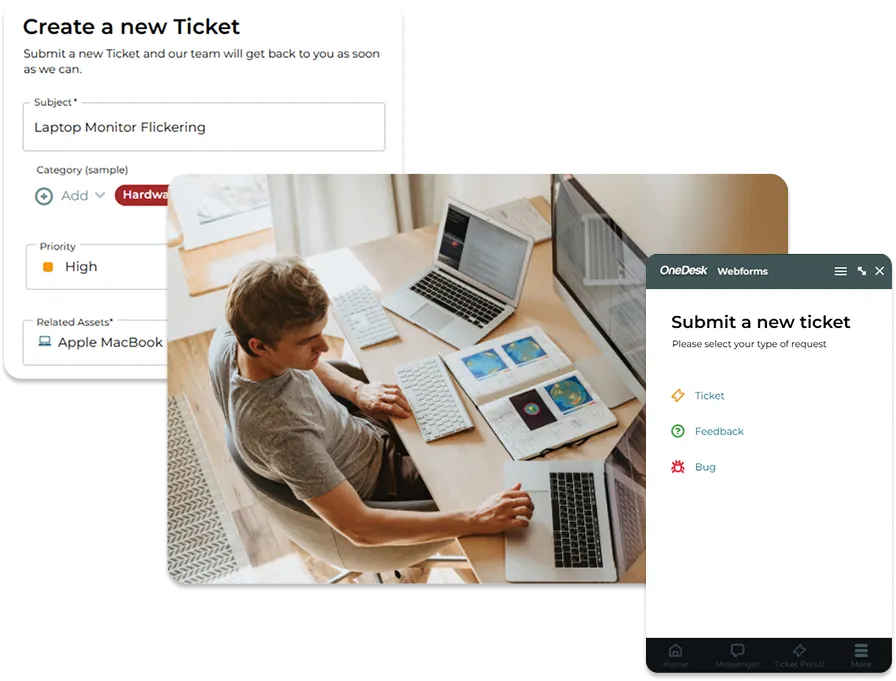
One intake approach for tickets, tasks, and projects
Not every request is a support ticket. A broken laptop is a ticket, a content review is a task, and a new onboarding or office move is a full project. With OneDesk, you can create forms for each type of work, so submissions arrive as the right kind of item with the right structure from the start. Your team stops converting emails into work by hand and starts working from a single, consistent intake.
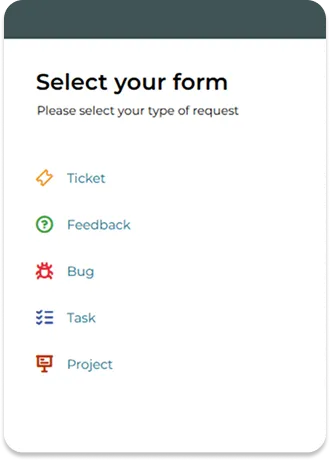

Ask for exactly what you need
A good form collects the details your team would otherwise spend chasing. Customize your forms with the fields that matter, such as text, dropdowns, dates, and file uploads, and mark the essentials as required. Arrange the layout and wording so each form feels clear and approachable to the person filling it out. The information entered flows straight into the ticket, task, or project, so there is no copying and pasting between tools.
A different form for every service
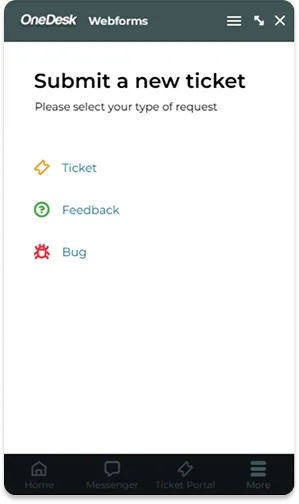
One generic “submit a request” box rarely fits every need. Create as many forms as you need, from a short bug report to a detailed purchase request or a client project brief. Each form asks only the questions that apply, which keeps submissions quick for requesters and useful for your team. As your services grow, you can add or adjust forms without rebuilding your process.
Auto-routing that gets work to the right hands
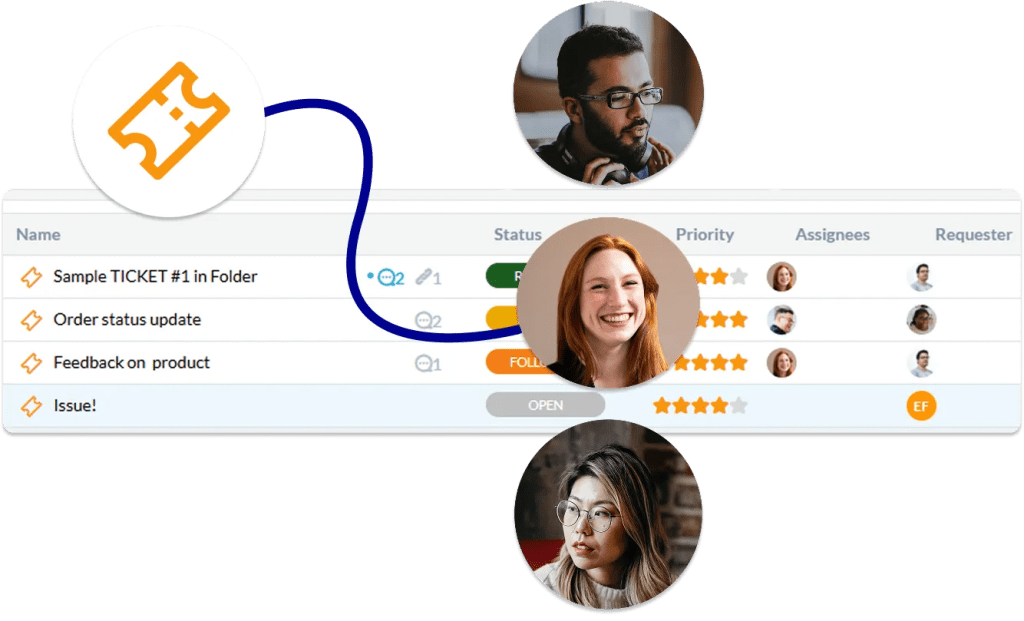
The longer a request sits in a shared inbox, the more it costs. With auto triage, each submission is assigned to the right team, project, or person based on the form used or the answers given. Urgent issues can reach the right responder immediately, and routine requests go straight into the right queue. Your team spends less time triaging and more time getting things done.
FAQs OneDesk for webforms
Yes. You can build as many forms as you need, such as a general help request, a hardware order, a client project brief, or a bug report. Each form has its own fields and settings, so every service asks only the questions that matter.
Yes. You choose what each form creates, so a support request can become a ticket while an onboarding brief becomes a project. This keeps work in the right structure from the moment it is submitted.
Submissions are assigned automatically to the team, project, or person you choose for that form. This means new requests reach the right people without anyone triaging an inbox. You can set up different forms for different teams so each one routes to its own destination.
That depends on how you set it up. Forms can be shared with the people you choose, whether that is employees, clients, or a wider audience.