- IT Service Management
The IT Service Desk Your
Department Actually Needs
Stop managing IT support through inboxes and spreadsheets. OneDesk gives your internal IT department a single workspace for tickets, incidents, change approvals, and asset tracking.
Free 14-day trial · No credit card required

USE CASES
The Complete IT Management Toolkit
From the first helpdesk ticket to enterprise-wide change governance, OneDesk handles ITSM in one place.
Resolve outages faster
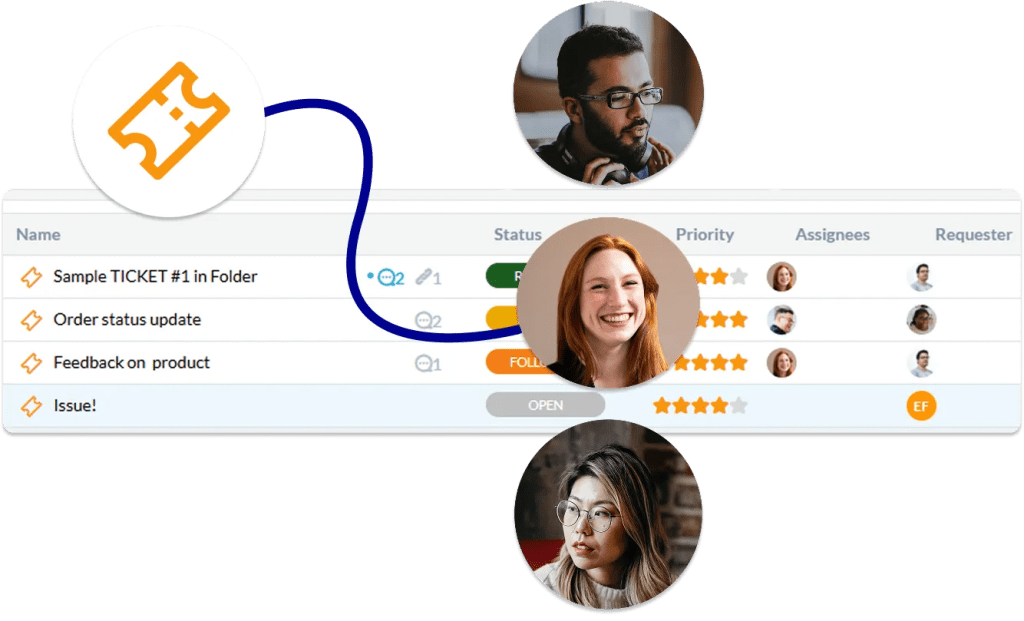
Log, triage, and escalate IT incidents the moment they’re reported. Auto-assign by urgency and category, trigger SLA timers, and keep stakeholders updated with automated emails.
- Priority-based auto-routing
- Real-time SLA countdown and breach alerts
- Customizable notifications
Deliver services on demand
Give employees a clean self-service portal to request software access, hardware, VPN credentials, and more. Each request type maps to a structured fulfillment workflow.
- Branded employee-facing service catalog
- Multi-step approval workflow
- Auto-close fulfilled requests

Ship changes without surprises
Standardize how your team proposes, reviews, and deploys changes. Define CAB workflows, risk assessments, and rollback plans for every change record. Maintain an audit trail that satisfies compliance requirements automatically.
- Change and approval workflows
- Change history linked to incident records
- Extensive activities audit log

Know what you own
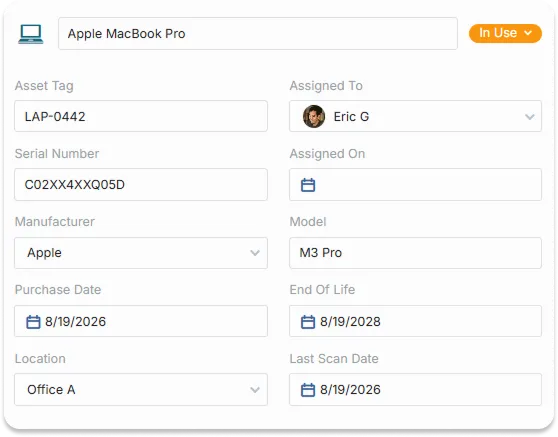
Maintain a live database across hardware, software licenses, and virtual resources. Link assets directly to tickets and changes so you always know what’s affected.
- View and assign assets
- Link assets to tickets and change requests
- Track the status of hardware and software
FEATURES
Built for How IT Departments Actually Operate
Every feature maps directly to an IT workflow.
Ticket Management
All support tickets land in a single structured queue. Triage by category and priority, assign to the right technician, and track every conversation through to resolution without losing context.
IT Project Tracking
When a ticket grows into something bigger (an infrastructure upgrade, a rollout, a migration) convert it into a tracked IT project with subtasks, owners, and milestones. No handoff to a separate tool, no lost history.
IT Analytics
Track first-response time, time to resolution, technician workload, and SLA performance across every category. Surface recurring issue patterns so you fix root causes and bring data to your next leadership review.
SLA Management
Set response and resolution targets based on ticket priority. Automatically escalate or remind agents before a breach occurs.
Asset Management
Maintain a single source of truth for laptops, servers, licenses, and virtual resources. Link assets to the tickets and changes that affect them so every technician knows exactly what they are working with.
Workflow Automation
Build no-code automation rules that auto-assign tickets, send status updates, escalate overdue items, close resolved requests, and much more.
FAQ
Common Questions
It's easy to get started in OneDesk by going through the Quick Setup Wizard during your trial. This only takes a few minutes and helps you configure the essentials.
Yes, OneDesk provides the ability to easily import your existing tickets, assets, end-user accounts, and more.
Ready to streamline your IT management?
Start setting up your IT helpdesk, SLA policies, and change workflows.