Know where the time goes.
OneDesk Time Tracking lets your team log time right where the work happens, on tickets or tasks. Track billable and non-billable hours, compare planned effort to actual, and see how it all affects your team’s workload.
Free 14-day trial · No credit card required
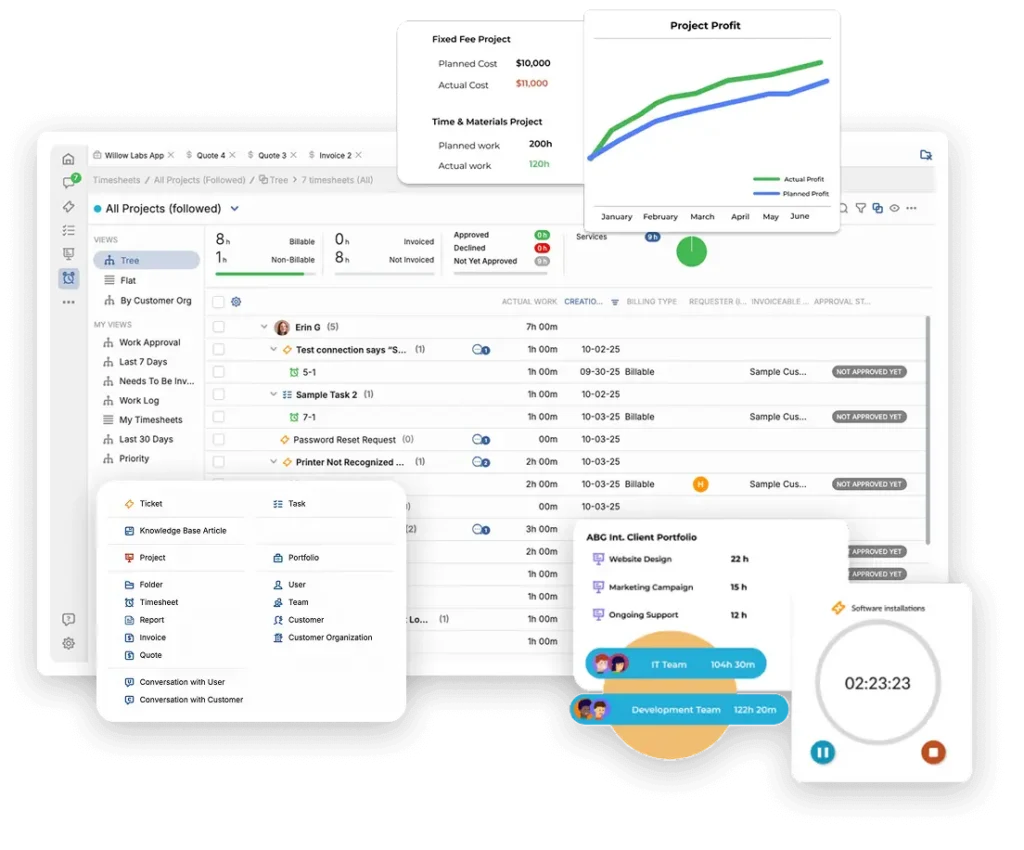
Start a timer anywhere, on desktop or mobile
Time is easiest to capture when it’s tracked as you go. Start a timer on any ticket or project task from your desktop or your phone, and stop it when you’re done. Whether your team is at their desks, on site, or on the road, the hours land on the right work without end-of-day guesswork.
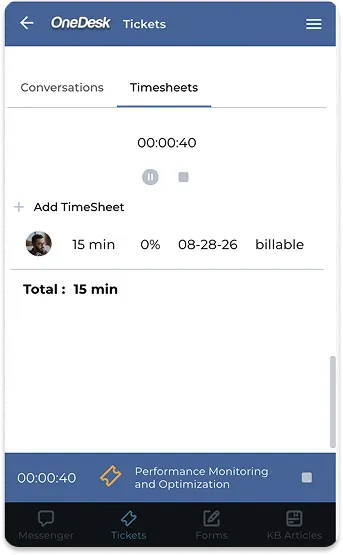
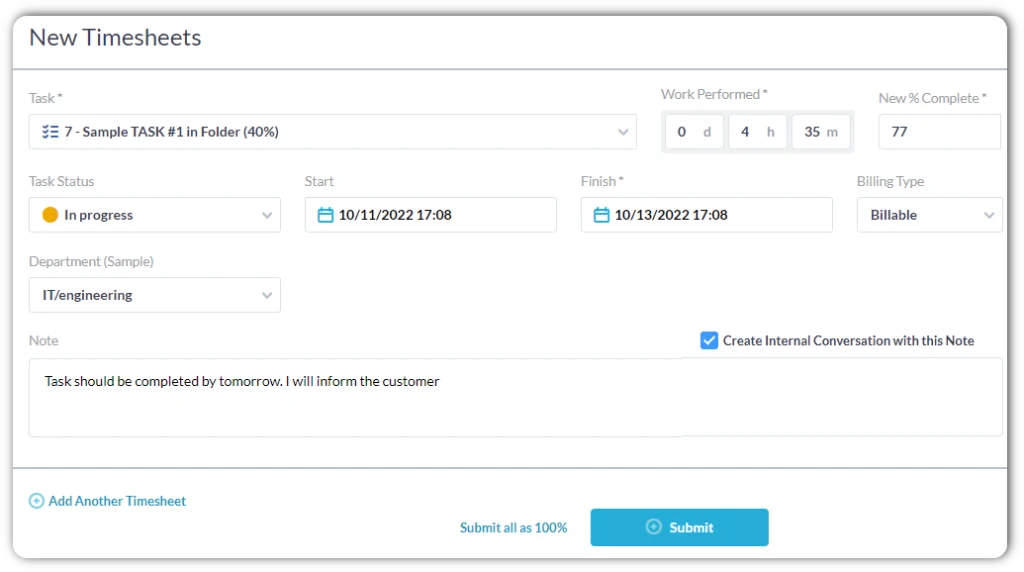
Timesheets with the context you need
Every entry can include notes explaining what was done, so there’s a clear record behind the hours. Automatically capture and roll up details that matter to your business, such as work type, department, or client. Timesheets give your team a simple way to review, correct, and submit their time, and give managers a reliable record to work from.
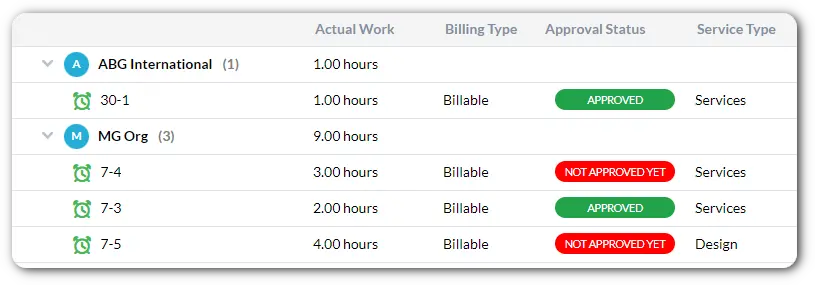
Separate billable from non-billable time
Not all work is chargeable, but all of it takes effort. Mark time as billable or non-billable so you can see what you can invoice and what goes into overhead, internal projects, or support commitments. Client service teams protect their revenue, and internal teams understand the true cost of the work they do.
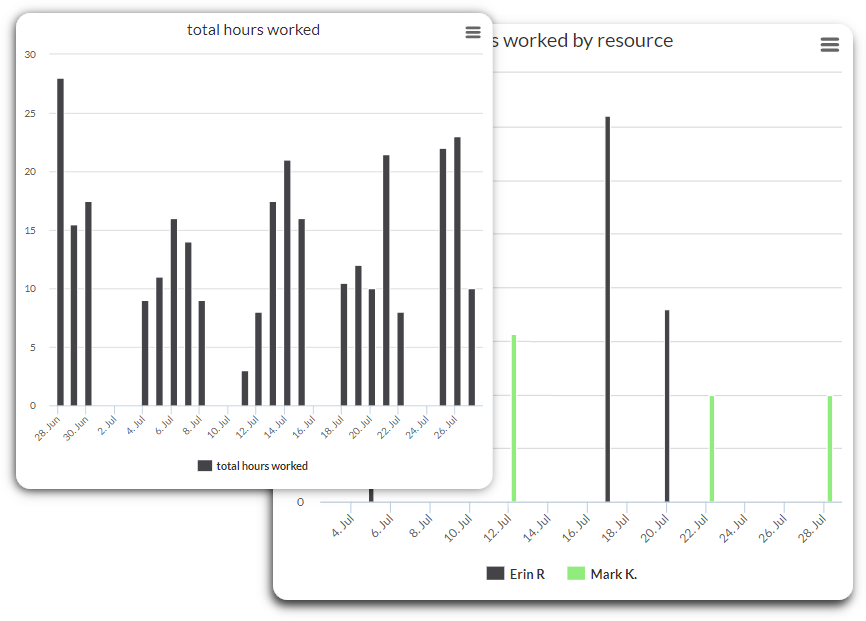
Reports, planned vs. actual, and workload in one place
From tracked time to invoice
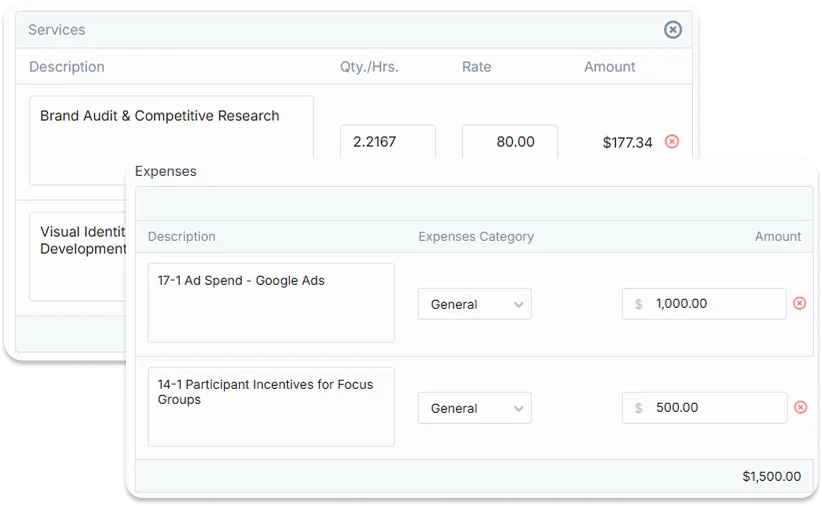
With integrated billing, the hours your team tracks feed directly into billing, so there’s no re-entering time into another system. Billable time flows through to invoices, which saves admin time and reduces errors and disputes. You get a smoother path from work done to payment received.
FAQs OneDesk Time Tracking
Yes. You can start and stop timers from both desktop and mobile, so time is captured wherever you're working.
Yes. You can mark time as billable or non-billable, then use reports to see how your hours break down. Billable time can flow into billing, while non-billable time helps you understand internal effort or costs.
Both. Internal teams use it to understand where effort goes, compare planned to actual time, and balance workload. Client service companies use the same tools to also track billable hours and invoice accurately.
Try OneDesk Time Tracking free
See OneDesk in action. Free for 14 days.