OneDesk for Managed Service Providers
Manage client requests, service delivery, projects, and ongoing work from one place. OneDesk helps MSPs stay on top of client commitments, coordinate internal teams, track work and time, and give clients a clear view of what is happening.
Free 14-day trial · No credit card required

Manage support for all your clients
MSPs need to support multiple clients without losing track of who needs what. OneDesk gives your team a central place to manage tickets, requests, conversations, and ongoing work across all your client organizations.
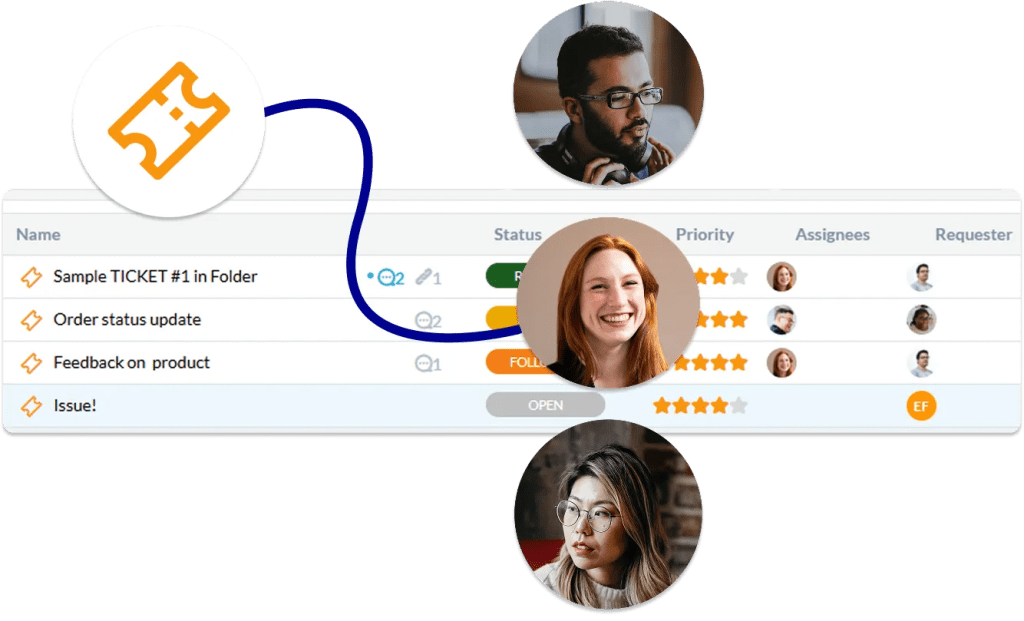
Organize work by customer, assign tickets to the right technicians, set priorities, and keep a complete history of each request. Your team can quickly see what needs attention without switching between different systems for different clients.

Keep client requests organized
Client requests can arrive by email, web forms, chat, or other channels. OneDesk automatically brings these requests into a central workspace where your team can triage, prioritize, assign, and track them.
Create workflows for common requests and use automations to route tickets, update statuses, notify technicians, and keep clients informed. This helps your team spend less time sorting requests and more time resolving them.
Deliver better SLA-based support
MSPs often work with different service agreements and response expectations for different clients. OneDesk helps your team manage priorities and keep track of the work required to meet your commitments.
Use ticket priorities, statuses, automations, notifications, and reporting to keep support work moving. Give your team visibility into open requests and overdue work so important client issues don’t get overlooked.

Manage projects alongside support
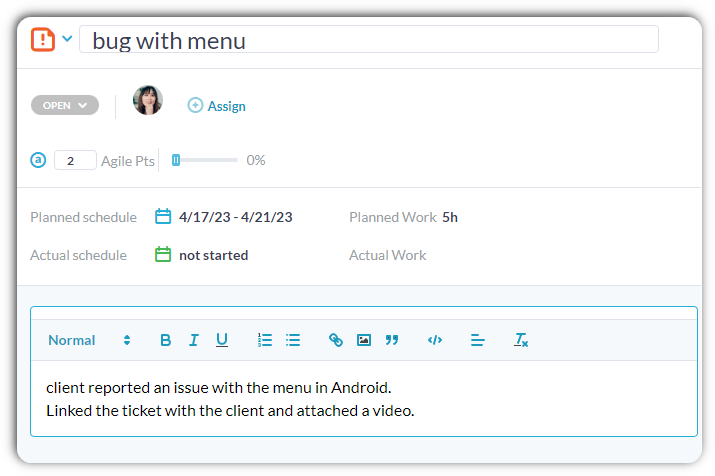
MSPs don’t just resolve tickets. They also handle migrations, implementations, upgrades, onboarding, infrastructure projects, software deployments, and other client projects.
Manage these projects in OneDesk alongside your support work. Create tasks, milestones, dependencies, schedules, and project plans while keeping the related client information in one place./
Track technician time and service costs
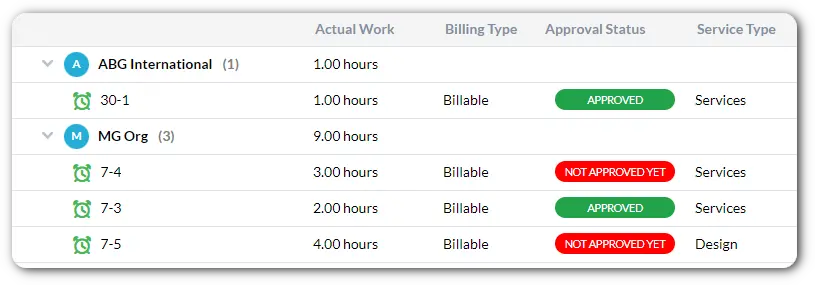
Time is one of the most important resources for an MSP. OneDesk lets technicians track time directly against tickets, tasks, and projects so you can understand how much work is being performed for each client.
Use time tracking to monitor technician workloads, understand service costs, bill, and identify where your team’s time is being spent. Managers can also use reports and dashboards to get a broader view across clients and projects.
Manage billable services and client billing
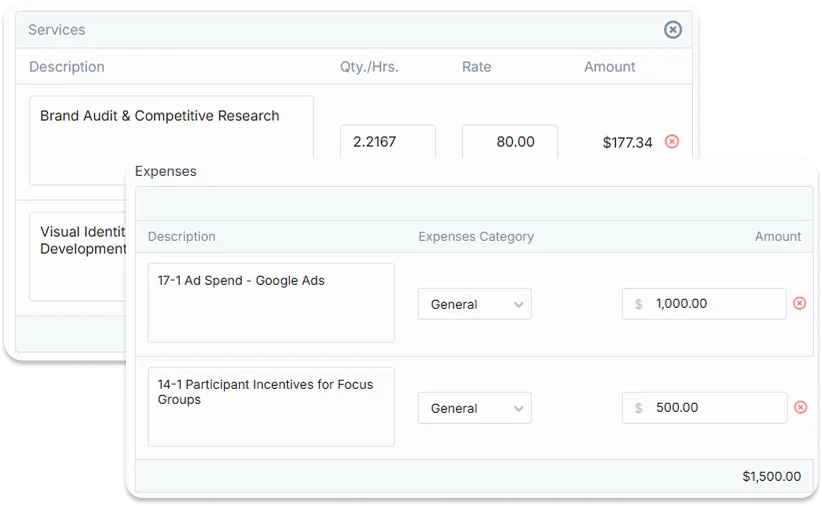
MSPs need to connect the work their teams perform with what they charge clients. OneDesk supports quoting and invoicing for different types of services, including billable time and expenses, prepaid hours, and flat-fee projects.
Track billable work as it happens and use project and timesheet information to support accurate client billing. Keep service delivery and financial information connected instead of relying on separate spreadsheets or manual processes.Get visibility across clients, technicians, and projects
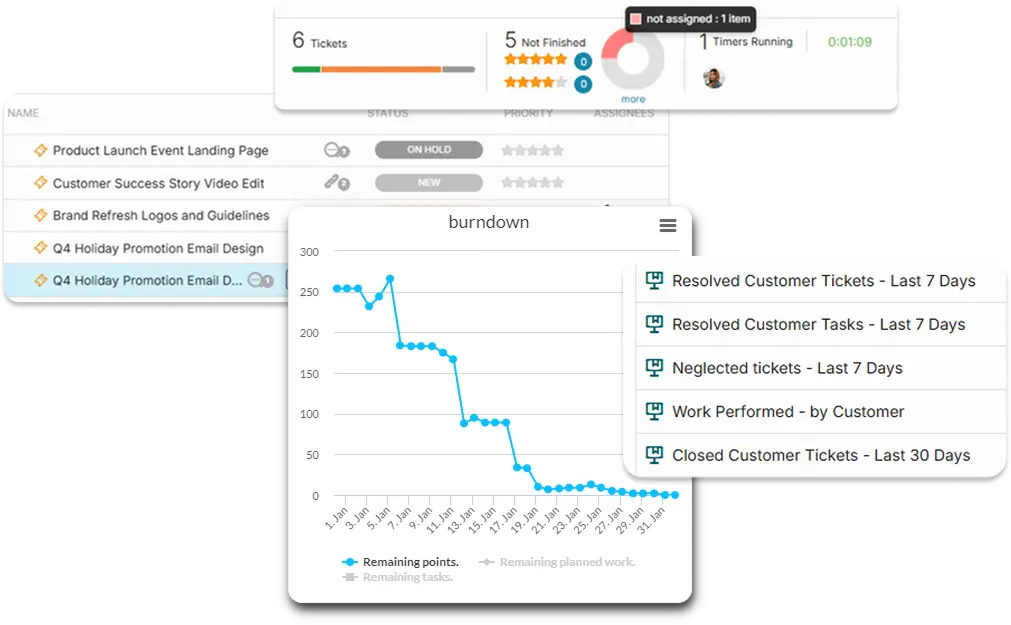
MSP managers need to know what is happening across the business, not just inside an individual ticket. OneDesk provides dashboards, reports, workload views, and analytics to help you understand support activity, project progress, technician workloads, and time spent.
Filter and organize your information by client, project, team, service, or other criteria to get a clearer view of your operations. Use this information to identify bottlenecks, balance workloads, and make better decisions about resources.
FAQs OneDesk for MSPs
Yes. Teams can track time against client work and distinguish billable from non-billable activity. Time and expense information can then be used for reporting, project costing, and billing, helping MSPs keep better visibility into the effort and costs associated with each client.