- Operations & Workflow Management
One Platform
for Every Request,
Project, and Workflow
OneDesk gives teams a unified platform to manage employee requests, plan and deliver projects, and automate recurring workflows, in one collaborative workspace.
Free 14-day trial · No credit card required
USE CASES
Built for Every Department That Serves Employees
From request management and project delivery to recurring workflows and approvals. OneDesk adapts to how your team works, whatever kind of internal work you are responsible for.
One structured intake point for your team
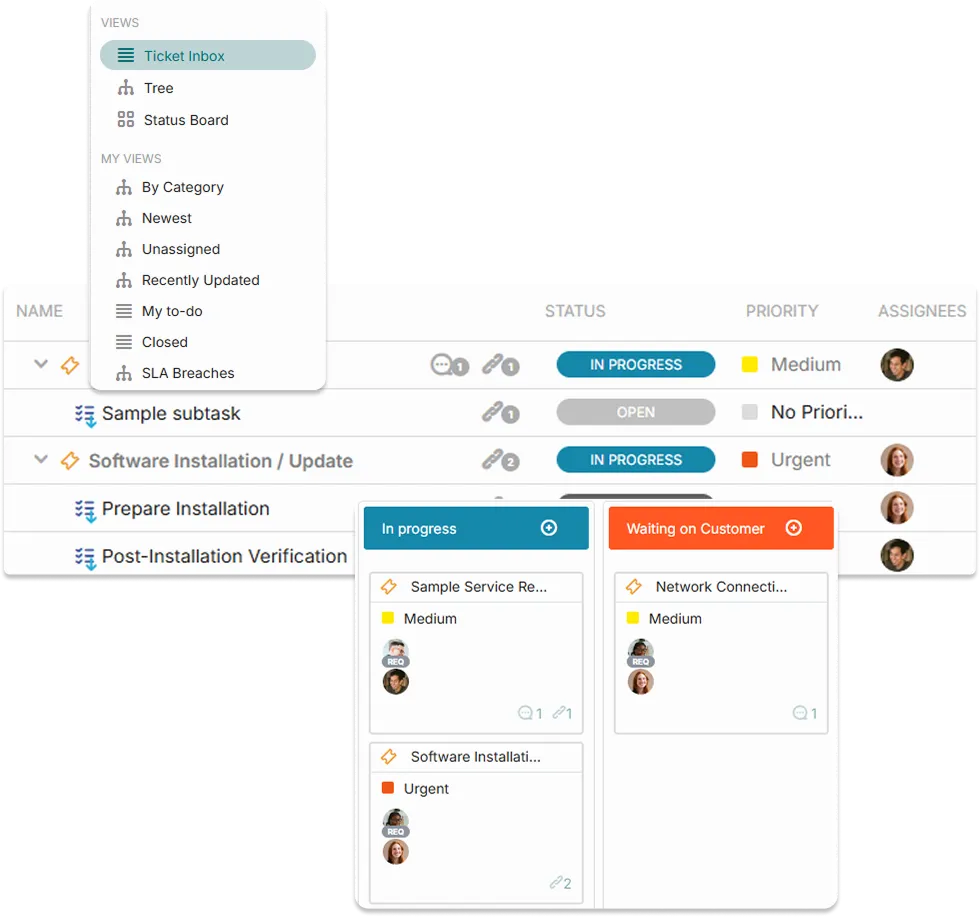
Give your team a structured way to receive and manage requests from the employees you serve. Employees submit through a self-service portal, email, phone, or chat. Every request lands in a shared queue with all the context your team needs to act immediately.
- Multichannel intake: employee portal, email, live chat, phone, web form
- Auto-assign requests to the right person based on type, category, or workload
- Employee-facing status tracking so they never need to chase an update

Plan and deliver department initiatives end to end
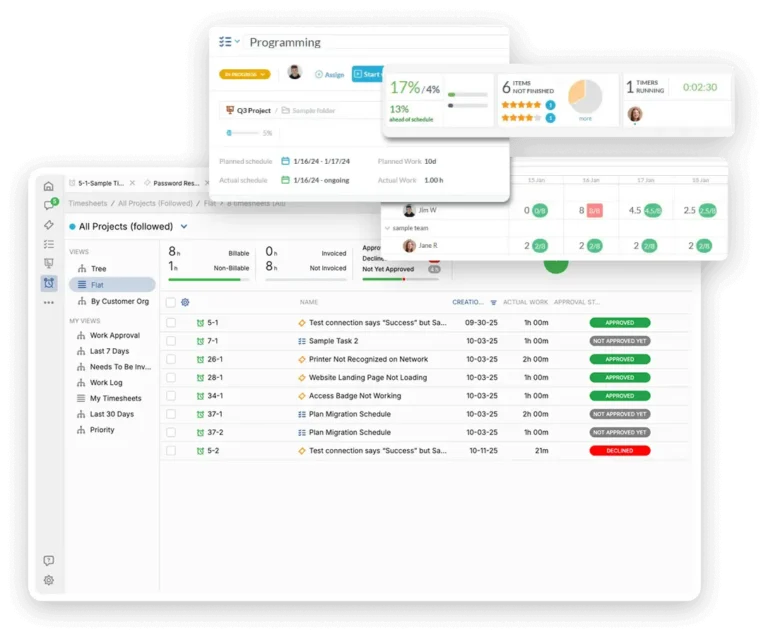
Whether it is an office relocation, a system rollout, a compliance program, or a quarterly initiative, every department project needs structure. OneDesk gives teams a shared workspace to plan phases, set milestones, assign tasks and subtasks, map dependencies, and track delivery.
- Gantt timelines with milestones, task dependencies, and phase-based planning
- Kanban boards for managing in-progress work day to day
- Subtask breakdowns so complex deliverables have clear, owned steps
Standardise the work that happens every time
Recurring operational work such as onboarding checklists, monthly reporting cycles, compliance reviews, maintenance schedules, should not be rebuilt from scratch each time. OneDesk turns repeatable processes into templated workflows that launch on schedule, assign owners automatically, and track completion without anyone manually coordinating the start.
- Task and project templates for recurring operational cycles
- Scheduled launch so recurring work starts automatically without prompting
- Completion dashboards showing status across all active workflow instances

Get decisions made without chasing anyone
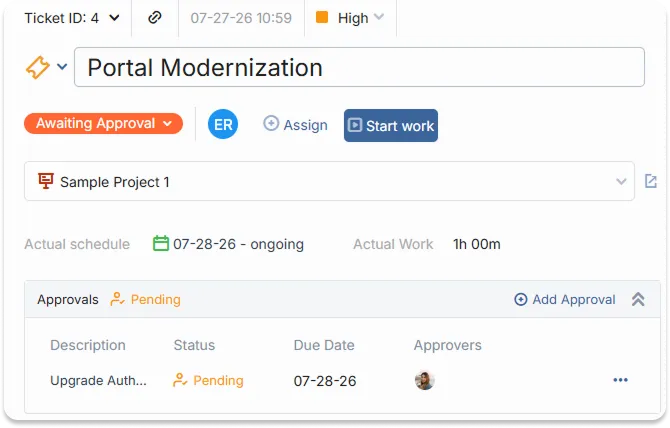
Some work cannot move forward without approval — budget requests, policy changes, access grants, scope expansions. OneDesk routes each approval to the right person, notifies them automatically, and records every decision with a timestamp and comment. Nothing stalls in an inbox and nothing proceeds without the right sign-off.
- Multi-round approvals on tasks or requests
- Automatic reminders when approvals go unanswered
- Full decision audit trail with approver identity and comments
FEATURES
Everything Internal Teams Need to Manage Operations and Deliver Work
Employee portal, multichannel intake, Gantt and Kanban project management, subtasks, approvals, automation, internal messaging, file sharing, and workflow templates. Everything teams need to run their operations well.
Employee Portal
Give employees one place to submit requests, track active tickets, find answers, message their team, and download shared documents. Your team achieves fewer interruptions and every request enters the system structured from the start.
Multichannel Intake
Employees reach out however is most convenient — portal, email, live chat, phone, or web form. Every submission becomes a structured request in a shared team queue regardless of channel. Your team works from one place, responses are consistent, and nothing slips through the gap between inboxes.
Project Management
Plan department projects on an interactive Gantt with milestones, dependencies, and phase-based scheduling. Switch to Kanban to manage daily work in motion. Break deliverables into tasks and subtasks with individual owners and due dates. Every team member works from the same plan in the that view suits them best.
Messaging
Every ticket and project carries two message threads: one for communicating directly with the employee who raised the request, and one for private internal coordination between team members. Employees see a clear, professional update thread. Your team sees the full picture.
File Sharing
Share files directly on tickets, project tasks, and message threads rather than sending email attachments that immediately lose context. Employees access exactly what they need through the portal. Your team controls visibility. Every file is searchable and linked to its request or project.
Automation
Respond to requests immediately, assign to the right person based on category or workload, move tasks to the next stage when predecessors complete, escalate stalled items before deadlines are missed, and notify the right people when approvals are needed — all without manual intervention.
FAQ
Common Questions
Employees can submit requests through the self-service portal, by email, via a live chat widget, phone, web form, or integrated third party tools like Teams or Slack. Every channel creates a structured ticket in the same shared team queue. Your team works from one place regardless of how the employee reached out, and every request has a full record from the moment it is submitted.
No. OneDesk works just as well for a single team managing their own requests, projects, and workflows. There is no requirement to roll it out company-wide. Your team sets up their own queues, project workspaces, and workflow configurations, and employees of other departments can interact through the portal or email. You only pay for the agents that work within OneDesk.
Give Every Department a Smarter Way to Operate
One platform that brings your team’s requests, projects, workflows, and communication together from day one.