- Bug & Issue Tracking
Standardize Triage
Accelerate Resolution.
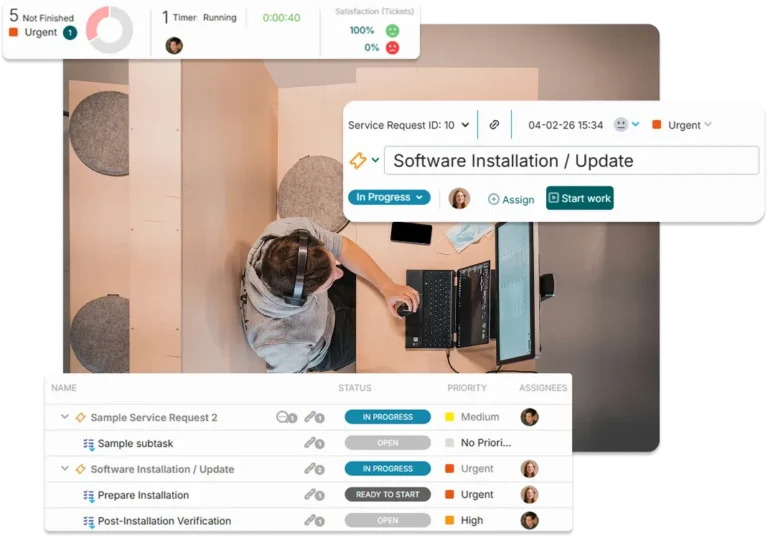
OneDesk bridges the gap between internal bug reporting and engineering resolution. Combine help desk intake with Agile project management, so every regression, UX glitch, and edge-case error is prioritized, tracked, and resolved without losing context.
Free 14-day trial · No credit card required
USE CASES
Master the Flow of Quality Control
OneDesk streamlines the journey from issue to verified deployment, ensuring your team is focused on fixing, not finding.
Capture the Data Before You Cause the Delay
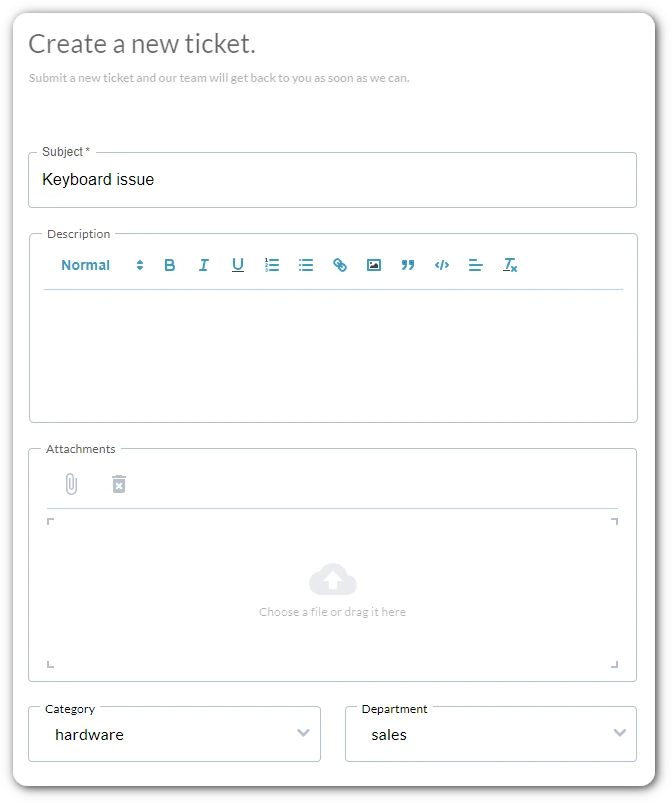
OneDesk uses smart intake forms to force internal reporters to provide the technical context upfront. No more chasing colleagues for screenshots; get the data you need to start debugging on the first try.
- Ensure environment, version, and severity are selected before submission.
- Allow internal teams to attach screen recordings and console logs directly to the ticket.
- Convert "bug report" emails into structured tickets without manual data entry.
Filter the Failure Before You Flood the Sprint
OneDesk’s automation engine reads incoming tickets and routes them to the correct team based on keywords or tags. The issue lands in the right hands instantly, allowing your team to triage by severity rather than volume.
- Automatically assign bugs to specific product areas (e.g., Mobile vs. Web).
- Trigger alerts for "Blocker" issues to notify the on-call team immediately.
- Sort requests by type (UI, Functional, Performance) before the team even reviews them.
Link the Issue Before You Launch the Fix
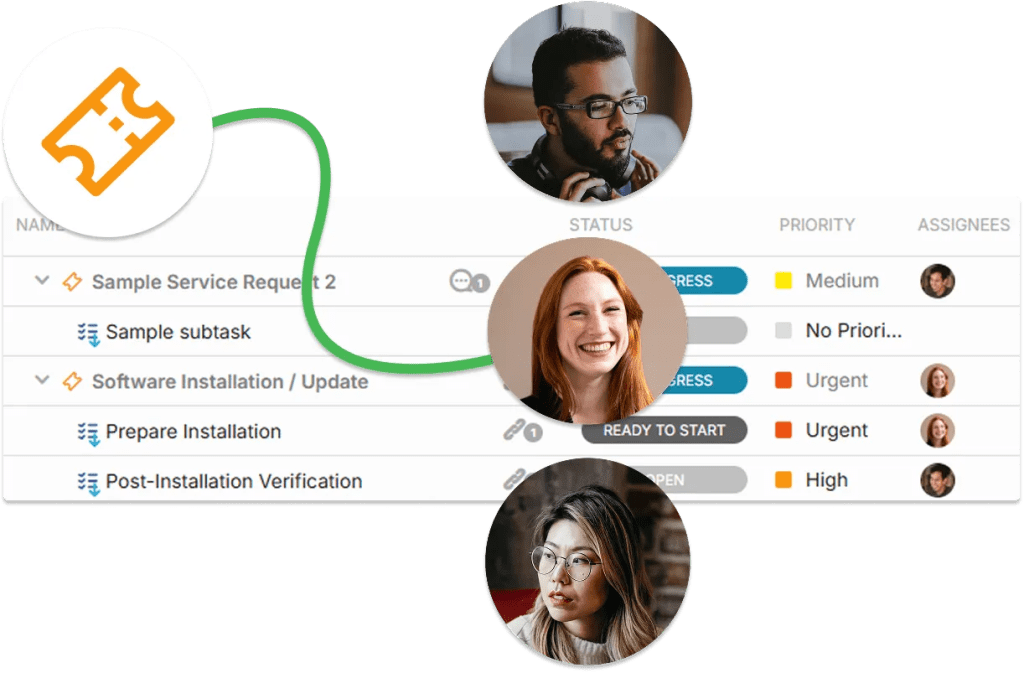
Stop the silo between support and engineering. OneDesk allows you to convert a technical bug ticket into an actionable project task or link it as a subtask to an existing release. This maintains an unbroken audit trail from the reporter’s initial problem to the final production fix, keeping everyone aligned on the “Definition of Done.”
- Map internal issues directly into your active development sprints or Kanban boards.
- Tie specific bug fixes to version numbers to track regression history.
- See how an unresolved bug is blocking downstream feature work in real-time.

Close the Loop Before You Create the Frustration
Keep the rest of the company in the loop without answering the same question fifty times. OneDesk provides a portal where employees can track the live status of the bugs they reported. Automated notifications alert the reporter the moment a fix moves from “Triage” to “In QA” to “Deployed.”
- A branded home for colleagues to track their reported bugs and the overall system health.
- Automatically update the reporter via email or portal when the dev team changes the status.
- Use internal threads for technical debugging while sharing high-level updates with the reporter.

FEATURES
Master the Quality Before You Manage the Quantity
Standardize your triage, automate your handoffs, and ensure your team ships code with 100% confidence.
FAQ
Questions?
Absolutely. You can build custom intake forms with Mandatory Fields. This ensures that the reporter cannot hit "submit" until they provide the technical context (logs, screenshots, environment) your team needs to reproduce the issue.
By using Task Link Dependencies, you can link a bug ticket to a specific release milestone. If the bug fix is delayed, the system will visually flag the impact on the release date on your Gantt chart, allowing for proactive roadmap adjustments.