
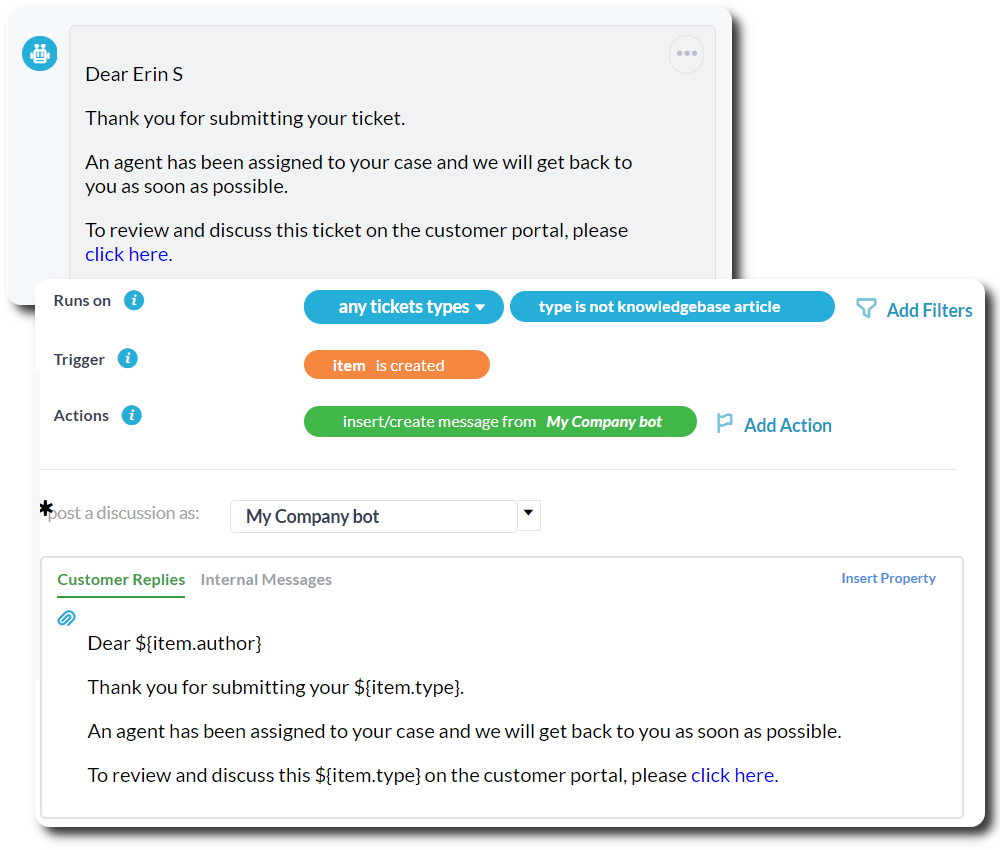

Auto-Assign
Assign tickets automatically to specific agents, by round-robin or based on the priority, customer, tag, inbox, and more.
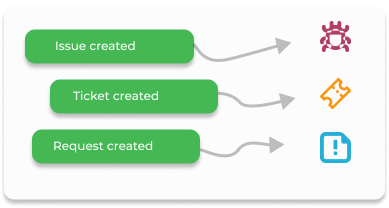
Organize & route
Stay organized automatically by routing or categorizing incoming tickets to the right container, project, tag, department, and more.
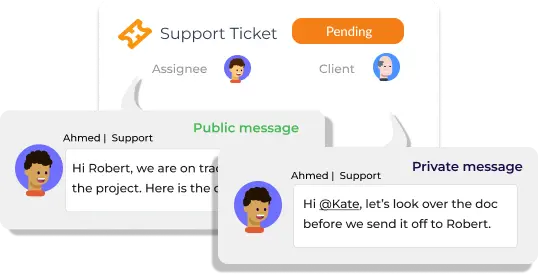
Reply & notify
Keep customers or agents up-to-date with no effort. Automatically reply to incoming tickets, send reminders, or inform on status changes.


Build workflows
Assign tickets automatically to specific agents, by round-robin or based on the priority, customer, tag, inbox, and more.

Task templates
Standardize practices and get to work quickly with your own ready-made task forms. Create multiple templates with default values and properties.

Scheduled reporting
Drill down to your team's performance and progress with real-time data and auto-scheduled reports.

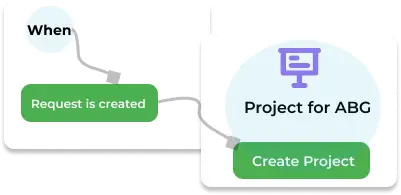
Project templates
Build out project templates for all the services you offer. Kick off new projects with a click or through an automation rule.

Timesheet automations
Stay updated on the time being spent on projects. Automatically approve timesheets, send emails about billable time, and more.

Connect work
Pass information between your other tools with integrations. Reduce double data entry and save time by connecting QuickBooks, MS365, Outlook, Gmail, and more.