- Time, Billing & Invoicing
Track Time. Bill Accurately.
Get Paid Faster.
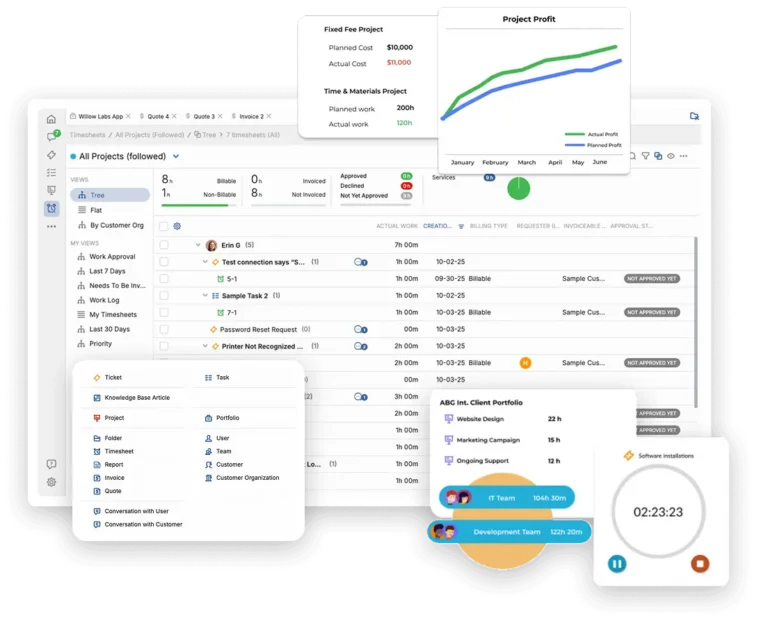
OneDesk gives professional services teams one place to run timers, submit timesheets, log expenses, and generate invoices. Capture and bill every billable minute, and eliminate the manual work between doing the work and getting paid for it.
Free 14-day trial · No credit card required
USE CASES
Time Tracking, Billing, and Invoicing — All in One Place
From the first timer click to the paid invoice — OneDesk connects every step so professional services teams stop losing billable hours and stop wasting days on billing admin.
Capture every billable minute with zero friction
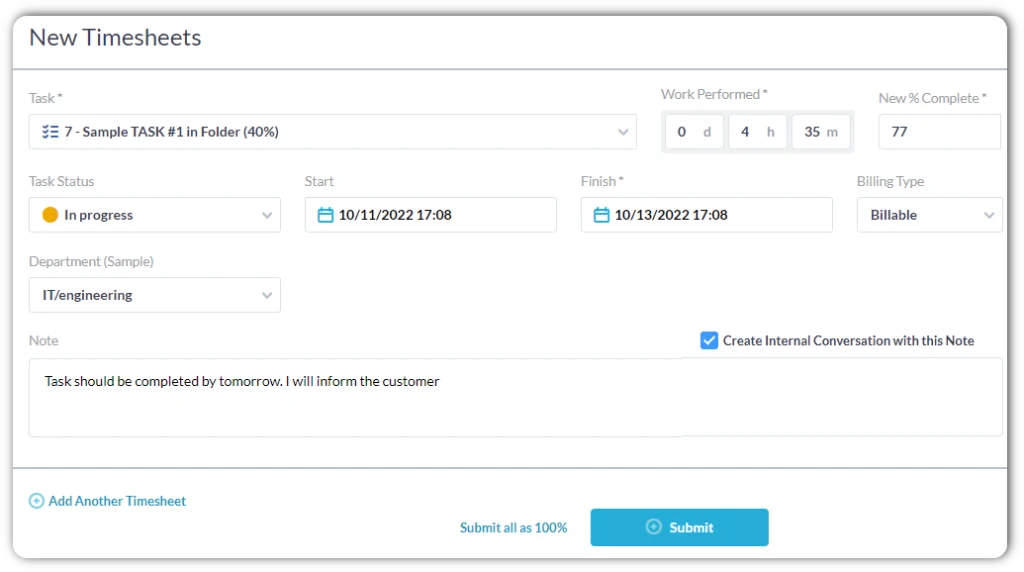
Give your team one-click timers they can start from any task or ticket. Timesheets let anyone log time in bulk, add notes, and flag entries as billable or non-billable in seconds. Every hour is automatically matched to the right client and project, so nothing needs to be re-entered come billing day.
- One-click timers that run in the background while the team works
- Timesheets with bulk entry, notes, and billable/non-billable tagging
- Time auto-assigned to the right client, project, and task — no manual sorting
Log project expenses and receipts where the work happens
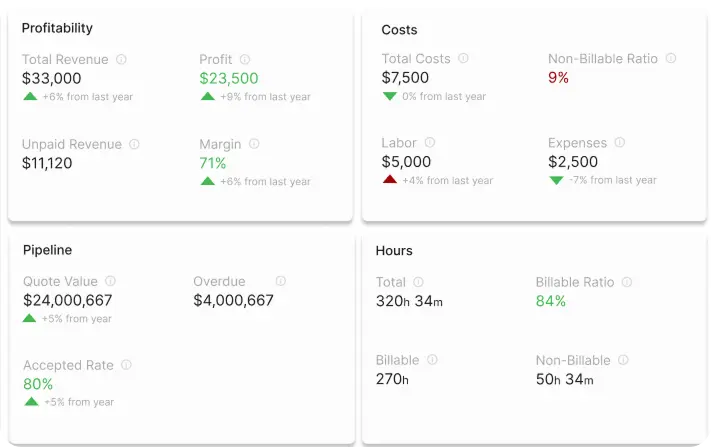
Let your team log expenses directly against projects and tasks — with receipt uploads, category tagging, and reimbursable vs. client-billable flags. Expenses roll up alongside tracked time so every invoice reflects the full cost of the engagement. Approve and export expense reports for reimbursement without touching a spreadsheet, and keep every receipt attached to the project that generated it.
- Log expenses with receipt photos against any project or task
- Mark expenses as client-billable or internal reimbursable
- Expenses roll up automatically into project budgets and invoices
Invoice in minutes from approved time and expenses
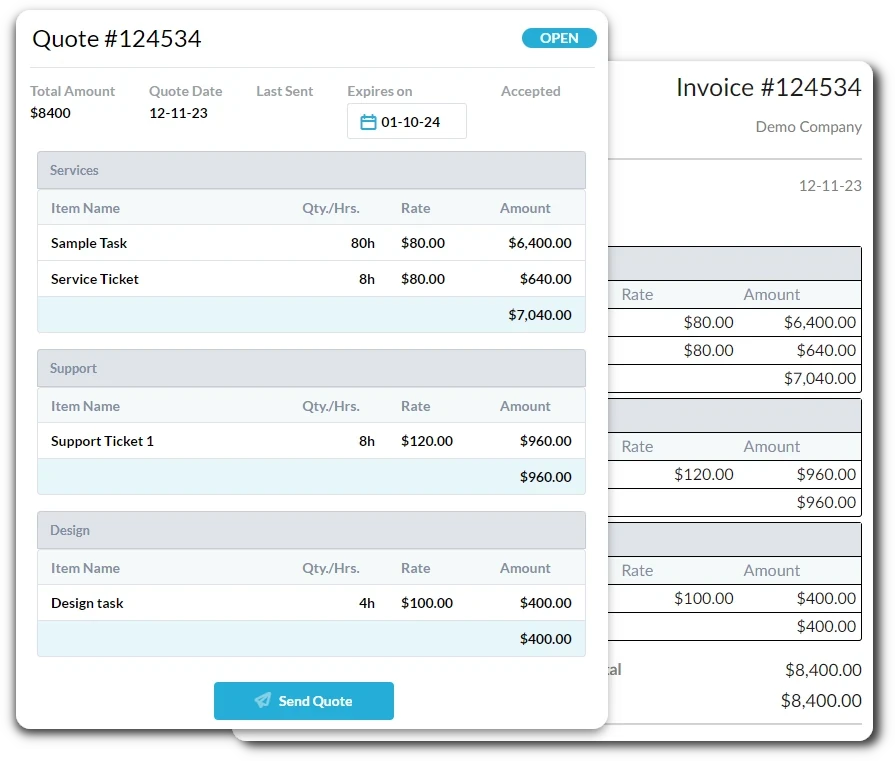
Generate polished client invoices directly from approved tracked time and logged expenses — with one click, no exports, no spreadsheets. Support any billing model your firm uses: time-and-materials at per-person-hour (PPH) rates, fixed-fee milestones, recurring retainer drawdowns, or a mix. Send invoices, track payment status, and follow up on overdue amounts right from OneDesk.
- One-click invoices from time and expenses — billable items pre-populated
- Supports T&M, fixed-fee, retainer, and per-person-hour (PPH) billing
- Track invoice status, payments received, and overdue balances in one view
Sync invoices, payments, and contacts automatically
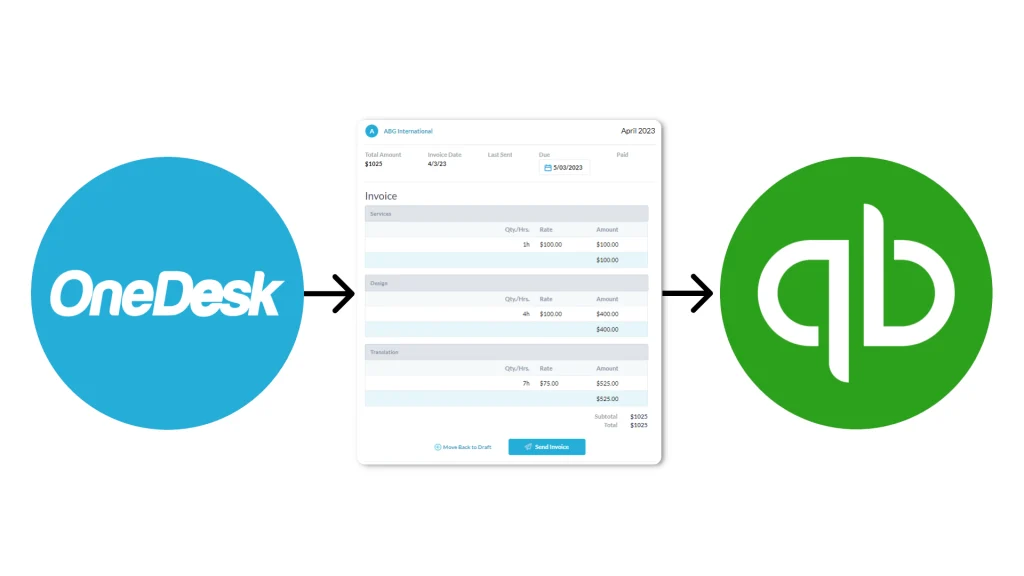
Connect OneDesk to QuickBooks Online and eliminate double entry between your project management and accounting systems. Invoices created in OneDesk sync to QBO instantly — with line items, client details, and tax codes mapped correctly. Payments recorded in QBO flow back to OneDesk so your billing status is always current. Client and vendor contacts stay in sync automatically, so your books and your projects are always looking at the same data.
- Invoices sync to QuickBooks Online automatically on creation
- Payments recorded in QBO update invoice status in OneDesk in real time
- Client contacts, tax codes, and chart of accounts mapped automatically
FEATURES
Every Time, Billing & Invoicing Feature Your Firm Needs
Timers and timesheets, time reports, expense tracking, invoicing for any billing model, flexible per-person-hour rates, and a native QuickBooks Online integration — all in one platform built for professional services.
Timers & Timesheets
One-click timers let your team start tracking the moment work begins. Timesheets give everyone a fast way to log time in bulk, add notes, and review the week at a glance. Both methods auto-assign time to the right client and project, flag billable vs. non-billable status, and roll up into time reports without any manual cleanup.
Time Reports
Run time reports sliced by team member, project, client, date range, or billing status. See total hours logged vs. budgeted on every project, track each person's billable utilization rate, and spot which clients or projects are consuming the most time. Export reports for client transparency, payroll, or your own internal reviews with one click.
Invoicing
Generate client invoices from approved time and expenses in one click, with all billable line items pre-populated and grouped by project or task. Set billing rates at the person, role, or project level for time-and-materials work. Manage retainer drawdowns and send monthly statements.
Billing Rates
Set billable rates at every level — per team member, per role, per project, or as a blended rate across the firm. Override rates for specific clients or engagements without changing global defaults.
Integrations
Connect to QuickBooks Online and keep your project billing and your accounting books in perfect sync. Invoices flow from OneDesk to QBO with line items, tax codes, and client records mapped. Payments entered in QBO update invoice status in OneDesk in real time.
FAQ
Common Questions
One-click timers run in the background while someone works and stop with a single click — ideal for task-by-task tracking. Timesheets lets anyone add a specific duration to any task at any point. Both methods apply billable/non-billable flags and assign time to the correct client and project automatically.
OneDesk connects directly to QuickBooks Online via a native integration. You can send invoices from OneDesk directly via QBO or copy them over to QBO. Payments recorded in QBO update the invoice status in OneDesk in real time. Client contacts stay in sync bidirectionally so you're always working from a single record. The integration also supports QBO expense categories so your billable and non-billable costs land in the right accounts.
Yes. OneDesk includes an optional time approval workflow. Managers can approve or decline time entries.
Start Billing Every Hour You Earn
Connect your team’s timers, timesheets, expenses, and invoices in one platform — and link it to QuickBooks Online in minutes.