- Design Review & Approvals
Ship Faster.
Get Approved Quicker.
OneDesk provides a professional, white-label environment for your clients to review, comment, and officially approve creative work. Stop the endless “email ping-pong” and start using structured approval workflows. With one-click decisions from the inbox and automated status updates, you’ll move from “Initial Concept” to “Final Sign-Off” with total clarity.
Free 14-day trial · No credit card required
USE CASES
The Solution for Agency Feedback Loops
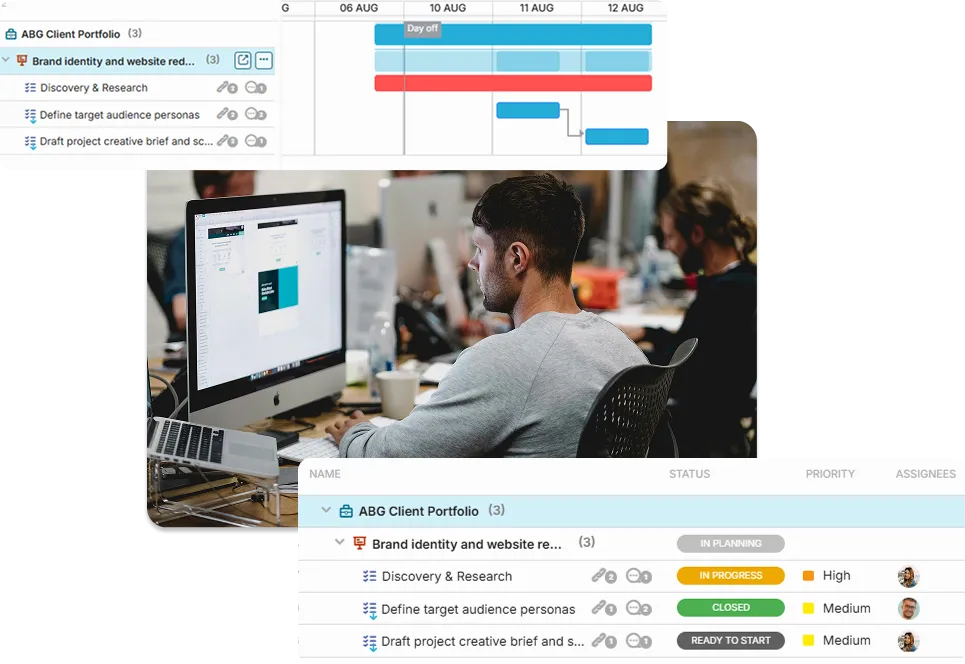
OneDesk streamlines the journey from your creative kitchen to the client’s final “Yes,” ensuring every revision is tracked and every sign-off is official.
Decisions That Happen Where Your Clients Live
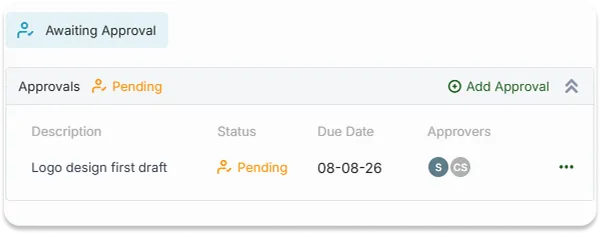
OneDesk’s deep email integration allows your clients to view design details, see attached files, and make formal “Approve” or “Reject” decisions directly from their email. It’s the fastest path to a “Go” without the friction of a login screen.
- Clients can approve or request changes via interactive email buttons.
- Attach drafts directly to the approval request so the context is never lost.
- Ensure clients see exactly what they are approving with attached specs and descriptions.
Master the Approval Rounds
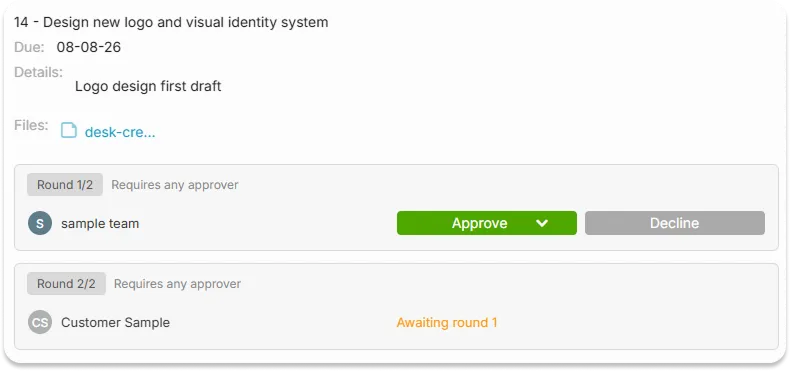
Creative work rarely happens in a single step. OneDesk allows you to create structured “Approval Rounds” on tasks or projects. Organize your feedback into logical phases—like “Concept,” “Revision 1,” and “Final Sign-off”—ensuring your team and the client stay aligned on exactly where you are in the creative process.
- Set up sequential approval steps to mirror your agency's workflow.
- Use automation to generate a new approval request the moment a task hits "Review."
- Collect client comments from email or chat and link them directly to the task.
Work That Moves Itself the Moment It’s Approved
Why move tasks manually? OneDesk’s automation engine works for you. Set rules to notify the design team the second a client requests changes, or automatically move a task to “Ready for Billing” the moment the final approval is received. Build a hands-free pipeline that never stalls.
- Change task statuses automatically based on the client's decision.
- Automatically nudge clients who have an outstanding approval request waiting.
- Use unique fields to track specific approval data, like "Sign-off Date" or "Approver Name."
Guardrails for Pixel-Perfect Delivery
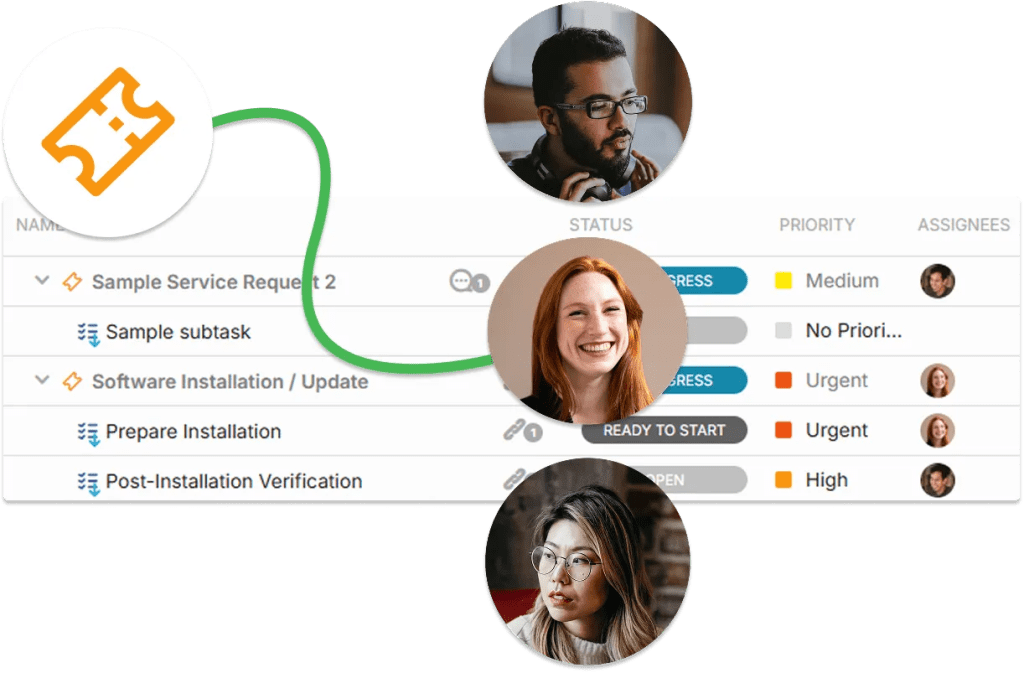
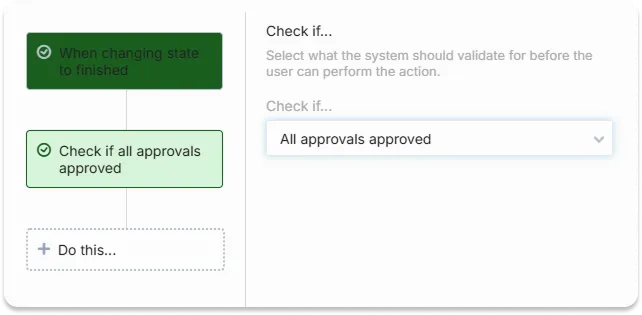
Protect your agency from accidental oversights. Use validation rules to ensure no project moves to “Production” until a formal sign-off is logged. By enforcing your process discipline, you ensure that every deliverable is verified and every stakeholder has been heard before the final files are sent.
- Prevent tasks from moving forward until all approval properties are met.
- Keep all internal and external talk linked to the specific task or project.
- Maintain a perfect record of every approval, message, and file for future reference.
FEATURES
Built for High-Velocity Creative Agencies
Standardize your review process, protect your margins, and provide a professional, transparent experience for every stakeholder.
FAQ
Common Questions
No. While you can provide them with a branded portal, OneDesk’s email integration allows clients to view the request details, see the attached files, and make an official "Approve" or "Reject" decision directly from the email notification.
Absolutely. You can use internal-only conversations to discuss the design with your team. Only the messages you choose to share—and the official approval requests—will be visible to the client via their email or the portal.