OneDesk for Mobile

Carry your OneDesk around with you. Our mobile app connects to your OneDesk account to provide your team with access to their tickets and tasks while on the go.

Free 14-day trial · No credit card required

Stay responsive

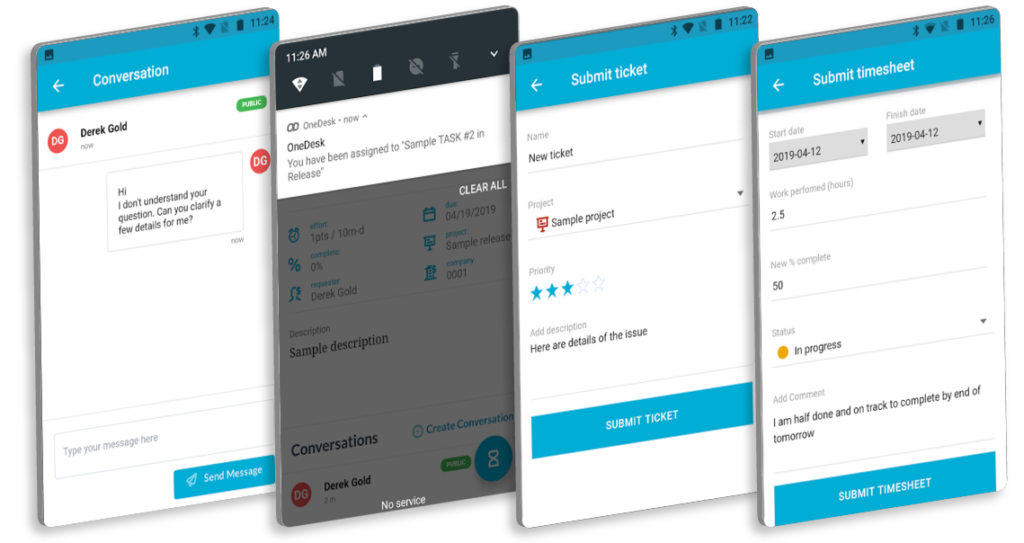
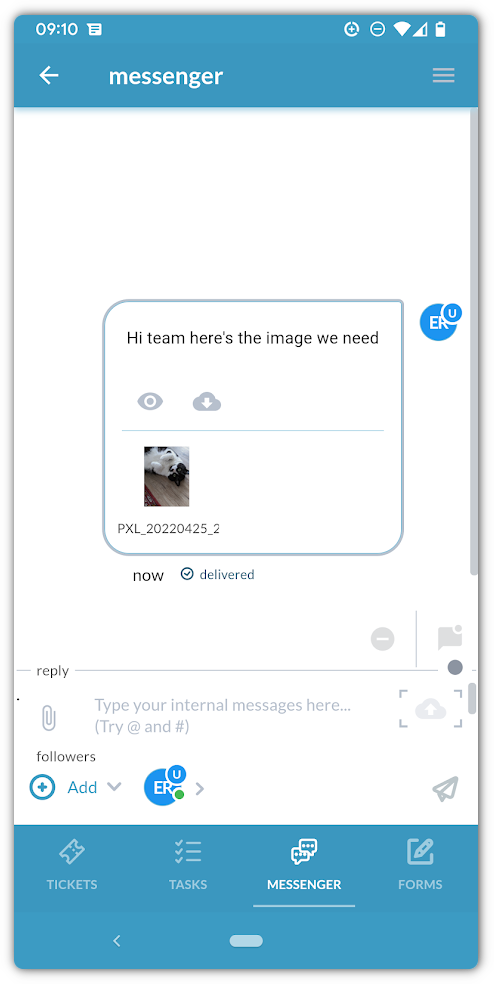
Whether it’s an urgent question from a customer or a quick update from a teammate, you can handle it all from the app. Send and receive messages in real-time, ensuring that communication never stalls. You can switch between internal “team-only” notes and external replies with a single tap, keeping your professional and private conversations organized.

Keep the workflow moving

Did you finish a repair? Is a design draft ready for review? Don’t wait until the end of the day to update your progress. You can change the status of any ticket or task instantly from the app. This triggers automatic updates for your team and clients, ensuring everyone knows exactly where the work stands.

Capture every minute

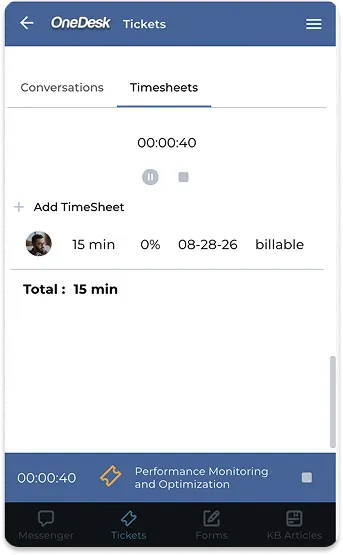
It’s easy to forget exactly how long a site visit or a phone call lasted. OneDesk’s mobile app includes built-in timers that let you track work as it happens. Just hit “Start” when you begin and “Stop” when you’re done. The time is automatically logged against the correct task, ensuring your billing is always 100% accurate.

Effortless admin on-the-go

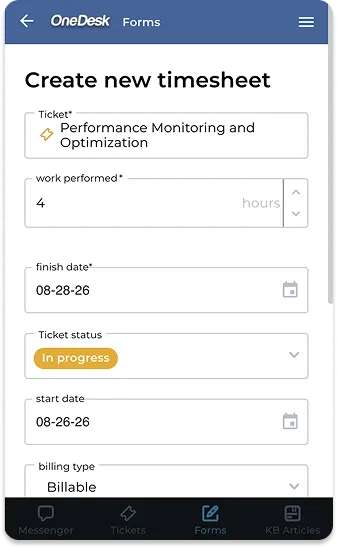
If you prefer to log your hours at the end of a meeting or a site visit, our mobile timesheet feature makes it simple. Quickly select a task, enter your duration, and add a note about the work performed. It turns what used to be “Friday afternoon paperwork” into a quick 30-second task on your phone.

Never miss an important update

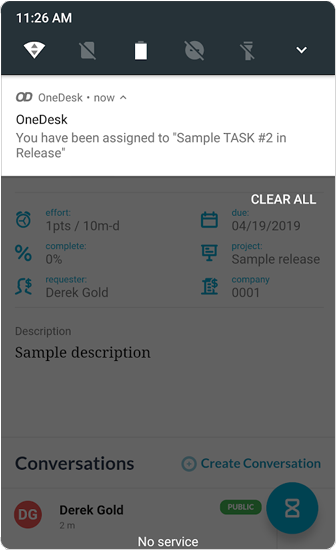
Stay in the loop without constantly checking your email. OneDesk sends push notifications directly to your phone for the things that matter most. Whether you’ve been assigned a new high-priority task or a client has replied to an urgent ticket, you’ll be the first to know.

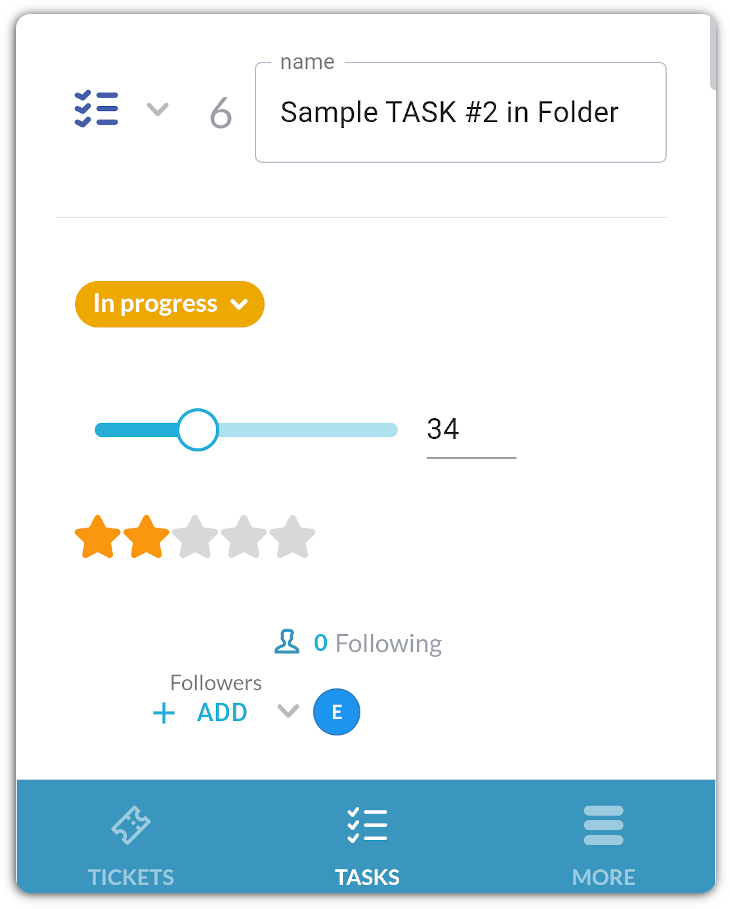
mobile task detail view

Context in your hand

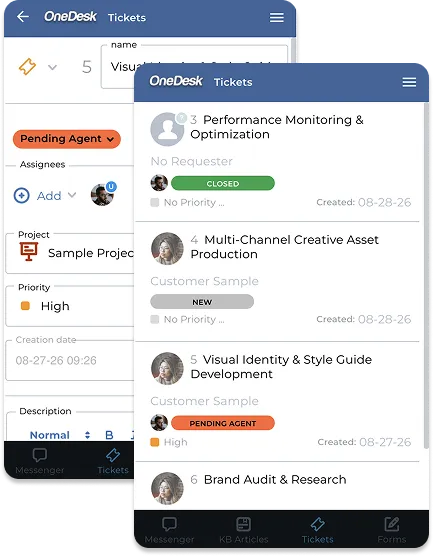
You don’t need a laptop to see the “big picture.” View all the custom properties of a ticket directly from the app. You can even log new tickets or tasks on the go. If you realize a job is more urgent than originally thought, you can update properties on the fly to keep the team informed.

Frequently asked questions about OneDesk Mobile

Yes! The OneDesk mobile app is available for all users at no extra cost. Simply download it from the App Store or Google Play and log in with your existing credentials.

Yes the mobile app is available for both iOS and for Android devices. 

Absolutely. Everything you do on the mobile app—from logging time to replying to a chat—syncs instantly with the OneDesk web-browser version. Your team will see your updates in real-time.

Try OneDesk Free

See OneDesk in action. Free for 14 days. 

Scroll to Top