- Client Support Management
Everything Your Client Services Team
Needs in One Place
OneDesk gives professional services teams a unified platform for managing tickets, projects, client messaging, file sharing, time tracking, and billing. Every client relationship runs smoothly and every billable hour gets captured.
Free 14-day trial · No credit card required
USE CASES
Ideal for Client-Facing Work
From day-to-day support tickets to long-running client initiatives, OneDesk adapts to how your team works and how your clients want to be served,
Manage every client issue from one queue
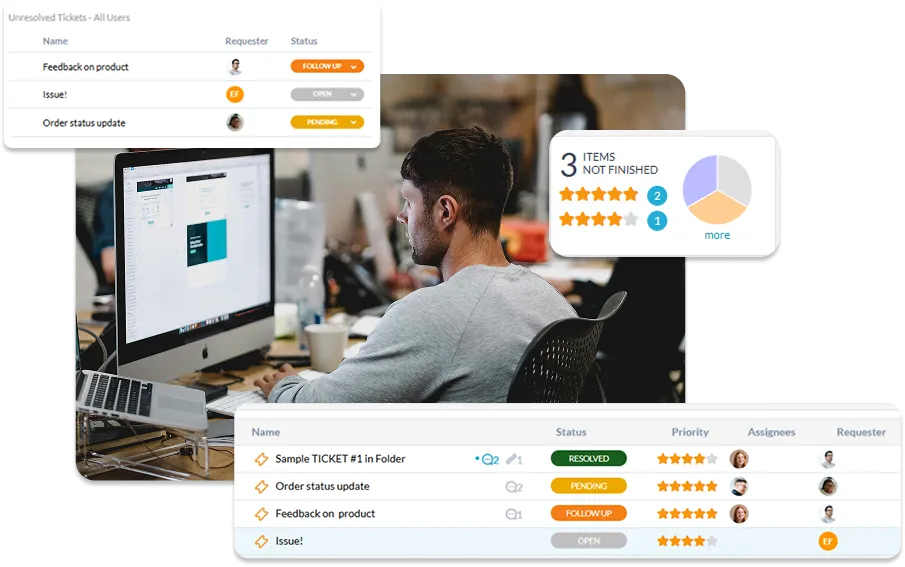
Give your support team a single queue for every client issue, regardless of how it arrives — email, portal, phone, or chat. Agents triage, prioritize, and respond from one place while clients get consistent, timely updates. Nothing gets missed, duplicated, or handled inconsistently across your portfolios.
- Multichannel intake: email, portal, live chat, and phone tickets
- Per-client SLA policies with breach alerts and automatic escalation
- Client-facing status updates without exposing your internal notes
Deliver client projects with full visibility
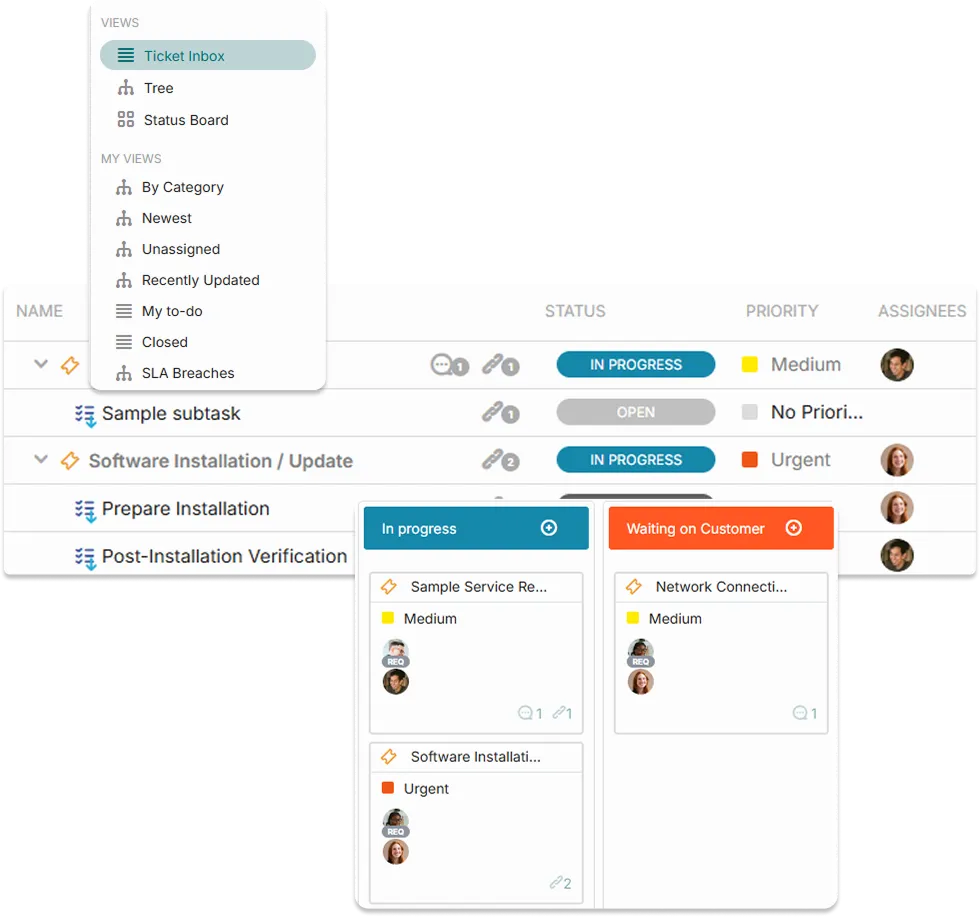
For work that goes beyond a support ticket, OneDesk gives your team a structured project workspace. Plan phases, assign deliverables, track milestones, and give clients a shared view of progress without revealing internal details.
- Client-facing project portal with configurable visibility
- Task and subtask structure for complex multi-phase projects
- Internal and client-facing messaging kept separate within the same project
Capture every billable moment automatically
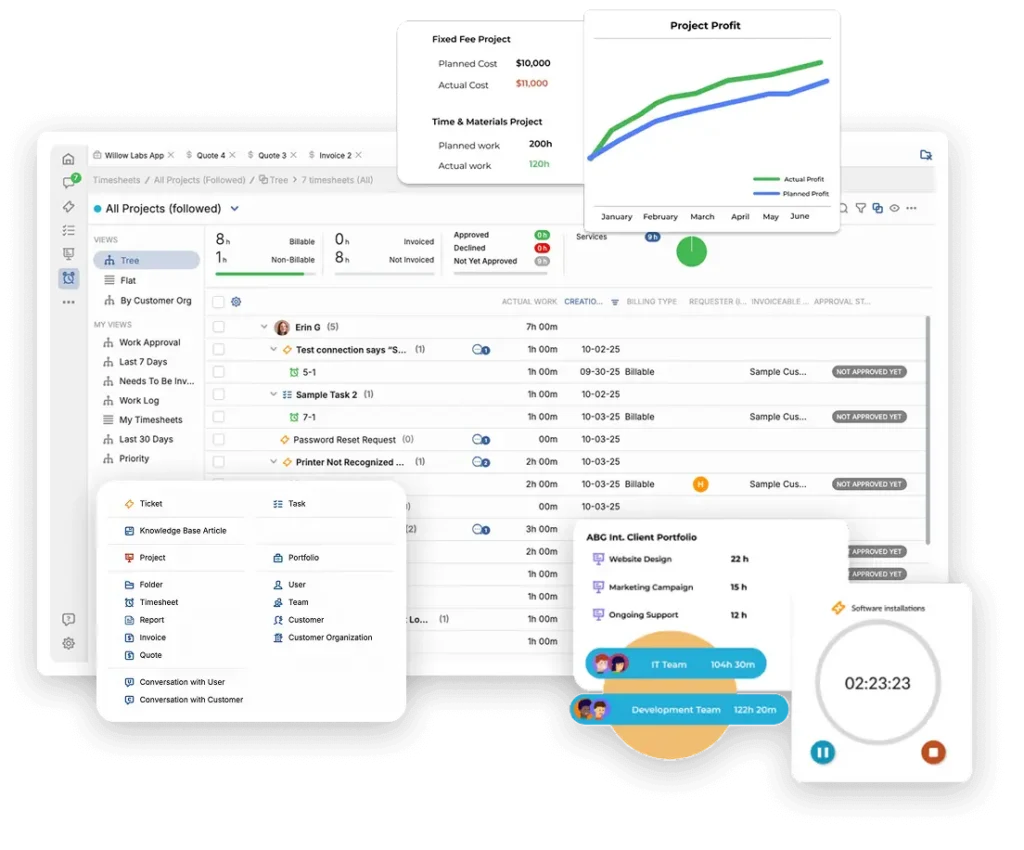
Log time directly against tickets and project tasks as work happens. Track expenses, record billable hours per client and service type, and generate invoices from real work data. Whether you bill per hour, per project, or on retainer, OneDesk keeps your billing accurate and your revenue visible.
- Log time on tickets and project tasks with billable or non-billable flags
- Expense tracking with receipt attachment and client allocation
- Invoice generation from logged time and expenses per client or project

Turn new business into structured delivery
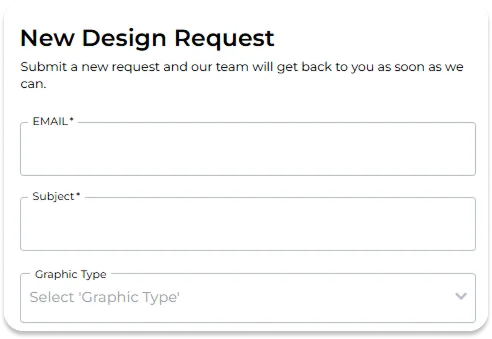
When a client requests a new service, it should enter a defined process and not someone’s email inbox. OneDesk captures new service requests through structured intake forms, routes them for internal approval, and simplifies kickoff with project templates when the request is signed off.
- Branded client request forms for new services, changes, and expansions
- Internal approval workflow before new work is committed
- Send quotes directly from OneDesk
- Kickoff new projects from your templates
FEATURES
Everything a Client Services Team Needs to Deliver
Client portal, multichannel support, time tracking, billing, project management, internal and client messaging, and automation. All in one platform built for teams who manage client relationships.
Client Portal
Give each client their own branded portal where they can submit tickets, track progress, review shared files, send messages, and see the status of their open requests. Clients stay informed and your team gets fewer status update interruptions.
Multichannel Support
Clients reach out however they prefer — email, portal, live chat, or phone. Every contact becomes a ticket in a single shared queue regardless of channel. Agents work from one place, responses stay consistent, and no request falls through the cracks.
Time & Billing
Agents log time directly on tickets and tasks as they work. Expenses are captured with receipts and associated with clients. Generate itemized invoices from actual logged data, so every billable moment is captured and every invoice is accurate.
Messaging
Each ticket and project has two message layers: a client-facing thread for updates, questions, and file sharing, and a private internal thread for agent notes, escalations, and team coordination. Clients see a professional, curated view. Your team sees everything.
File Sharing
Share files with clients directly through the portal or ticket thread. Clients download what they need. Your team controls what is visible. Every file is logged, and attached to the work it belongs to.
Automation
Auto-acknowledge incoming tickets, assign them to the right agent by client or category, send clients status updates when work progresses, or escalate stalled tickets before SLA breaches — all without manual intervention.
FAQ
Common Questions
Yes, OneDesk offers features for tracking time. You can then create invoices for billable logged time.
OneDesk enables your clients to communicate and submit requests via your connected email inbox, customizable forms, live chat / web widget, phone, and other connected 3rd party integrations.
Yes, the portal includes built-in messaging on tickets (requests) or tasks.
Give Your Clients a Better Experience. Give Your Team a Better Platform.
Set up your client portal, configure your ticket categories and billing rates, and invite your first client in minutes.