Pick up the phone. Keep the paper trail.

OneDesk Voice lets your team answer internal support calls right inside your help desk, so every conversation is captured. Link a call to an existing ticket or create a new one on the spot, with the recording, notes, and time tracked in one place. 

Free 14-day trial · No credit card required

Answer calls right inside your help desk

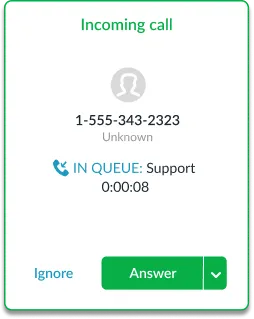
Some problems are faster to explain out loud, and some customers or end-users simply prefer to call. With OneDesk Voice, your agents answer incoming calls from within the same workspace where they manage tickets. There’s no separate phone system to juggle and no switching between tools mid-conversation.

Turn every call into a ticket, with the recording attached

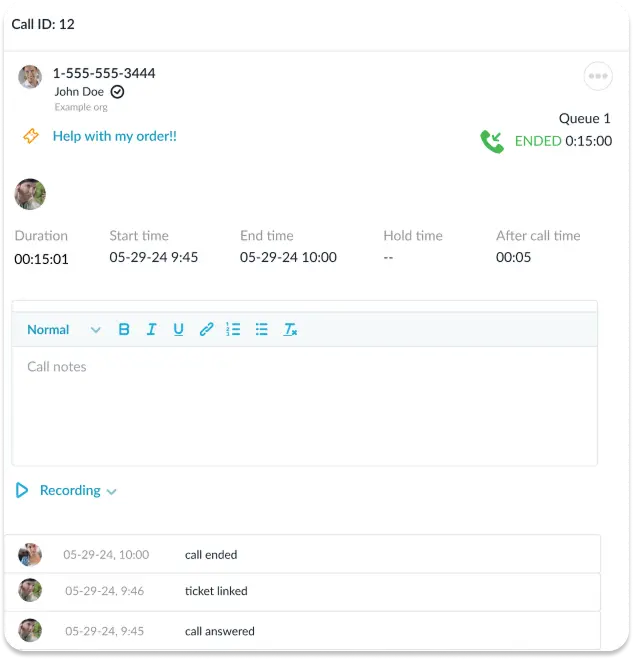
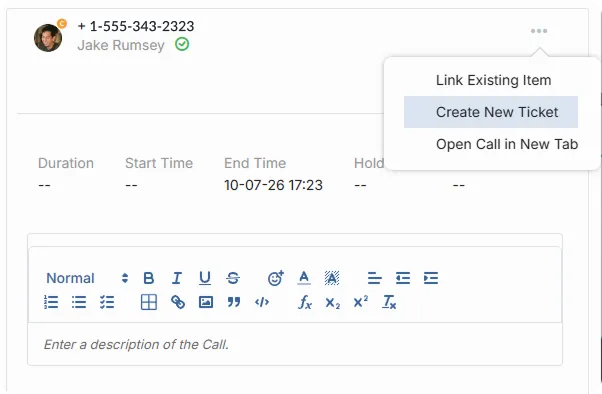
A call that isn’t documented is a problem that will come back. Link an incoming call to an existing ticket, or create a new ticket without leaving the call. Record a call as needed. Call recordings are saved with the ticket, so anyone who picks up the issue later can listen to exactly what was said. Nothing gets lost between shifts or handoffs.

Call queues for teams and agents

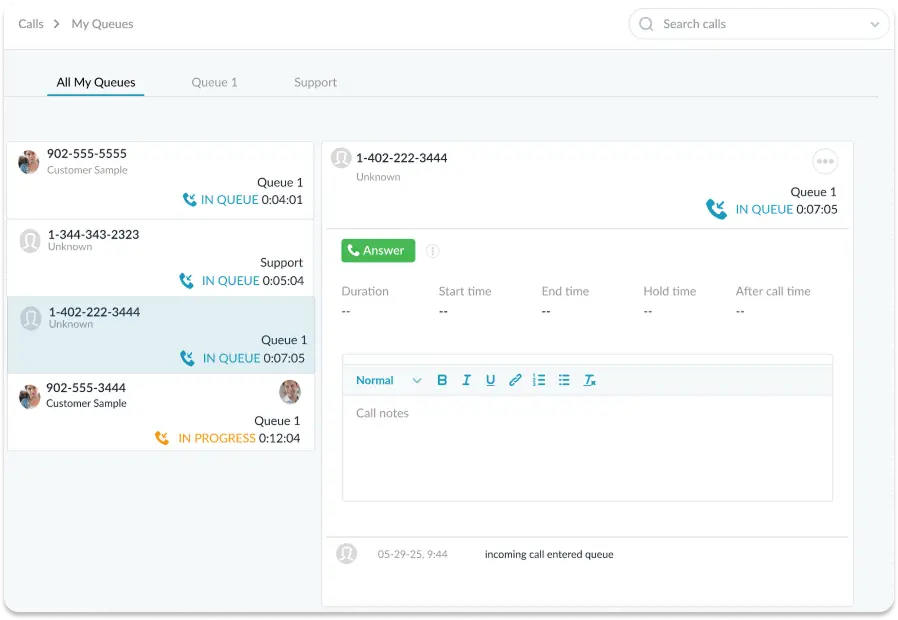
Different calls need different people. Set up queues for a whole team, such as IT or HR, or for individual agents, so incoming calls reach the right person. Employees don’t need to know who to ask, and your agents aren’t pulled into calls meant for someone else. It keeps phone support organized as your team grows.

Notes and time tracking on every call

Jot down what you learn while you’re still on the line, and the notes stay with the ticket for the next person. Track the time spent on each call so you can see how much effort phone support really takes. You get a complete picture of every conversation without extra paperwork afterward.

FAQs OneDesk Voice

Yes. While on a call, you can create a new ticket or link the call to an existing one. The call details and recording are saved with the ticket for easy reference.
Yes. You can set up call queues for teams or for individual agents so incoming calls reach the right people. This keeps your phone support organized across departments.

Try OneDesk Free

See OneDesk in action. Free for 14 days. 

Scroll to Top