- Cross-Team Coordination
One Place for Every Team
to Work Together
OneDesk gives teams a shared layer for internal messaging, cross-department requests, approvals, assignments, file sharing, and notifications. Work between teams happens in one traceable place, not across a dozen email threads.
Free 14-day trial · No credit card required
USE CASES
How Every Department Uses It to Work Across Teams
From IT change communications to HR onboarding, cross-department approvals to shared file management. OneDesk becomes the coordination layer every internal team works through.
Keep every department connected to IT
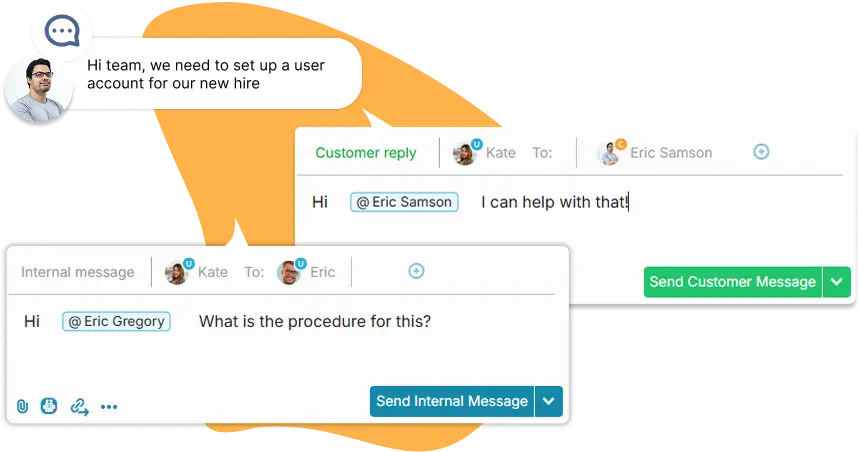
When IT runs a system change, every affected department needs to know and respond. OneDesk lets IT send updates, assign actions, collect sign-offs, and track responses from a single thread. No fragmented email chains, no missed stakeholders, no one finding out after the fact.
- Send updates to specific team
- Assign cross-department actions directly
- Create approvals across teams
- Conversations directly in-context with tasks
Route people requests to the right teams
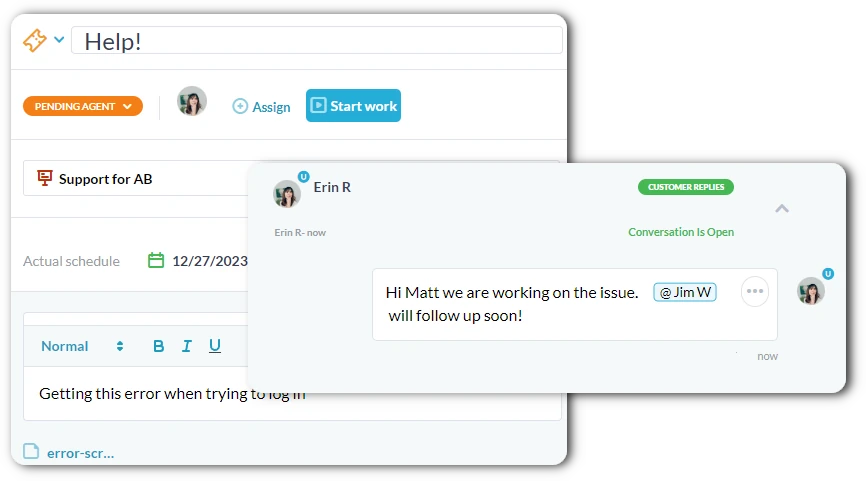
A new hire onboarding, a role change, or a policy rollout touches IT, Facilities, Finance, and the hiring manager simultaneously. OneDesk routes HR requests to every team that needs to act, tracks who has completed their part, and notifies HR when everything is done.
- Multi-department request routing with individual assignment per team
- Real-time completion tracking across all involved parties
- Mobile notifications so nothing waits on someone being at their desk
Get decisions made without chasing anyone
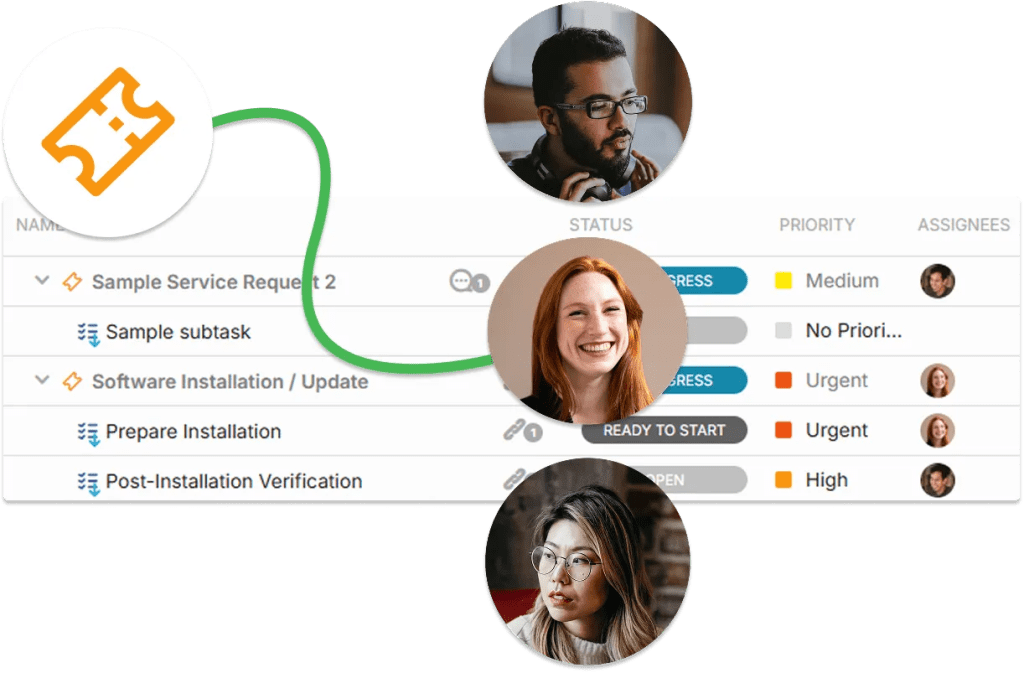
Budget sign-offs, policy approvals, procurement requests, and change authorizations all involve people across multiple departments. OneDesk routes each approval to the right people in the right order, notifies them automatically, and records every decision.
- Multi-round approvals across any combination of departments
- Automatic reminder when approvals go unanswered past a deadline
- Full decision log with comments, and approver identity
File Sharing & Shared Context
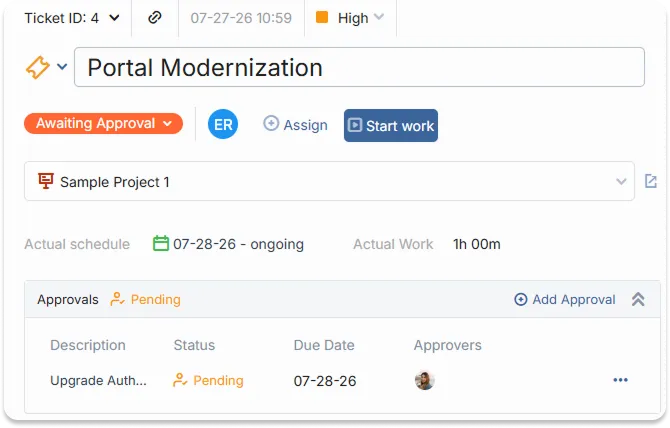
When teams collaborate across departments, context gets lost between tools. OneDesk keeps files, decisions, messages, and assignments together in one place. This way anyone joining a thread, picking up an action, or reviewing a request has everything they need without hunting through email attachments or shared drives.
- Attach files directly to messages, requests, and assignments
- Link related or dependent tasks to each other
- Powerful searching and filtering across messages, files, and tasks
- Summarize tasks or projects with AI to get up to speed quickly

FEATURES
Everything Internal Teams Need to Coordinate Across Departments
Messaging, notifications, mobile access, request logging, approvals, assignments, and file sharing — built for teams that need to work together, not just alongside each other.
Internal Messaging
Replace scattered emails with threaded messages tied directly to requests, assignments, and decisions. Every conversation has context. With the right people looped in, responses are tracked, and nothing important gets buried under unrelated messages.
Notifications
Configurable notifications ensure every team member and department is alerted when something needs their attention, including assignments, requested approvals, or approaching deadlines.
Mobile App
The OneDesk mobile app gives every team member access to their assignments, messages, and notifications from their phone. Assign a request during a commute, respond to a cross-department message between meetings, or check the status of a request without opening a laptop.
Request Logging
When work crosses a department boundary, it needs to be logged. OneDesk gives every team a structured way to submit requests to other departments, with full context attached from the start. The receiving team sees exactly what is needed, who asked, and when it is expected.
Approvals
Route approvals across departments. Approvers are notified immediately, can approve or reject with a comment in one click, and every decision is recorded. No approval gets lost or undocumented.
File Sharing
Attach files directly to messages, requests, and assignments rather than sending them as email attachments that immediately lose context. Every document lives alongside the task it belongs to and is searchable long after the original thread has gone quiet.
FAQ
Common Questions
Yes, in OneDesk you can configure granular permissions within specific applications and projects.
The mobile app is designed for viewing and updating tasks and tickets, messaging your team, logging time, and receiving notifications.
Give Your Teams a Better Way to Work Together
Connect IT, HR, Operations, and Finance in one shared coordination layer. Set up your departments, configure your request types and approval chains, and invite your teams in minutes.