- Team Collaboration
Communication in Context.
Collaboration That Ships.
Stop the scattered threads and the missed feedback. By anchoring every message, assignment, and approval directly to the task, OneDesk ensures your team stays aligned, stakeholders stay informed, and your product vision stay on-track from kickoff to release.
Free 14-day trial · No credit card required
USE CASES
Master the Art of Working Out Loud
OneDesk streamlines the journey from a vague idea to a collaborative masterpiece, ensuring every voice is heard without the noise.
Anchor the Talk Before You Lose the Task
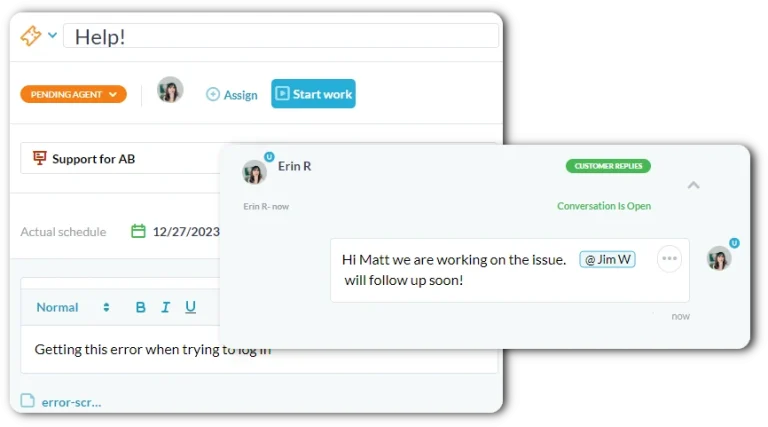
Stop digging Slack channels to find the feedback on a specific UI element. OneDesk keeps your communication exactly where it belongs: on the request, task, or project. Mention specific users or entire teams in-context, ensuring that every design critique and product requirement has a permanent, searchable history linked to the work.
- Keep internal discussions and stakeholder feedback separated on one task.
- Assign complex tasks to a team or multiple leads to ensure shared accountability.
- Stay in the loop with instant notifications via web, mobile, or inbox.
Bridge the Gap Before You Build the Silo
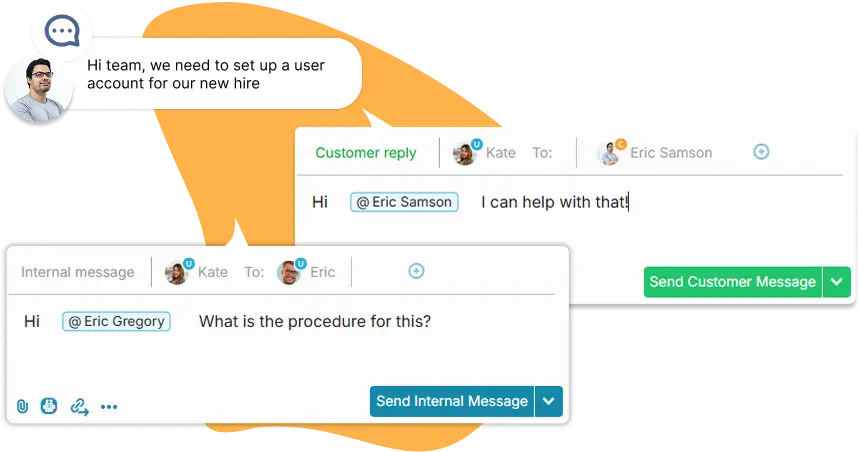
Product and Design often need input from departments that aren’t in your daily workflow. OneDesk allows you to collaborate with off-platform stakeholders via email, a branded portal, or live chat. They get the simplicity they want and you get the structured data and audit trail you need, without forcing them to learn a new tool.
- Reply to stakeholders directly from OneDesk; their email replies come in as messages on the task or request.
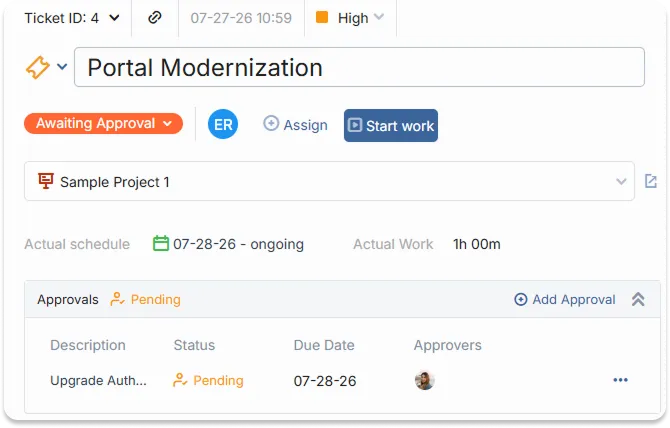
- Route prototypes or specs for sign-off across different teams with a approvals.
- Control exactly who can see, edit, or comment on specific design projects.
Master the Focus Before You Manage the Noise
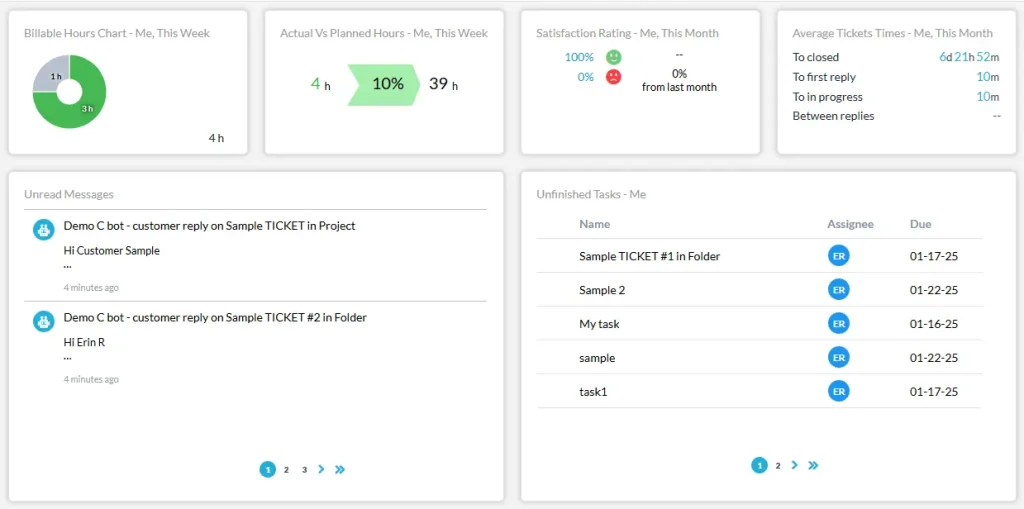
The User Dashboard provides every team member with a personalized view of their work. From unread messages and new assignments to workload heatmaps and overdue tasks, give your team the clarity they need to prioritize their time without missing a beat.
- View your specific assignments, workloads, and in-progress work in one screen.
- Catch up on team discussions and feedback threads with a consolidated notifications hub.
- Identify at-risk milestones for yourself or your team before they slip.
Trigger the Action Before You Trace the Error
Don’t waste time manually handing off work between Design and Product. Use OneDesk to automate the boring stuff. Set rules to automatically reassign a task to the QA team when a status hits “Review,” or trigger a notification to the Lead Designer the moment a stakeholder approves a prototype.
- Route tasks to specific teams or users based on status changes or priorities.
- Automatically notify the team when a project hits a major milestone.
- Schedule automated tasks for weekly design crits or product syncs.
FEATURES
Unify the Effort Before You Update the Status
Standardize your communication, automate your handoffs, and ensure your team works as a single, synchronized unit.
FAQ
Questions?
Absolutely. You can use Project Sharing give them portal access. This allows them to see only the specific tasks you want them to track, provide feedback via chat, and upload files without seeing your internal messages or dev backlog.
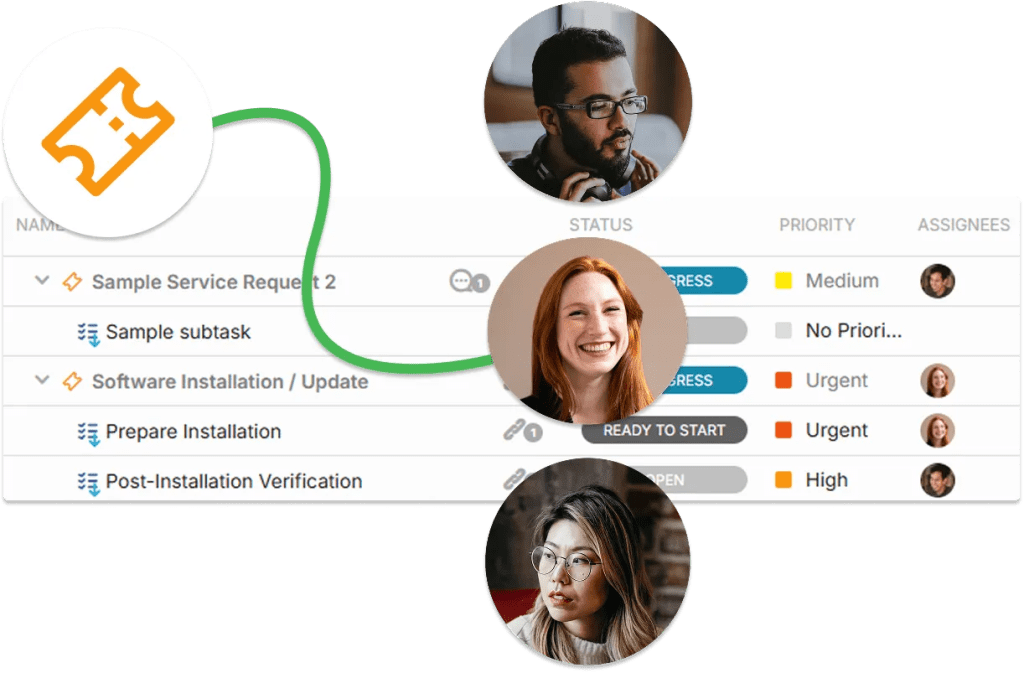
Yes. OneDesk supports Multi-User Assignments. You can assign a task to two specific designers or even an entire team. This ensures that everyone involved sees the task in their "Assignments" dashboard and receives the relevant notifications.
Try It Yourself
See if OneDesk is right for you with a personalized demo.