- Track Time & Resources
Centralize Your Tools.
Optimize Your Team.
OneDesk gives internal IT teams a single source of truth for your service desk by unifying asset management with real-time resource planning and time tracking.
Free 14-day trial · No credit card required
USE CASES
Strategic IT for the Modern Workplace
OneDesk bridges the gap between your physical inventory and your team’s execution, ensuring no hardware or human hour goes to waste.
Stop Searching for That Spare Laptop
Take control of your hardware inventory from procurement to disposal. OneDesk allows you to create a comprehensive registry of IT assets—laptops, servers, peripherals, and more. Assign equipment to specific employees and track real-time availability so you always know what’s in the field, what’s in the stockroom, and what’s out for repair.
- Create and categorize any IT asset type with unique properties and serial numbers.
- Link assets directly to employees or specific departments for total accountability.
- View a live dashboard of "In Use" vs. "Available" hardware in seconds.

See Your Team’s True Bandwidth, Not Just Their Inbox
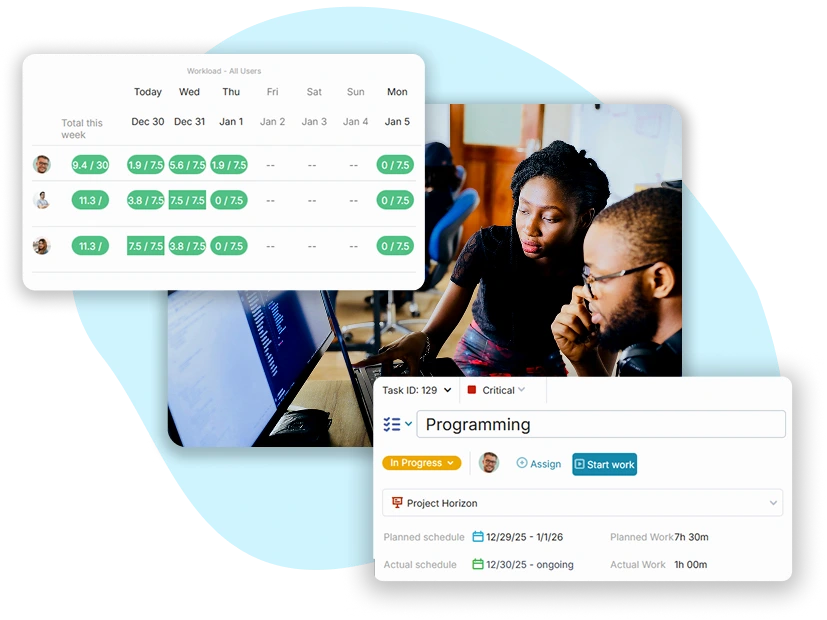
OneDesk aggregates every ticket, task, and project into a single global workload view. Stop asking who’s busy and start seeing exactly who is over-allocated and who has the bandwidth to tackle the next server migration or hardware refresh.
- Identify at a glance which technicians are at their breaking point.
- Factor in meetings and personal appointments for a real-world view of availability.
- View bandwidth by squad (e.g., Network, Desktop Support, Security) to rebalance workloads.
Capture Every Minute of IT Service Delivery
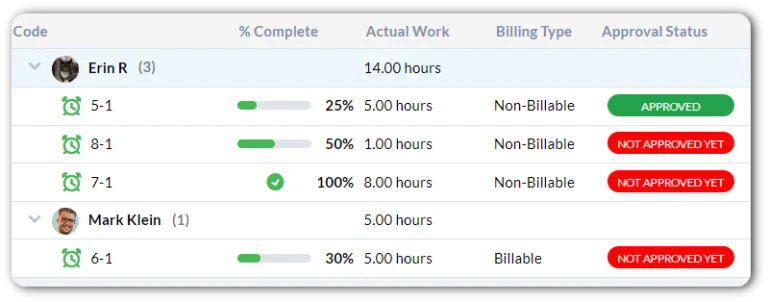
Precision is the key to proving IT’s value. OneDesk provides built-in timers and weekly timesheets that make it effortless for your team to log their effort. Whether they are troubleshooting a VPN issue or deploying new infrastructure, every minute is captured directly on the ticket or task, providing a perfect audit trail of IT effort.
- Start and stop timers as you work to ensure 100% data accuracy.
- Review and approve weekly effort across the entire IT department in one view.
- Compare original time estimates against real logged hours to improve future project scoping.

Automate Your Dispatch Based on Real-Time Availability
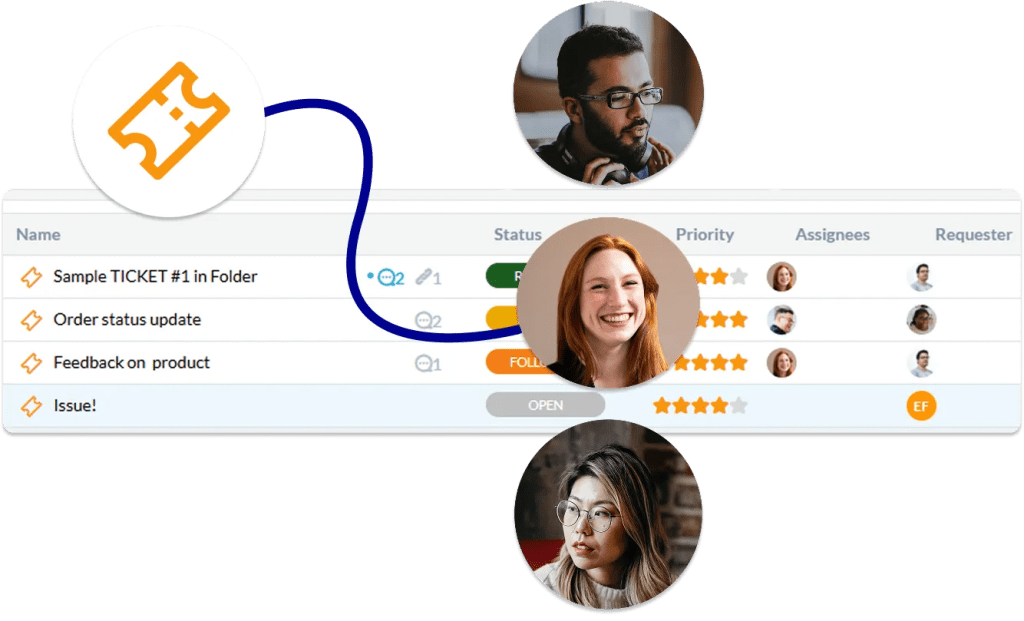
Stop the manual overhead of ticket assignment. OneDesk’s automation engine can route incoming requests to the next available technician based on their current workload. By intelligently distributing tasks, you reduce wait times for employees and ensure no single team member is overwhelmed by the “support lottery.”
- Automatically route tickets to the technician with the lightest current workload.
- Set rules to ensure even distribution of work across the help desk team.
- Ensure high-severity tickets are moved to the top of the queue for the next available resource.
FEATURES
Built for High-Performance IT Operations
Lorem ipsum dolor sit amet, consectetur adipiscing elit. Ut elit tellus, luctus nec ullamcorper mattis, pulvinar dapibus leo.
FAQ
Questions on Tracking Time & Resources
When a new ticket arrives, OneDesk looks at the "Current Workload" of your team members. You can set rules to automatically assign the ticket to the person with the fewest active tasks or the most available hours in their schedule, ensuring an even distribution of work.
Yes. Every asset in OneDesk maintains a chronological history of assignments. You can see every user the asset has been linked to, as well as any support tickets or maintenance tasks associated with that specific piece of equipment over its entire lifecycle.