- Dev Teams
OneDesk for Dev Teams
Streamline your dev workflow by bringing bug reports, feature requests, and release planning into one place.
Free 14-day trial · No credit card required
Why do dev teams choose OneDesk?
Standardized bug & issue intake
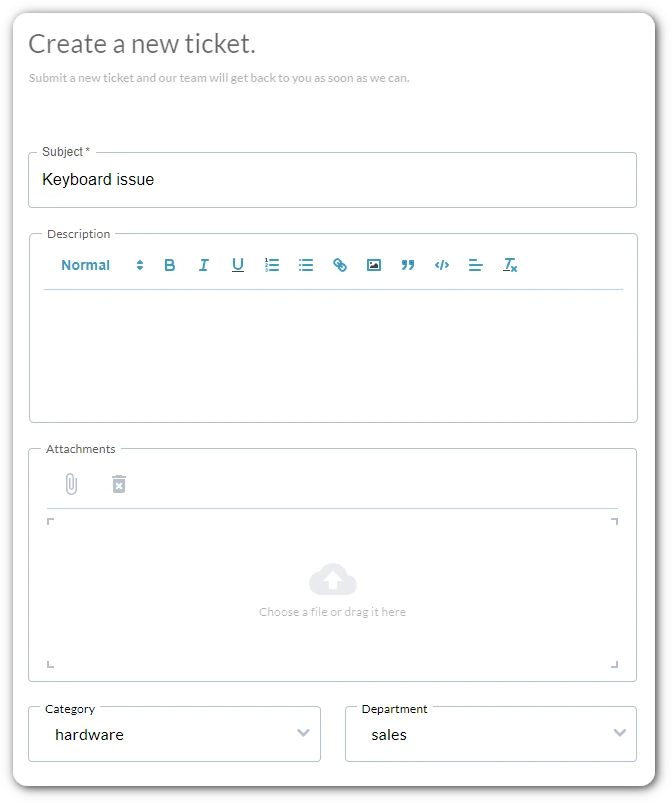
Stop chasing stakeholders for basic information. Use OneDesk’s custom intake forms to ensure every bug report includes the browser, version, and reproduction steps you need. Because the form is standardized, your team spends less time triaging and more time fixing.
Turn requests into build-ready tasks
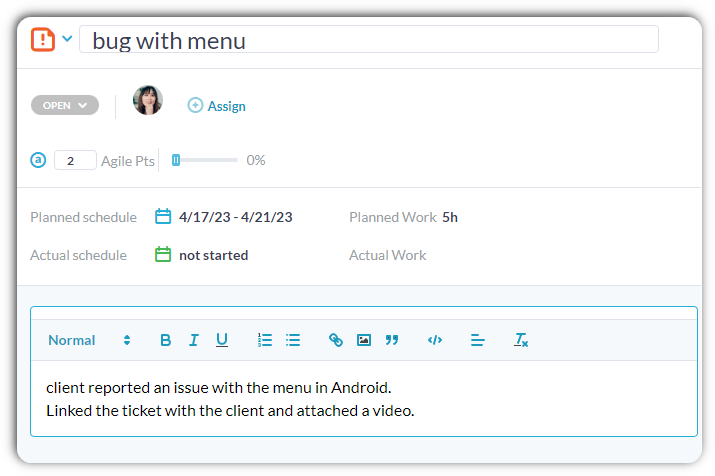
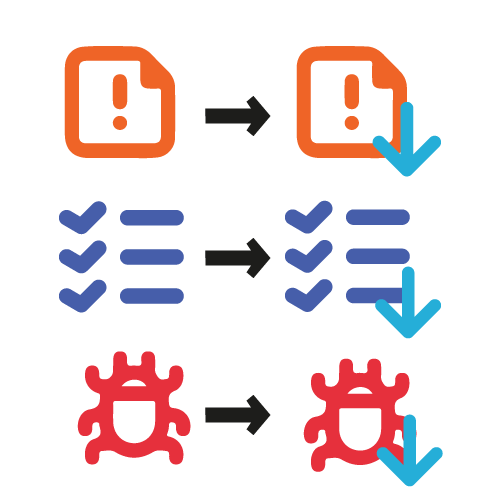
When a support ticket turns into a real feature request or a complex bug fix, you shouldn’t have to copy-paste data. With OneDesk, you can convert a ticket into a task with one click—or link a single ticket to multiple tasks. This keeps the original request context connected to the actual development work.
Break down big features into ship-able units
Large features are too big for a single ticket. OneDesk allows you to create sub-tasks within any task or ticket, letting your team break down a technical requirement into front-end, back-end, and QA steps. You can track the progress of the “Parent” task automatically based on the completion of its “Children.”
Plan your roadmap with confidence
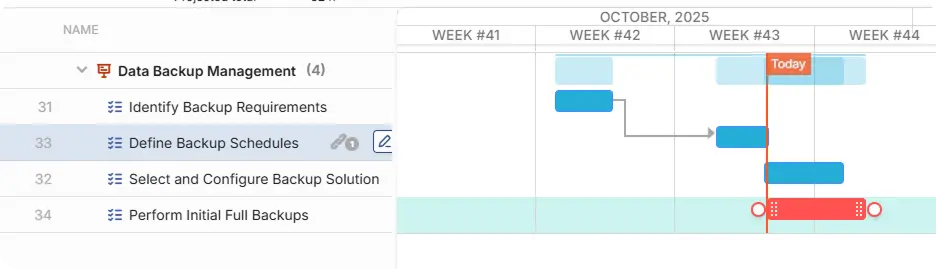
Use OneDesk’s Gantt charts and Kanban boards to plan your upcoming releases. You can visualize dependencies and adjust your timeline with a simple drag-and-drop.
Track every issue through the full lifecycle
Every dev team has a unique workflow. OneDesk lets you create custom statuses that match how you actually work. Move issues from “Development” to “Code Review” to “Staging” and “Production.” You can even set up automations that notify the QA team the moment a developer marks a task as “Ready for Testing.”
Technical chat without the noise
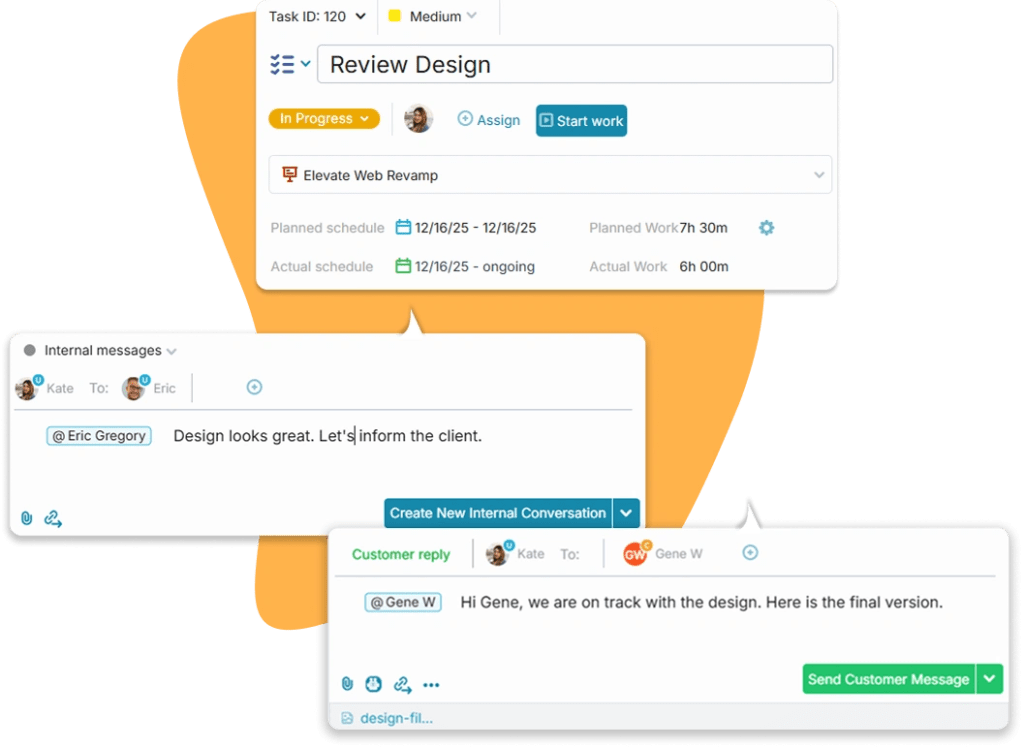
Keep your code discussions where the work lives. OneDesk allows for internal notes on any task, so your team can discuss PRs, edge cases, and technical hurdles privately. When the work is done, use the external conversation thread to update the internal stakeholder who originally made the request.
Data-driven insights for your sprints
Stop guessing how long a feature will take. OneDesk’s built-in timers allow developers to log time against specific tasks and bugs. This data provides your team with real insights into your velocity, helping you plan future sprints more accurately and prove how much “technical debt” is being cleared.
Frequently asked questions about OneDesk for dev teams
It creates a bridge between your support-style queue and your dev-style backlog. When an internal user reports an issue, it’s a "Ticket." When you decide it requires a code change, you convert it to a "Task" to manage it within your dev project, keeping the two linked for full traceability.
Yes. Our web forms allow for multiple file attachments, so your internal users can send you the visual and technical evidence you need to debug an issue without a long back-and-forth email chain.