Free 14-day trial · No credit card required
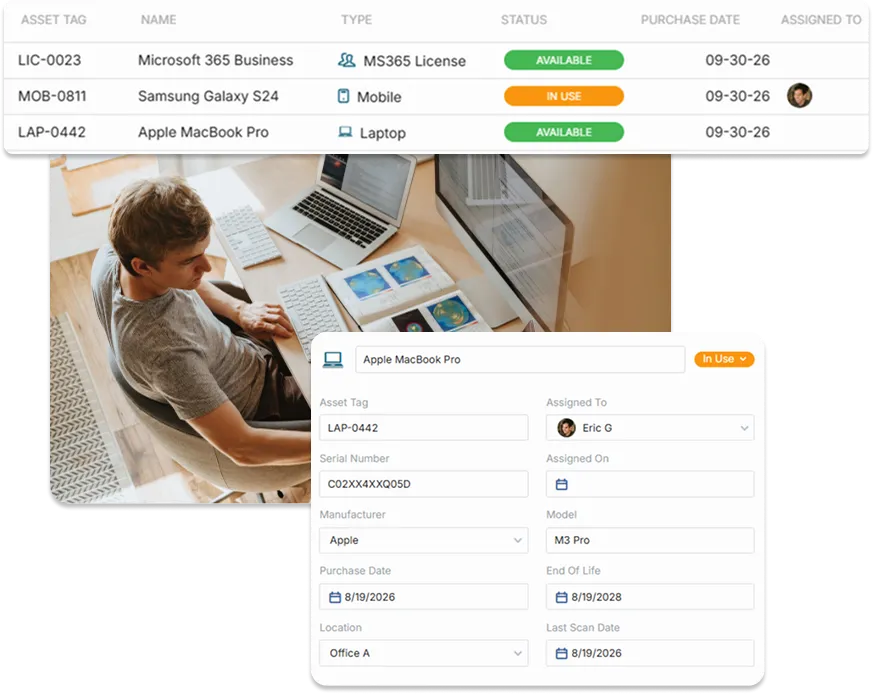
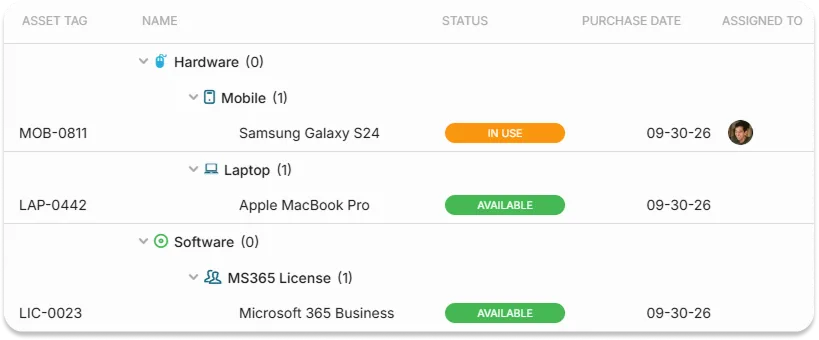
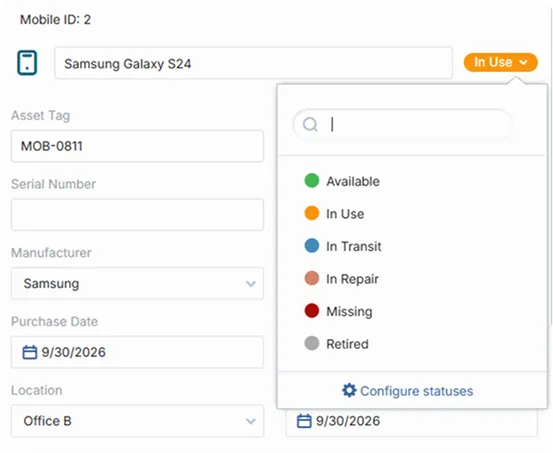
When asset records live in a spreadsheet and tickets live somewhere else, agents lose time hunting for answers. In OneDesk, you can create assets directly in your workspace, whether that’s laptops, software licenses, vehicles, or office equipment. Your team gets one searchable list of what you own and support. It’s the right level of tracking for teams that need clarity without the cost and complexity of a full enterprise asset system.
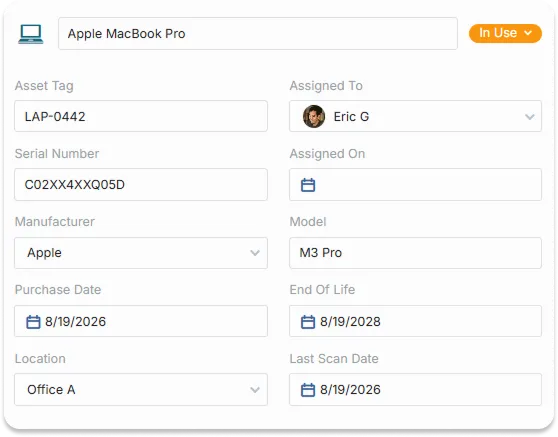
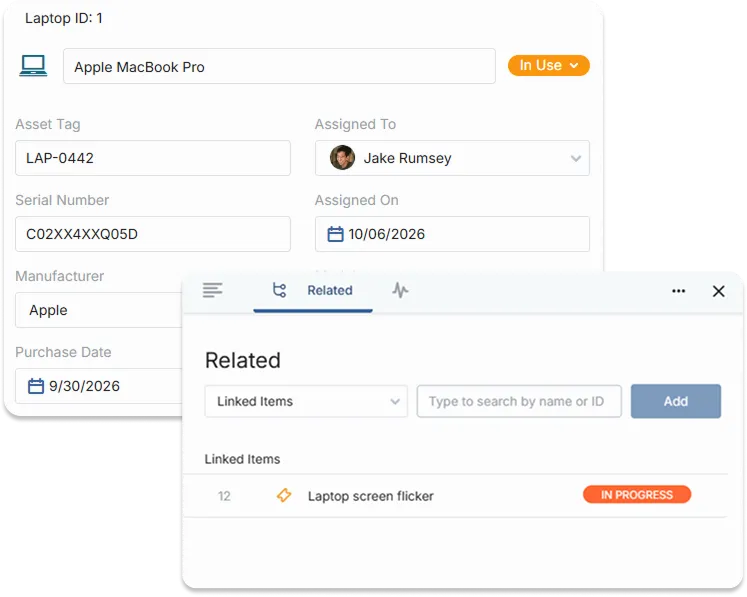
The best support starts with the full picture. Link assets to tickets so agents can see which device, license, or piece of equipment a request is about, along with its details and history. There’s no more asking employees for serial numbers or model names. You can also see every ticket tied to a single asset, which makes it easier to spot repeat problems and decide when it’s time to replace something.
You can assign an asset to an end-user so you know who has it, and link it to tickets so agents see the right equipment when a request comes in. This gives your team context without asking the requester for details. You can also review the tickets linked to an asset to spot recurring issues.