- Intake Employee Requests
Standardize Intake.
Support Your Employees.
OneDesk provides IT teams with a unified center for every internal request. By unifying omnichannel intake with automated triage, OneDesk ensures your IT team stays focused on high value work.
Free 14-day trial · No credit card required

USE CASES
Modern Service Delivery
OneDesk bridges the gap between department needs and IT execution, ensuring your internal “customers” get the support they need to stay productive.
Be Where Your Employees Are, Not Just Where Your Inbox Is
Meeting your colleagues on their preferred channel shouldn’t overwhelm your queue. OneDesk aggregates requests from web forms, live chat, email, phone and other apps into a single, prioritized backlog. With Direct Email Integration, you can connect your existing IT inbox to reply and resolve issues without ever leaving the platform.
- Embed chat, forms, and a knowledge base into your internal employee portal.
- Connect your email address to create tickets and reply in OneDesk.
- Easily document phone-in requests and link them to existing employee profiles.

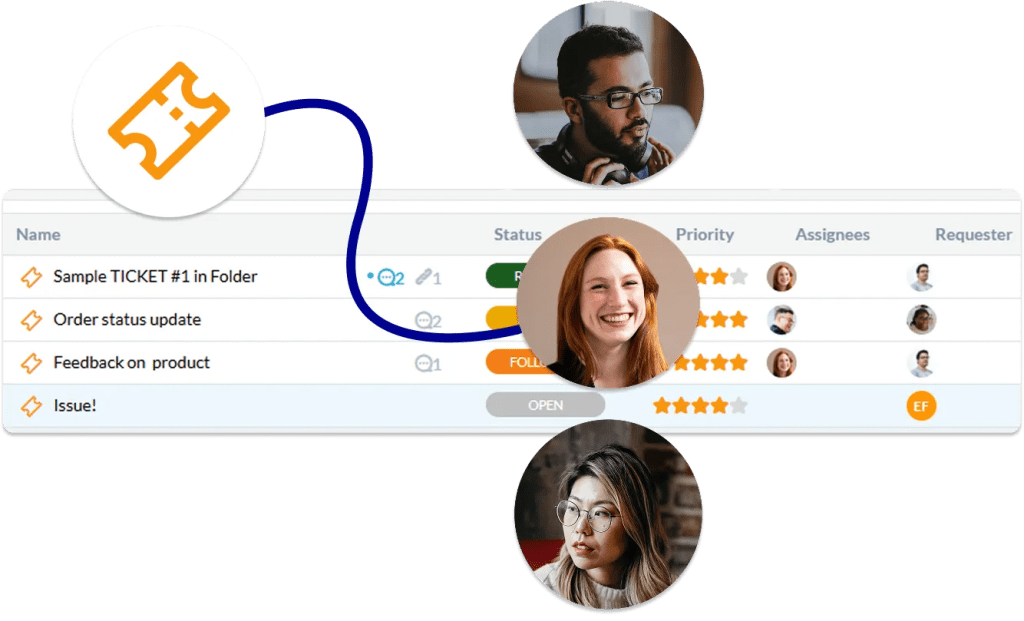
Triage That Moves at the Speed of Your Business
Stop manual ticket assignment. Use OneDesk’s automation engine to route requests based on department, office location, or issue type. Whether it’s an “HR Onboarding” request or a “P1 Server Outage,” the system ensures the right specialist is notified and assigned the moment the request lands.
- Automatically assign tickets to specific IT members based on form field data.
- Identify critical security or infrastructure terms and alert the on-call team.
- Automatically trigger subtasks (like "Create AD Account") when a new request is logged.
Deflect the Routine and Focus on the Critical
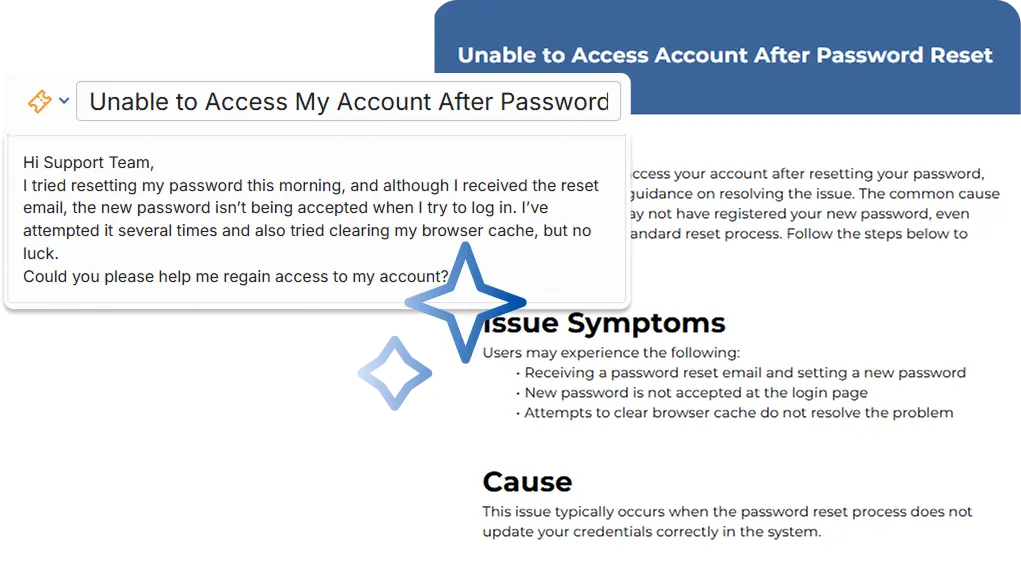
Reduce your ticket volume by empowering employees to help themselves. Our AI-powered Knowledge Base and Chat Agent deflect common queries by summarizing and answering based on your content. Give your people the answers they need without an agent lifting a finger.
- Suggest relevant help articles before form access.
- Provide instant, automated support for routine IT questions around the clock.
- Centralize your documentation, SOPs, and guides in one place.
Prove the ROI of Your IT Operations
Move beyond “tracking tickets” and start optimizing your department. Analyze request volume trends, average resolution times, and team utilization. Use this data to justify headcount, identify recurring infrastructure issues, and prove your department’s value to the executive team.
- Visualize ticket volume, first-response times, and resolution rates.
- Automatically survey colleagues after resolution to measure internal satisfaction.
- Monitor your team's bandwidth to prevent burnout during major rollouts or migrations.

FEATURES
Built for High-Velocity Internal IT Teams
Standardize your intake, automate your governance, and ensure your IT department is as efficient as the technology you manage.
FAQ
Common Questions
Yes. OneDesk allows for "Internal Comments" on tickets. This means your IT team can troubleshoot and discuss technical solutions privately, while only the final updates or requests for more information are visible to the employee who logged the ticket.