- Multi-Client Ticketing
Every Channel.
Total Support Control.
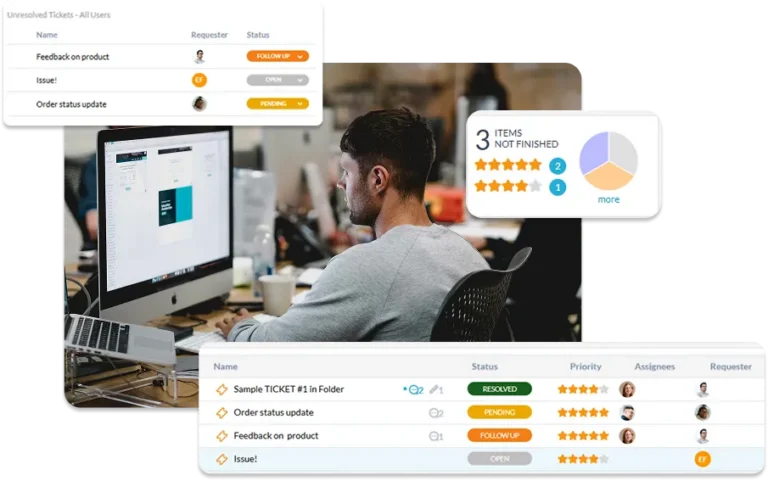
OneDesk gives your support team a unified command center for every customer interaction. Whether it’s an urgent email, a live chat, a web form, or a phone call, OneDesk captures it all in a single, organized queue. Stop jumping between tabs and start delivering world-class support with built-in SLAs, powerful automation, and AI-driven insights.
Free 14-day trial · No credit card required
USE CASES
Seamless Support Across Every Touchpoint
OneDesk streamlines the journey from customer issue to resolved ticket, ensuring your agents stay productive and your clients stay informed.
Be Everywhere Your Customers Are
Meeting your customers on their preferred channel shouldn’t overwhelm your team. OneDesk aggregates requests from email, custom web forms, live chat widgets, and phone logs into a single thread. Every conversation is tracked, ensuring no request ever falls through the cracks.
- Offer chat, forms, and a knowledge base in one sleek, embeddable widget.
- Automatically convert incoming emails into structured, prioritized support tickets.
- View a customer's full history, active projects, and past issues directly within the ticket.

Work Your Way, Not the Software’s Way
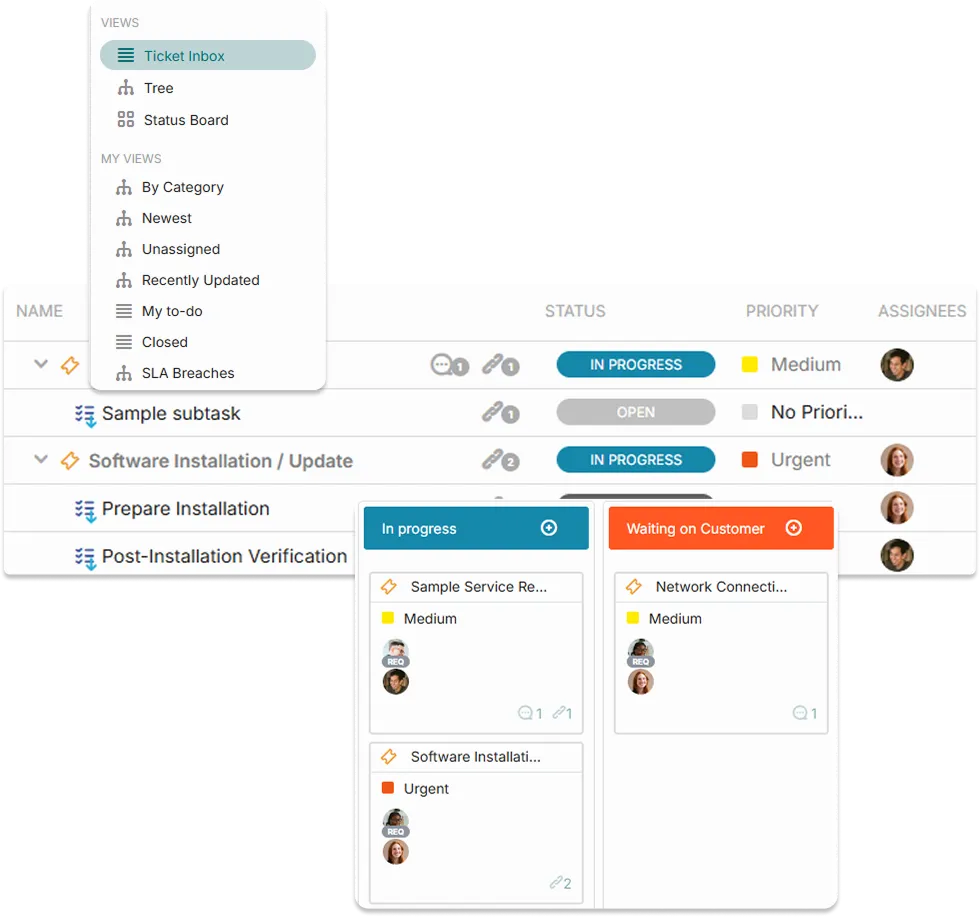
Support workflows vary from team to team. OneDesk provides the most flexible viewing engine on the market. Switch between Kanban Boards, flat lists, or hierarchical views in a click. Use advanced filters and groupings to organize your day by priority, client, or ticket type.
- Build a personalized home base to track your individual load and KPIs.
- Find any ticket in seconds using granular search and saved custom views.
- Organize tickets by client or project to see the "big picture" of your support load.
Set It and Forget It Service Excellence
Stop manual triaging and start automating. Define sophisticated SLA policies to ensure every client gets a timely response. OneDesk’s automation engine handles routing, status updates, and escalations, so your agents can focus on solving problems, not moving tickets.
- Track first-response and resolution times with automated countdowns
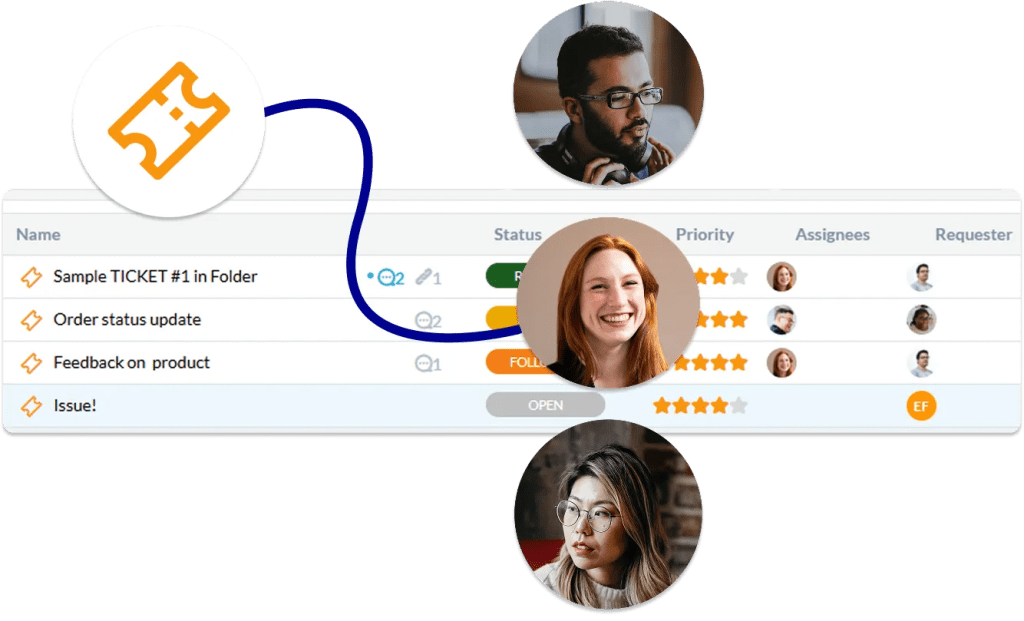
- Automatically assign tickets to the right agent based on their expertise or workload.
- Log every minute spent on a ticket for accurate reporting or billable client invoicing.
Your New Secret Weapon: Artificial Intelligence
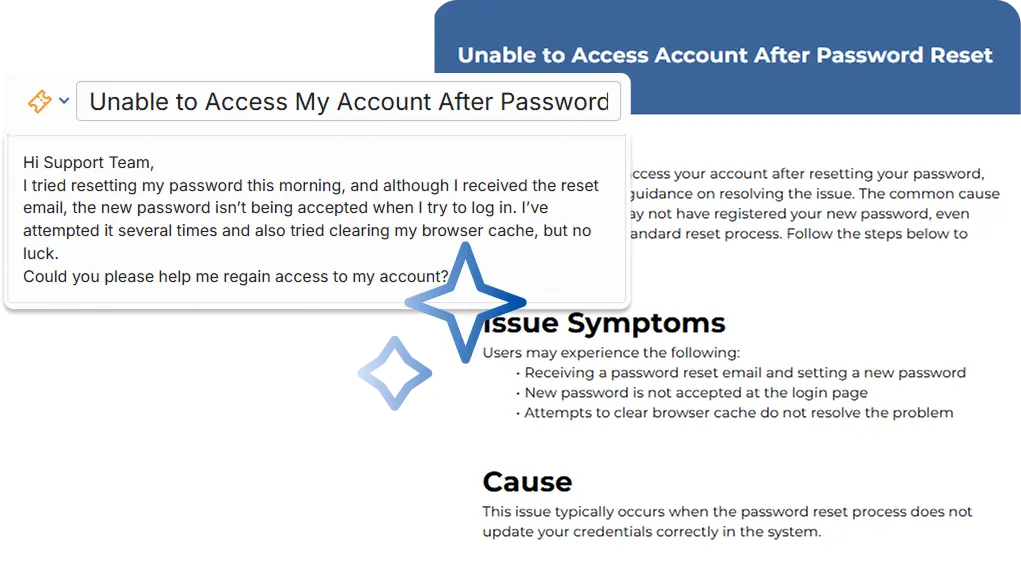
Supercharge your agents with built-in AI. From generating instant knowledge base articles to providing concise summaries of long ticket threads, OneDesk AI helps your team work smarter. Our AI Chat Agent can even resolve common queries before they ever reach an agent’s inbox.
- Deflect common questions by serving relevant knowledge base articles 24/7.
- Get up to speed on long, complex conversations in seconds with AI-generated recaps.
- Turn a resolved ticket into a drafted knowledge base article with a single click.
FEATURES
Built for High-Velocity Support Teams
Standardize your response times, automate your triage, and provide a superior customer experience through a single, unified platform.
FAQ
Frequently Asked Questions
Yes. OneDesk allows you to create and apply specific SLA policies for different clients, projects, or even ticket types.
There are a few ways:
- The AI Chat Agent deflects simple questions by providing answers from your knowledge base, website, or saved replies.
- AI Summaries catch agents up on long threads instantly.
- The Article Assistant helps agents quickly document solutions, building your self-service library faster.
Absolutely. Every ticket has a built-in timer. Agents can log time as they work, and you can categorize that time as billable or non-billable. This data can then be pulled directly into reports or used to generate invoices within the same app.