Support Your Mission with Reliable IT

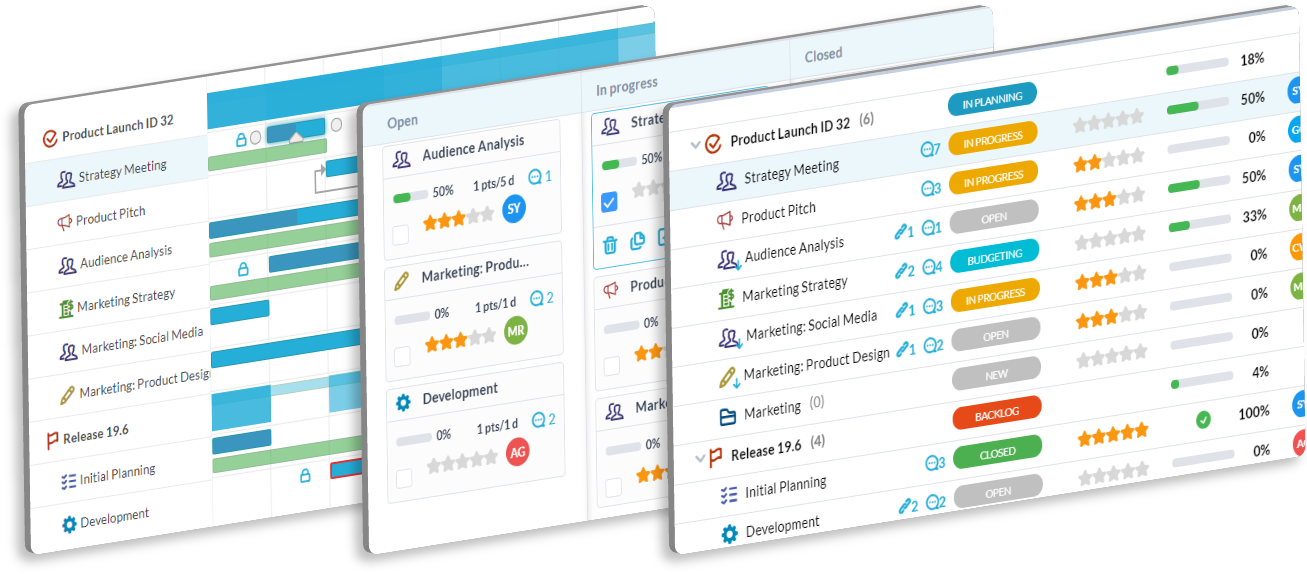
Keep your nonprofit running smoothly. OneDesk combines helpdesk ticketing with IT project management. Solve problems faster so your team can focus on the cause.

Trusted by Nonprofit Organization teams around the world

Overwhelmed by Support Tickets

Staff can't work if their computers are broken. OneDesk organizes all IT requests into a clean queue. You can spot urgent issues immediately. This reduces downtime for the whole organization.

Tracking Assets and Hardware

Donated laptops and licenses are hard to track. OneDesk lets you manage inventory alongside your tasks. You know exactly who has what device. This prevents equipment loss.

IT Project Planning Tools

Plan major infrastructure upgrades. OneDesk allows you to map out server migrations or software rollouts. Set dependencies so tasks happen in the right order. Keep your tech stack modern.

Automate Ticket Prioritization

Not all issues are equal. OneDesk uses rules to prioritize tickets. If a director emails "Server Down," it gets marked Critical automatically. Your team knows what to fix first.

Dashboard Views for IT Health

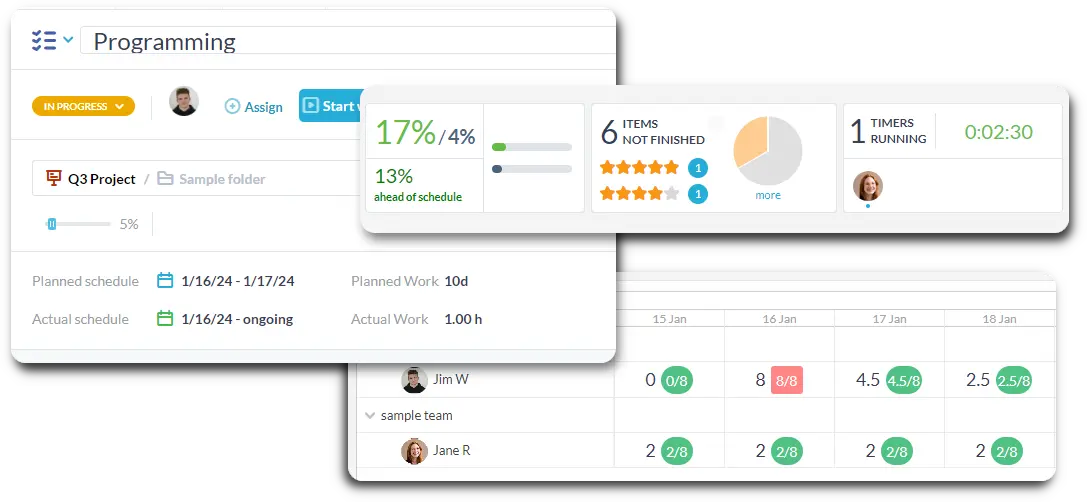
Get a bird's-eye view of IT operations. The dashboard shows open tickets, active projects, and unassigned tasks. You can customize it to show exactly what you need. It helps you manage the helpdesk floor.

SLA Reporting for Donors

Show that you run a tight ship. OneDesk reports on response times and resolution rates. Reliable IT metrics help demonstrate operational maturity to big donors. It builds confidence in your organization.

Integrate with your tools

Enterprise Grade Security

FAQ

OneDesk has affordable pricing based on your product, plan, and number of user licenses.
See our pricing page for full details. 

OneDesk is available both in the cloud and on-premise.  Pricing for OneDesk On-Premise is the same as for our Cloud Enterprise plan, but is only available for annual or longer-term subscriptions. To evaluate OneDesk, please sign up for a 14-day free trial of our cloud software. If after evaluation of the software, you would like to purchase on-premise licenses, please Submit a Request we will send you an invoice for the number of users you require.

Of course! You can visit our feature index page for a full list of features. To compare product or plan features see our feature comparison page

You can ask our AI agent questions via the live chat or knowledgebase in our widget. A human agent is also available to chat during business hours.

We also offer other support options including booking a live demo or submitting an email or ticket

OneDesk provides a high level of security. You can learn about the measures we take at our security center

See for yourself how OneDesk can help your team.

14 day free trial. No credit card required. 

Scroll to Top
Exit mobile version