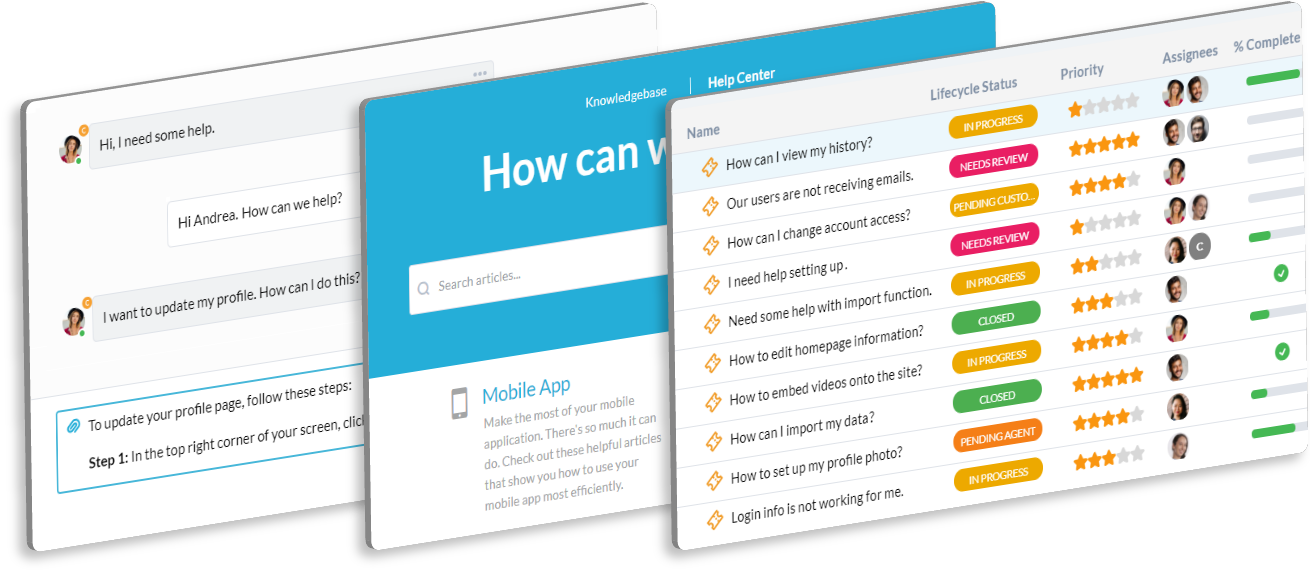
Centralize Pre-Sales Support and Technical Inquiries

Your Sales team needs fast support for complex technical questions, RFPs, and pricing from prospects. You need a system to ensure timely, accurate pre-sales engagement. OneDesk organizes all sales support needs.

Trusted by Software Development teams around the world

Missing Out on Deals Due to Slow Response to Technical Questions

Complex software sales often hinge on fast, accurate answers to technical questions. OneDesk ensures every inquiry from a prospect or sales rep becomes an instant ticket. Set up Service Level Agreements (SLAs) for urgent pre-sales questions. Never let a deal stall.

Tracking Follow-Up and Communication for Key Sales Accounts

Managing conversations and technical details for high-value accounts in email is risky. OneDesk logs all communication, notes, and activity within the ticket. This creates a complete history of every interaction. Keep a clear, auditable record for the sales cycle.

Organized Ticketing for Pre-Sales and Technical Inquiries

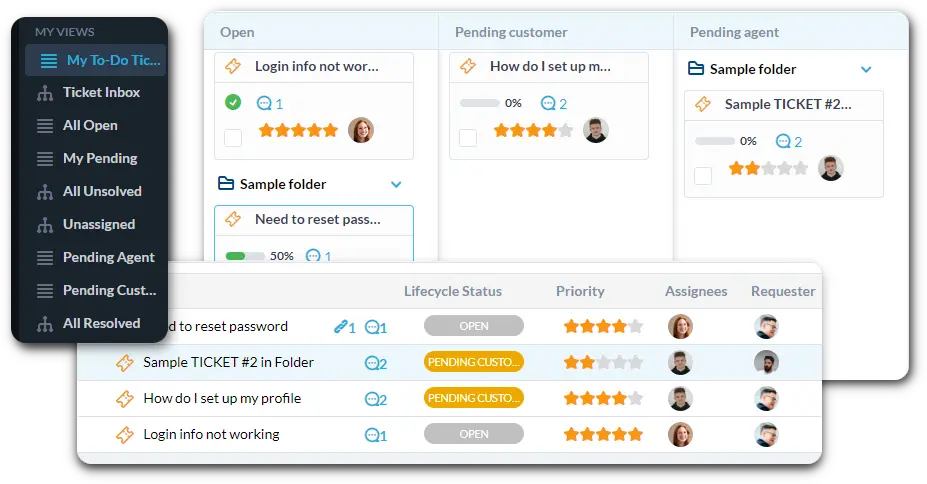
Connect your sales support or pre-sales engineering emails to auto-create tickets. Use custom views to filter by "New Technical Inquiry," "RFP Support," or "Pricing Question." Track your team's response speed against deal deadlines.

Automate Lead Assignment and Pre-Sales Follow-Up Workflows

Use automation to speed up lead qualification and assignment. Automatically route any high-value ticket mentioning "enterprise plan" to the Senior Sales Engineer. Instantly send a "Confirmation" email when a new inquiry is received. This ensures fast, consistent outreach.

Portal for Prospect and Sales Team Inquiries

Provide a dedicated portal where prospects or the sales team can submit detailed technical inquiries. They can easily track the status of their submitted questions. The Knowledge Base can host technical specs, security white papers, and pricing guides. This frees up your sales team.

AI Summarizes Complex Technical Inquiries and Drafts Replies

Inquiries from large prospects or RFPs can be very detailed and technical. AI can summarize these long emails, pulling out the main technical requirements or questions. It can help draft professional, tailored replies for common technical questions. This speeds up your engagement cycle.

Integrate with your tools

Enterprise Grade Security

FAQ

OneDesk has affordable pricing based on your product, plan, and number of user licenses.
See our pricing page for full details. 

OneDesk is available both in the cloud and on-premise.  Pricing for OneDesk On-Premise is the same as for our Cloud Enterprise plan, but is only available for annual or longer-term subscriptions. To evaluate OneDesk, please sign up for a 14-day free trial of our cloud software. If after evaluation of the software, you would like to purchase on-premise licenses, please Submit a Request we will send you an invoice for the number of users you require.

Of course! You can visit our feature index page for a full list of features. To compare product or plan features see our feature comparison page

You can ask our AI agent questions via the live chat or knowledgebase in our widget. A human agent is also available to chat during business hours.

We also offer other support options including booking a live demo or submitting an email or ticket

OneDesk provides a high level of security. You can learn about the measures we take at our security center

See for yourself how OneDesk can help your team.

14 day free trial. No credit card required. 

Scroll to Top
Exit mobile version