Project management software with time tracking

Plan projects and track time in one place

Keep tasks, deadlines, workload, and billable time in one system. See what is on track, what is slipping, and where time is going before projects run over.

No credit card required.
OneDesk Project Management
Capterra 5 stars
GetApp 5 stars
Software Advice Software Advice text Software Advice text 2
5 stars
G2 5 stars

Trusted by IT teams, support teams, and service teams worldwide

Company logo Company logo Company logo Company logo Company logo

When project work lives across too many tools

Project work across disconnected tools

Plans live in one tool, time lives in another, and status updates get chased in email.

Project work across disconnected tools

Teams can see tasks, but not whether work is on track, late, or over budget.

Project work across disconnected tools

Managers reassign work without a clear view of capacity, so bottlenecks show up too late.

Project work across disconnected tools

Client work gets harder to manage when billable time and invoices sit outside the project.

Project work across disconnected tools

What starts as a simple board turns into manual admin, blind spots, and missed follow-up.

OneDesk brings planning, time tracking, workload, and client work together, so your team can manage project work in one system.

Start free 14-day trial

Project planning

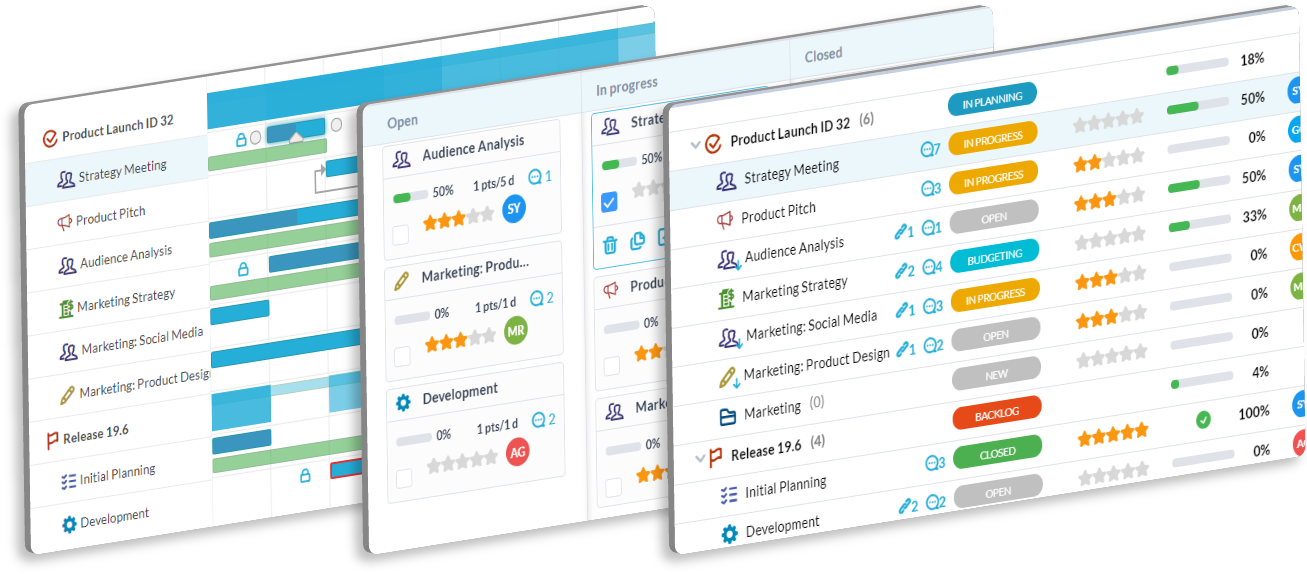
Plan projects with clear owners and deadlines

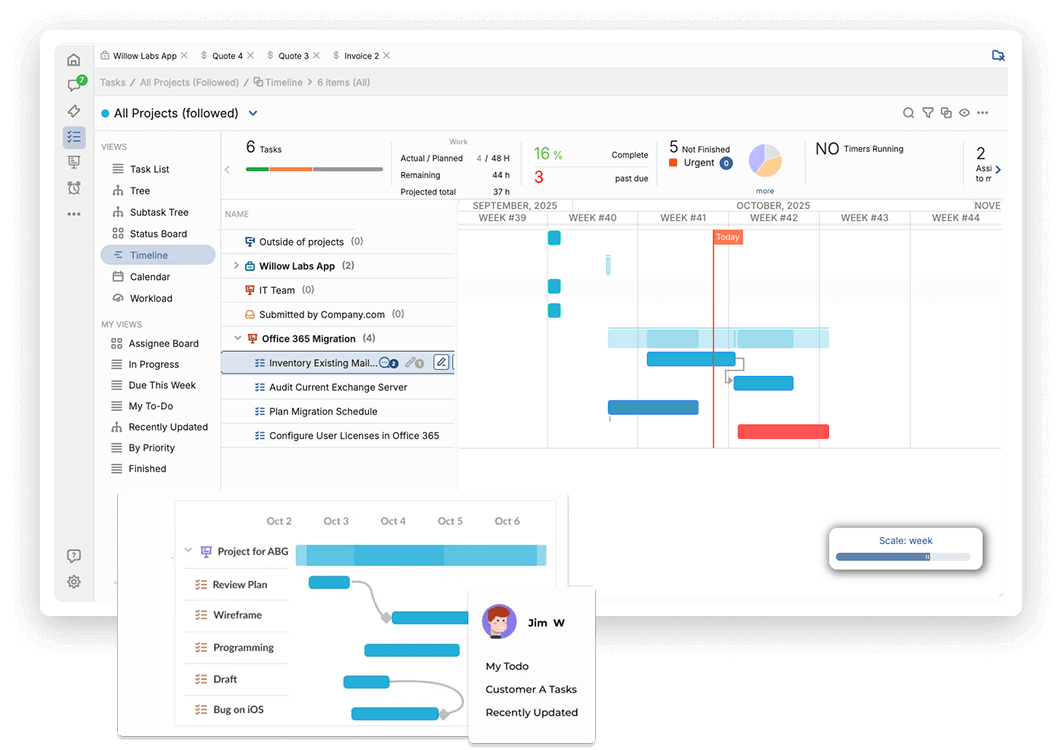
Build projects with boards, Gantt charts, calendars, dependencies, and templates. Give every task a clear owner, due date, and next step. Keep work visible without jumping between views.

  • Organize internal and client projects in one place
  • Plan with Gantt, Kanban, calendar, and list views
  • Use templates, dependencies, subtasks, and custom workflows
Start free trial
Project planning
Time tracking

Time tracking

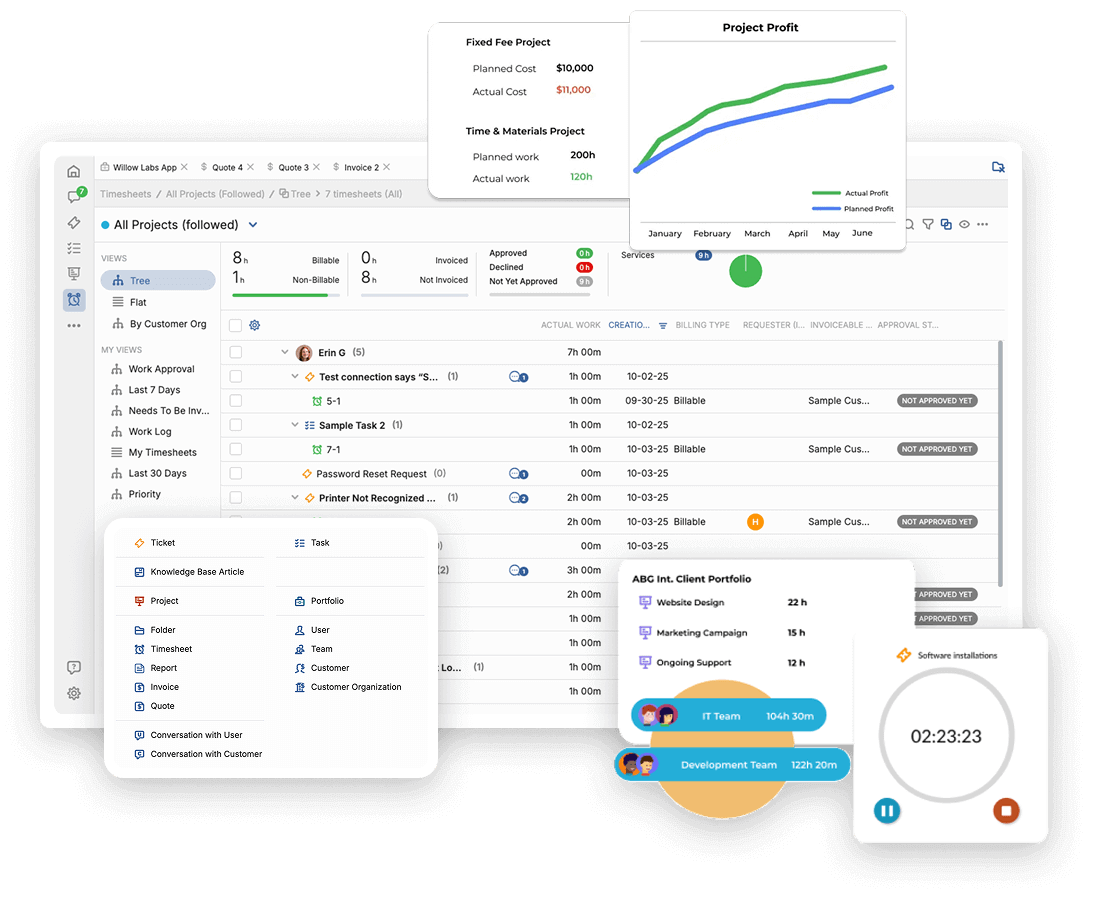
Track project time against plan and budget

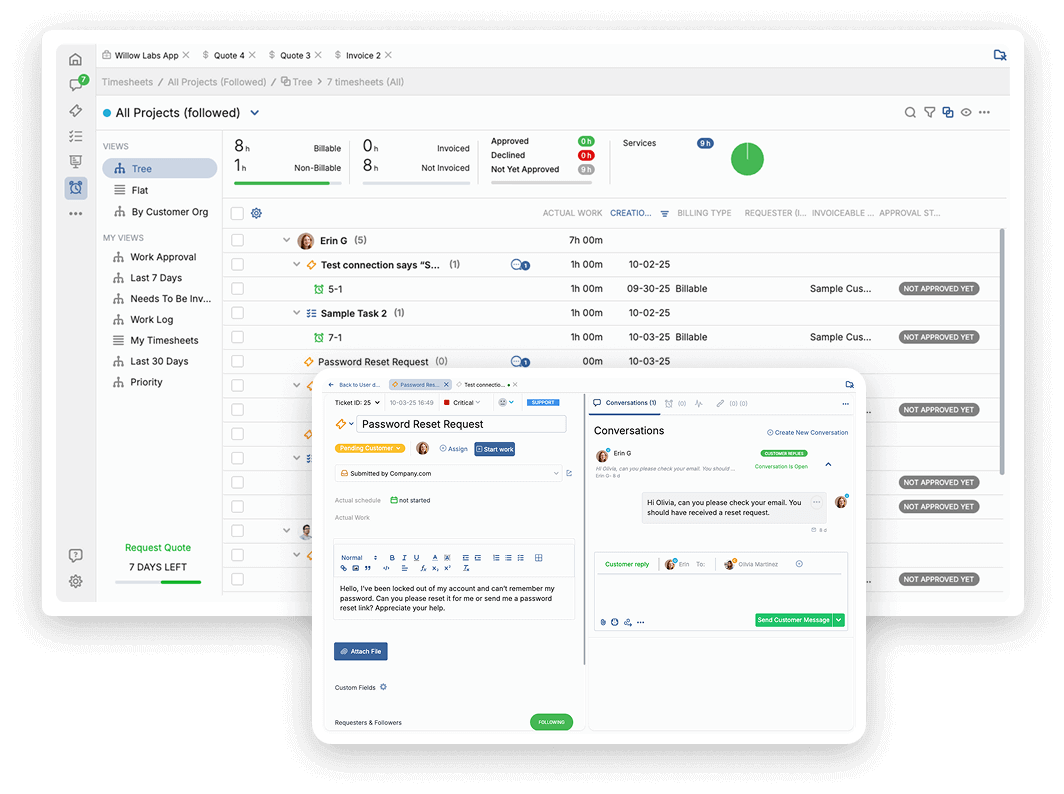
Track time on tasks as work happens. Compare estimates to actuals, watch billable hours, and spot overruns before they become a bigger problem.

  • Log time on tasks with built-in timers and timesheets
  • Compare planned work against actual time and schedules
  • Track billable hours and create invoices from logged time
Start free trial

Assignment tracking

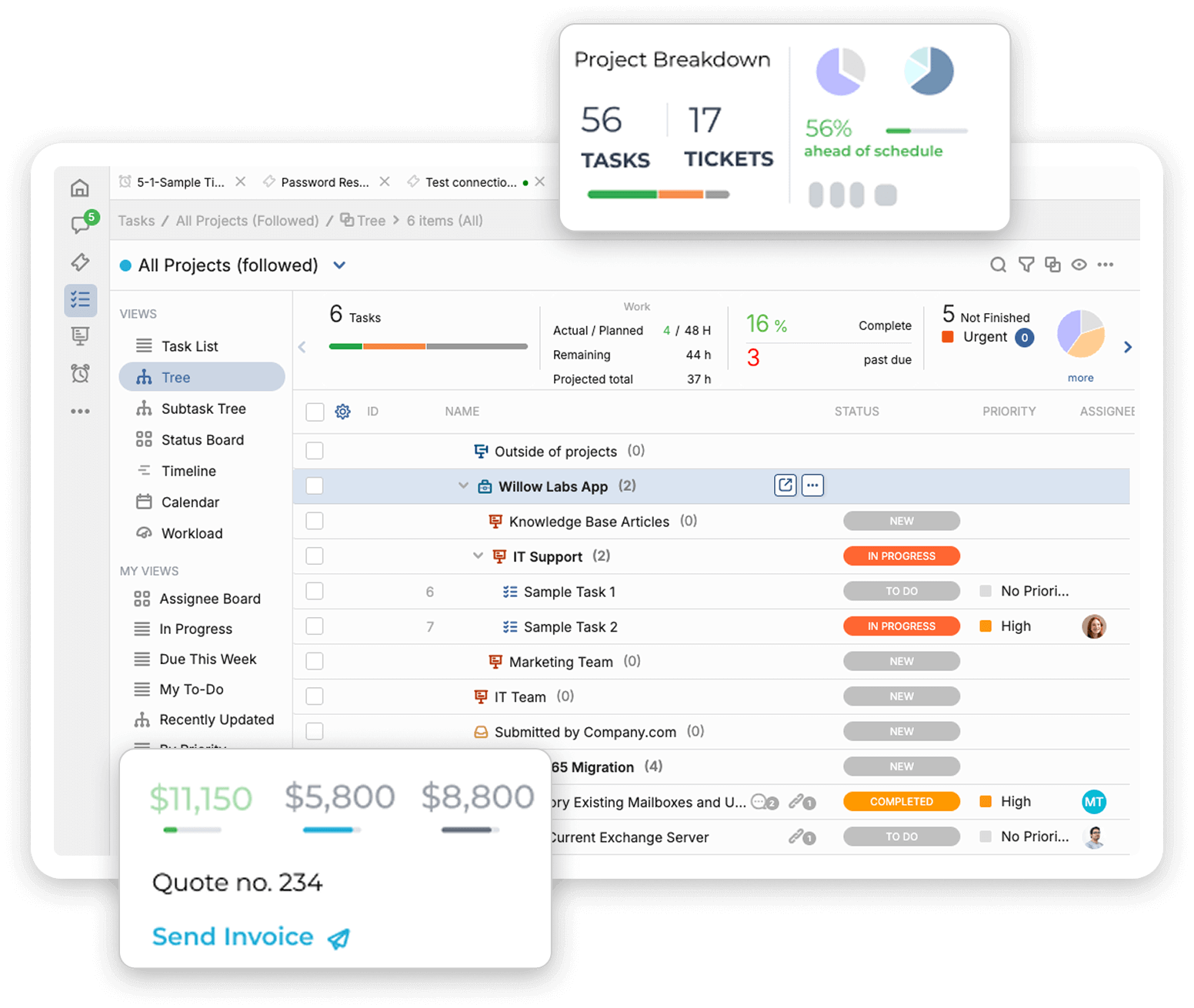
Balance workload before work piles up

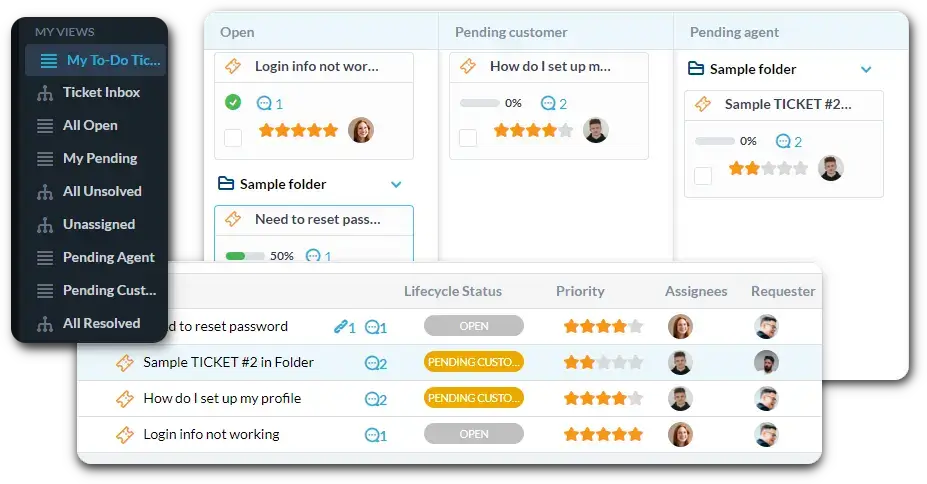
See who has room, who is overloaded, and where work needs to move. Assign clearly and keep deadlines realistic as projects change.

  • Assign tasks to one person, many people, or a whole team
  • Check availability and capacity before you reassign work
  • See progress early and catch blocked work sooner
Start free trial
Assignment tracking - placeholder
Automation

Automation

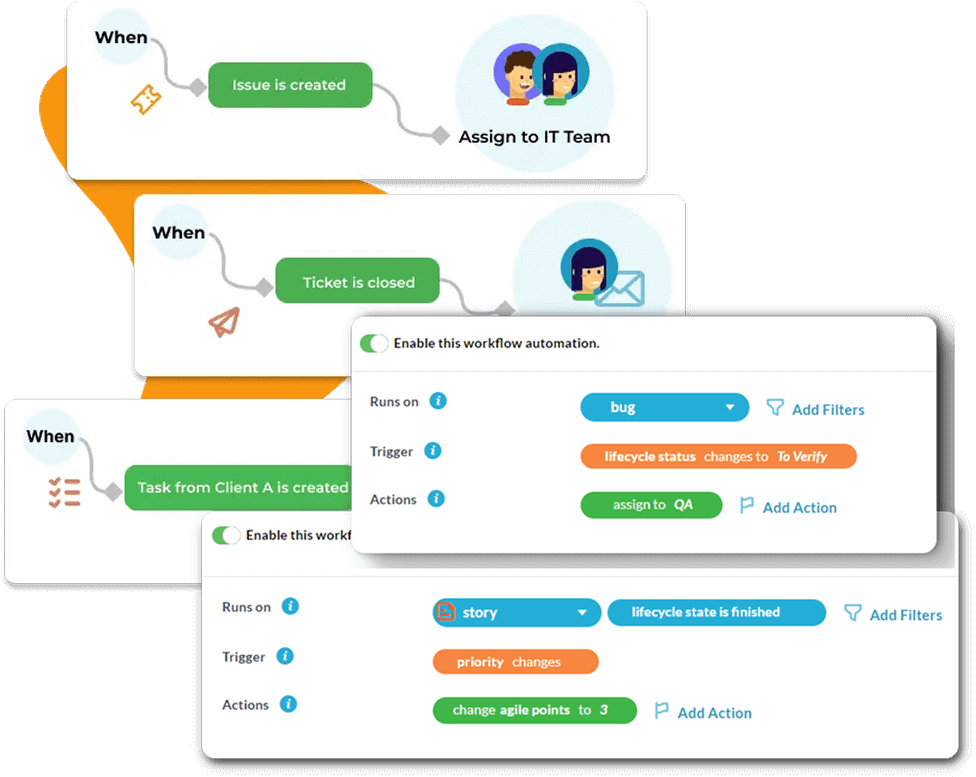
Stop chasing project updates by hand

Create rules for assignments, status changes, project templates, and reports. Reduce manual follow-up and keep work moving without extra admin. Connect project work with tools like QuickBooks, Outlook, Gmail, and Microsoft 365.

  • Auto-create projects, subtasks, and assignments
  • Standardize work with templates and workflow rules
  • Schedule reports and reduce double entry across tools
Start free trial

Reporting and financials

Manage project progress with numbers you can act on

See progress, workload, time, cost, and billable work in live dashboards. Catch delays and budget issues early instead of pulling reports after the fact.

  • See dashboards by project, portfolio, or team
  • Export or schedule reports in Excel or PDF
  • Monitor budgets, billable time, and profitability in real time
Start free trial
Reporting and financials - placeholder

See what our customers have to say!

    The ability to integrate it so seamlessly and also the ability to customize it was one of the early driving factors in making the decision to go with OneDesk.

    "The Freelance Firm"

    Founder & CEO

    OneDesk is truly one desk. No other product provides a system where you tie each department together and you’re done.

    "Rocket Industrial"

    Project Manager

FAQ

Does OneDesk include time tracking?

Yes. OneDesk includes timers, timesheets, timesheet dashboards, billable and non-billable time tracking, and mobile time logging.

Can I plan projects with Gantt, Kanban, and calendar views?

Yes. OneDesk supports Gantt charts, Kanban boards, calendars, lists, and custom work views, so teams can plan and monitor work in the format that fits them.

Is OneDesk for internal projects, client projects, or both?

Both. OneDesk can support internal and client projects, with options for collaboration, tracking, budgeting, and billable work.

Can I track billable time and invoice clients?

Yes. Logged time can be marked billable or non-billable, and invoices can be created from billable time inside OneDesk. There is also a QuickBooks Online connection for invoicing workflows.

Can my team use OneDesk in a browser or on mobile?

Yes. OneDesk is available in a web browser, and there is a mobile app for iOS and Android for updating work and logging time on the go.

Is there a free trial?

Yes. OneDesk offers a 14-day free trial, and no credit card is required.

Start your first project and track time from day one

Bring planning, time tracking, workload, and client work into one system. Create your first project, invite your team, and see progress clearly from the start.