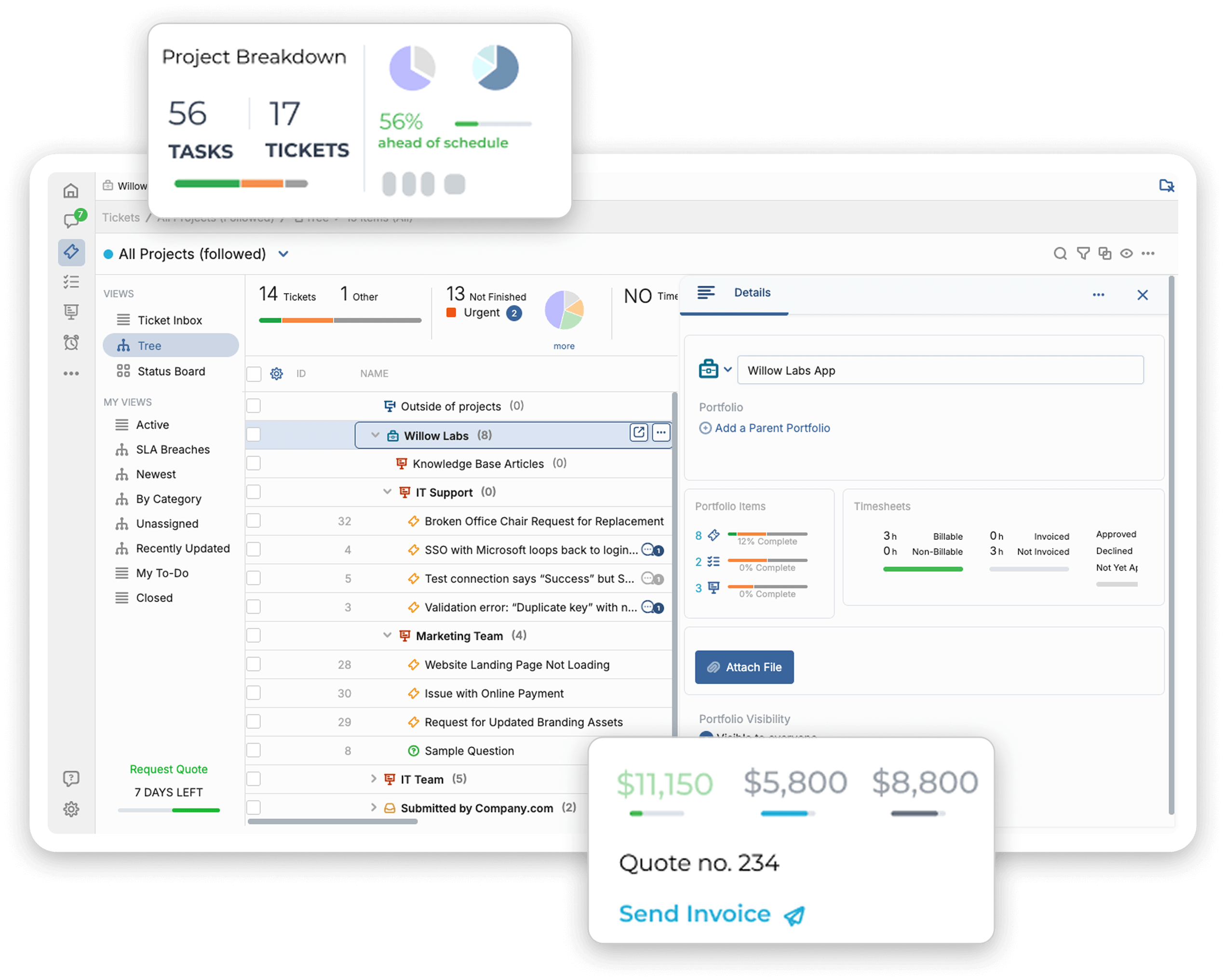
Bring email, forms, chat, and other requests into one system, automate ticket handling, and keep control of your data and environment.
Deployment
Deploy OneDesk on-premise or in a private cloud. Host it on your own servers, keep control of your data, database, and environment, or choose a private cloud if that fits your team better. OneDesk supports AWS, Azure, and more for self-hosted deployment.

Ticket intake
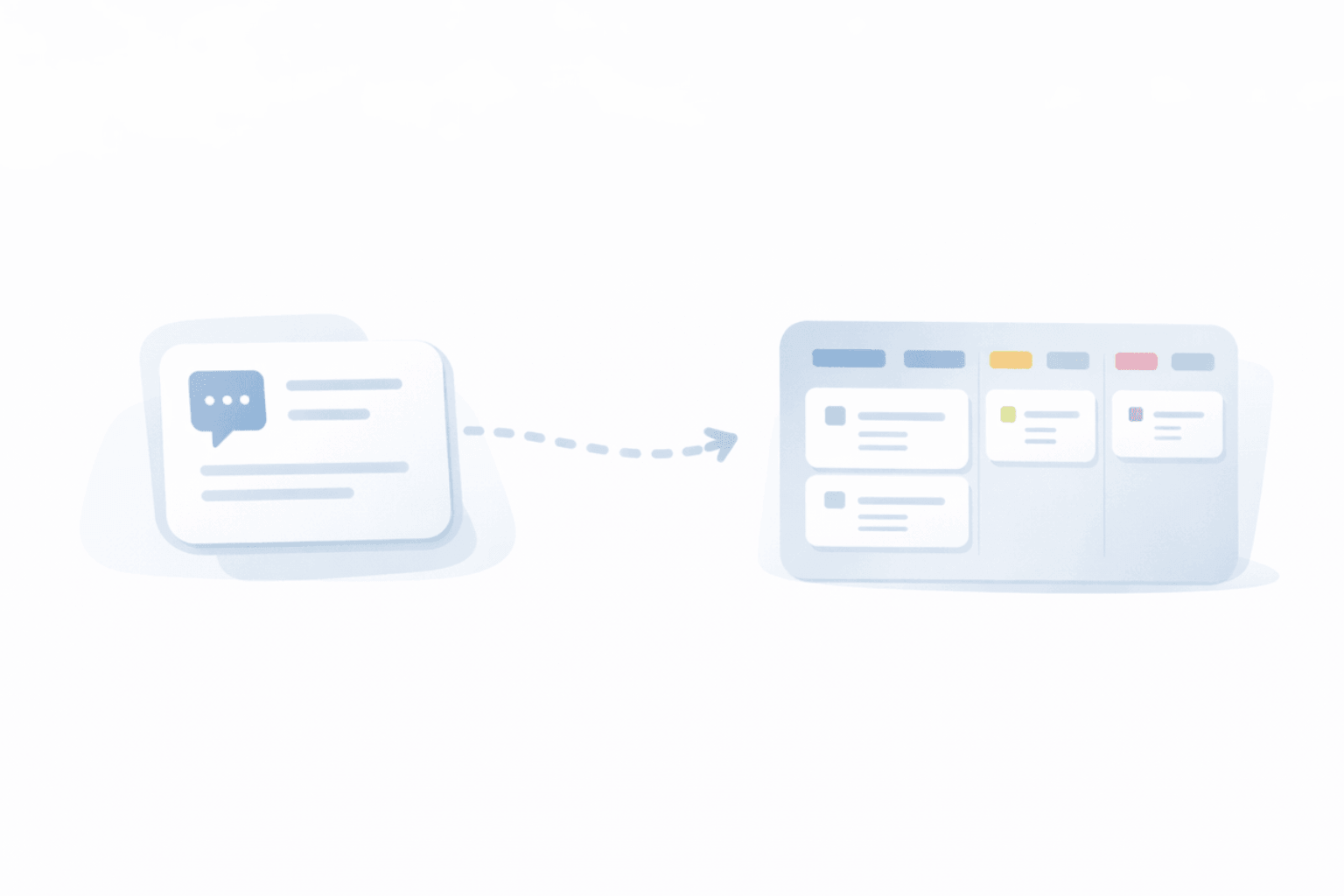
Bring support requests out of scattered inboxes and disconnected channels. OneDesk turns email, forms, chat, and more into tickets, so your team can capture, assign, and respond from one centralized place.

Automation
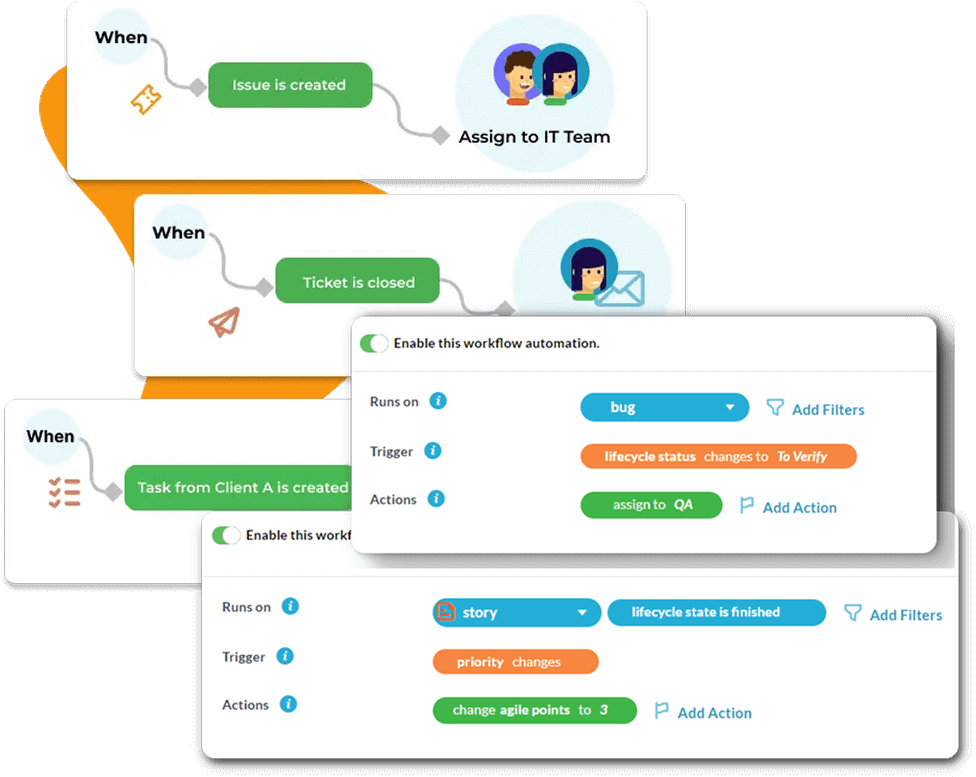
OneDesk helps your team spend less time sorting tickets and sending the same replies again and again. Route requests automatically, keep response steps moving, and handle support work in a more consistent way.
Reporting
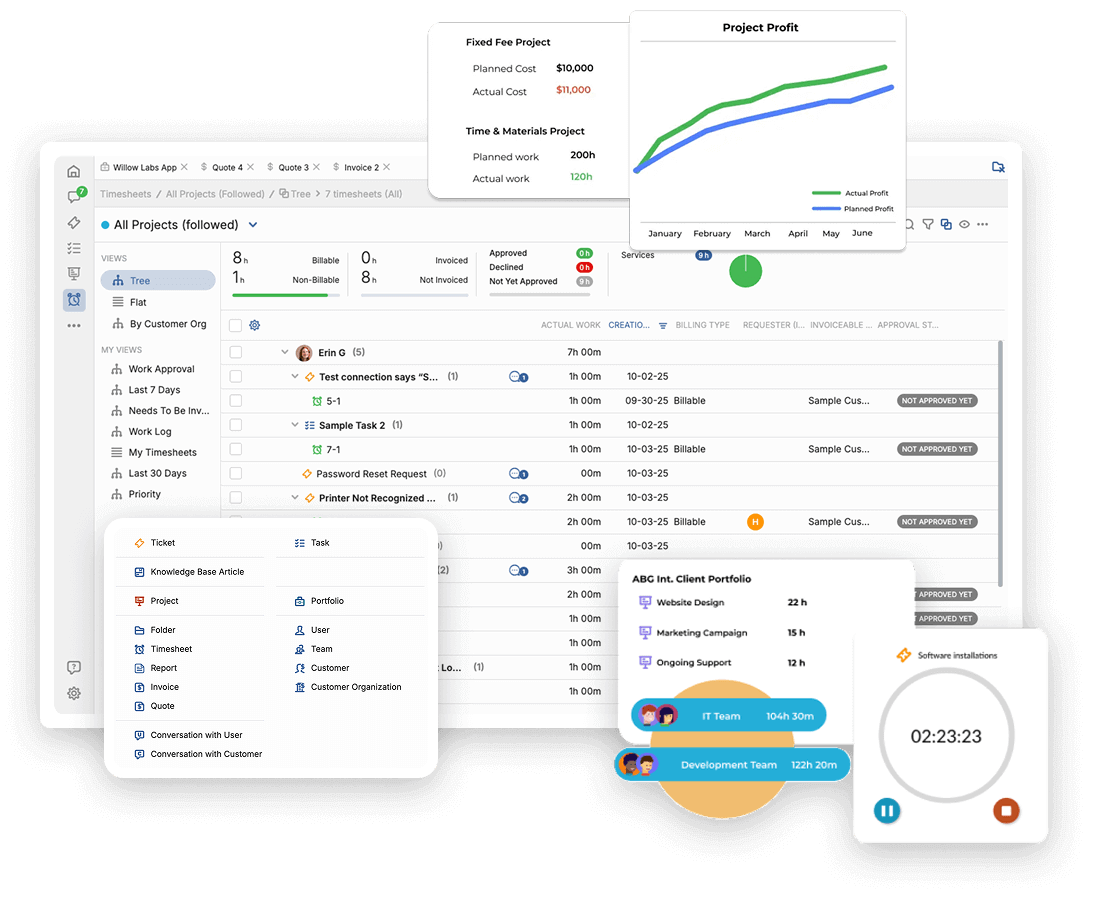
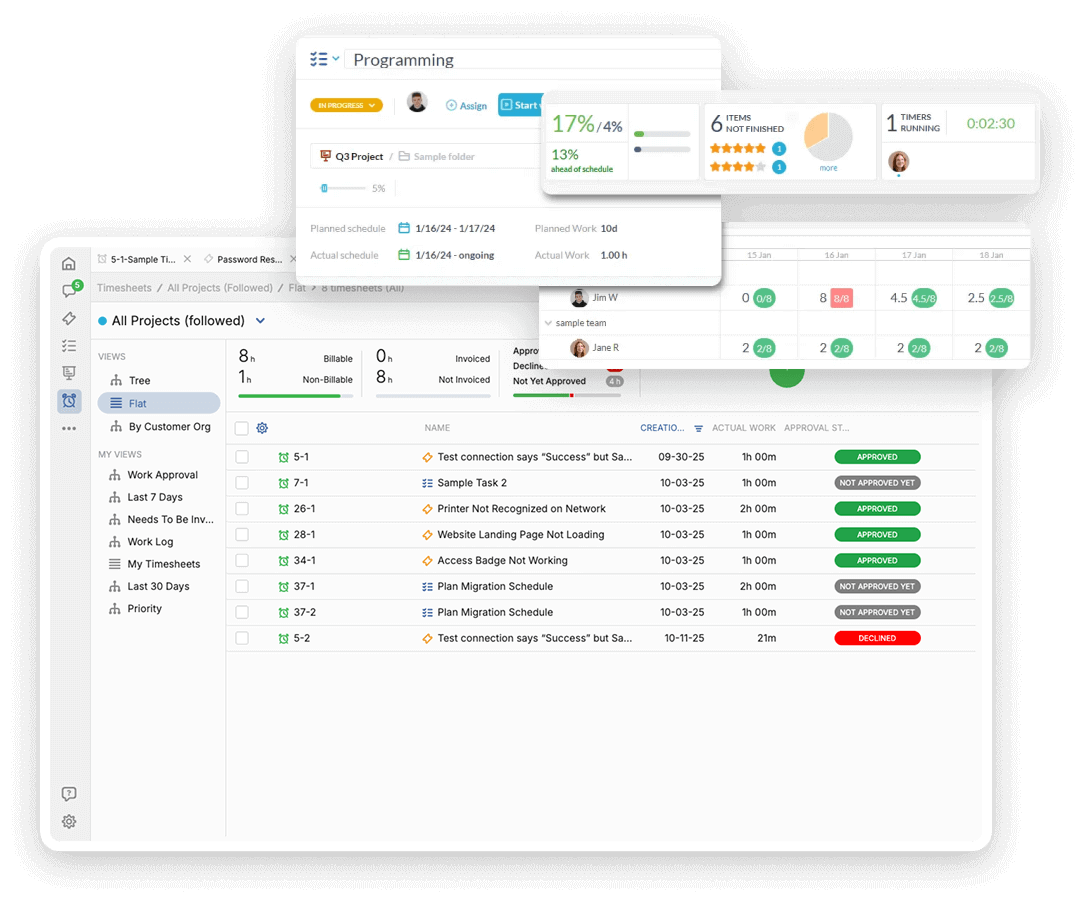
Get reporting across tickets, timesheets, tasks, and projects, with scheduled reports you can send to managers, customers, or internal stakeholders. See what is open, what is moving, and where work is getting stuck.
Customer apps
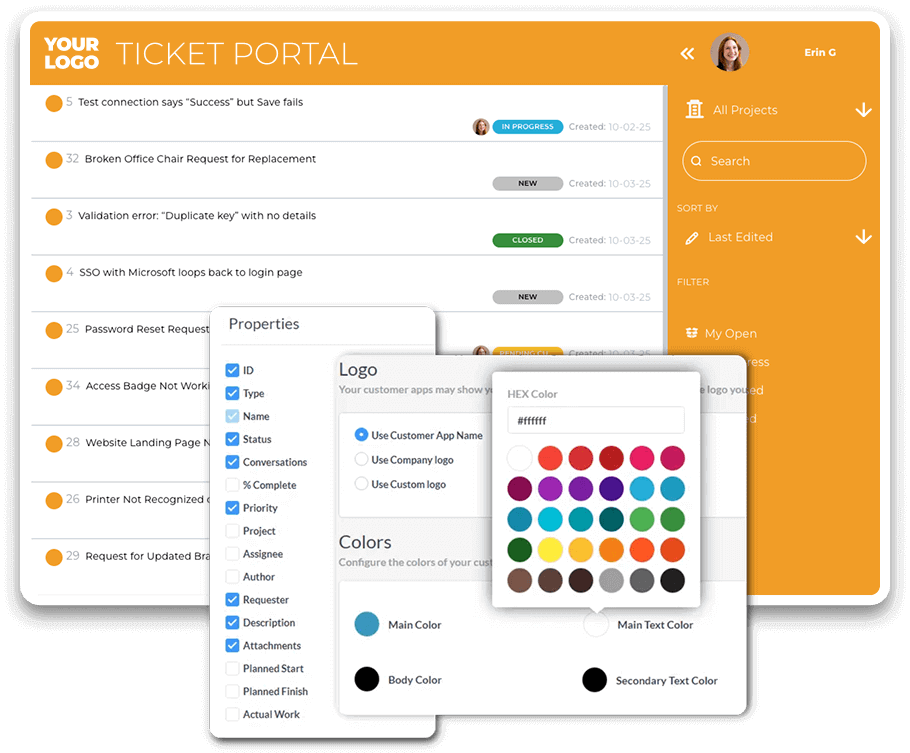
Give customers more than an inbox to rely on. With live chat, request forms, the customer portal, the knowledgebase, and satisfaction surveys, OneDesk helps customers get help faster and helps your team collect better request details up front.
Add-on for follow-up work
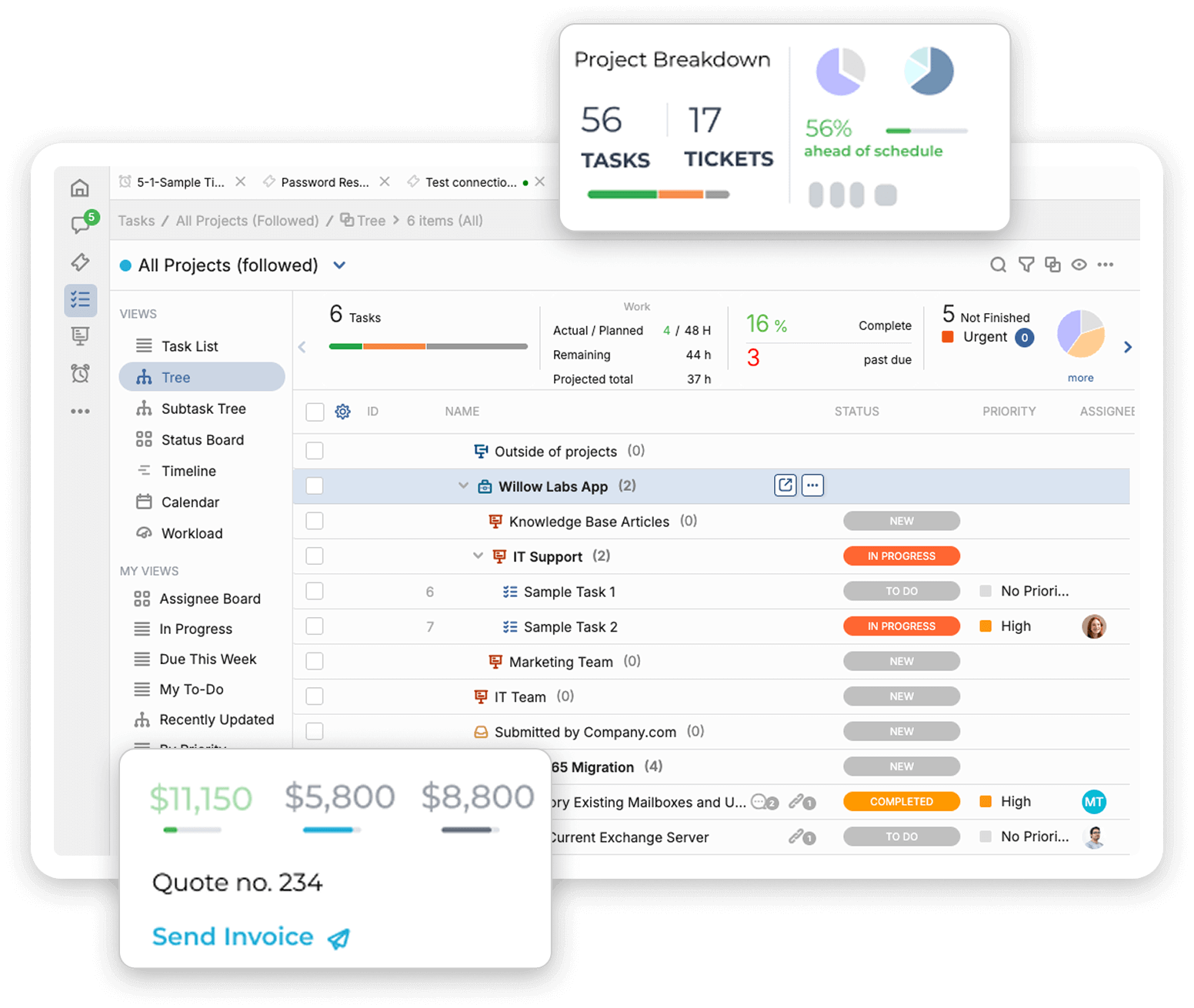
Some support work does not end with a reply. When a ticket turns into larger follow-up work, OneDesk lets you keep it in the same system with task dependencies, Gantt, Kanban, subtasks, and capacity planning.
Customization
OneDesk gives you room to shape the help desk around the way your team works. Use custom fields, flexible automation rules, unique lifecycle statuses, and email templates to fit your process instead of forcing your team into a rigid setup.
Yes. You can deploy OneDesk on-premise or in a private cloud.
Yes. OneDesk's on-premise option lets you manage your own data on your own servers or infrastructure.
OneDesk can turn email, forms, chat, and other support channels into tickets, so your team can manage requests in one place.
Yes. OneDesk supports automated routing, replies, updates, SLA handling, and other ticket workflows.
Yes. OneDesk includes a customer portal, knowledgebase, live chat, request forms, and satisfaction surveys.
Yes. You can start a 14-day free trial with no credit card required, then submit a request for the on-premise solution if it fits your team.
Start the 14-day free trial to see how OneDesk handles ticket intake, automation, reporting, and customer apps. If OneDesk fits your workflow and hosting needs, submit a request for the on-premise solution.