Capture tickets from email, chat, forms, and portal. Reply from your own inbox, route work automatically, and turn follow-up work into tasks or projects.
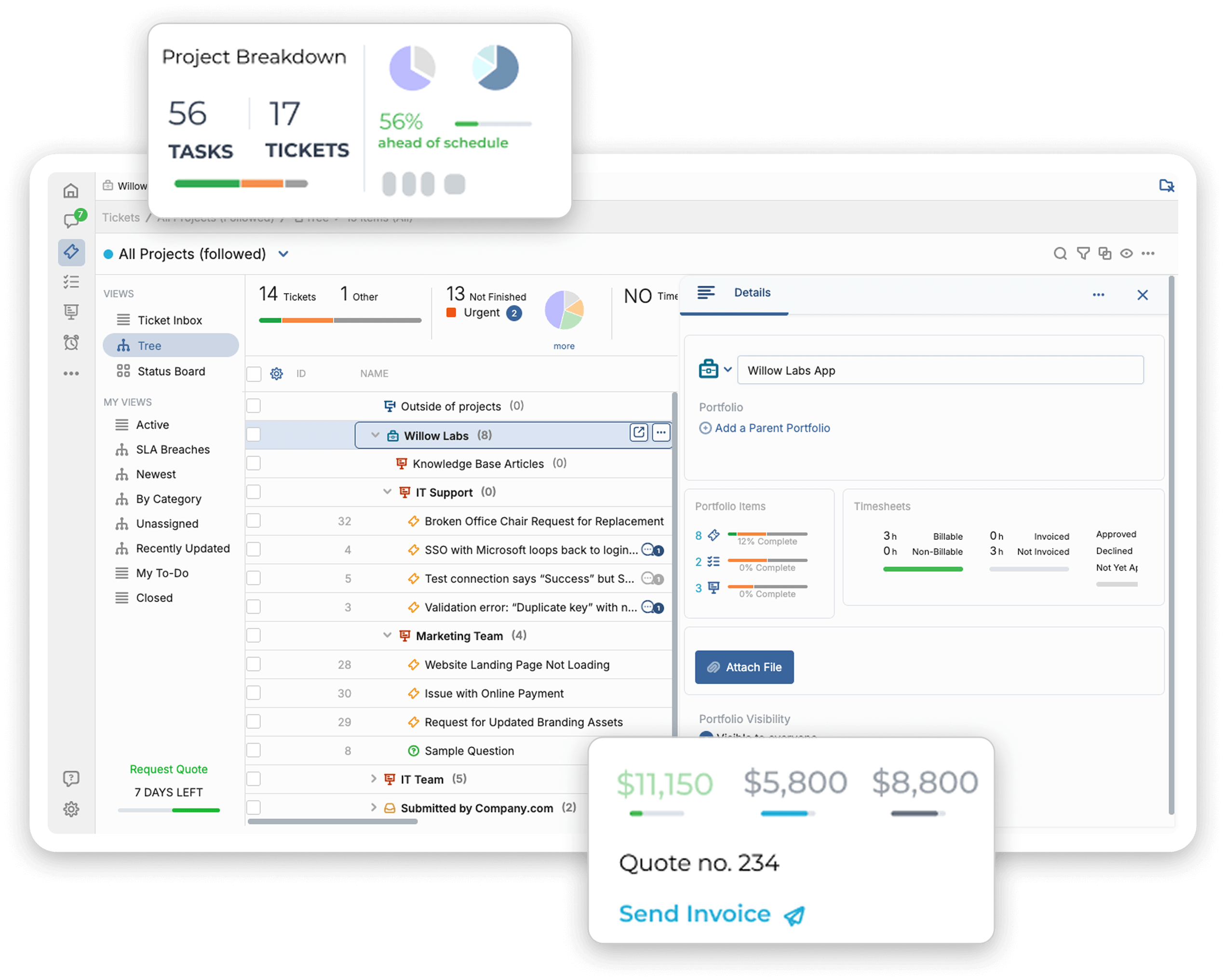
Requests get buried in long threads. Teams lose track of who owns what. Customers ask for updates while agents search through old replies. OneDesk turns each request into a ticket with a clear owner, status, and history.
Email ticketing
Connect your support inbox and create tickets from incoming emails. Track status, owner, priority, and history in one shared help desk.
Microsoft 365
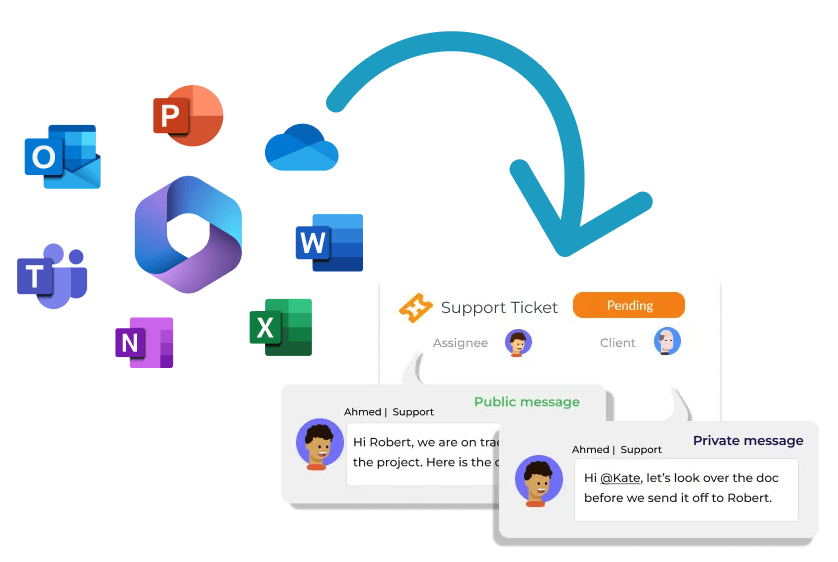
Connect your Microsoft 365 inbox, turn emails into tickets, reply from your Microsoft address, and keep multiple support inboxes organized in one system.
Shared workspace
Your team can respond from OneDesk while customers keep using the same support email. Everyone sees the full request history, so nothing gets missed and nothing gets duplicated.
Automation
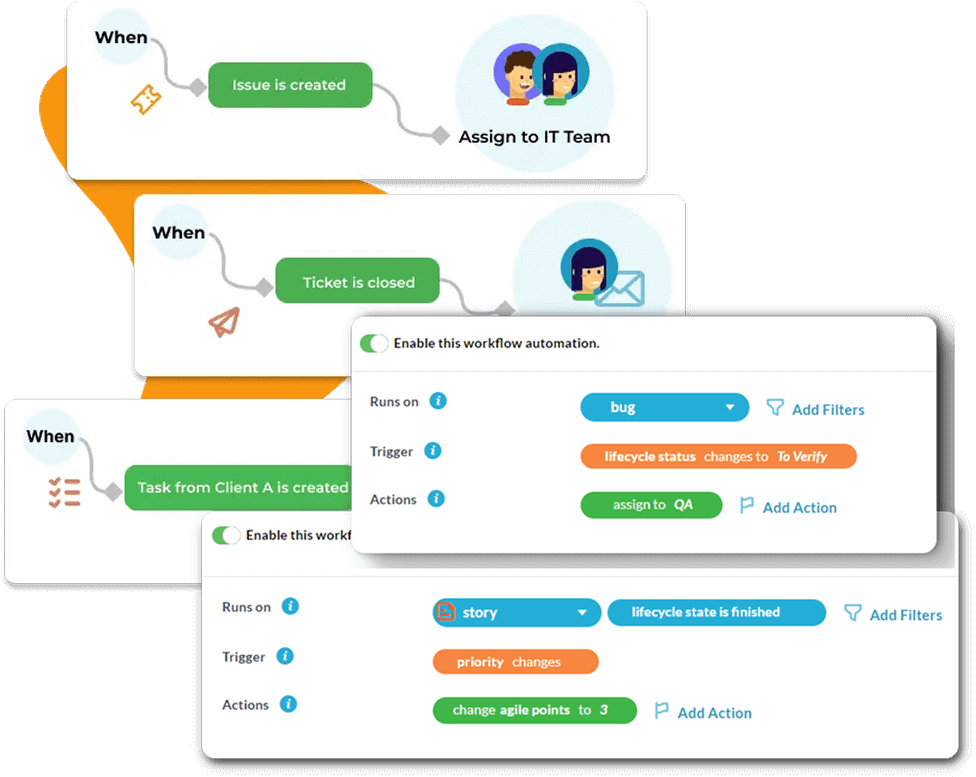
Use rules to assign tickets, send replies, update statuses, and move work to the right team without manual sorting.
Self-service
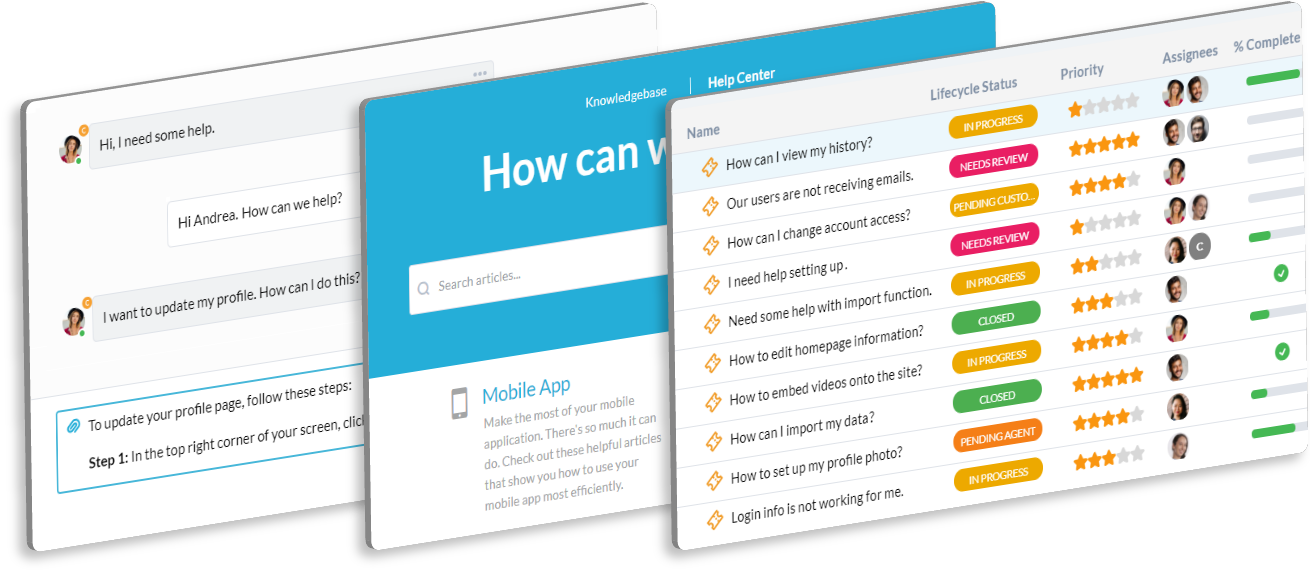
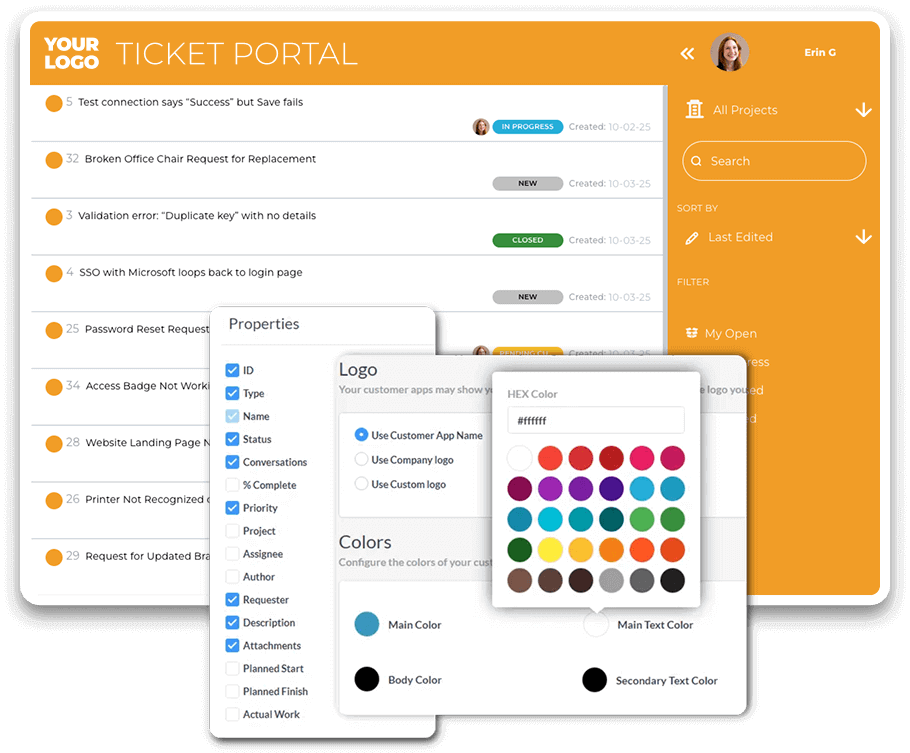
Give customers a portal, live chat, and knowledge base so they can submit requests, check updates, and find answers on their own. That means fewer repeat questions for your team.
Follow-up work
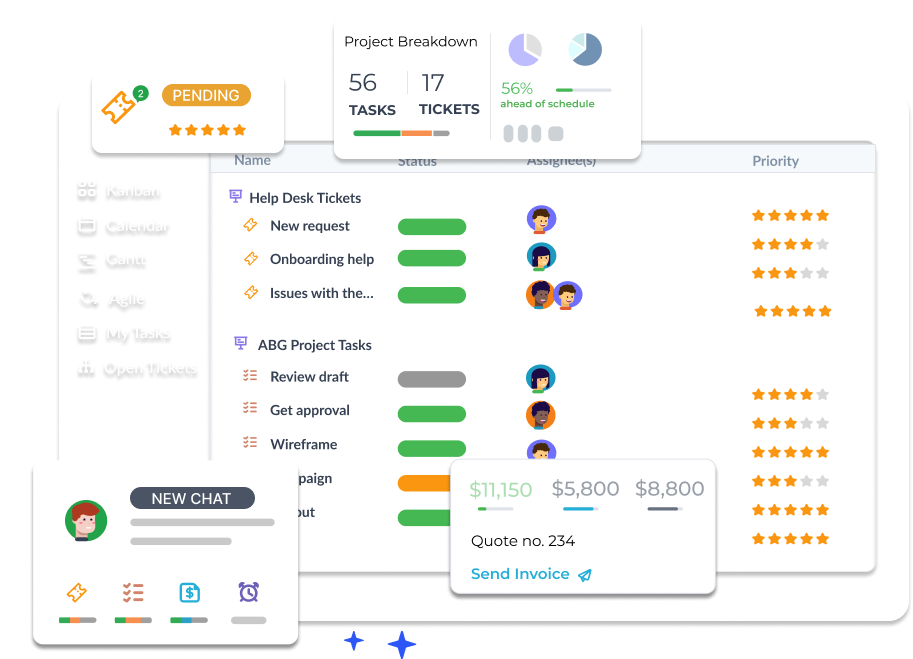
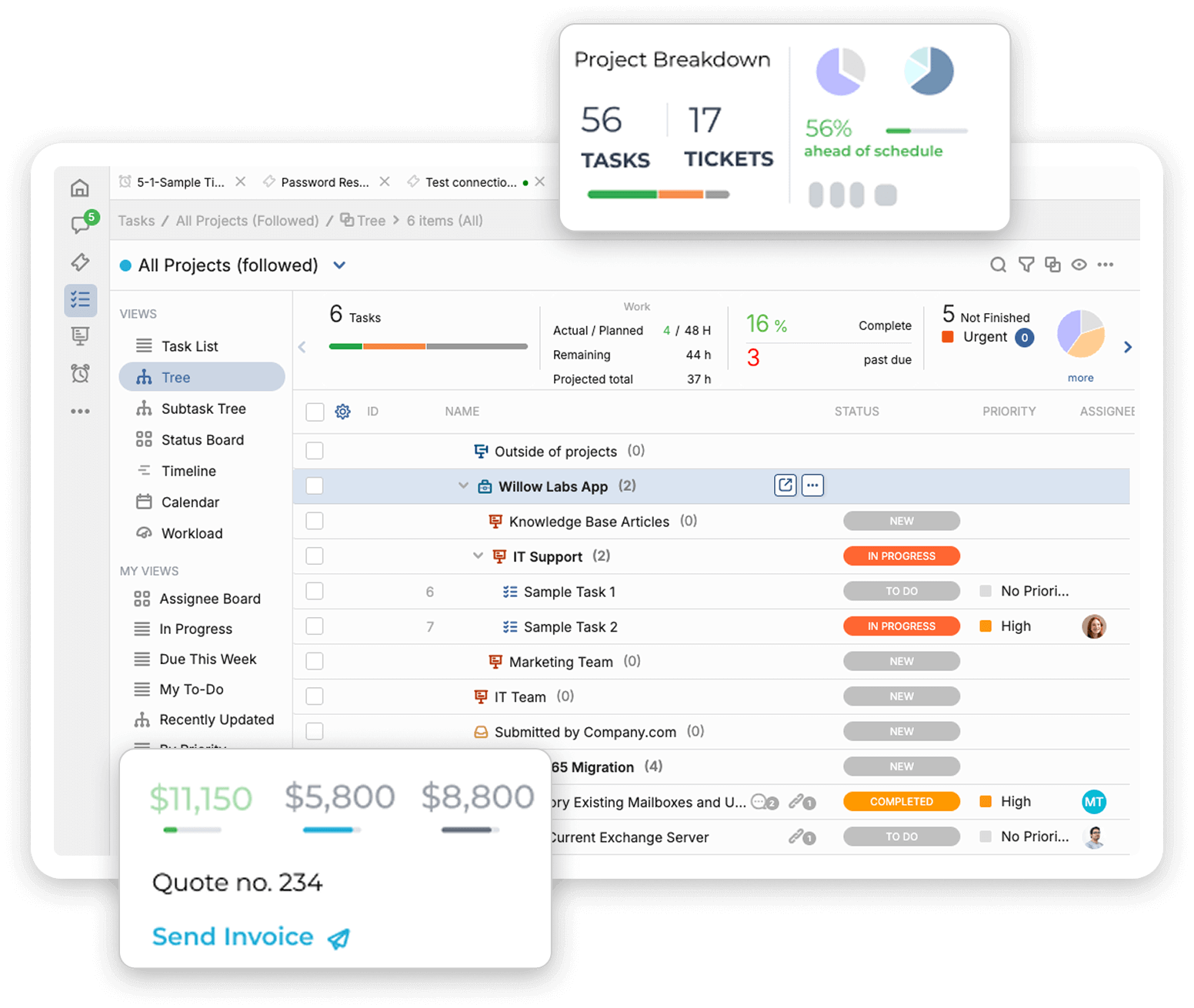
When a request needs more than a quick fix, turn it into planned work without losing the full history. Support teams and delivery teams can work from the same record.
Many teams patch together shared inboxes, ticketing tools, chat, and project tools. That creates more handoffs, more missed updates, and more time switching between systems. OneDesk brings support, follow-up work, and customer communication together in one place.
Turn emails into tickets automatically
Keep replies, status, and history together
Move bigger issues into tasks or projects
Cut tool switching across the team
Instead of paying for separate tools for tickets, chat, knowledge base, and follow-up work, OneDesk helps teams manage the full support workflow in one place.
Start free with a 14-day trialNo credit card required.
Yes. OneDesk turns incoming requests into tickets, keeps status and history visible, and gives your team one place to manage replies, owners, and next steps.
Yes. You can connect your Microsoft 365 support inbox, create tickets from incoming emails, reply through your Microsoft address, and manage multiple support inboxes in one place..

Yes. You can create rules to assign tickets, send replies, update statuses, and route work to the right team faster.
Yes. OneDesk includes a customer portal, live chat, and knowledge base so customers can submit requests, check updates, and find answers in one place.
You can turn tickets into tasks or projects and keep the full history, so nothing gets lost between support and delivery.
You can start with a free 14-day trial, and most teams are up and running on day one.
Connect your inbox, keep requests on track, and see how OneDesk helps your team reply faster, route work better, and stay organized from first request to follow-up work.
Start free 14-day trial