Deliver Excellent Service to Your Community

The Support team is on the front line, providing direct services and assistance to your community members. You need an efficient system to manage high-volume, diverse service requests. OneDesk centralizes all your community support.

Trusted by Nonprofit Organization teams around the world

Overwhelmed by Diverse Service Requests

Nonprofit support deals with a mix of client issues, information requests, and service delivery needs. OneDesk combines all input channels into a unified ticketing system. Prioritize urgent client needs and ensure all inquiries are logged. Improve overall service consistency.

Multi-Channel Intake for Community Needs

Provide a public portal, live chat, and connected email for community members to submit requests easily. All input becomes a trackable ticket. Use SLAs to prioritize urgent requests for assistance or crisis support. Custom views let different program support teams see their specialized workload instantly. Ensure no request is missed.

Manage Service Delivery and Outreach Projects

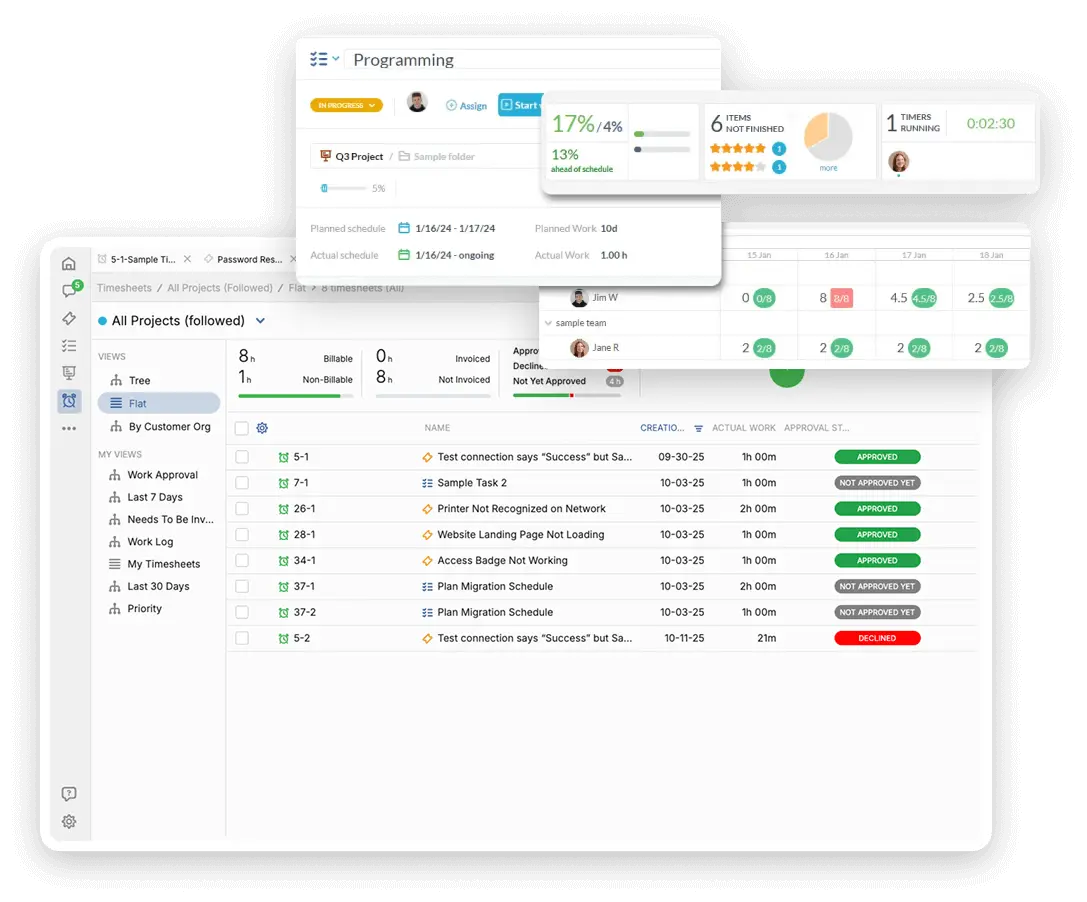
Treat large community outreach programs or seasonal service initiatives as projects. Break down the project into tasks like 'Staff Training' or 'Resource Distribution.' Assign follow-up tasks to support workers after an initial ticket is resolved. Track time spent on complex cases for resource planning.

Automate Service Triage and Assignment

Automatically assign a new service request to the specialist in the correct geographical area. Set up rules to escalate a ticket if a high-priority service request is pending for too long. Send an automated satisfaction survey after a ticket is closed. Automation speeds up response and ensures accountability.

Track Effort and Costs for Service Delivery

Service delivery is your core mission, and time tracking is crucial for reporting to funders. Log non-billable time spent on supporting specific community programs or client cases. Use this data to justify program funding and demonstrate impact. Generate internal reports on resource utilization.

AI for Quick Service Information and Summaries

The AI assistant can quickly generate clear answers to common questions about your services or eligibility. Use AI to summarize long case histories or intake forms. It can draft initial follow-up communications to clients. This reduces manual communication load. Your support team focuses on personalized, high-impact service.

Integrate with your tools

Enterprise Grade Security

FAQ

OneDesk has affordable pricing based on your product, plan, and number of user licenses.
See our pricing page for full details. 

OneDesk is available both in the cloud and on-premise.  Pricing for OneDesk On-Premise is the same as for our Cloud Enterprise plan, but is only available for annual or longer-term subscriptions. To evaluate OneDesk, please sign up for a 14-day free trial of our cloud software. If after evaluation of the software, you would like to purchase on-premise licenses, please Submit a Request we will send you an invoice for the number of users you require.

Of course! You can visit our feature index page for a full list of features. To compare product or plan features see our feature comparison page

You can ask our AI agent questions via the live chat or knowledgebase in our widget. A human agent is also available to chat during business hours.

We also offer other support options including booking a live demo or submitting an email or ticket

OneDesk provides a high level of security. You can learn about the measures we take at our security center

See for yourself how OneDesk can help your team.

14 day free trial. No credit card required. 

Scroll to Top