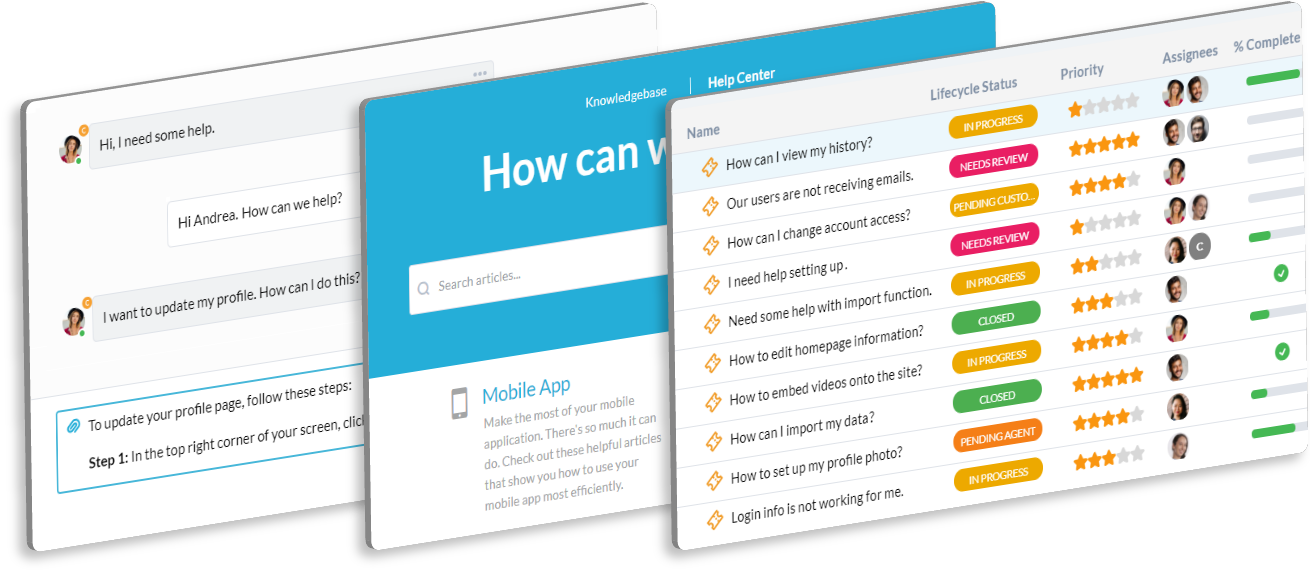
Organize Contract Compliance and Client Legal Requests
Legal teams handle client contract compliance, internal labor law, and risk management. You need a secure, organized system for managing all internal and client legal requests. OneDesk ensures every request is auditable and confidential.
Trusted by Business Process Outsourcing teams around the world
Managing Requests for Contract Compliance and Labor Law Review
Client teams need contract compliance checks; HR needs labor law review. These sensitive requests are often lost in direct emails. OneDesk turns every request into a trackable, confidential ticket. Ensure proper review of every client and internal matter.
Tracking Deadlines for Critical Client Contract Renewals and Audits
Missing a deadline for a client contract renewal or a compliance audit is a high-stakes risk. Set up Service Level Agreements (SLAs) on legal review tickets. This keeps your legal team on track for all time-sensitive institutional matters. Minimize client risk.
Secure, Auditable Legal Request Ticketing System
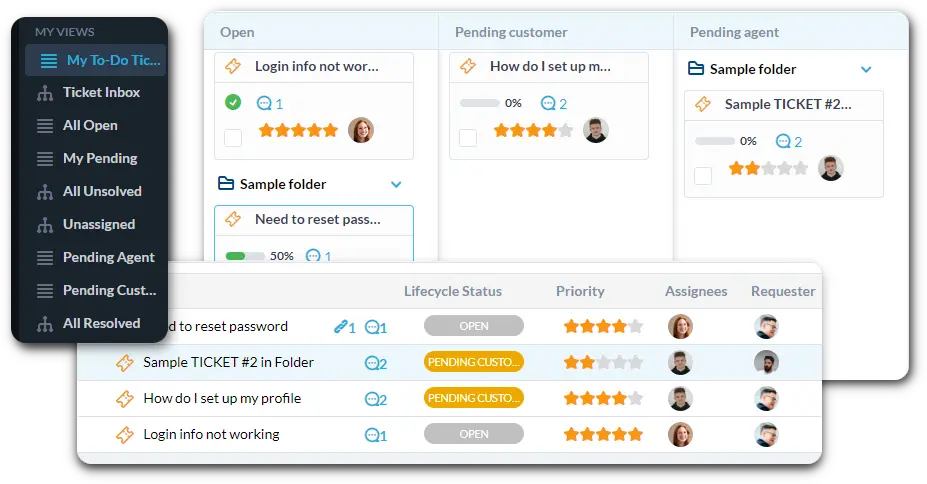
Centralize all inquiries for contract review, policy advice, and compliance matters. Connect a dedicated legal services email to automatically create tickets. Use custom views to filter by "Client Contract Review" or "Labor Law Compliance Check."
Automate Contract Triage and Approval Routing
Automation ensures requests go to the correct specialist immediately. Route any ticket mentioning a specific client's contract to the assigned legal counsel. Send a notification to the Director when a major contract is ready for final signature. Reduce manual document handling.
Private Portal for Submitting Confidential Legal Requests
Provide a secure, internal portal for staff to submit sensitive legal questions and documents. They can confidentially track the status of their request. The knowledge base can host approved standard contract clauses and BPO policies. This encourages a formal, auditable intake process.
AI Summarizes Complex Client Agreements and Counsel Notes
Dealing with dense legal language in client contracts is time-consuming. The AI can summarize key clauses or compliance issues from attached documents. It can also condense discussion notes within the ticket. This helps your team quickly focus on the high-risk areas.
Integrate with your tools
Enterprise Grade Security
FAQ
OneDesk has affordable pricing based on your product, plan, and number of user licenses.
See our pricing page for full details.
OneDesk is available both in the cloud and on-premise. Pricing for OneDesk On-Premise is the same as for our Cloud Enterprise plan, but is only available for annual or longer-term subscriptions. To evaluate OneDesk, please sign up for a 14-day free trial of our cloud software. If after evaluation of the software, you would like to purchase on-premise licenses, please Submit a Request we will send you an invoice for the number of users you require.
Of course! You can visit our feature index page for a full list of features. To compare product or plan features see our feature comparison page.
You can ask our AI agent questions via the live chat or knowledgebase in our widget. A human agent is also available to chat during business hours.
We also offer other support options including booking a live demo or submitting an email or ticket.
OneDesk provides a high level of security. You can learn about the measures we take at our security center.
See for yourself how OneDesk can help your team.
14 day free trial. No credit card required.