Deliver Reliable Technology Support for Consultants
Your IT team supports the critical tools, secure client access, and travel equipment used by your consultants. Fast, effective help desk service is essential for client delivery. OneDesk manages all IT requests from a single platform.
Trusted by Consulting Firm teams around the world
Struggling to Triage High Volume of Diverse Consultant IT Issues
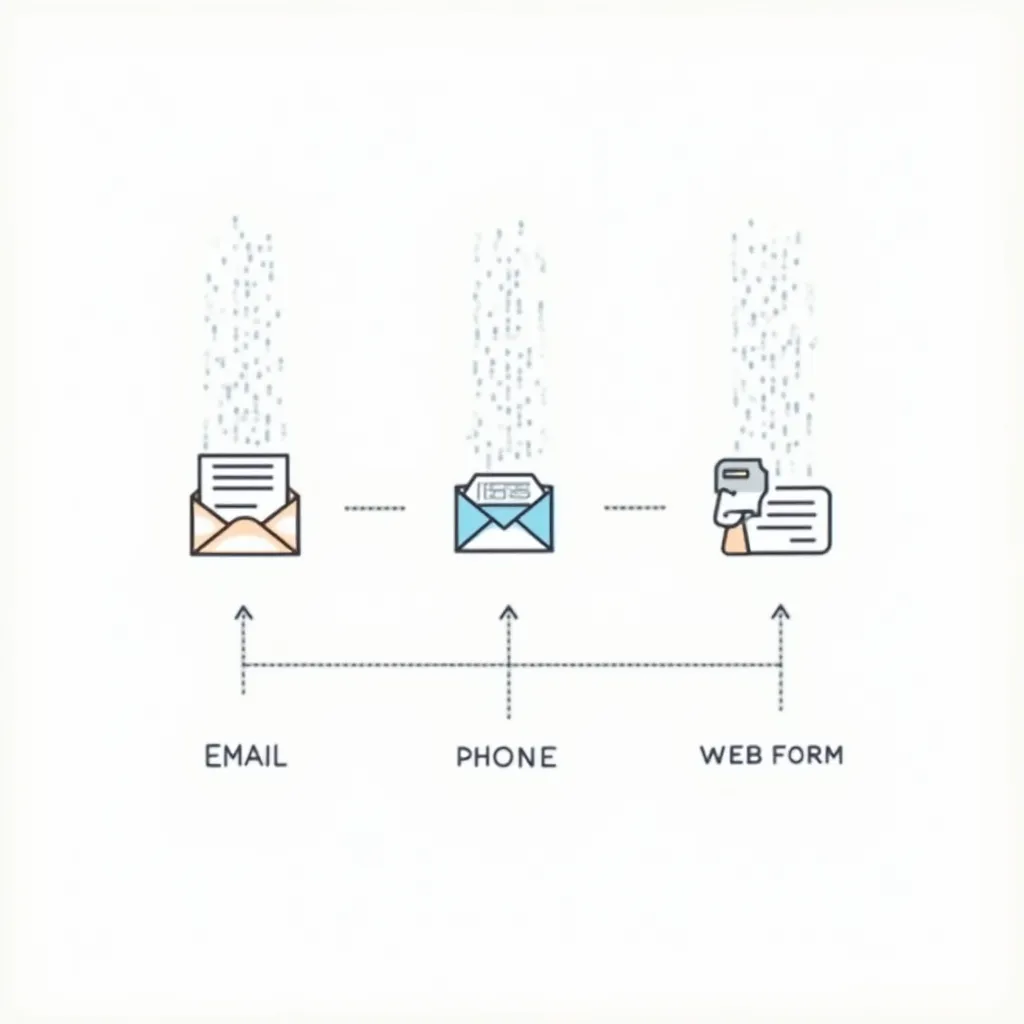
From a complex software licensing issue to a client-specific VPN problem, your queue is full. OneDesk centralizes all issues from email, chat, and the service portal. It instantly organizes tickets by severity or client project. Your team can prioritize critical client-facing blockers.
Lack of Clear Service Metrics for Client Project vs. Internal IT
You need to track service quality for client project teams versus general administrative staff. Set up Service Level Agreements (SLAs) for critical client access systems versus general office issues. Use reporting to prove you are meeting service expectations for your highest-value teams.
Centralized IT Service Ticketing and Asset Mapping
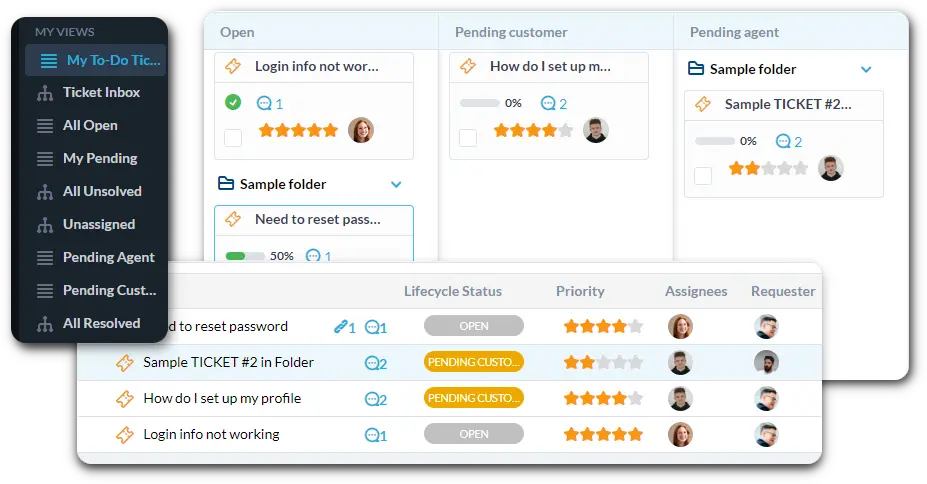
Connect your help desk email to automatically create tickets. Use custom views to filter by "Critical Client VPN Issue," "Software License Request," or "New Laptop Request." Track IT assets and link them directly to the user's ticket.
Automate IT Triage and System Routing
Automation ensures instant attention for high-impact problems. Automatically assign any ticket mentioning a specific client name or "system down" to the dedicated support team. Route all "General Office Issues" to the appropriate IT staff. This reduces manual ticket sorting.
Branded Consultant Self-Service Portal
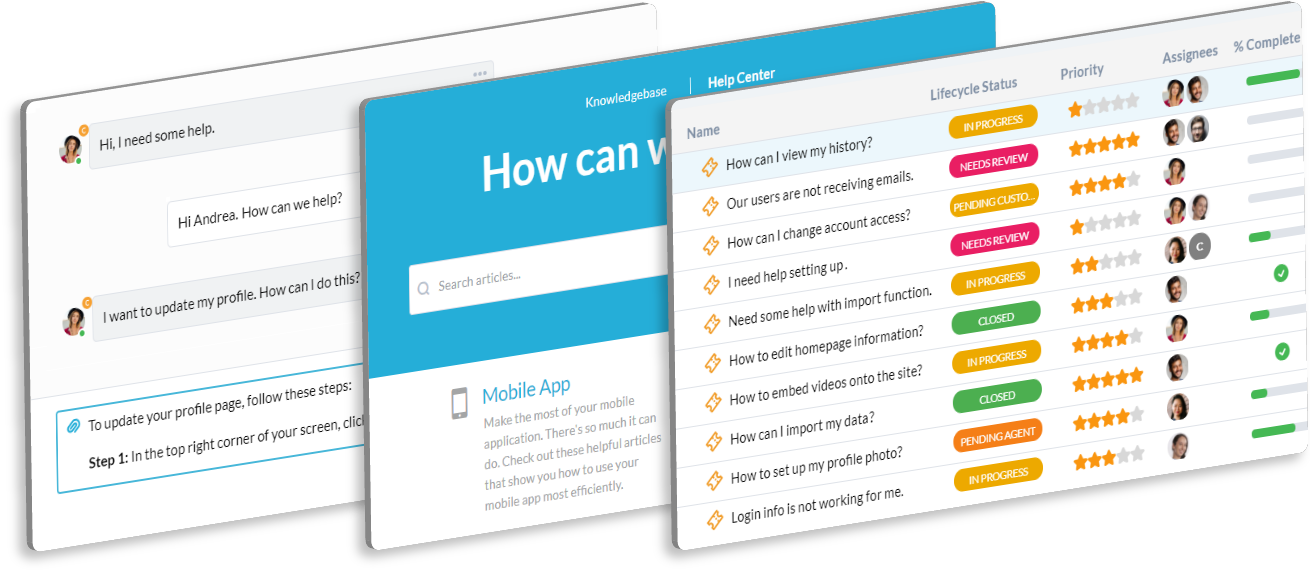
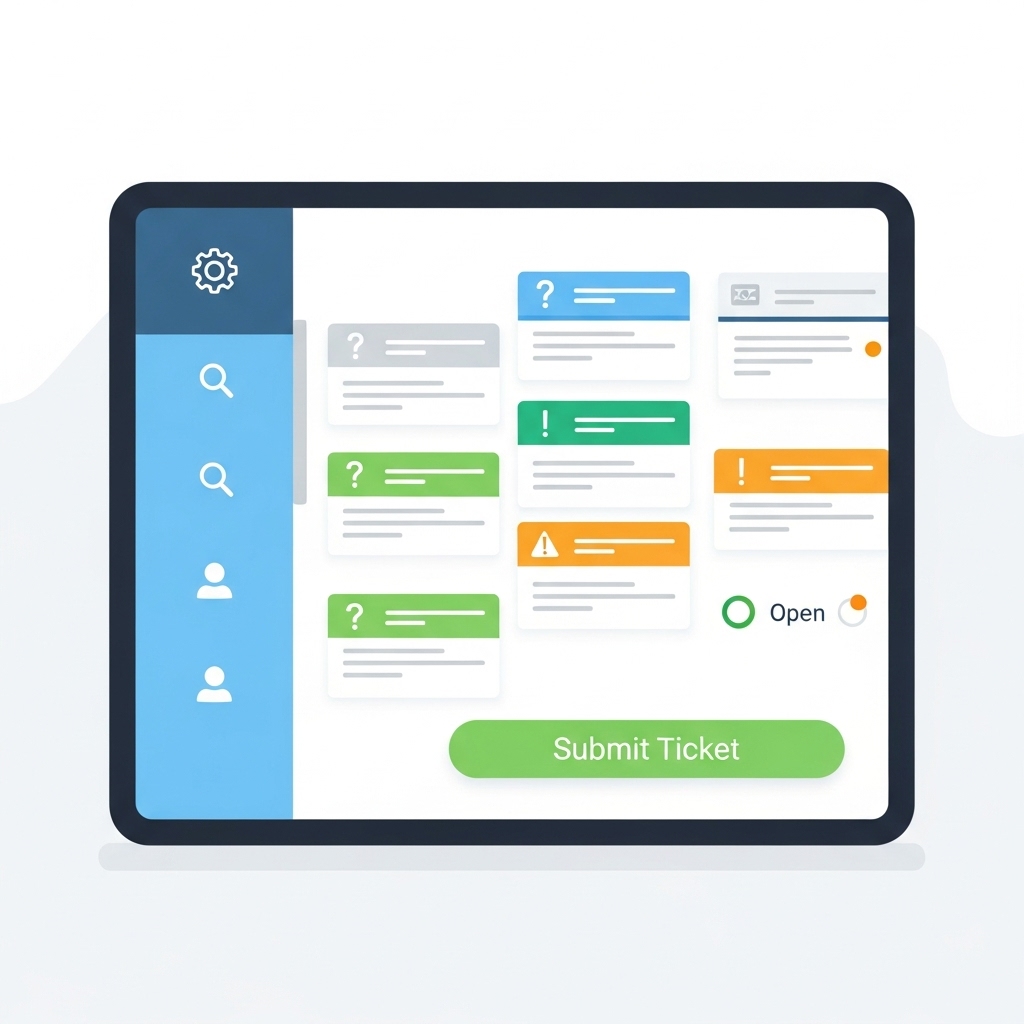
Offer a simple, branded portal for consultants and staff to log their IT issues and requests. They can check the status of their ticket easily. The Knowledge Base can host "How-To" guides for secure client network access, critical software, and remote working tools. This frees up your agents.
AI Quickly Suggests Fixes for Common Consultant IT Issues
Consultants often run into similar, complex software or access problems while on client sites. Paste error logs or detailed user descriptions into the ticket. The AI can summarize the issue and suggest known fixes from your historical data. This significantly speeds up resolution time for technical staff.
Integrate with your tools
Enterprise Grade Security
FAQ
OneDesk has affordable pricing based on your product, plan, and number of user licenses.
See our pricing page for full details.
OneDesk is available both in the cloud and on-premise. Pricing for OneDesk On-Premise is the same as for our Cloud Enterprise plan, but is only available for annual or longer-term subscriptions. To evaluate OneDesk, please sign up for a 14-day free trial of our cloud software. If after evaluation of the software, you would like to purchase on-premise licenses, please Submit a Request we will send you an invoice for the number of users you require.
Of course! You can visit our feature index page for a full list of features. To compare product or plan features see our feature comparison page.
You can ask our AI agent questions via the live chat or knowledgebase in our widget. A human agent is also available to chat during business hours.
We also offer other support options including booking a live demo or submitting an email or ticket.
OneDesk provides a high level of security. You can learn about the measures we take at our security center.
See for yourself how OneDesk can help your team.
14 day free trial. No credit card required.