Manage Internal Staff and Client Project IT Needs
Your IT team provides internal staff support (hardware/software) and manages specialized IT environments for client projects. You need a reliable help desk and system for infrastructure projects. OneDesk is your unified internal and project IT work platform.
Trusted by Consulting Firm teams around the world
Overwhelmed by Internal and Client Project IT Issues
IT support for a consulting firm is dynamic, including internal staff tools and client-specific project environments. OneDesk turns every staff and project issue into a trackable ticket. This allows for quick prioritization of critical client project needs over routine internal issues. Maximize staff productivity and client delivery.
Multi-Channel Internal Help Desk Ticketing
Provide a portal, live chat, and connected email for staff to report IT issues. All submissions become tickets. Set up strict SLAs for critical client project system outages. Custom views separate the internal staff support queue from the client project environment support queue. Support is efficient and focused.
Manage Infrastructure Upgrades and Tool Rollouts
Treat large projects like a new client collaboration platform rollout or a corporate software upgrade as structured projects. Break down the project into technical tasks with dependencies. Assign specialized work to system admins. Use project roadmaps to plan major system replacements over slow periods. Ensure changes are seamless.
Automate IT Service Desk Triage and Asset Tracking
Automatically assign a "Client VPN Access" ticket to the specific client project administrator. Escalate any ticket categorized as a "Data Security Alert" to the security team instantly. Send an automated notification to a staff member when their software request is fulfilled. Automation ensures immediate and correct routing of issues.
Track Effort for Internal and Client Project IT Support
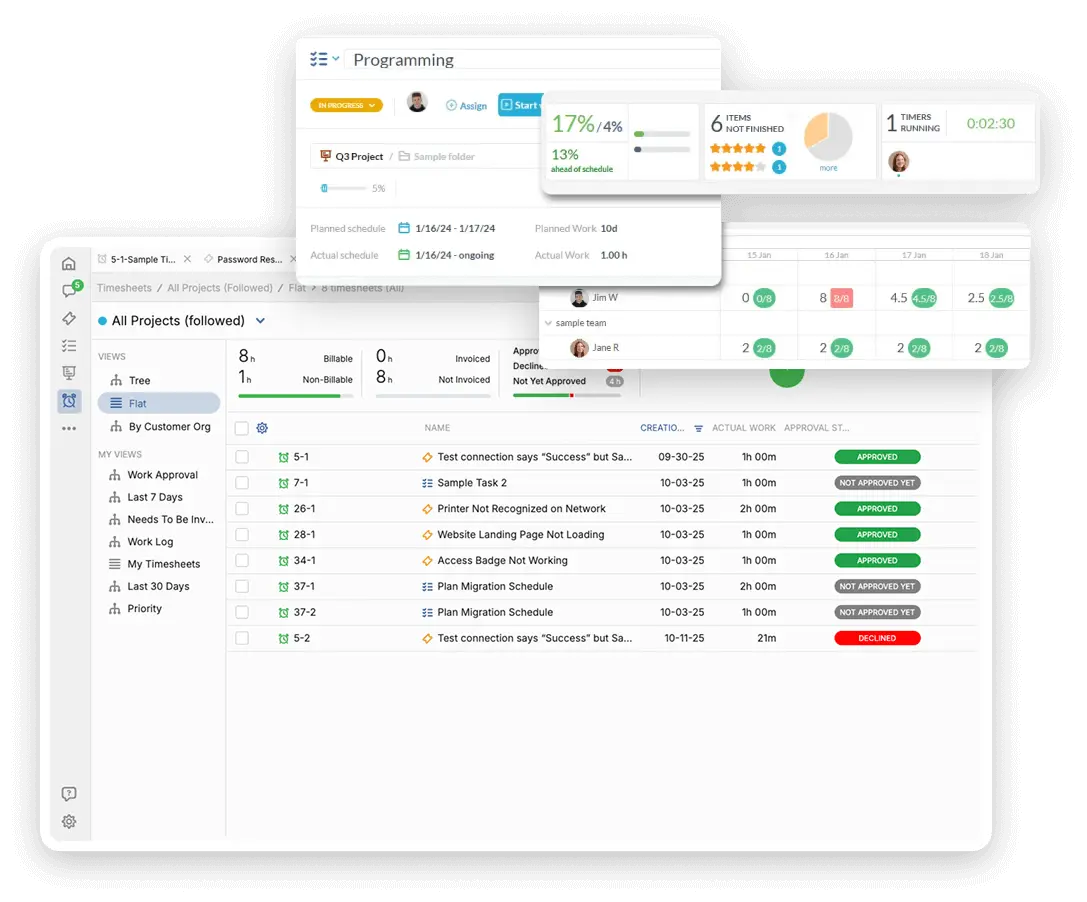
IT is a cost center, but tracking time provides clarity for client billing. Log billable time for any client-specific environment setup or technical support. Track internal non-billable time spent supporting staff versus managing large internal projects. Use this data to justify technology budget increases and show the value of your team's support.
AI for Faster Troubleshooting and Documentation
The AI assistant can summarize long user problem descriptions or detailed system logs. Use AI to draft quick, clear documentation for staff on using new internal tools. It can help the help desk categorize incoming issues instantly. This speeds up first-call resolution. Your IT staff spend less time on documentation.
Integrate with your tools
Enterprise Grade Security
FAQ
OneDesk has affordable pricing based on your product, plan, and number of user licenses.
See our pricing page for full details.
OneDesk is available both in the cloud and on-premise. Pricing for OneDesk On-Premise is the same as for our Cloud Enterprise plan, but is only available for annual or longer-term subscriptions. To evaluate OneDesk, please sign up for a 14-day free trial of our cloud software. If after evaluation of the software, you would like to purchase on-premise licenses, please Submit a Request we will send you an invoice for the number of users you require.
Of course! You can visit our feature index page for a full list of features. To compare product or plan features see our feature comparison page.
You can ask our AI agent questions via the live chat or knowledgebase in our widget. A human agent is also available to chat during business hours.
We also offer other support options including booking a live demo or submitting an email or ticket.
OneDesk provides a high level of security. You can learn about the measures we take at our security center.
See for yourself how OneDesk can help your team.
14 day free trial. No credit card required.