Centralize Design Requests for Legal Presentations and Reports
Your Design team creates presentations, reports, and visual exhibits for high-stakes legal matters. You need a system to manage internal requests, track partner feedback, and maintain client confidentiality. OneDesk organizes all creative fulfillment projects.
Trusted by Law Firm teams around the world
Stop Losing Design Specs in Email
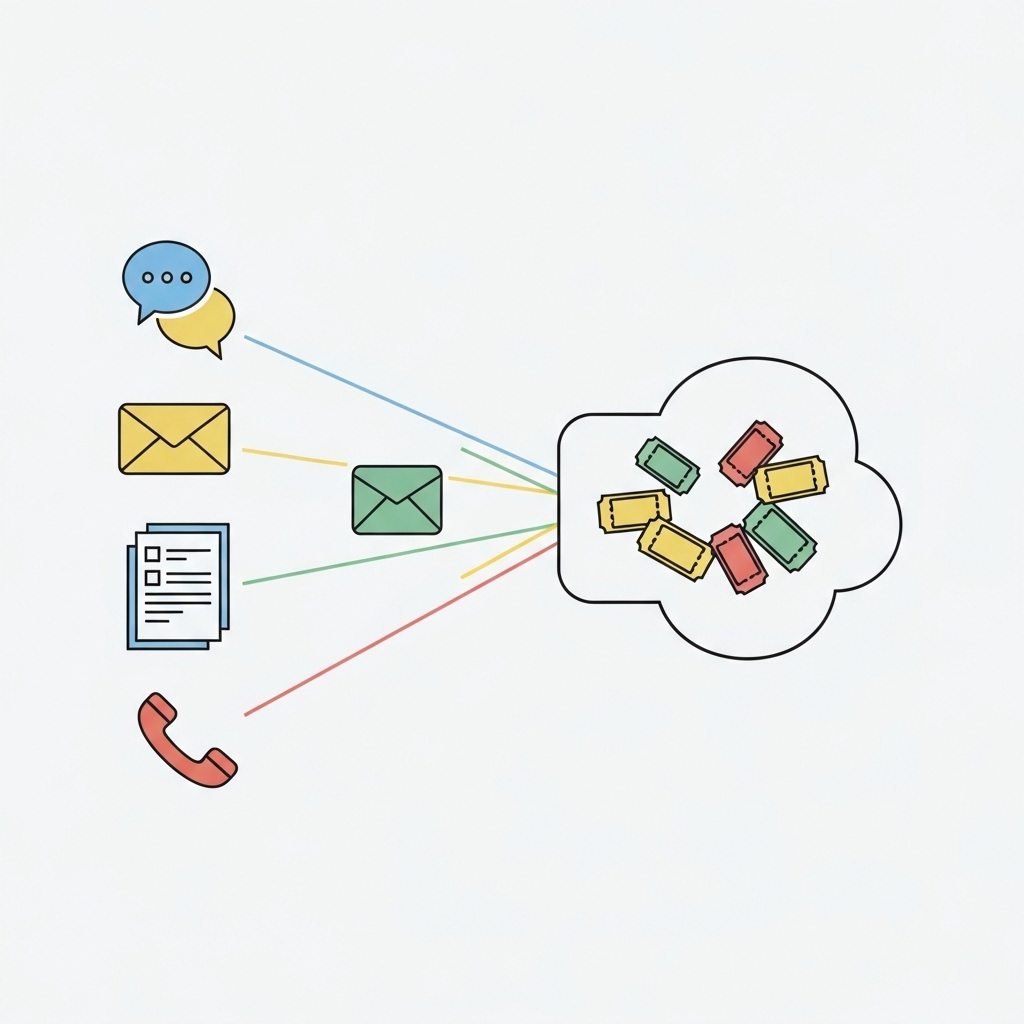
Law firms get requests from Partners, associates, and marketing for various assets. These often arrive as messy emails with attachments. OneDesk converts every internal email into a trackable ticket. This centralizes all design specifications and technical requirements. Your team never misses a key revision for a court exhibit or a client presentation.
Slow Approval Cycles for Client Submissions
Waiting for Partner sign-off can halt a crucial filing or client meeting preparation. OneDesk's workflow helps route draft presentations and report graphics automatically. Set up specific approval paths for your Partners or Compliance team. Reduce the back-and-forth and deliver faster.
Centralized Ticketing for Legal Design Fulfillment
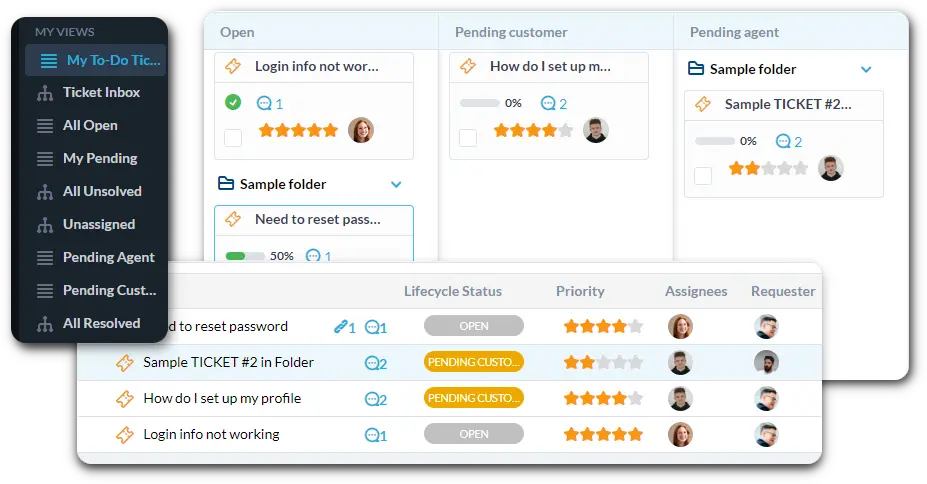
Manage all internal creative tasks in one place. Connect your team's intake email to instantly create tickets. Use custom views to filter by "Trial Exhibit Design" or "High-Priority Report Graphics." Track time spent on each ticket for accurate client billing.
Automatically Route Design Tasks by Partner/Case
Automation handles the grunt work of triage. Automatically tag requests that mention a specific client or Partner as high-priority. Send any new presentation graphic request straight to the correct designer. Use workflows to notify the project lead instantly when their design is ready for review.
Simple Submission and Tracking for Case Teams
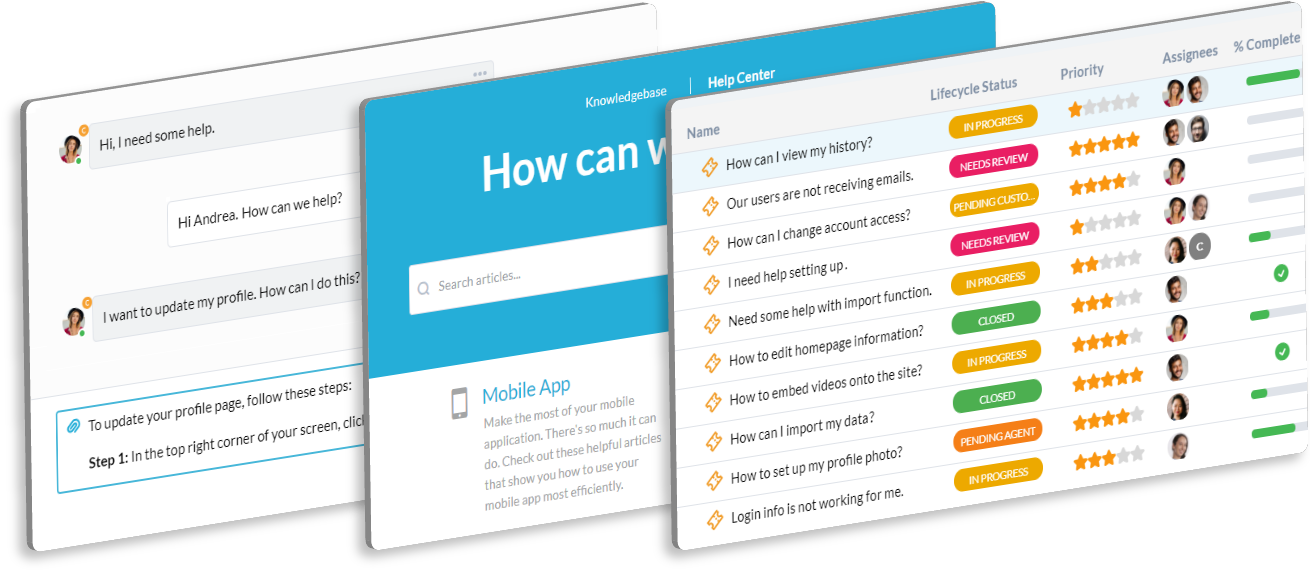
Provide a portal where internal case teams can submit requests easily. The portal lets them see the status of their presentation deck or report graphic request. Use the Knowledge Base to host firm branding and standard template files. This reduces repetitive questions and saves your team time.
AI Summarizes Partner Feedback and Notes
AI can quickly summarize long email chains full of partner or associate feedback. Get the main action items for design revisions in seconds. Use the AI to help draft clear replies for your team, keeping the tone professional and precise. This speeds up revisions and project delivery.
Integrate with your tools
Enterprise Grade Security
FAQ
OneDesk has affordable pricing based on your product, plan, and number of user licenses.
See our pricing page for full details.
OneDesk is available both in the cloud and on-premise. Pricing for OneDesk On-Premise is the same as for our Cloud Enterprise plan, but is only available for annual or longer-term subscriptions. To evaluate OneDesk, please sign up for a 14-day free trial of our cloud software. If after evaluation of the software, you would like to purchase on-premise licenses, please Submit a Request we will send you an invoice for the number of users you require.
Of course! You can visit our feature index page for a full list of features. To compare product or plan features see our feature comparison page.
You can ask our AI agent questions via the live chat or knowledgebase in our widget. A human agent is also available to chat during business hours.
We also offer other support options including booking a live demo or submitting an email or ticket.
OneDesk provides a high level of security. You can learn about the measures we take at our security center.
See for yourself how OneDesk can help your team.
14 day free trial. No credit card required.