Simple Design Request Management for Nonprofits
Your design team is busy making mission-critical materials. Stopping to track requests and feedback takes valuable time. OneDesk makes it simple to centralize all creative tasks and client approvals in one spot.
Trusted by Nonprofit Organization teams around the world
Stop Losing Design Requests in Email
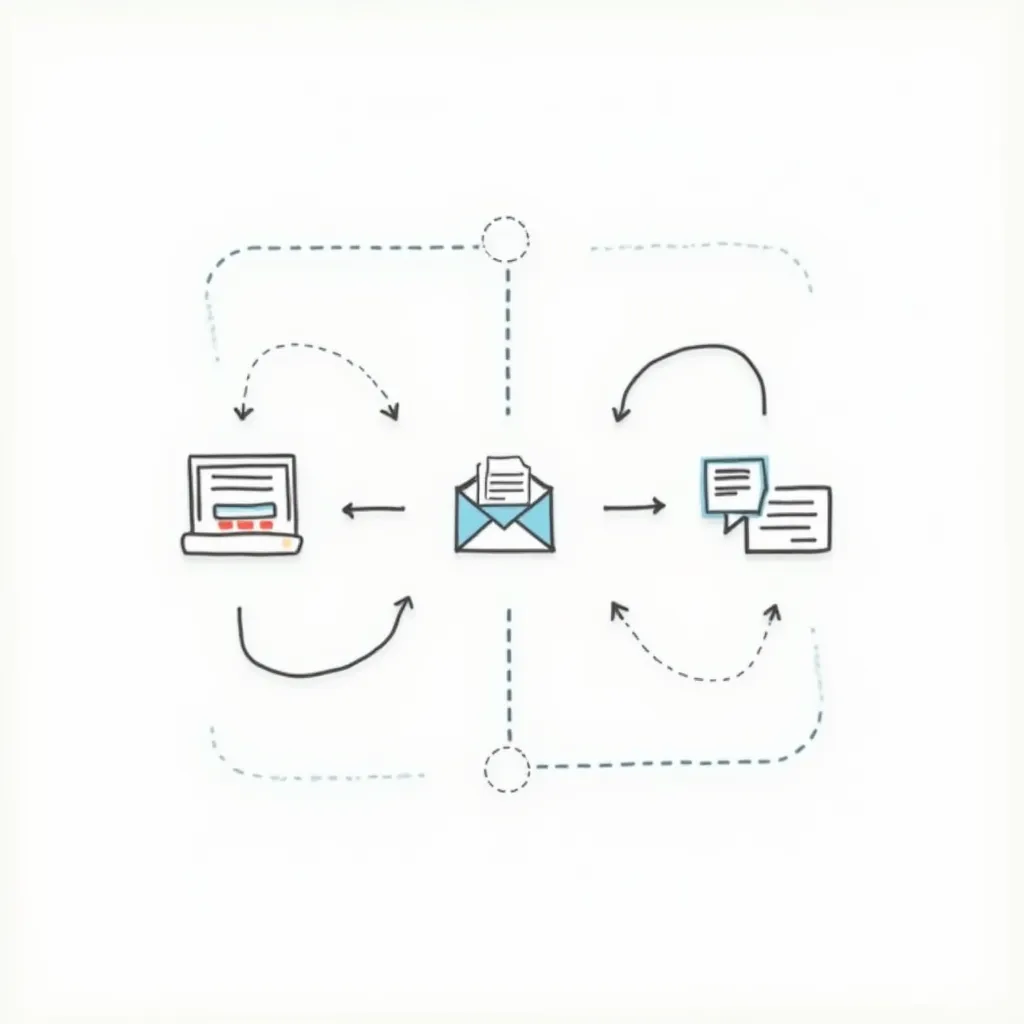
Nonprofits get requests from many departments. These often come via messy emails or chat messages. OneDesk turns every email into a trackable ticket. Your team never misses a key request for a flyer, website banner, or annual report design. All communication stays with the ticket.
Improve Stakeholder Review and Approval Times
Waiting for approval slows down your mission. OneDesk's workflow helps route drafts automatically. Set up specific paths for your marketing director or board members to review. Reduce the back-and-forth and launch campaigns faster.
Centralize All Requests and Feedback in One View
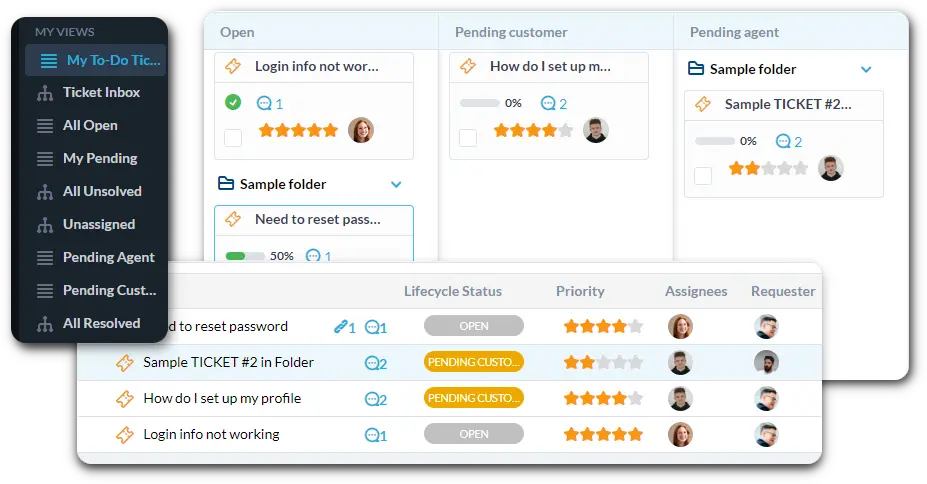
OneDesk is your main hub for all design tickets. Connect your team's email addresses to automatically create tickets. Use custom views to see "Website Updates" or "Fundraising Campaign Materials." Set up Service Level Agreements (SLAs) for urgent requests like grant submission designs.
Automatically Assign Tasks for Faster Delivery
Automation handles the grunt work of triage. Automatically tag requests that mention "Annual Report" as high-priority. Send any new website design ticket straight to the lead designer. Use workflows to notify the requester instantly when their design is ready for review.
Easy Submission and Tracking for All Employees
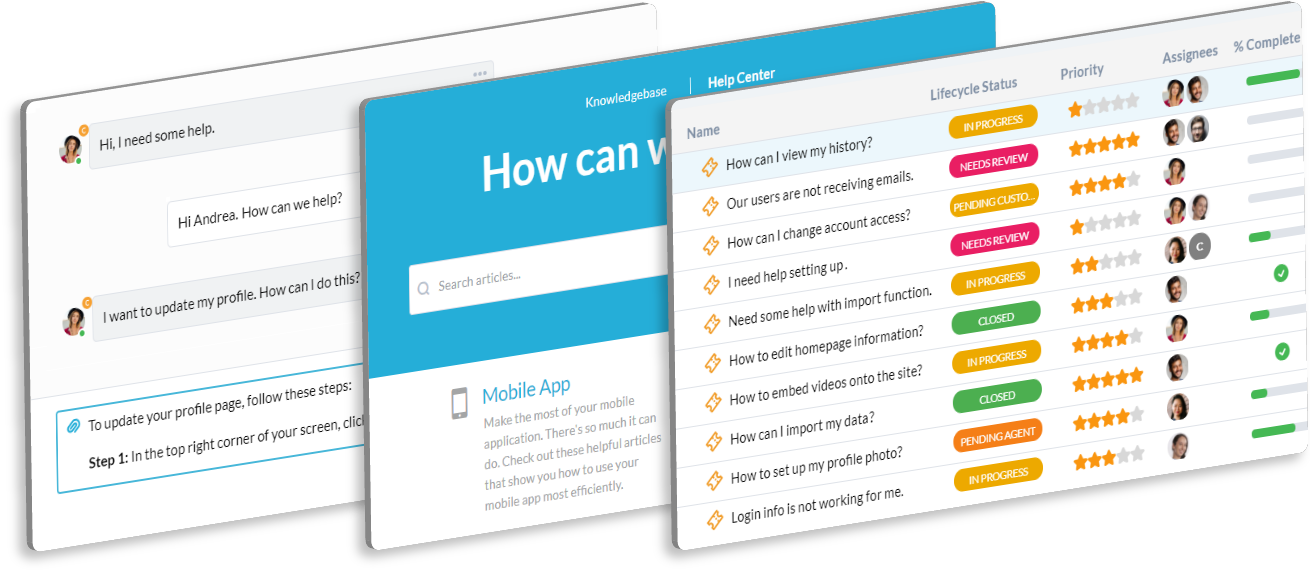
Provide a branded portal where staff can submit requests easily. The portal lets them see the status of their logo, brochure, or social media graphic request. Use the Knowledge Base to host brand guidelines and template files. This reduces repetitive questions and saves your team time.
AI Drafts and Summarizes Creative Feedback
AI can quickly summarize long email chains full of stakeholder feedback. Get the main action items in seconds. Use the AI to help draft clear replies for your team, keeping the tone professional and friendly. This speeds up revisions and final delivery.
Integrate with your tools
Enterprise Grade Security
FAQ
OneDesk has affordable pricing based on your product, plan, and number of user licenses.
See our pricing page for full details.
OneDesk is available both in the cloud and on-premise. Pricing for OneDesk On-Premise is the same as for our Cloud Enterprise plan, but is only available for annual or longer-term subscriptions. To evaluate OneDesk, please sign up for a 14-day free trial of our cloud software. If after evaluation of the software, you would like to purchase on-premise licenses, please Submit a Request we will send you an invoice for the number of users you require.
Of course! You can visit our feature index page for a full list of features. To compare product or plan features see our feature comparison page.
You can ask our AI agent questions via the live chat or knowledgebase in our widget. A human agent is also available to chat during business hours.
We also offer other support options including booking a live demo or submitting an email or ticket.
OneDesk provides a high level of security. You can learn about the measures we take at our security center.
See for yourself how OneDesk can help your team.
14 day free trial. No credit card required.