Design Project Management Made Easy for Nonprofits

Managing design requests for a nonprofit can be tricky. You balance mission-driven needs with limited resources. OneDesk helps your team organize all creative tasks and feedback in one spot.

Trusted by Nonprofit Organization teams around the world

Stop Design Feedback from Getting Lost

OneDesk centralizes all requests for brochures, web graphics, and campaign visuals. You can track every project from idea to final delivery. Keep stakeholders informed without endless email chains. This means faster approvals and less confusion for your design team. Focus on making an impact, not managing spreadsheets.

Simple Submission for All Creative Requests

Use a custom submission portal for all design work. Internal teams and external partners can submit clear requests. Connect your email to turn messages into tickets automatically. Set up SLAs to prioritize urgent campaign needs. Custom views let designers see their specific queue instantly.

Track Design Projects, Not Just Tasks

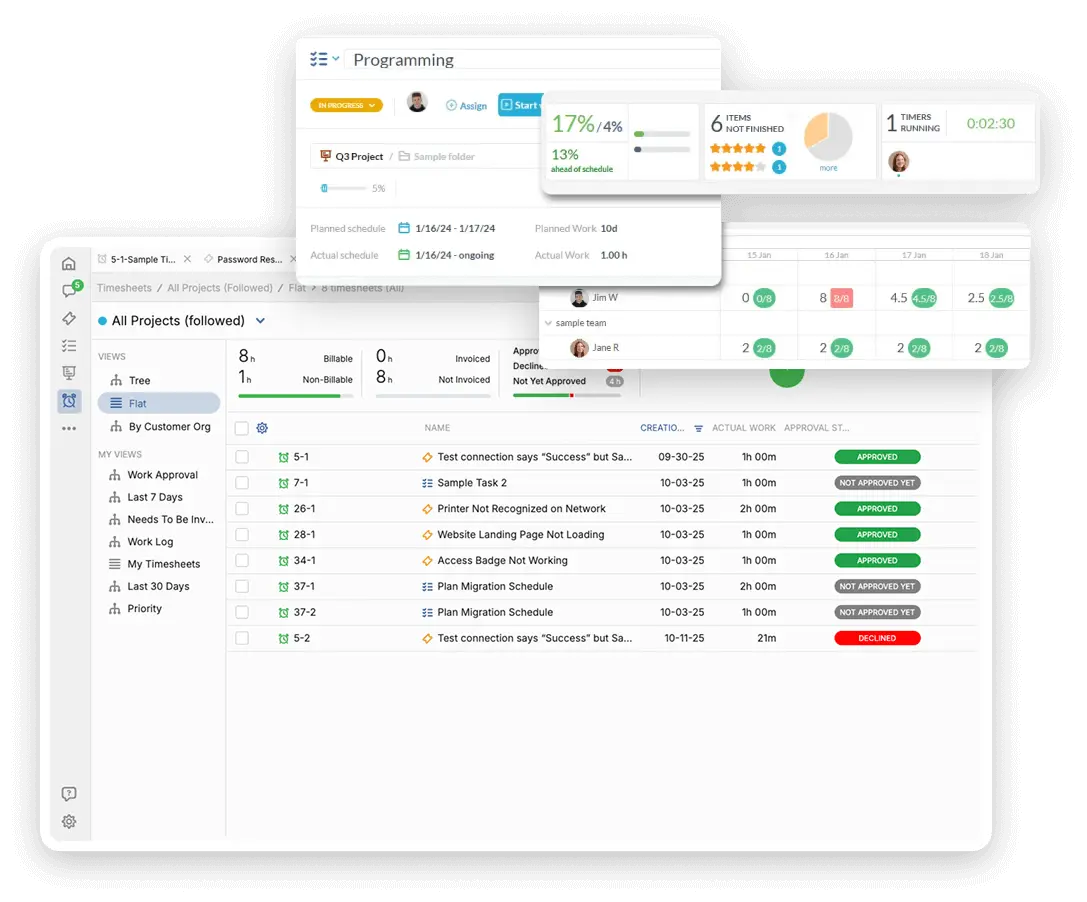
Plan out large campaigns using Gantt charts or Kanban boards. Break down projects like website redesigns into manageable steps. Easily assign tasks to specific designers or freelancers. Track time spent on each creative asset for resource allocation reporting. See overall progress at a glance with personalized dashboards.

Automate Design Workflow and Handoffs

Automatically assign new brochure requests to the correct design specialist. Set up rules to change a task status once a proof is uploaded. Send automatic reminders for overdue feedback. This speeds up the review cycle and keeps projects moving without manual checks. Automation handles the routine, so your team focuses on creativity.

Track Non-Billable Time for Grants

While many nonprofit projects are internal, tracking time is vital for grant reporting. Log billable time for any external client work or partnership projects. Track non-billable hours spent on core mission activities. Generate reports to show effort distribution for funding applications. Quote accurately for services offered to partners or sponsors.

AI Helps Designers Focus on Creating

Use the AI assistant to summarize long email threads about a new project brief. It can draft polite follow-up messages for pending design feedback. AI can help categorize incoming requests instantly. This reduces administrative load. Your design team gets clear, concise information faster to start the creative process.

Integrate with your tools

App integrations with OneDesk

Enterprise Grade Security

FAQ

OneDesk has affordable pricing based on your product, plan, and number of user licenses.
See our pricing page for full details. 

OneDesk is available both in the cloud and on-premise.  Pricing for OneDesk On-Premise is the same as for our Cloud Enterprise plan, but is only available for annual or longer-term subscriptions. To evaluate OneDesk, please sign up for a 14-day free trial of our cloud software. If after evaluation of the software, you would like to purchase on-premise licenses, please Submit a Request we will send you an invoice for the number of users you require.

Of course! You can visit our feature index page for a full list of features. To compare product or plan features see our feature comparison page

You can ask our AI agent questions via the live chat or knowledgebase in our widget. A human agent is also available to chat during business hours.

We also offer other support options including booking a live demo or submitting an email or ticket

OneDesk provides a high level of security. You can learn about the measures we take at our security center

See for yourself how OneDesk can help your team.

14 day free trial. No credit card required. 

Scroll to Top