Get Control of Donor and Vendor Finance Requests

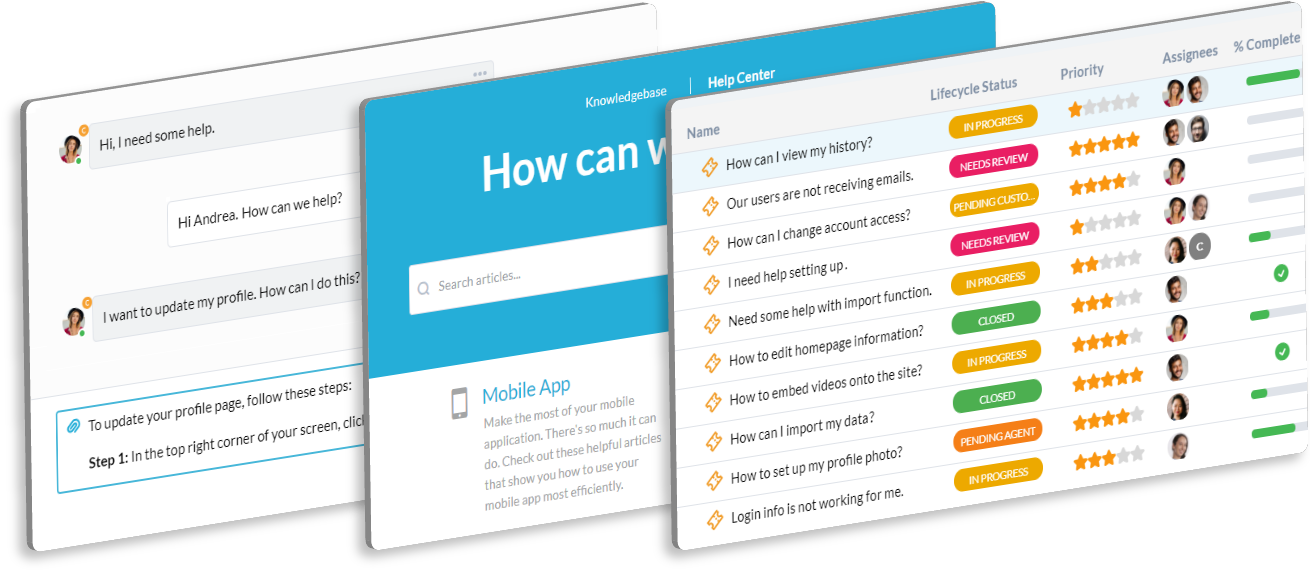
Finance teams handle sensitive, mission-critical tasks for nonprofits. You need a secure, organized way to manage questions about grants, budgets, and vendor payments. OneDesk organizes all incoming finance requests and keeps audit trails clear.

Trusted by Nonprofit Organization teams around the world

Manual Tracking of Vendor and Grant Queries

Stop using spreadsheets and email for tracking finance queries. OneDesk makes every question a traceable ticket with a clear owner. This ensures nothing gets lost before a deadline or a financial report is due. It protects your audit trail and keeps all communication secure.

Protecting Sensitive Financial Data from Prying Eyes

Financial privacy is vital for compliance. OneDesk lets you control who sees which tickets based on role or department. Only authorized staff can view inquiries about payroll or grant details. Secure your data and maintain necessary compliance standards.

Organized Ticketing for Financial Operations

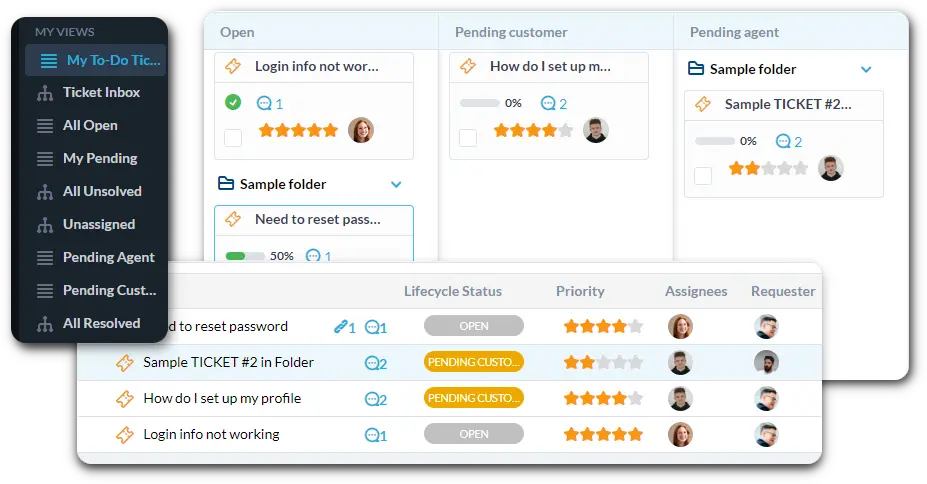
Connect your finance email to OneDesk for instant ticket creation. Set up strict Service Level Agreements (SLAs) for urgent payroll or wire transfer requests. Use custom dashboards to view all "Grant Reporting Questions" or "Budget Approvals" in one place.

Automate Approval Workflows for Payments and Budgets

Automate the movement of tickets requiring sign-off. Send a "Vendor Payment Request" directly to the CFO for approval based on the amount. Use automation to assign a low-priority tag to general budget questions. Instantly notify the requester once their payment has been processed.

Secure Portal for Internal Budget and Payment Requests

Give your internal staff a secure, easy way to ask finance questions. The portal lets employees submit requests and check the status of a reimbursement or payment. The knowledge base can host up-to-date budgeting forms and expense policies. This reduces repetitive questions for your team.

AI Summarizes Complex Auditing or Grant Inquiries

Dealing with dense grant documents and complex budget questions takes time. AI can summarize long, detailed emails from auditors or grant providers. It quickly pulls out the key financial questions or action items needed. This helps your team prioritize work and respond faster.

Integrate with your tools

App integrations with OneDesk

Enterprise Grade Security

FAQ

OneDesk has affordable pricing based on your product, plan, and number of user licenses.
See our pricing page for full details. 

OneDesk is available both in the cloud and on-premise.  Pricing for OneDesk On-Premise is the same as for our Cloud Enterprise plan, but is only available for annual or longer-term subscriptions. To evaluate OneDesk, please sign up for a 14-day free trial of our cloud software. If after evaluation of the software, you would like to purchase on-premise licenses, please Submit a Request we will send you an invoice for the number of users you require.

Of course! You can visit our feature index page for a full list of features. To compare product or plan features see our feature comparison page

You can ask our AI agent questions via the live chat or knowledgebase in our widget. A human agent is also available to chat during business hours.

We also offer other support options including booking a live demo or submitting an email or ticket

OneDesk provides a high level of security. You can learn about the measures we take at our security center

See for yourself how OneDesk can help your team.

14 day free trial. No credit card required. 

Scroll to Top
Exit mobile version