Better Internal HR Support for Your Nonprofit Team

Your HR team supports the people who drive your mission. Providing quick, confidential support is key to employee happiness. OneDesk helps you manage every employee inquiry securely and efficiently.

Trusted by Nonprofit Organization teams around the world

Handling Confidential Employee Inquiries with Care

HR issues are sensitive and must be kept private. OneDesk allows you to create private tickets that only specific HR staff can view. This ensures full confidentiality for questions about benefits, payroll, or performance reviews. Maintain a secure, compliant record of all interactions.

Slow Response Times on Important Employee Questions

Employees need fast answers about benefits and vacation time. OneDesk lets you set up strict Service Level Agreements (SLAs) for response times. Ensure every ticket about a new hire or exit interview is handled promptly. Quick answers boost internal trust.

Secure and Organized Employee Request Ticketing

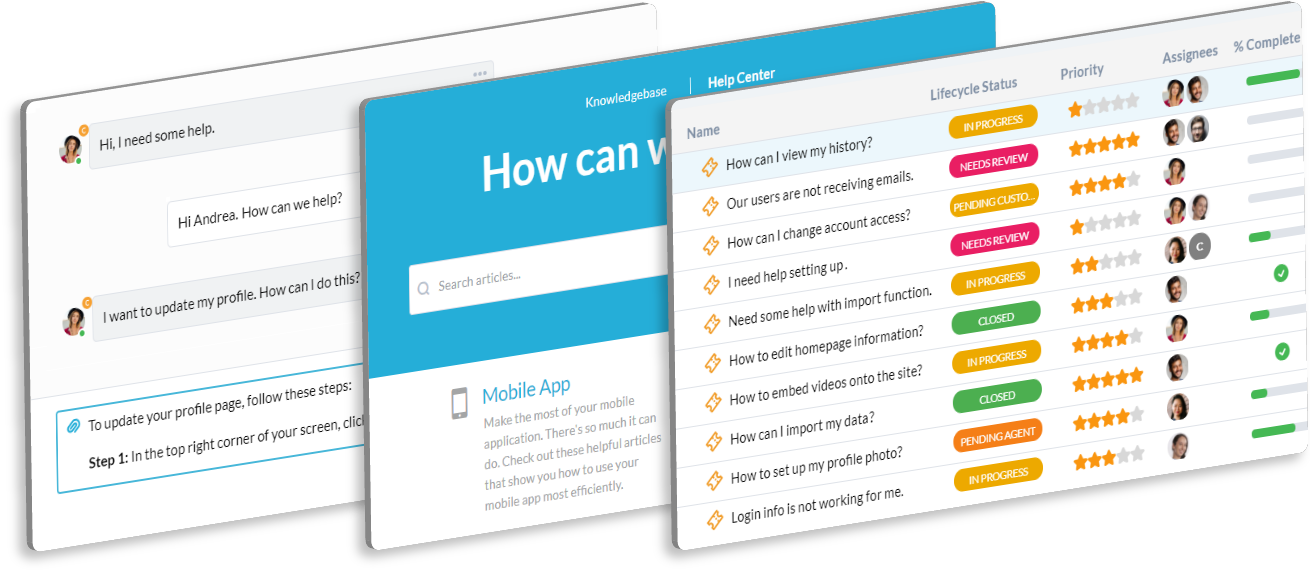
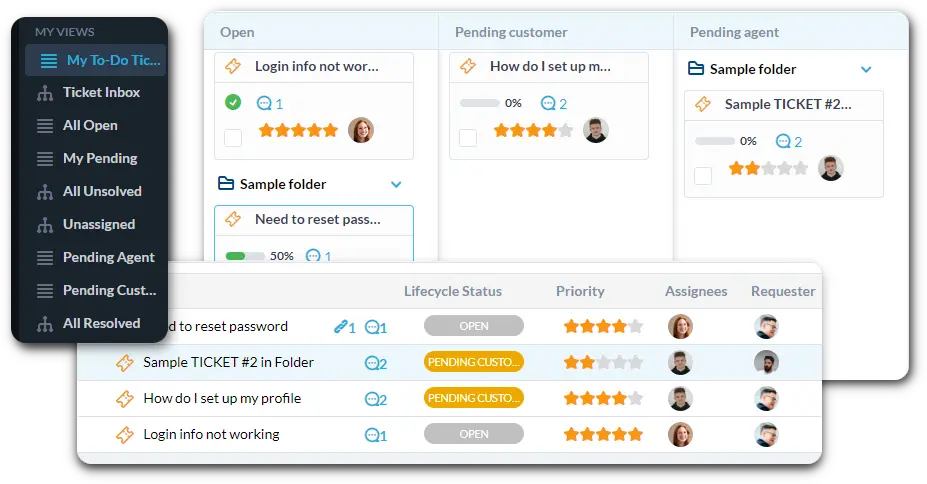
Centralize all HR questions from email, chat, and the employee portal. Set up custom views to filter by "Onboarding," "Payroll," or "General Benefits." Automatically log all communication within the ticket for a clear audit trail and compliance record.

Automate Onboarding and Offboarding Workflows

Use automation to streamline common HR tasks. A new "Onboarding" ticket can automatically trigger an email to IT and Facilities for setup. Instantly assign any "Payroll Issue" ticket to the correct payroll specialist. This saves time on manual routing.

Private Employee Portal for Sensitive HR Matters

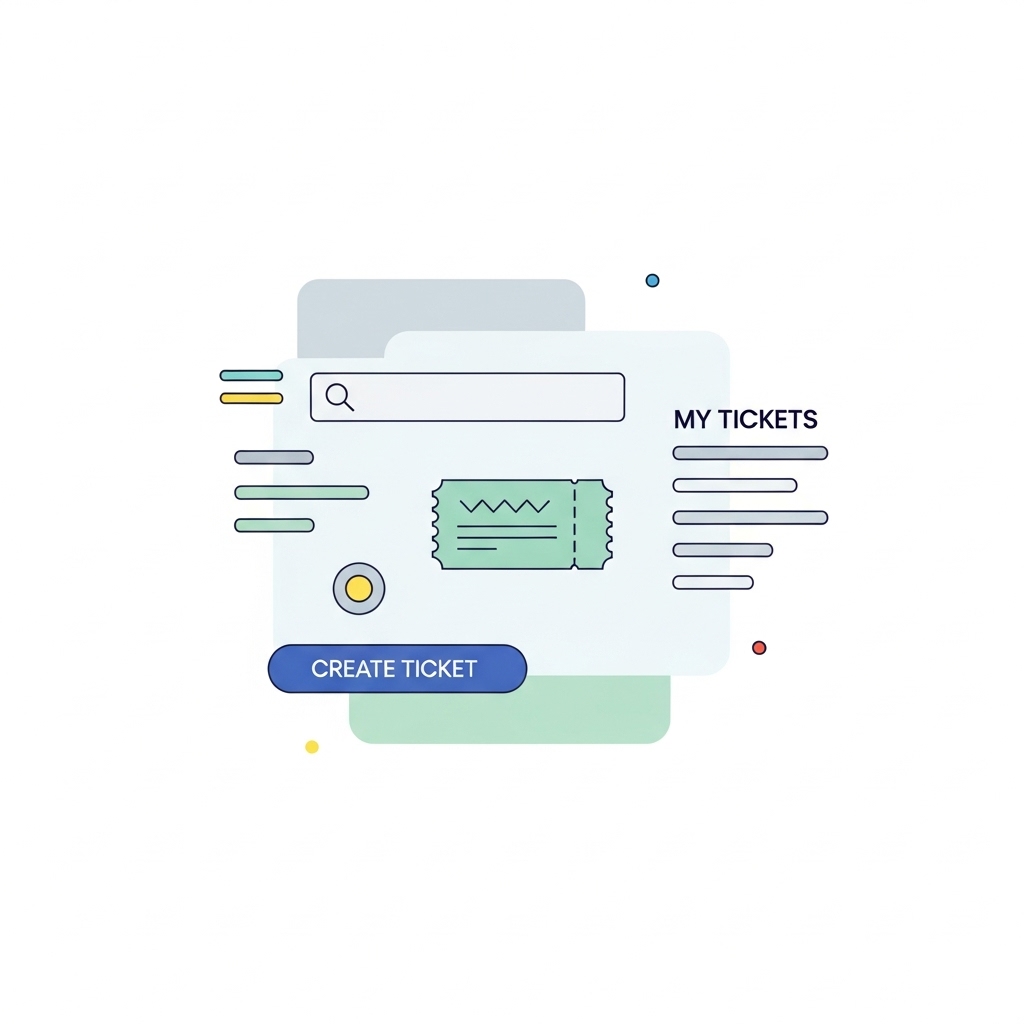
Offer a private portal where employees can securely submit confidential questions. The portal is a trusted place for staff to track the status of their requests. Use the Knowledge Base to host FAQs on benefits, policy manuals, and vacation request forms. This encourages self-service.

AI Helps Draft Policies and Summarize Employee Issues

Drafting clear internal communications and summarizing performance feedback is time-consuming. AI can summarize long employee issue reports, highlighting core concerns. It can also help you draft clear, professional replies for common policy questions. This speeds up your daily admin tasks.

Integrate with your tools

App integrations with OneDesk

Enterprise Grade Security

FAQ

OneDesk has affordable pricing based on your product, plan, and number of user licenses.
See our pricing page for full details. 

OneDesk is available both in the cloud and on-premise.  Pricing for OneDesk On-Premise is the same as for our Cloud Enterprise plan, but is only available for annual or longer-term subscriptions. To evaluate OneDesk, please sign up for a 14-day free trial of our cloud software. If after evaluation of the software, you would like to purchase on-premise licenses, please Submit a Request we will send you an invoice for the number of users you require.

Of course! You can visit our feature index page for a full list of features. To compare product or plan features see our feature comparison page

You can ask our AI agent questions via the live chat or knowledgebase in our widget. A human agent is also available to chat during business hours.

We also offer other support options including booking a live demo or submitting an email or ticket

OneDesk provides a high level of security. You can learn about the measures we take at our security center

See for yourself how OneDesk can help your team.

14 day free trial. No credit card required. 

Scroll to Top