Keep Nonprofit Operations Running Smoothly and Accountable

Operations teams manage the physical and administrative needs of the organization. You need a fast, reliable way to handle facility issues, procurement, and administrative support. OneDesk ensures all needs are met efficiently.

Trusted by Nonprofit Organization teams around the world

Manually Managing Facility Issues and Office Requests

Operations requests—from a leaky faucet to an office supply order—come in constantly. OneDesk turns these messy requests into trackable tickets. You can easily assign them to the right vendor or staff member. No more dropped balls or forgotten maintenance.

Lack of Tracking for Vendor and Maintenance Response Times

You need vendors and internal teams to meet deadlines for repairs. Use OneDesk to set Service Level Agreements (SLAs) with internal teams or external vendors. Ensure urgent issues like HVAC failure are addressed immediately. This keeps your facilities functional.

Centralized Ticketing for Facilities and Admin Support

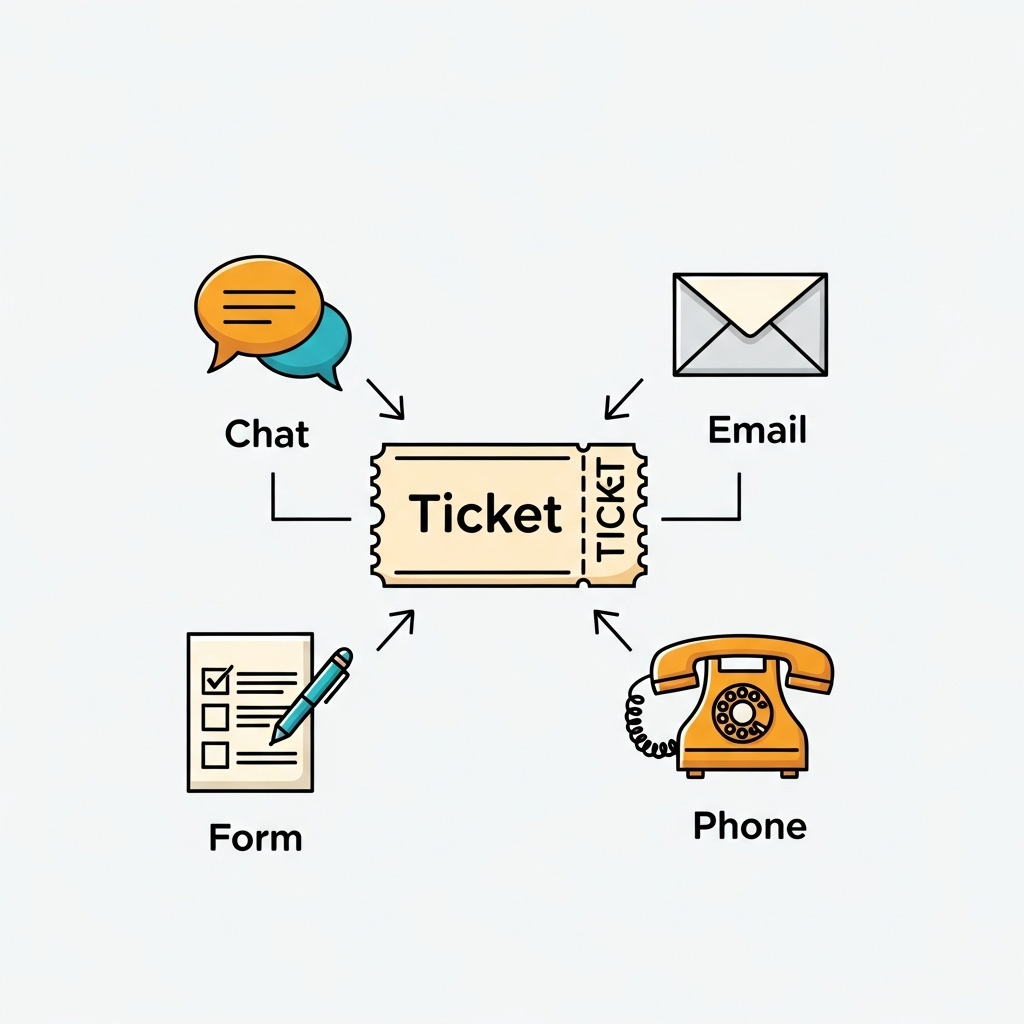
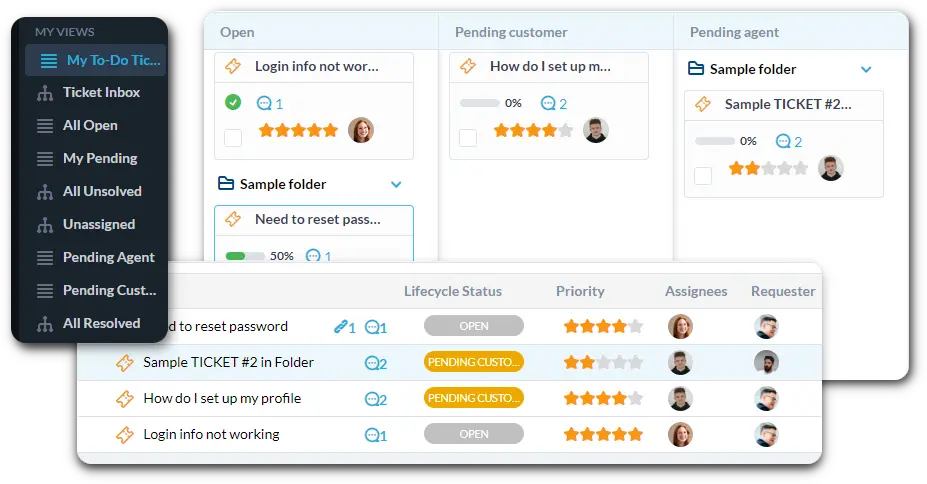
Connect your operations and facilities email to OneDesk for instant ticket creation. Set up custom views to see all "Maintenance Requests" or "Procurement Needs." Log all vendor communication within the ticket for a clear history.

Automate Facility Triage and Vendor Routing

Automation speeds up the response to common issues. Automatically send a "Plumbing Issue" ticket to your facilities vendor instantly. Tag any ticket mentioning "new computer" as a procurement request. Use automation to notify the manager if a task is taking too long.

Simple Staff Portal for Office and Facility Requests

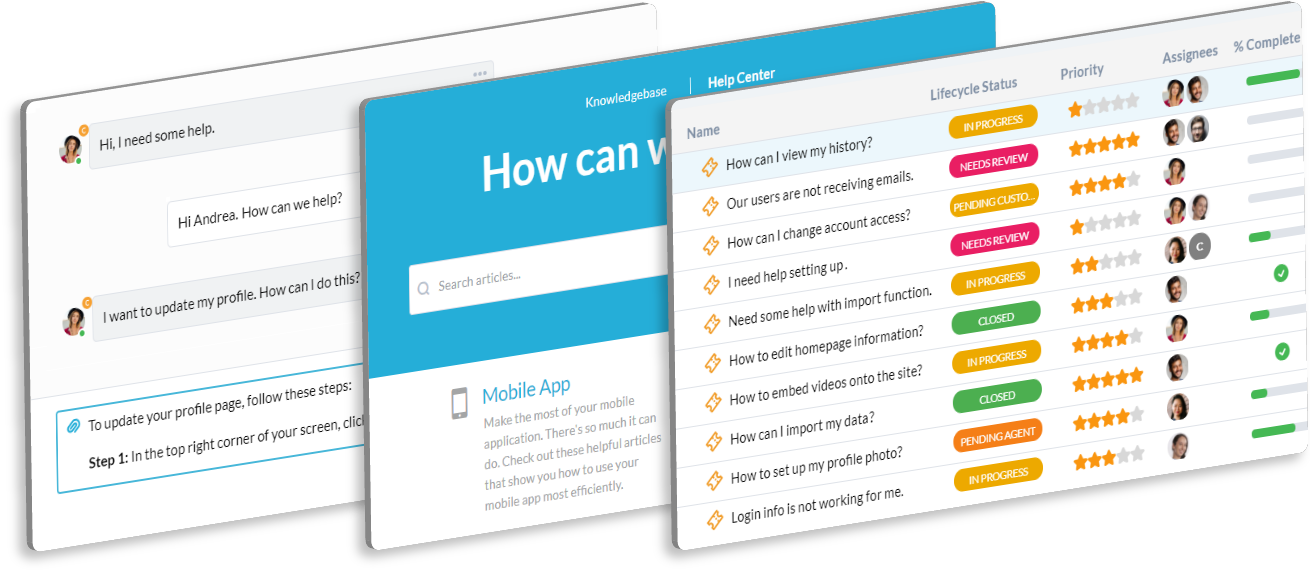
Provide an easy-to-use portal for staff to report any facility issues or administrative needs. Staff can quickly check the status of their repair or supply request. Use the Knowledge Base to host forms for key access, parking permits, and office policies. This reduces direct phone calls.

AI Summarizes Issue Reports and Vendor Communication

Long emails from vendors about maintenance status or repair schedules are common. AI can summarize these lengthy updates into quick bullet points for your team. It helps draft clear work orders or service requests. This speeds up communication and task allocation.

Integrate with your tools

App integrations with OneDesk

Enterprise Grade Security

FAQ

OneDesk has affordable pricing based on your product, plan, and number of user licenses.
See our pricing page for full details. 

OneDesk is available both in the cloud and on-premise.  Pricing for OneDesk On-Premise is the same as for our Cloud Enterprise plan, but is only available for annual or longer-term subscriptions. To evaluate OneDesk, please sign up for a 14-day free trial of our cloud software. If after evaluation of the software, you would like to purchase on-premise licenses, please Submit a Request we will send you an invoice for the number of users you require.

Of course! You can visit our feature index page for a full list of features. To compare product or plan features see our feature comparison page

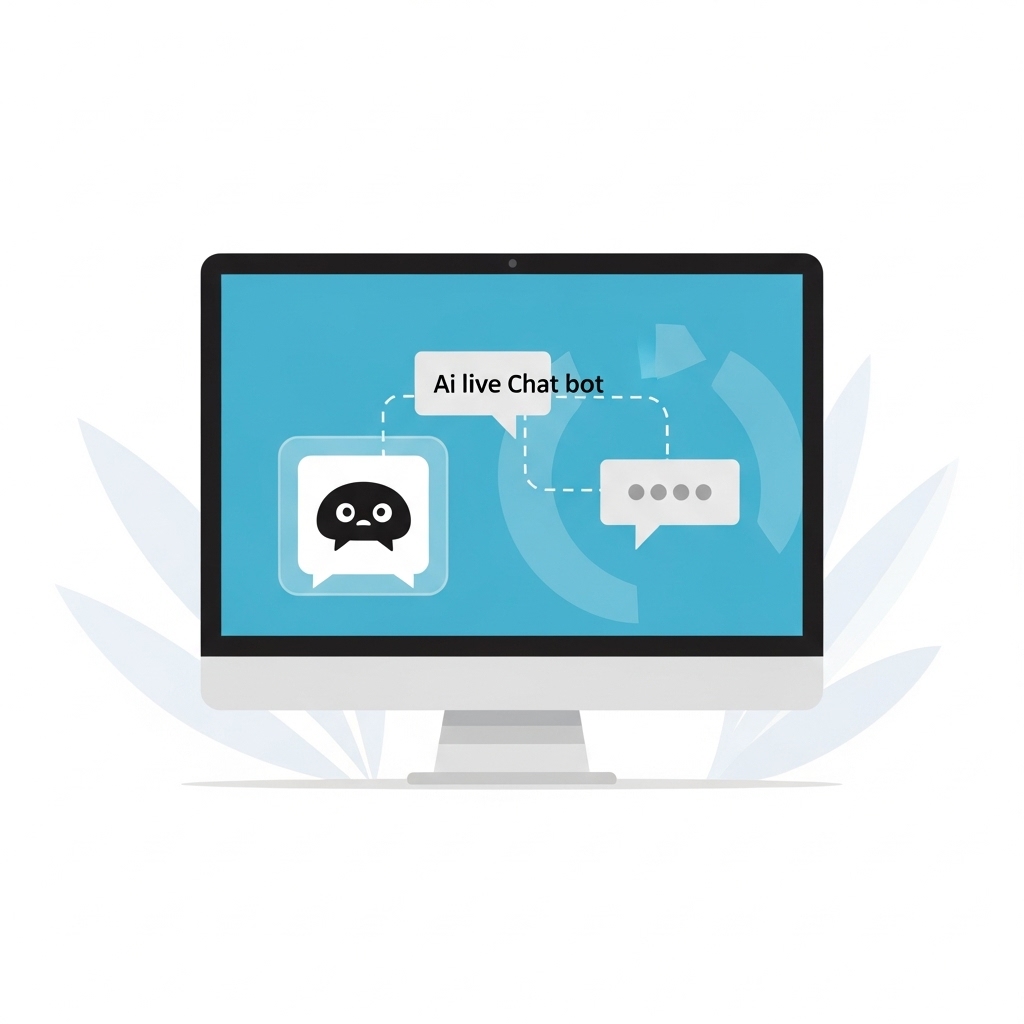
You can ask our AI agent questions via the live chat or knowledgebase in our widget. A human agent is also available to chat during business hours.

We also offer other support options including booking a live demo or submitting an email or ticket

OneDesk provides a high level of security. You can learn about the measures we take at our security center

See for yourself how OneDesk can help your team.

14 day free trial. No credit card required. 

Scroll to Top
Exit mobile version