Deliver Excellent Constituent and Program Support
Your Support team is the front line for your constituents and beneficiaries. Fast, empathetic help is crucial to your nonprofit's mission delivery. OneDesk gives you the tools to manage high-volume support efficiently.
Trusted by Nonprofit Organization teams around the world
Overwhelmed by High Volume of Constituent Inquiries
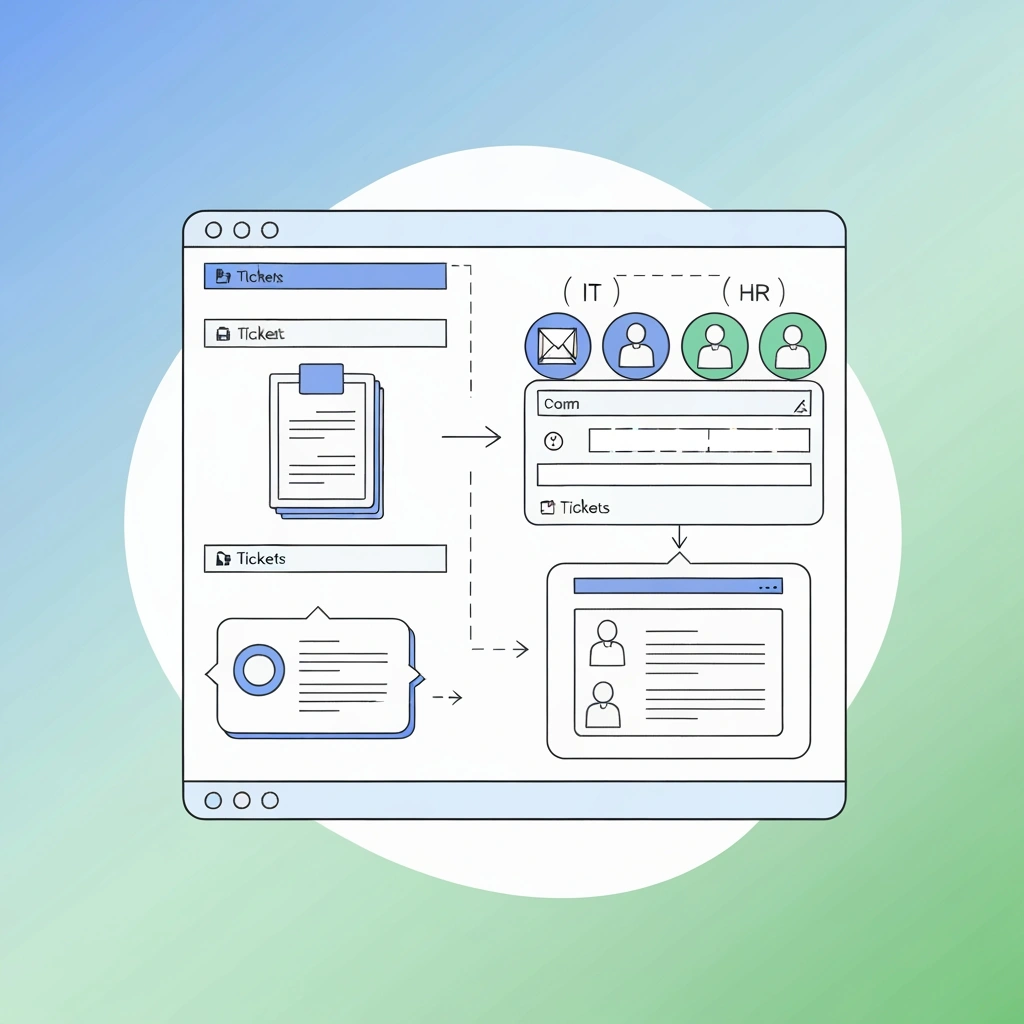
Constituent support can be high-volume and emotionally demanding. OneDesk centralizes every inquiry from email, web, and chat into one queue. Agents can easily manage tickets, reducing stress and ensuring no request is missed. Provide better service to those you serve.
No Clear Way to Measure Support Impact on the Mission
You need to track how quickly and effectively you are helping people. Set up Service Level Agreements (SLAs) for different types of support requests. Use reporting to measure response and resolution times for key programs. Prove your support team's value to the mission.
Multichannel Ticketing for Constituent Support
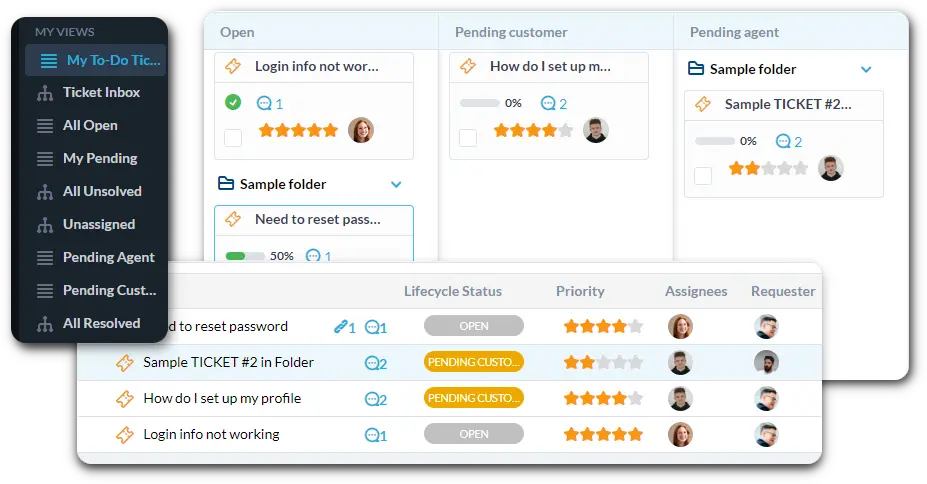
Centralize all support—whether from a program email, the website, or live chat. Use custom views to filter by "Program Enrollment Question" or "Urgent Crisis Support." Log every interaction for a complete constituent history.
Automate Triage for Mission-Critical Support Requests
Automation instantly directs urgent needs to the right staff member. Automatically assign any ticket mentioning "crisis" or "urgent help" to a high-priority queue. Route "Donation Receipt" questions to the finance team. This ensures immediate attention to the most important tickets.
Constituent Portal and Self-Service Knowledge Base
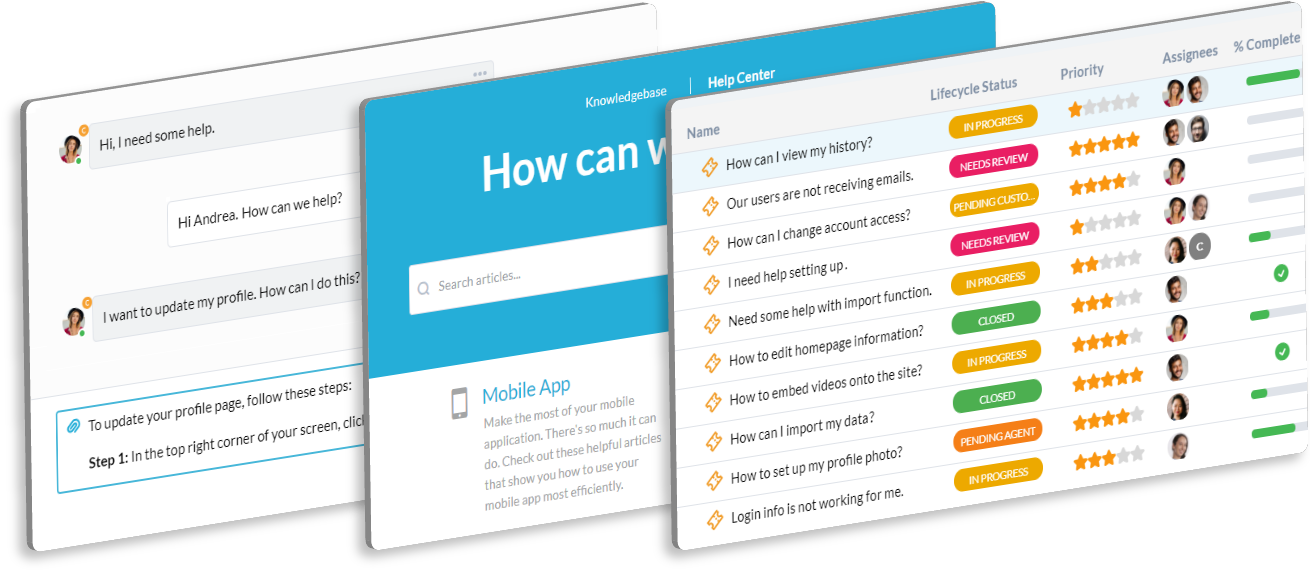
Offer an easy-to-use portal for constituents to submit requests and check status. The Knowledge Base can host self-help articles on program eligibility, application guides, and common FAQs. This deflects simple questions, letting agents focus on complex needs.
AI Helps Agents Draft Compassionate and Fast Replies
Responding to high-volume inquiries can be repetitive and time-consuming. AI can summarize long, complex user issues into quick points for the agent. It can help draft empathetic, yet professional, replies to common questions. This boosts agent productivity and service quality.
Integrate with your tools
Enterprise Grade Security
FAQ
OneDesk has affordable pricing based on your product, plan, and number of user licenses.
See our pricing page for full details.
OneDesk is available both in the cloud and on-premise. Pricing for OneDesk On-Premise is the same as for our Cloud Enterprise plan, but is only available for annual or longer-term subscriptions. To evaluate OneDesk, please sign up for a 14-day free trial of our cloud software. If after evaluation of the software, you would like to purchase on-premise licenses, please Submit a Request we will send you an invoice for the number of users you require.
Of course! You can visit our feature index page for a full list of features. To compare product or plan features see our feature comparison page.
You can ask our AI agent questions via the live chat or knowledgebase in our widget. A human agent is also available to chat during business hours.
We also offer other support options including booking a live demo or submitting an email or ticket.
OneDesk provides a high level of security. You can learn about the measures we take at our security center.
See for yourself how OneDesk can help your team.
14 day free trial. No credit card required.