Streamline Design Feedback and Feature UX/UI
Your Design team creates the user experience for your SaaS product, managing a constant flow of feature design and user testing. You need a system to manage requests, design sprints, and developer handoffs. OneDesk organizes your product design workflow.
Trusted by SaaS teams around the world
Stop Design Feedback from Being Disconnected
SaaS design teams receive scattered feedback on mockups and features from product, dev, and user support. OneDesk centralizes all feedback into a structured, trackable ticket system. This ensures clear requirements and faster iteration cycles. Focus on user-centric design, not manual communication.
Simple Submission for Feature and UX Requests
Provide an internal submission portal for product managers and stakeholders to request new features or UX improvements. Connect your in-app feedback channel to capture user suggestions. Set up SLAs to prioritize urgent requests for critical usability issues. Custom views organize requests by product module (e.g., Billing, Dashboard).
Plan Design Sprints and Feature Roadmaps
Manage design efforts for major feature releases or module redesigns as structured projects. Break the work down into design tasks: wireframing, prototyping, and A/B testing. Assign tasks to specific designers. Use visual tracking to ensure designs are ready for development sprints. Keep product vision on track.
Automate Design Review and Handoff Workflows
Automatically assign new feature design requests to the appropriate UX/UI specialist. Set up rules to move a task to 'Dev Ready' once all design files are attached. Send automatic reminders to product managers for overdue design approval. Automation ensures a smooth handoff from design to engineering.
Track Internal Design Time for Product Costing
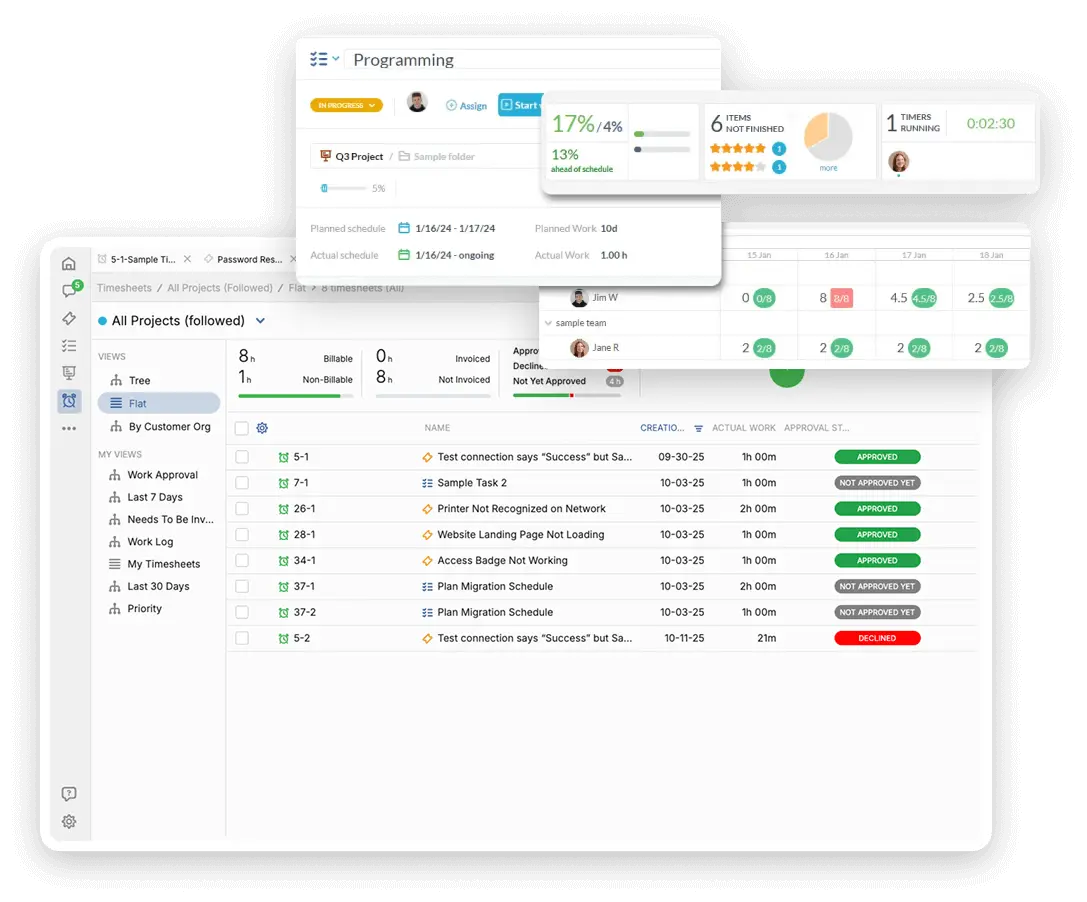
Track the internal non-billable time spent supporting different product teams. Log billable time for design services charged to a specific enterprise client or custom integration. Generate internal quotes for new product feature design. Use time tracking for accurate resource allocation and product costing.
AI Helps Design Triage and Feedback Summaries
Use the AI assistant to summarize long user testing reports or stakeholder feedback into concise action items. It can help draft clear requirements documentation for developers. AI can categorize incoming requests by product area instantly. This reduces administrative overhead. Your team delivers well-defined designs faster.
Integrate with your tools
Enterprise Grade Security
FAQ
OneDesk has affordable pricing based on your product, plan, and number of user licenses.
See our pricing page for full details.
OneDesk is available both in the cloud and on-premise. Pricing for OneDesk On-Premise is the same as for our Cloud Enterprise plan, but is only available for annual or longer-term subscriptions. To evaluate OneDesk, please sign up for a 14-day free trial of our cloud software. If after evaluation of the software, you would like to purchase on-premise licenses, please Submit a Request we will send you an invoice for the number of users you require.
Of course! You can visit our feature index page for a full list of features. To compare product or plan features see our feature comparison page.
You can ask our AI agent questions via the live chat or knowledgebase in our widget. A human agent is also available to chat during business hours.
We also offer other support options including booking a live demo or submitting an email or ticket.
OneDesk provides a high level of security. You can learn about the measures we take at our security center.
See for yourself how OneDesk can help your team.
14 day free trial. No credit card required.