Organize Budget, Procurement, and Grant Queries Across Campus

University Finance manages budgets, student accounts, and research grants. You need a secure way to manage a high volume of complex, sensitive inquiries. OneDesk ensures clear accountability and a clean audit trail.

Trusted by Universities & College teams around the world

Managing High Volume of Diverse Financial Inquiries

Campus finance gets questions on everything: tuition, grants, vendor payments, and expense reports. OneDesk turns every inquiry into a secure, trackable ticket. Keep all communication organized and linked to the correct account.

Lack of Confidentiality for Faculty Payroll and Student Data

Protecting sensitive data like payroll and student accounts is critical for compliance. OneDesk allows you to create private tickets visible only to assigned finance staff. This maintains strict confidentiality and supports FERPA compliance.

Secure Ticketing for All Campus Finance Requests

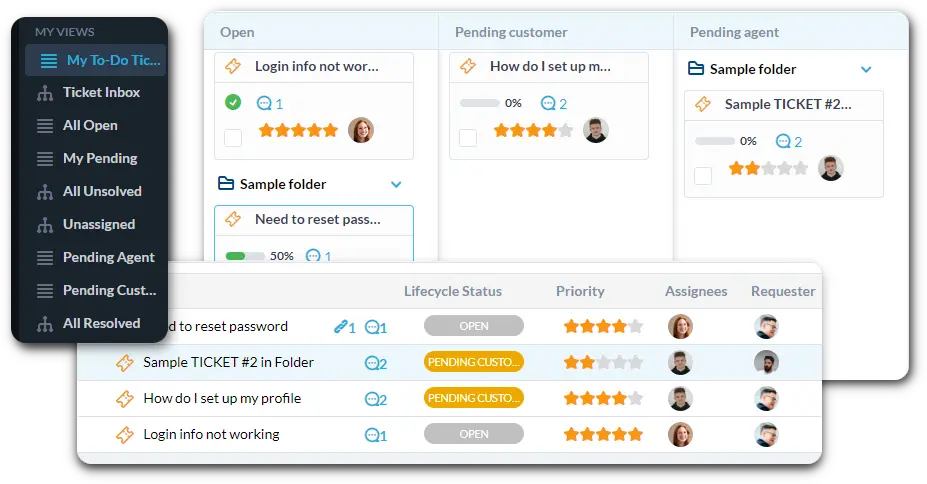
Connect your finance, payroll, and student accounts emails to OneDesk. Set up strict SLAs for time-sensitive tasks like payroll processing or emergency funding. Use custom views to filter by "Grant Budget Inquiry" or "Student Account Hold."

Automate Expense Report and Approval Workflows

Use automation to speed up routine financial processes. Route any "Large Purchase Request" ticket to the relevant Dean for budget approval. Automatically assign expense report questions to the Accounts Payable specialist. Instantly notify staff when their reimbursement is processed.

Private Portal for Campus Financial Submissions

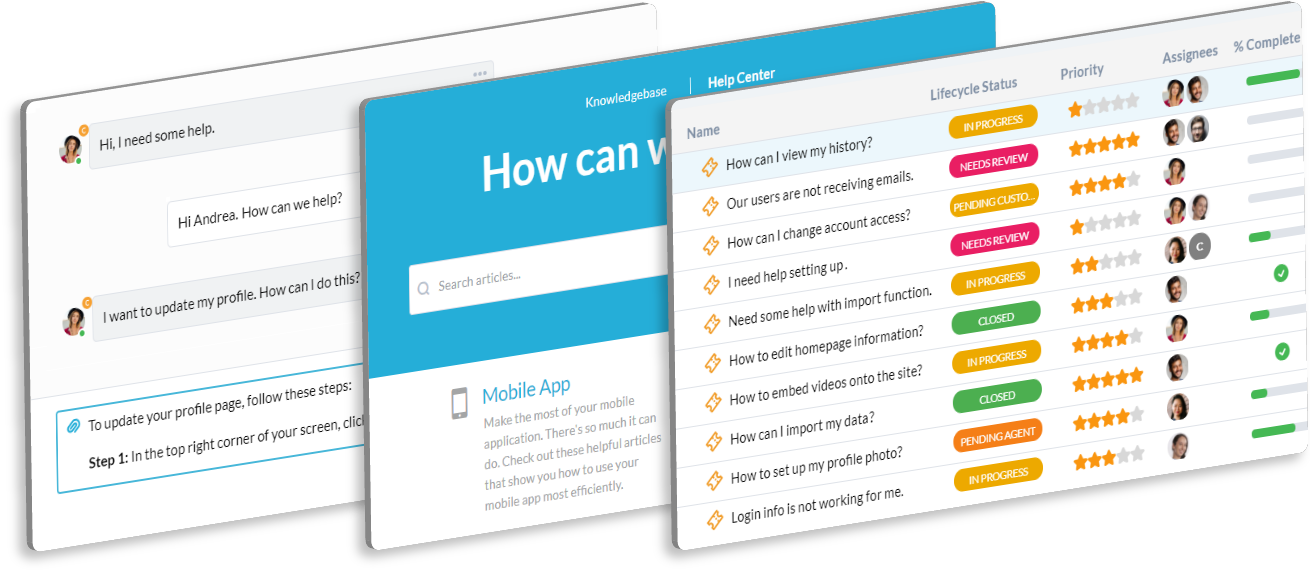
Offer a secure, internal portal for faculty and staff to submit expense reports and budget inquiries. They can easily check the status of their payment or request. The knowledge base can host all current expense policies and procurement forms. This reduces direct emails to the finance team.

AI Summarizes Complex Grant Rules or Audit Questions

University finance deals with dense grant documents and complex audit inquiries. The AI can summarize long emails from auditors or funding agencies. It quickly pulls out the key financial questions or action items needed. This helps your team prioritize work and stay compliant.

Integrate with your tools

App integrations with OneDesk

Enterprise Grade Security

FAQ

OneDesk has affordable pricing based on your product, plan, and number of user licenses.
See our pricing page for full details. 

OneDesk is available both in the cloud and on-premise.  Pricing for OneDesk On-Premise is the same as for our Cloud Enterprise plan, but is only available for annual or longer-term subscriptions. To evaluate OneDesk, please sign up for a 14-day free trial of our cloud software. If after evaluation of the software, you would like to purchase on-premise licenses, please Submit a Request we will send you an invoice for the number of users you require.

Of course! You can visit our feature index page for a full list of features. To compare product or plan features see our feature comparison page

You can ask our AI agent questions via the live chat or knowledgebase in our widget. A human agent is also available to chat during business hours.

We also offer other support options including booking a live demo or submitting an email or ticket

OneDesk provides a high level of security. You can learn about the measures we take at our security center

See for yourself how OneDesk can help your team.

14 day free trial. No credit card required. 

Scroll to Top