Manage EdTech Product Feedback and Development for Students

University Product teams build and maintain essential EdTech tools (LMS, portals, etc.). You need a system to gather user feedback and prioritize a roadmap for student success. OneDesk connects student support to product development.

Trusted by Universities & College teams around the world

Disorganized Collection of Student and Faculty Product Feedback

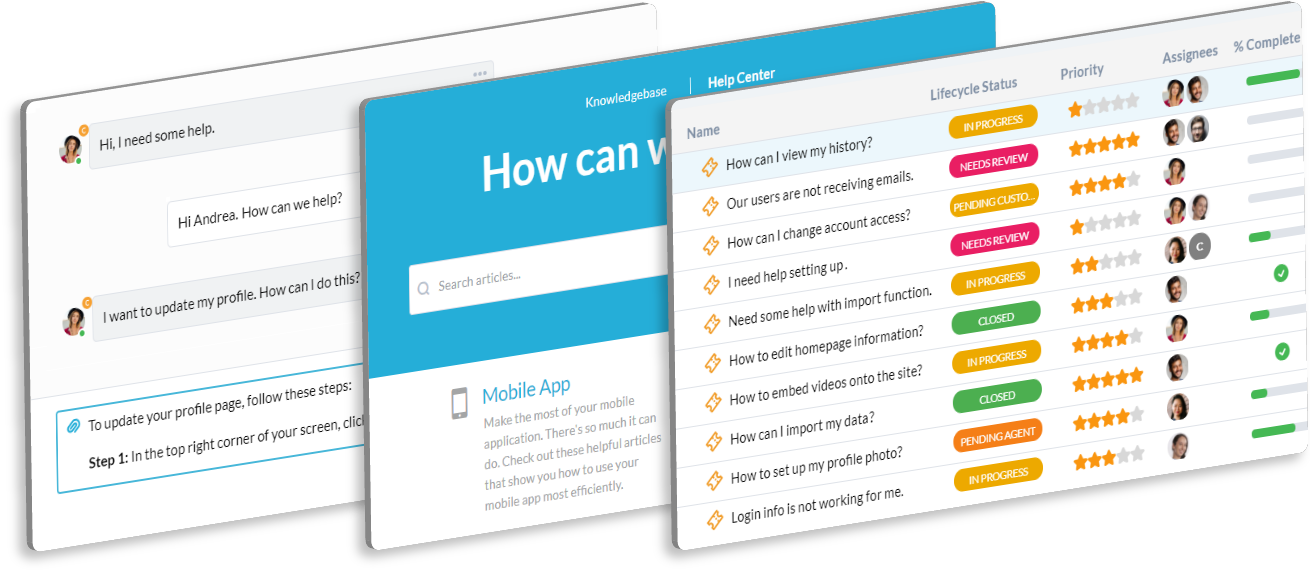
Feedback on your LMS or student portal is scattered across support tickets and emails. OneDesk centralizes all this user input into a single queue. Every suggestion, bug, or question is linked to a product backlog item. Build better educational tools.

Difficulty Prioritizing Product Features for Campus Needs

You need to balance the needs of students, faculty, and administration. OneDesk allows you to score and prioritize tickets based on user role or campus impact. Easily convert a popular faculty feature request into a development task. Focus your dev resources correctly.

Integrated Student Feedback and Product Development Ticketing

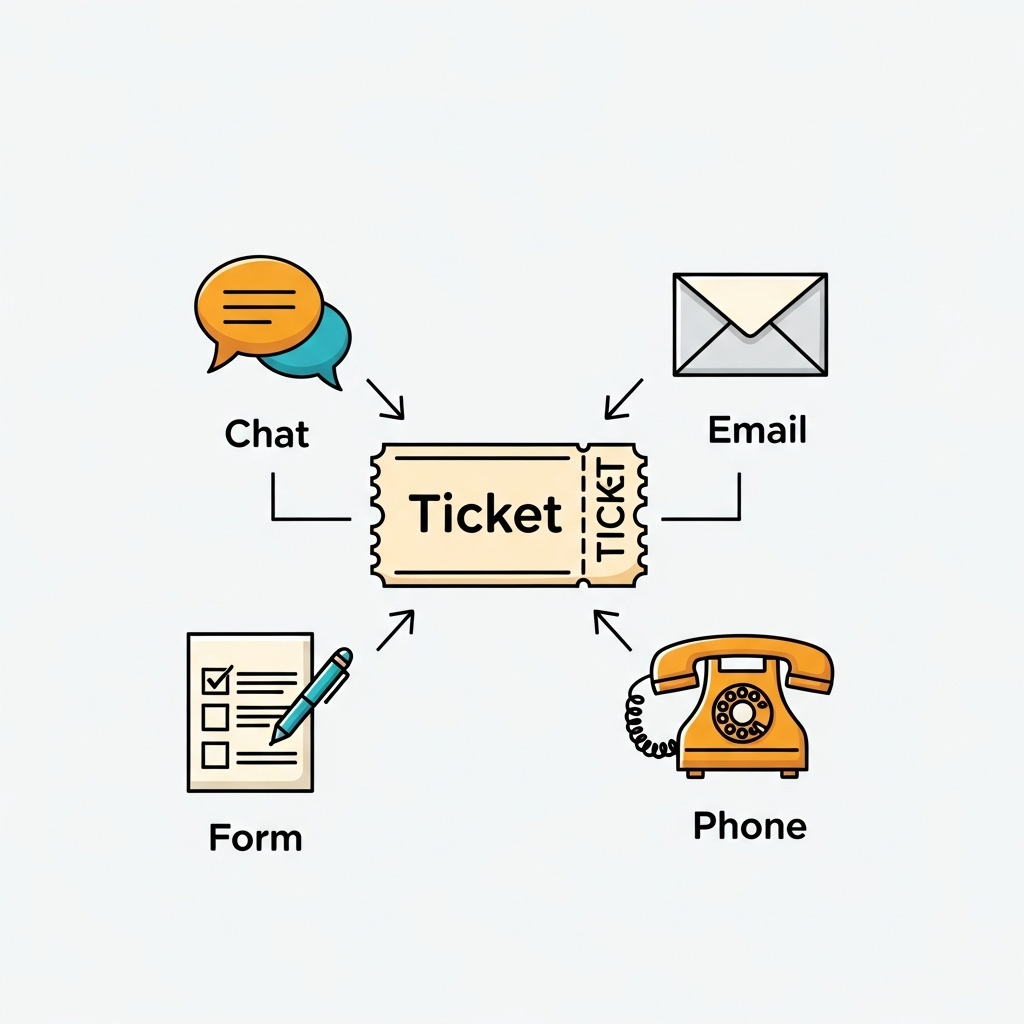
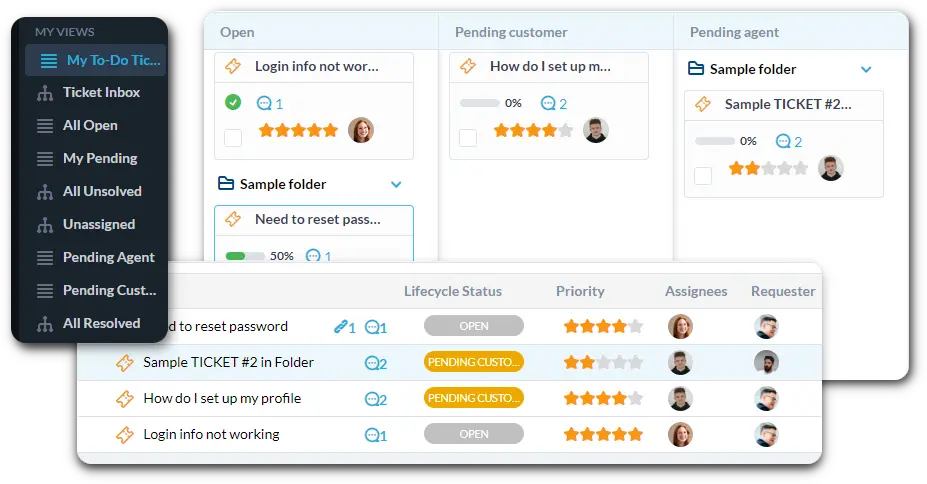
Use OneDesk to manage incoming bugs, feature ideas, and internal requests. Connect support channels to automatically create tickets. Use custom views to filter by "Critical LMS Bug" or "Faculty Feature Idea." Convert tickets directly into development tasks.

Automate Feedback Triage and Feature Demand Grouping

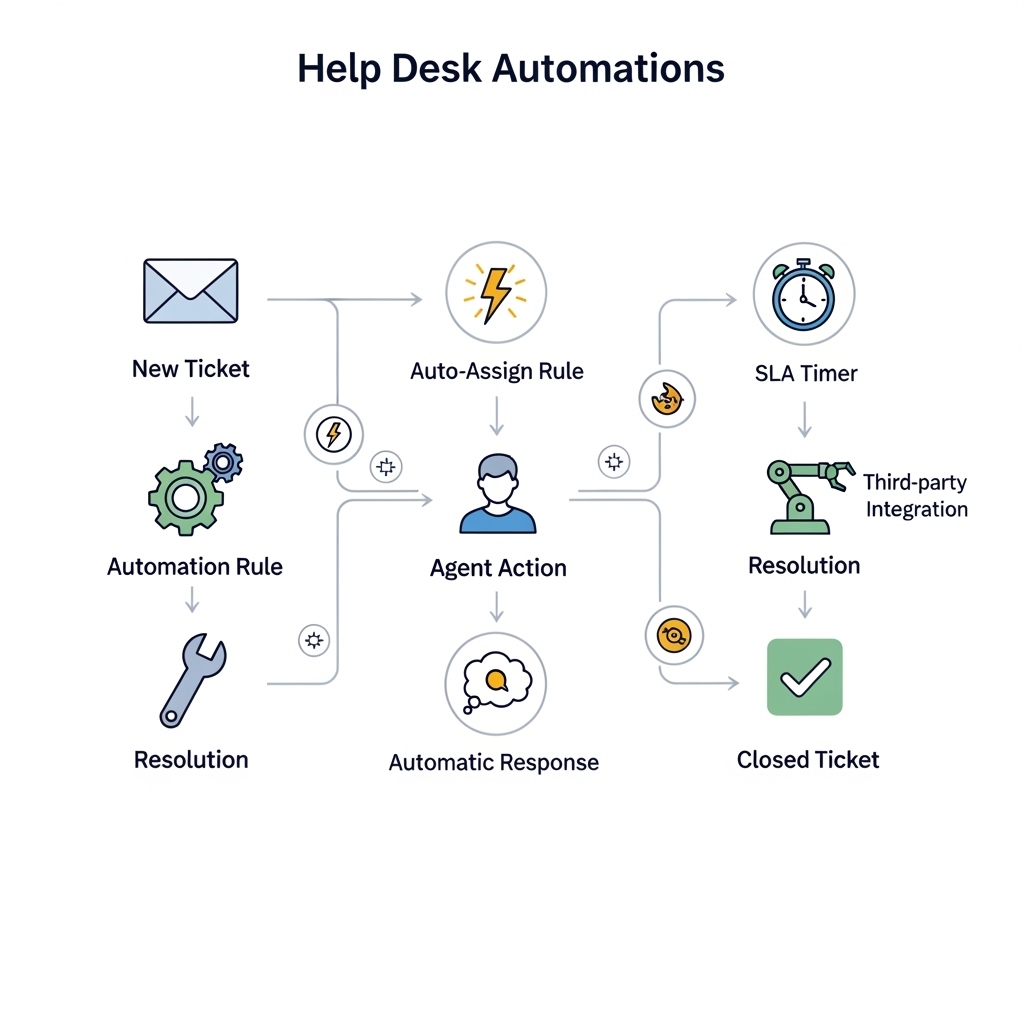
Automation helps you manage the high volume of student input. Automatically tag tickets mentioning "mobile app" or "login issue." Route all "Billing Questions" to the finance team instead of product. Group similar tickets to see the true demand for a feature.

Student and Faculty Portal for Bug and Idea Submission

Offer a dedicated portal where users can easily submit ideas and report bugs in your applications. They can track the status of their submitted issues. Use the Knowledge Base to host product documentation and known issue lists. This empowers users to help themselves.

AI Analyzes User Feedback for EdTech Feature Trends

Understanding which features students and faculty need most is vital. OneDesk's AI analyzes all incoming feedback for common themes. It can help you see if a specific workflow is causing many usability issues. This insight helps you prioritize your development roadmap.

Integrate with your tools

App integrations with OneDesk

Enterprise Grade Security

FAQ

OneDesk has affordable pricing based on your product, plan, and number of user licenses.
See our pricing page for full details. 

OneDesk is available both in the cloud and on-premise.  Pricing for OneDesk On-Premise is the same as for our Cloud Enterprise plan, but is only available for annual or longer-term subscriptions. To evaluate OneDesk, please sign up for a 14-day free trial of our cloud software. If after evaluation of the software, you would like to purchase on-premise licenses, please Submit a Request we will send you an invoice for the number of users you require.

Of course! You can visit our feature index page for a full list of features. To compare product or plan features see our feature comparison page

You can ask our AI agent questions via the live chat or knowledgebase in our widget. A human agent is also available to chat during business hours.

We also offer other support options including booking a live demo or submitting an email or ticket

OneDesk provides a high level of security. You can learn about the measures we take at our security center

See for yourself how OneDesk can help your team.

14 day free trial. No credit card required. 

Scroll to Top