Mission-Critical IT Management for Nonprofits
Your IT team is the backbone of your mission, managing systems and internal user support. You need a single platform for help desk and project work. OneDesk delivers unified IT work management.
Trusted by Nonprofit Organization teams around the world
Handle Internal Support Requests Faster
IT support can be high-volume and high-stress for a nonprofit. OneDesk turns every user issue into a trackable ticket. This ensures quick prioritization and response for mission-critical systems. Get clear visibility into common problems to improve your IT infrastructure. Reduce downtime across the organization.
Easy Help Desk Ticketing for All Staff
Provide a private portal for staff to submit technical issues or software requests easily. Connect all IT support emails to create tickets automatically. Set up strict SLAs for critical system outages to ensure fast resolution. Custom views let the Network team see one queue and the Help Desk team see another. Support is managed efficiently.
Plan System Upgrades and Infrastructure Projects
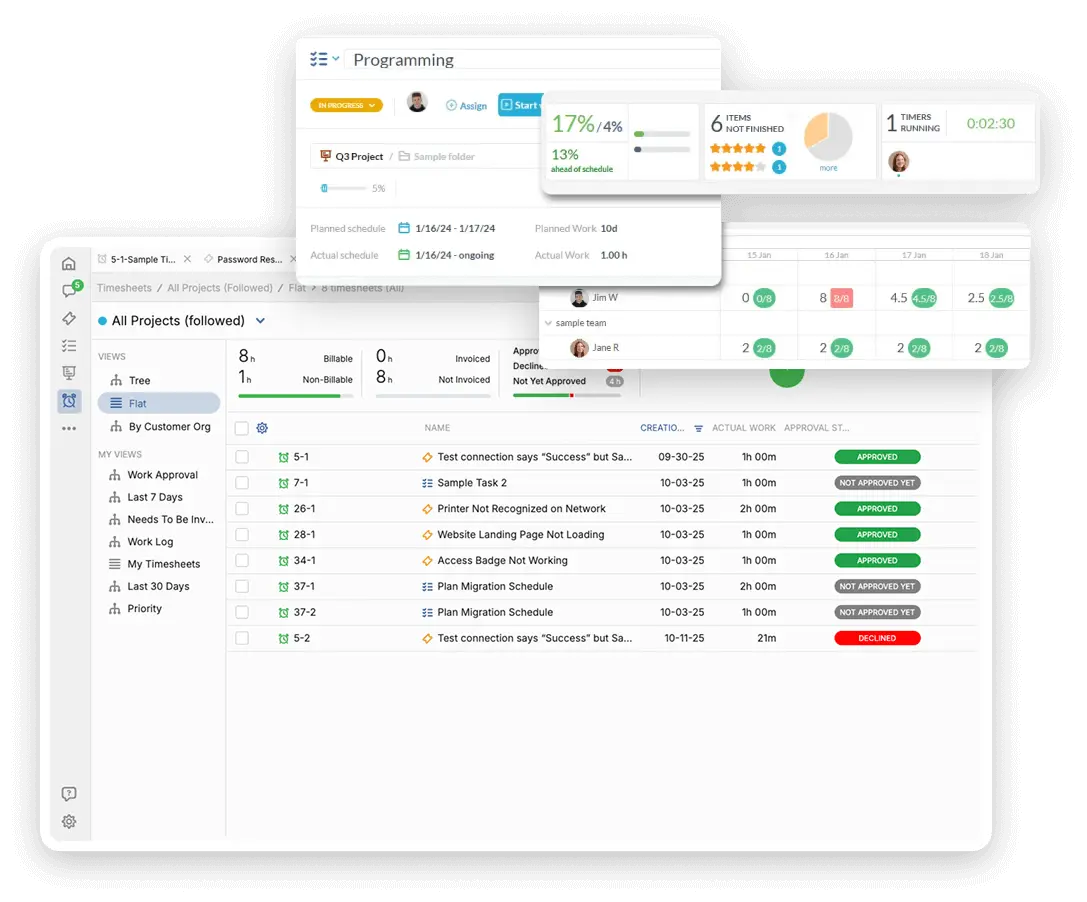
Manage large projects like server migrations or new software rollouts. Break down the project into clear tasks with milestones and dependencies. Assign specialized tasks to system administrators or network engineers. Use Gantt charts to track the project timeline and avoid schedule creep. Keep stakeholders informed of progress automatically.
Automate Help Desk Triage and Escalation
Automatically assign hardware issues to the local technician based on the user's location. Escalate any ticket categorized as a "System Outage" to the highest priority instantly. Send a reminder to the user if they haven't responded to a question in a day. Automation ensures the right person works on the right issue, right now.
Track Time for Software and System Budgeting
IT is a cost center, but tracking time shows its value. Log non-billable time spent on internal support tickets and maintenance. Track time for specific software implementation projects. Use this data to justify infrastructure budget and staffing levels. You can also quote internally for large software projects if needed.
AI for Faster Troubleshooting and Documentation
The AI assistant can summarize long error logs or diagnostic reports pasted into tickets. Use AI to draft knowledge base articles based on common support ticket resolutions. It can help the help desk categorize incoming issues instantly. This speeds up first-response time. Your IT staff spend less time writing and more time fixing.
Integrate with your tools
Enterprise Grade Security
FAQ
OneDesk has affordable pricing based on your product, plan, and number of user licenses.
See our pricing page for full details.
OneDesk is available both in the cloud and on-premise. Pricing for OneDesk On-Premise is the same as for our Cloud Enterprise plan, but is only available for annual or longer-term subscriptions. To evaluate OneDesk, please sign up for a 14-day free trial of our cloud software. If after evaluation of the software, you would like to purchase on-premise licenses, please Submit a Request we will send you an invoice for the number of users you require.
Of course! You can visit our feature index page for a full list of features. To compare product or plan features see our feature comparison page.
You can ask our AI agent questions via the live chat or knowledgebase in our widget. A human agent is also available to chat during business hours.
We also offer other support options including booking a live demo or submitting an email or ticket.
OneDesk provides a high level of security. You can learn about the measures we take at our security center.
See for yourself how OneDesk can help your team.
14 day free trial. No credit card required.