Centralize Marketing and PR Requests for Campus

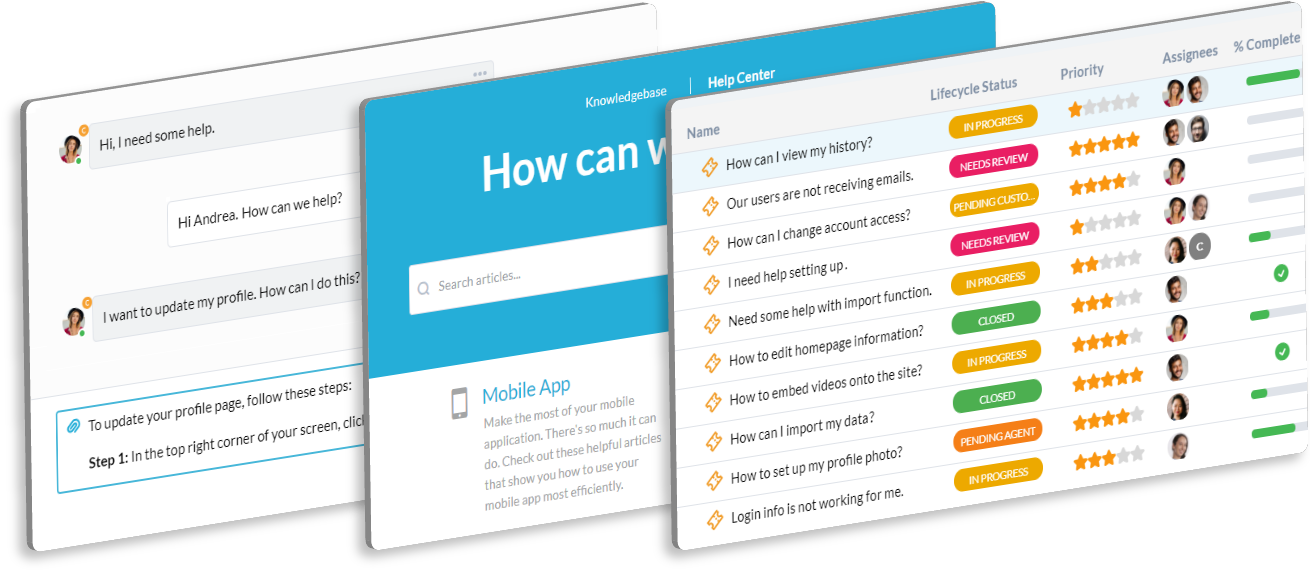
Your Marketing and PR team manages the university's public image and recruitment efforts. You need a system to manage high-volume requests and control brand consistency. OneDesk organizes all creative and communication needs.

Trusted by Universities & College teams around the world

Juggling Ad-Hoc Requests from Every University Department

Faculty want help promoting a new study; Admissions needs a new viewbook. Requests come from all directions. OneDesk centralizes all internal marketing needs—email, forms, portal—into one trackable queue. Keep brand control consistent.

Slow Approval Cycles for Critical Admissions and PR Content

Marketing content needs quick approval before it goes public. OneDesk lets you set up automatic workflow paths for content review. Route press releases to PR and legal simultaneously for fast sign-off. Speed up your time to publication for key announcements.

Organized Ticketing for University Marketing Requests

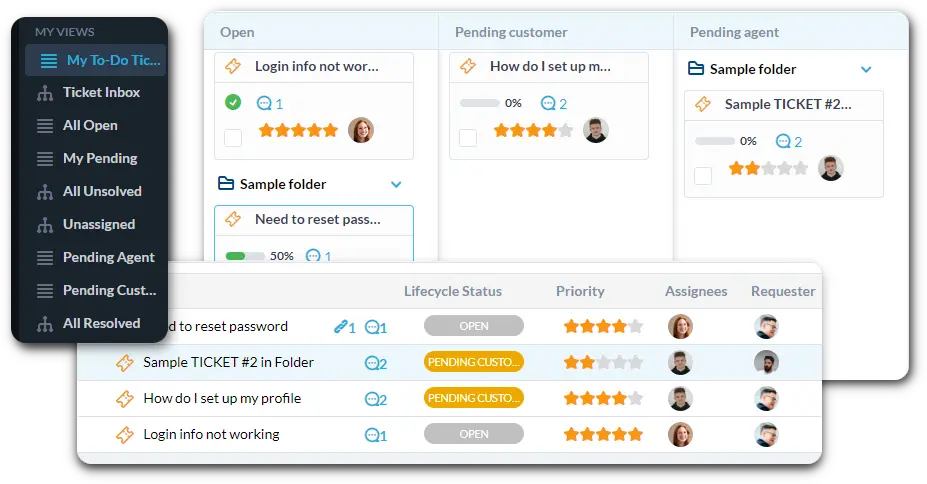
Centralize requests for content, social media, web updates, and photo services. Connect your marketing intake email to auto-create tickets. Use custom views for "Admissions Campaign Materials" or "External PR Inquiry." Use SLAs for time-sensitive tasks like crisis communications.

Automate Content Triage and Brand Compliance Checks

Automation helps you maintain brand consistency instantly. Automatically tag requests that mention an external partner for legal review. Route any "Video Production Request" ticket to the Media Services team. Use rules to ensure all required information is attached before routing.

Branded Portal for Faculty Marketing Requests

Give faculty and staff a simple portal to submit their marketing requests. The portal allows them to track the status of their brochure, event promotion, or ad campaign. Use the Knowledge Base to host brand guides and approved communication templates. This improves self-service.

AI Summarizes Stakeholder Feedback on Ad Campaign Drafts

Feedback on major campaign drafts comes from deans, directors, and VPs. AI can summarize long email threads of stakeholder revisions. It pulls out the concrete, actionable changes for your design and content team. This accelerates the final campaign launch.

Integrate with your tools

Enterprise Grade Security

FAQ

OneDesk has affordable pricing based on your product, plan, and number of user licenses.
See our pricing page for full details. 

OneDesk is available both in the cloud and on-premise.  Pricing for OneDesk On-Premise is the same as for our Cloud Enterprise plan, but is only available for annual or longer-term subscriptions. To evaluate OneDesk, please sign up for a 14-day free trial of our cloud software. If after evaluation of the software, you would like to purchase on-premise licenses, please Submit a Request we will send you an invoice for the number of users you require.

Of course! You can visit our feature index page for a full list of features. To compare product or plan features see our feature comparison page

You can ask our AI agent questions via the live chat or knowledgebase in our widget. A human agent is also available to chat during business hours.

We also offer other support options including booking a live demo or submitting an email or ticket

OneDesk provides a high level of security. You can learn about the measures we take at our security center

See for yourself how OneDesk can help your team.

14 day free trial. No credit card required. 

Scroll to Top