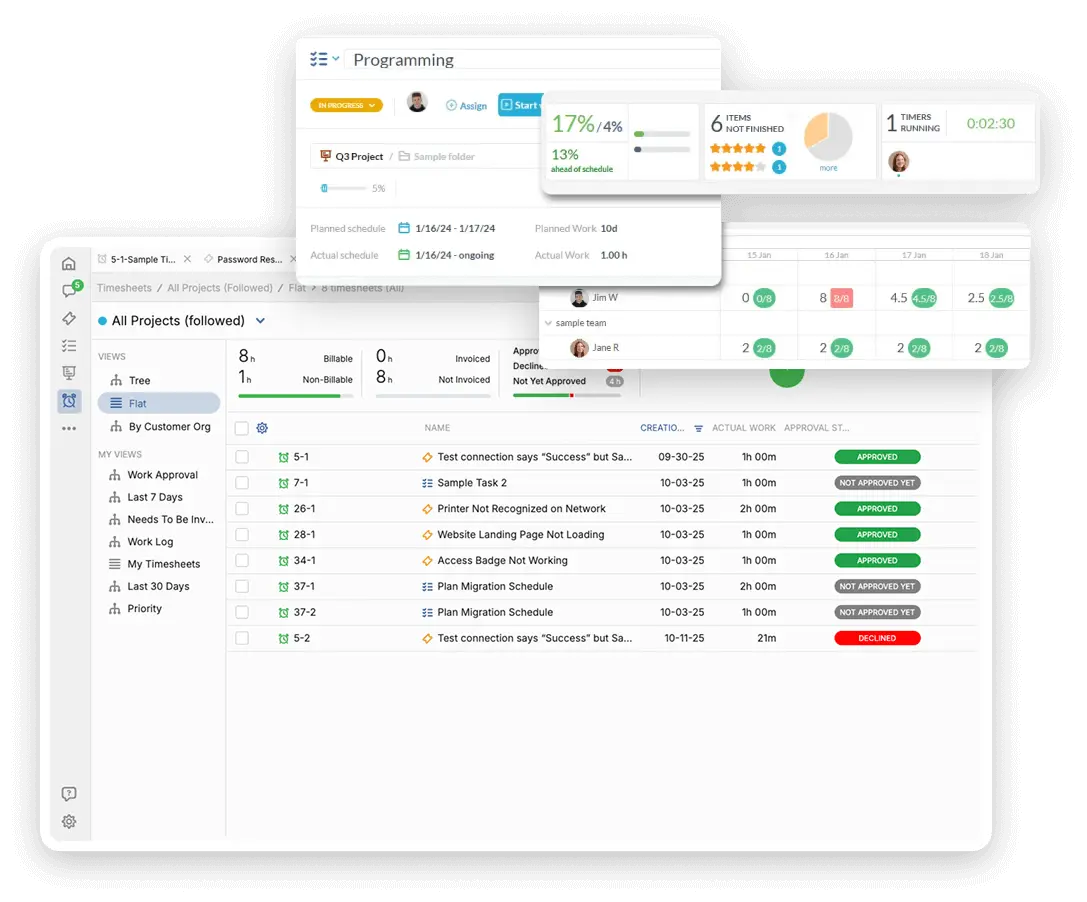
Organize Campaigns and Creative Requests
Marketing drives your mission and fundraising efforts, juggling multiple campaigns and content needs. You need a single platform for project execution and request management. OneDesk organizes all your marketing efforts.
Trusted by Nonprofit Organization teams around the world
Get Control Over Campaign Chaos and Deadlines
Marketing teams manage content creation, events, and fundraising campaigns simultaneously. OneDesk brings order to the chaos by treating each campaign as a trackable project. Set clear deadlines, assign tasks, and track every piece of creative work. Deliver your mission message effectively and on time.
Centralized Portal for Content Requests
Use a submission portal for internal teams to request marketing materials like flyers or press releases. Connect your communication email to turn media inquiries into urgent tickets. Set up SLAs to prioritize requests based on event deadlines or campaign launch dates. Custom views let the Social Media team see their queue separate from the PR team.
Plan Campaigns and Content Calendars Clearly
Manage your annual fundraising calendar or a new awareness campaign as a master project. Break down the campaign into phases: planning, creation, launch, and analysis. Use Kanban boards to manage content creation workflows. Track time spent on different campaigns for better budget allocation next year. Keep everyone aligned with the marketing roadmap.
Automate Creative Handoffs and Review Cycles
Automatically assign a new content request to the right writer or designer. Set up rules to notify a manager when a draft is ready for review. Send automatic reminders for overdue campaign asset approvals. Automation speeds up the creative production process. This lets you launch campaigns faster and reduce bottlenecks.
Track Campaign Spend and Resource Use
While not generating client invoices, track internal time spent on key campaigns for budget reporting. Use this data to show resource allocation across different program areas. Create quotes for external vendor services like printing or media buys. Log billable time if you offer consulting to smaller affiliated organizations. Maintain accountability for marketing budgets.
AI Helps Draft Content and Summarize Feedback
Use the AI assistant to summarize large amounts of user feedback on a campaign to find key takeaways. It can help draft initial social media posts or email subject lines. AI can categorize incoming requests like "PR Inquiry" or "Event Support." This accelerates content creation. Your team saves time on initial drafting and focus on strategy.
Integrate with your tools
Enterprise Grade Security
FAQ
OneDesk has affordable pricing based on your product, plan, and number of user licenses.
See our pricing page for full details.
OneDesk is available both in the cloud and on-premise. Pricing for OneDesk On-Premise is the same as for our Cloud Enterprise plan, but is only available for annual or longer-term subscriptions. To evaluate OneDesk, please sign up for a 14-day free trial of our cloud software. If after evaluation of the software, you would like to purchase on-premise licenses, please Submit a Request we will send you an invoice for the number of users you require.
Of course! You can visit our feature index page for a full list of features. To compare product or plan features see our feature comparison page.
You can ask our AI agent questions via the live chat or knowledgebase in our widget. A human agent is also available to chat during business hours.
We also offer other support options including booking a live demo or submitting an email or ticket.
OneDesk provides a high level of security. You can learn about the measures we take at our security center.
See for yourself how OneDesk can help your team.
14 day free trial. No credit card required.