Organize Billing, Subscription, and Internal Finance Operations
Your Finance team handles subscription billing, payment processing, and internal cost tracking for the entire SaaS company. You need a secure, efficient way to manage finance-related customer and internal inquiries. OneDesk ensures clear accountability and budget adherence.
Trusted by SaaS teams around the world
Managing High Volume of Customer Billing and Subscription Requests
Customer questions about invoices, upgrades, downgrades, or refund requests are frequent. OneDesk turns every inquiry into a secure, trackable ticket. Keep all communication organized and linked to the correct customer account for easy reference.
Slow Follow-Up on Customer Billing Questions and Payment Delays
Quick resolution of billing questions improves customer satisfaction and reduces churn. Set up Service Level Agreements (SLAs) for all billing inquiries. Use automated notifications to ensure your team follows up on outstanding invoices promptly. Maintain a healthy cash flow.
Secure Ticketing for All Customer and Internal Finance Requests
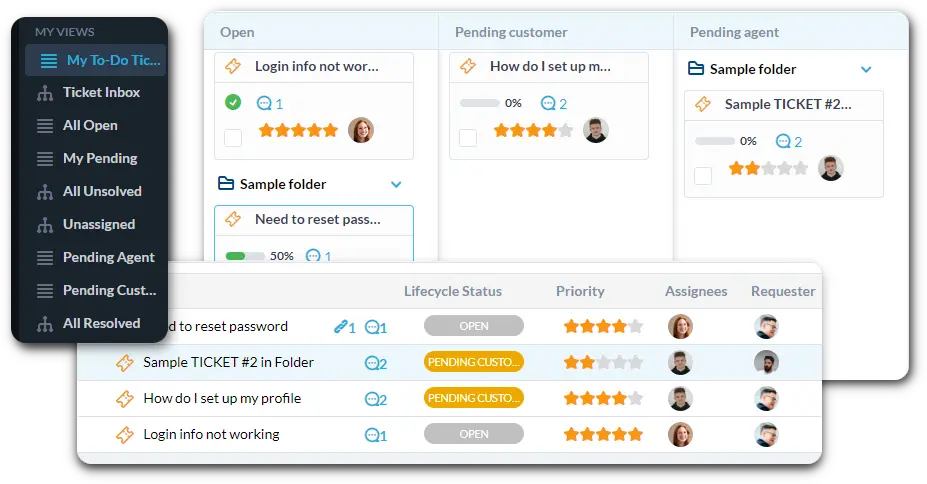
Connect your billing and customer finance emails to OneDesk. Set up strict SLAs for time-sensitive tasks like emergency subscription changes or payment issues. Use custom views to filter by "Subscription Upgrade" or "Invoice Dispute."
Automate Subscription Changes and Payment Reminder Workflows
Use automation to speed up routine financial processes. Route any "Large Customer Refund" ticket to the Finance Director for approval. Automatically generate and send professional payment reminders for overdue subscriptions. Instantly notify the customer when their inquiry is resolved.
Customer Portal for Billing Transparency and Inquiry Submission
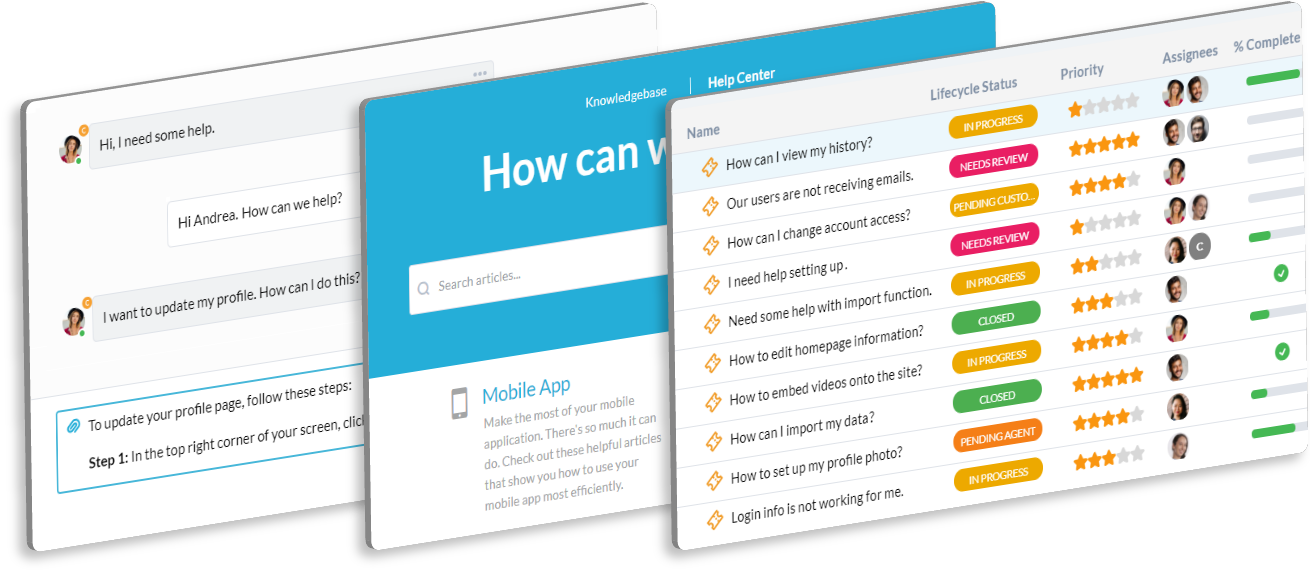
Offer a secure portal where customers can submit billing inquiries. They can easily check the status of an invoice question or payment. The knowledge base can host billing FAQs and subscription terms. This reduces direct emails and calls to your team.
AI Billing Assistant
Answering common customer billing questions can be tedious and repetitive. OneDesk’s AI can summarize account activity for a customer right within the ticket. It can help draft professional payment reminders and standard responses. This frees up your finance staff for complex tasks.
Integrate with your tools
Enterprise Grade Security
FAQ
OneDesk has affordable pricing based on your product, plan, and number of user licenses.
See our pricing page for full details.
OneDesk is available both in the cloud and on-premise. Pricing for OneDesk On-Premise is the same as for our Cloud Enterprise plan, but is only available for annual or longer-term subscriptions. To evaluate OneDesk, please sign up for a 14-day free trial of our cloud software. If after evaluation of the software, you would like to purchase on-premise licenses, please Submit a Request we will send you an invoice for the number of users you require.
Of course! You can visit our feature index page for a full list of features. To compare product or plan features see our feature comparison page.
You can ask our AI agent questions via the live chat or knowledgebase in our widget. A human agent is also available to chat during business hours.
We also offer other support options including booking a live demo or submitting an email or ticket.
OneDesk provides a high level of security. You can learn about the measures we take at our security center.
See for yourself how OneDesk can help your team.
14 day free trial. No credit card required.