Manage District Initiatives and Program Rollout Effectively

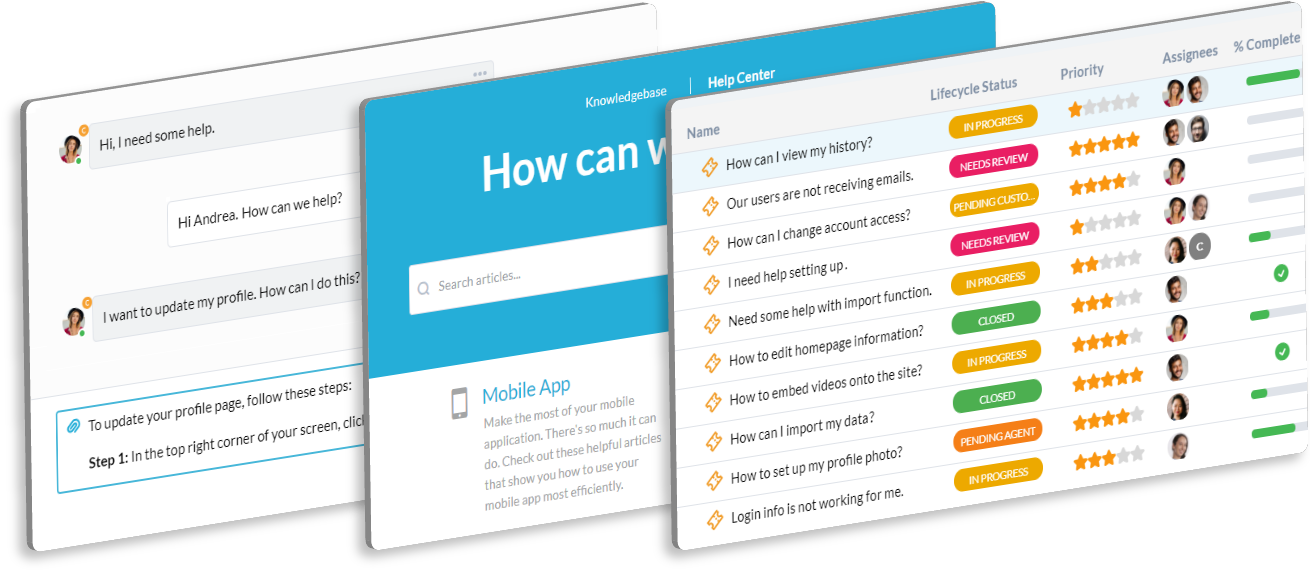
Your PMO ensures that district initiatives—like new curriculum or technology rollouts—succeed. You need a centralized system to manage project intake, risks, and support for project teams. OneDesk combines support with project management.

Trusted by K–12 School District teams around the world

Scattered Intake of New Program Proposals and Initiative Changes

Project ideas, scope changes, and support needs come from the board and district leaders. OneDesk centralizes all these inputs into trackable tickets. Easily convert a new program idea ticket into a managed project task. Maintain control over your district's initiatives.

No Clear Way to Link Program Support to Project Health

A new program getting many support requests from teachers might be at risk. OneDesk links every support ticket directly to a specific project. This gives you a clear, real-time indicator of project health and resource strain. Prioritize at-risk rollouts.

Integrated Program Intake and Project Ticketing

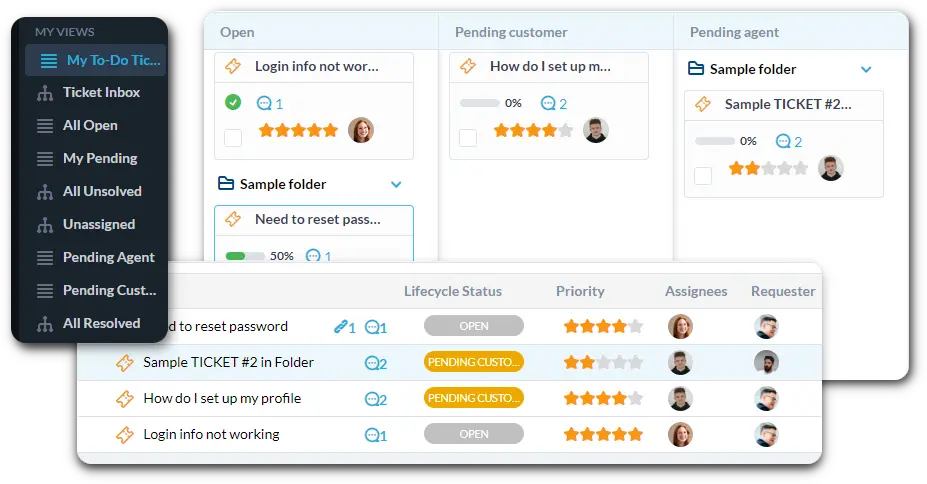
Use OneDesk to manage both program proposal intake and active project support. Connect all intake channels to automatically create tickets. Use custom views to filter by "High-Priority Curriculum Change" or "Technology Rollout Request." Track project support SLAs.

Automate Program Intake Vetting and Task Assignment

Set up rules to automatically categorize new program ideas. Route a "New Security System Proposal" to the PMO director instantly. Automatically tag requests related to a specific school's needs. Use automation to notify the project sponsor when a stage is complete.

Portal for Stakeholder Project Submission and Tracking

Give district leaders a clear portal to submit new program proposals or feedback. They can track the status of their proposed initiative easily. Use the Knowledge Base to host PMO methodologies, project charter templates, and portfolio dashboards. This ensures consistent project governance.

AI Summarizes Stakeholder Feedback and Project Risk

Board meetings and project steering committees generate a lot of discussion. The AI can summarize meeting notes or long emails about project issues. It quickly extracts key decisions, project risks, and outstanding action items. This helps your PMO team keep governance clear.

Integrate with your tools

Enterprise Grade Security

FAQ

OneDesk has affordable pricing based on your product, plan, and number of user licenses.
See our pricing page for full details. 

OneDesk is available both in the cloud and on-premise.  Pricing for OneDesk On-Premise is the same as for our Cloud Enterprise plan, but is only available for annual or longer-term subscriptions. To evaluate OneDesk, please sign up for a 14-day free trial of our cloud software. If after evaluation of the software, you would like to purchase on-premise licenses, please Submit a Request we will send you an invoice for the number of users you require.

Of course! You can visit our feature index page for a full list of features. To compare product or plan features see our feature comparison page

You can ask our AI agent questions via the live chat or knowledgebase in our widget. A human agent is also available to chat during business hours.

We also offer other support options including booking a live demo or submitting an email or ticket

OneDesk provides a high level of security. You can learn about the measures we take at our security center

See for yourself how OneDesk can help your team.

14 day free trial. No credit card required. 

Scroll to Top