Centralize Design Requests for Library and Museum Exhibits

Your design team creates exhibits, marketing materials, and digital assets for public engagement. You need a system to manage diverse requests and complex approval cycles. OneDesk organizes all creative projects in one hub.

Trusted by Libraries & Museum teams around the world

Tracking Design Requests from Curators, Educators, and Marketers

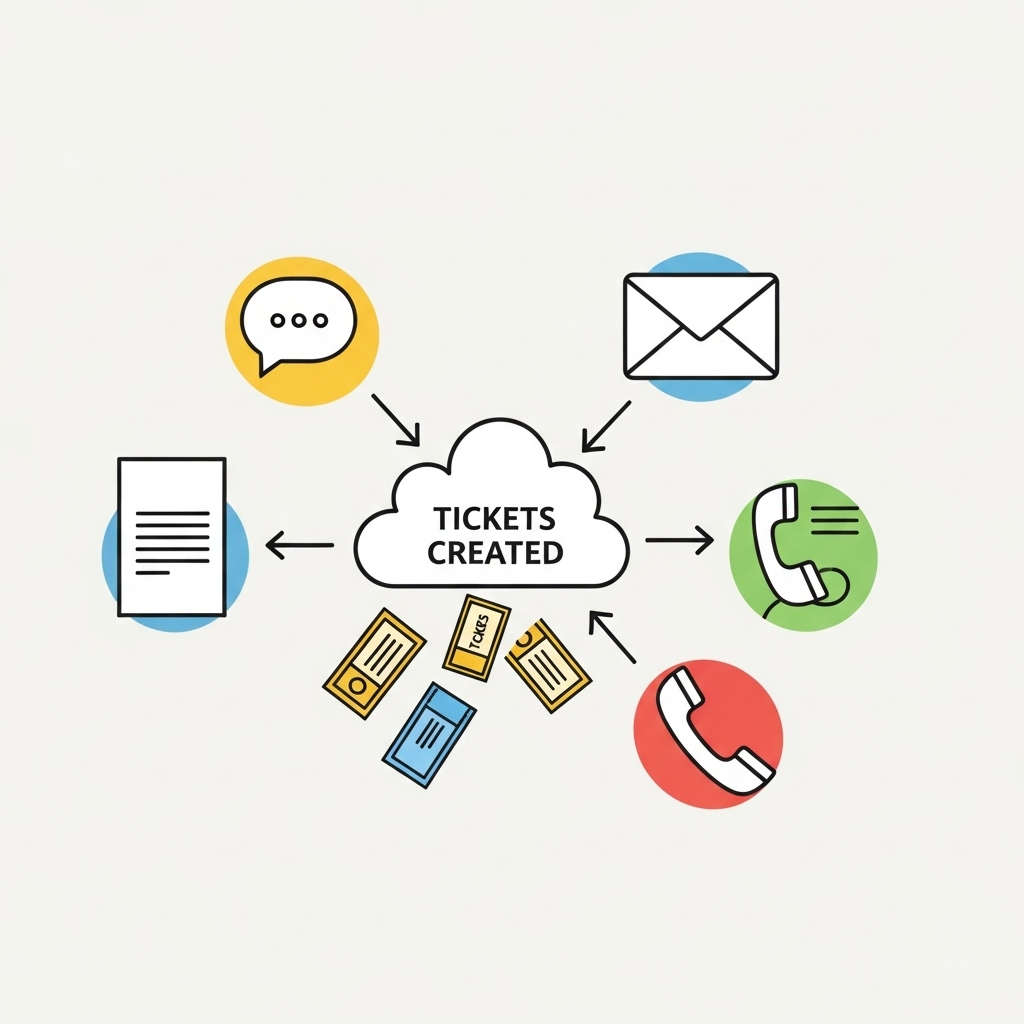
Requests for new exhibit signage, program guides, and website media come from all departments. OneDesk turns every request into a trackable, assignable ticket. This centralizes all tasks, preventing creative work from getting lost.

Slow Review and Approval for Public-Facing Materials

Exhibit design and public communications need careful, multi-step approval. OneDesk allows you to set up automatic review workflows. Route drafts to the Chief Curator or Legal team for fast sign-off. Speed up exhibit openings and program launches.

Centralized Design Project and Approval Ticketing

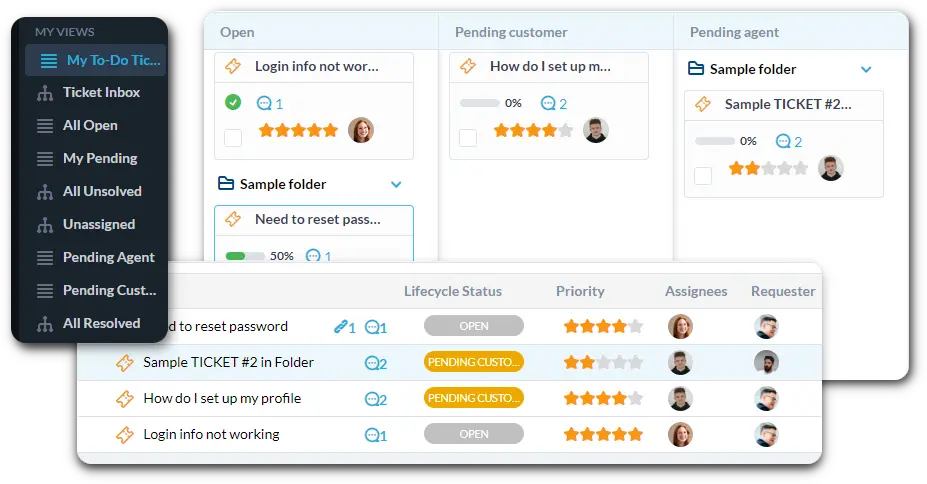
Manage all creative tasks in one place, from digital displays to print materials. Connect your creative services email to auto-create tickets. Set up custom views for "New Exhibit Design" or "Public Program Flyer." Use SLAs for time-sensitive tasks like event promotions.

Automate Design Triage and Approval Routing

Automation handles initial request sorting, saving team time. Automatically tag requests that mention "grand opening" as high-priority. Route all "Digital Signage Update" requests to the appropriate designer. Notify the requester when their asset is ready for review.

Departmental Portal for Easy Request Submission

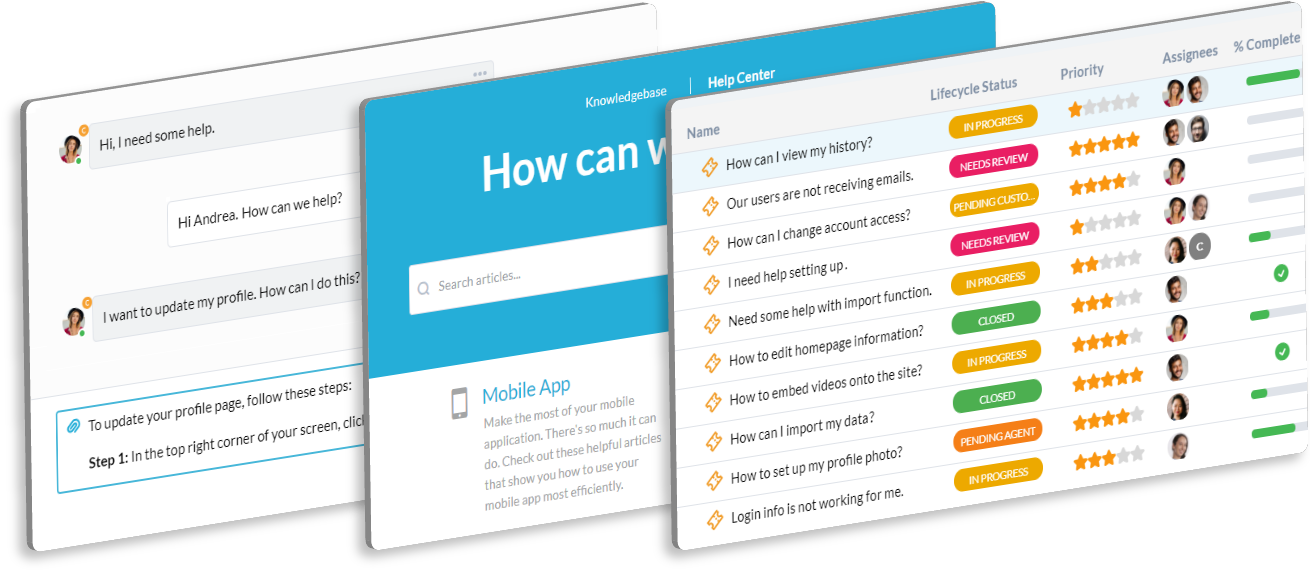
Give curators and staff a simple portal to submit their design needs. They can easily attach content and track the status of their display, brochure, or digital asset project. Use the Knowledge Base to host brand guidelines and photography archives. This reduces repetitive questions.

AI Summarizes Revision Feedback from Curatorial Staff

Getting clear revision notes from multiple curators or educators can be messy. The AI can summarize long email threads of design feedback. It extracts the key changes needed for your design team. This speeds up the revision cycle and final production.

Integrate with your tools

Enterprise Grade Security

FAQ

OneDesk has affordable pricing based on your product, plan, and number of user licenses.
See our pricing page for full details. 

OneDesk is available both in the cloud and on-premise.  Pricing for OneDesk On-Premise is the same as for our Cloud Enterprise plan, but is only available for annual or longer-term subscriptions. To evaluate OneDesk, please sign up for a 14-day free trial of our cloud software. If after evaluation of the software, you would like to purchase on-premise licenses, please Submit a Request we will send you an invoice for the number of users you require.

Of course! You can visit our feature index page for a full list of features. To compare product or plan features see our feature comparison page

You can ask our AI agent questions via the live chat or knowledgebase in our widget. A human agent is also available to chat during business hours.

We also offer other support options including booking a live demo or submitting an email or ticket

OneDesk provides a high level of security. You can learn about the measures we take at our security center

See for yourself how OneDesk can help your team.

14 day free trial. No credit card required. 

Scroll to Top