Creative Asset Management for Cultural Institutions

Your design team crafts the visual identity for exhibits, marketing, and educational programs. You need a system to manage all creative requests, feedback, and branding needs. OneDesk organizes your cultural institution's design workflow.

Trusted by Libraries & Museum teams around the world

Stop Creative Requests from Becoming Disorganized

Museum and library design teams are constantly fielding requests for exhibit signage, program guides, and promotional materials. OneDesk turns these requests into structured, trackable tickets. This ensures clear project briefs and organized asset delivery. Focus on inspiring design, not process bottlenecks.

Simple Submission for Exhibit and Program Requests

Provide an internal submission portal for curators and program managers to request creative work. Connect your marketing email to capture external press or collaborator communications. Set up SLAs to prioritize urgent requests for exhibit openings or fundraising events. Custom views organize requests by department or campaign.

Plan Exhibit Design and Program Publication Projects

Manage large projects like a new museum wing exhibit or the annual library program guide. Break the project down into design tasks: concept, draft, fabrication, and installation. Assign tasks to internal designers or external exhibit vendors. Use visual tracking to ensure materials meet opening deadlines. Keep projects on schedule.

Automate Proofing Cycles and Request Routing

Automatically assign new program flyer requests to the appropriate design specialist. Set up rules to move a task to 'Review' once the designer uploads a proof. Send automatic reminders for approval feedback to the exhibit curator. Automation speeds up the creative production line and ensures timely delivery.

Track Internal Design Time for Grant Reporting

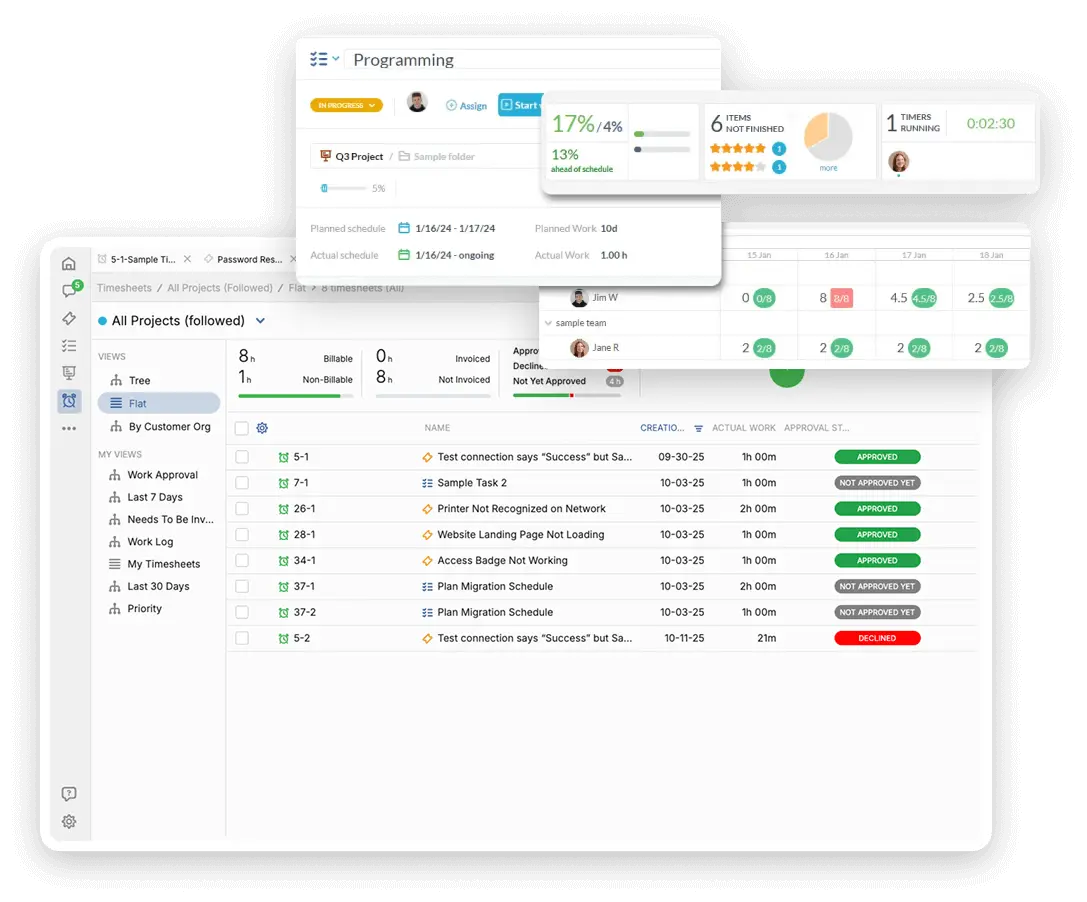
Track the internal non-billable time spent supporting different exhibits, programs, or educational initiatives. Use this data to allocate design resources fairly and justify team size. Generate internal quotes for design services offered to external collaborators. Justify resource needs with clear data.

AI Helps Design Triage and Content Summaries

Use the AI assistant to summarize long, detailed project briefs from curators into concise tasks. It can help draft professional feedback to designers on a creative proof. AI can categorize incoming requests by project type instantly. This reduces administrative overhead. Your team delivers brand-aligned assets faster.

Integrate with your tools

Enterprise Grade Security

FAQ

OneDesk has affordable pricing based on your product, plan, and number of user licenses.
See our pricing page for full details. 

OneDesk is available both in the cloud and on-premise.  Pricing for OneDesk On-Premise is the same as for our Cloud Enterprise plan, but is only available for annual or longer-term subscriptions. To evaluate OneDesk, please sign up for a 14-day free trial of our cloud software. If after evaluation of the software, you would like to purchase on-premise licenses, please Submit a Request we will send you an invoice for the number of users you require.

Of course! You can visit our feature index page for a full list of features. To compare product or plan features see our feature comparison page

You can ask our AI agent questions via the live chat or knowledgebase in our widget. A human agent is also available to chat during business hours.

We also offer other support options including booking a live demo or submitting an email or ticket

OneDesk provides a high level of security. You can learn about the measures we take at our security center

See for yourself how OneDesk can help your team.

14 day free trial. No credit card required. 

Scroll to Top