Keep Your Nonprofit's Technology Running Smoothly

Your IT team is the backbone of your organization's mission. Fast, effective support is essential for staff productivity and program delivery. OneDesk gives you the tools to manage IT issues and asset requests easily.

Trusted by Nonprofit Organization teams around the world

Struggling to Keep Track of All Hardware Requests

Managing hardware and software requests from a busy staff is hard. OneDesk turns every request from email or chat into a clear, trackable asset ticket. You know who needs what and when, ensuring proper inventory control. Stop losing requests in scattered inboxes.

Slow Resolution for Critical System Outages

Downtime directly impacts your mission. Use OneDesk to prioritize tickets based on severity. Set up Service Level Agreements (SLAs) for critical system outages. Ensure your team tackles urgent issues like network failure immediately. Improve your mean time to resolution.

Centralized IT Service Ticketing and Asset Tracking

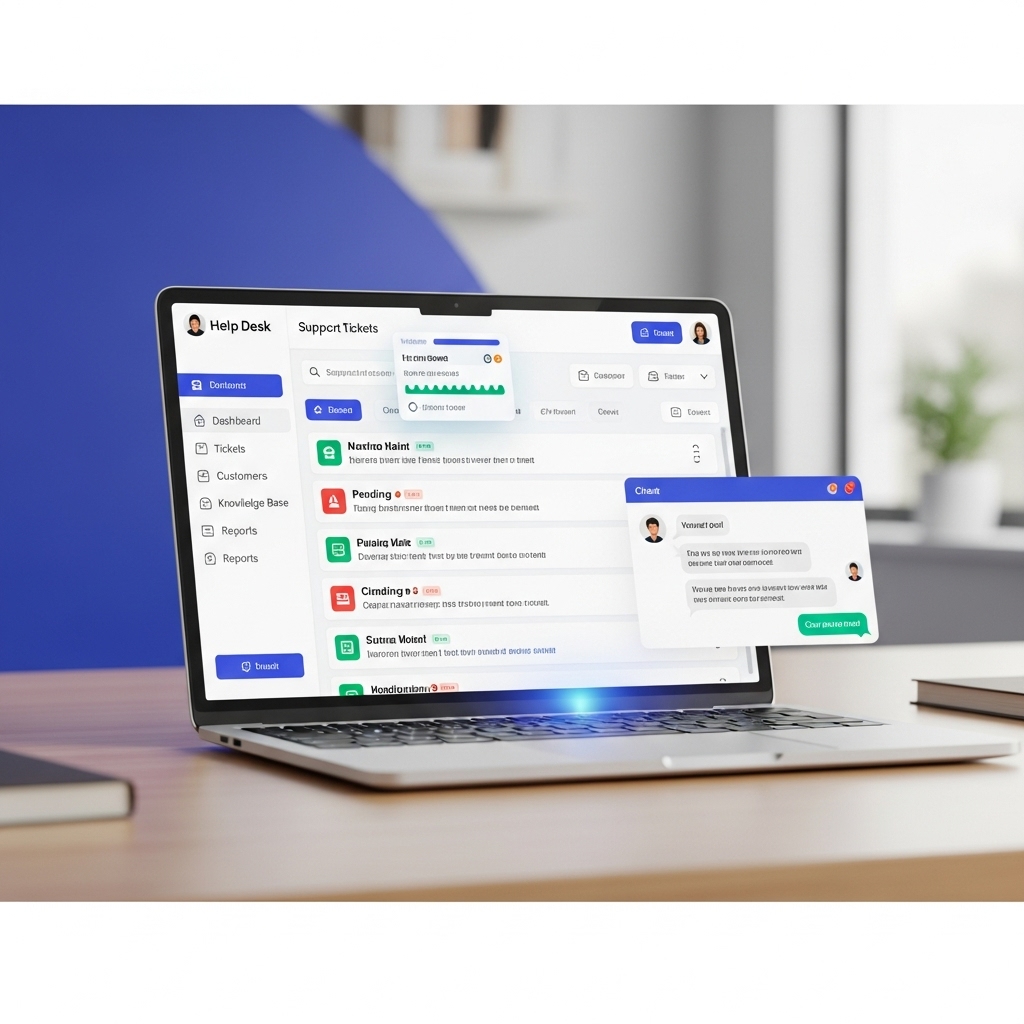
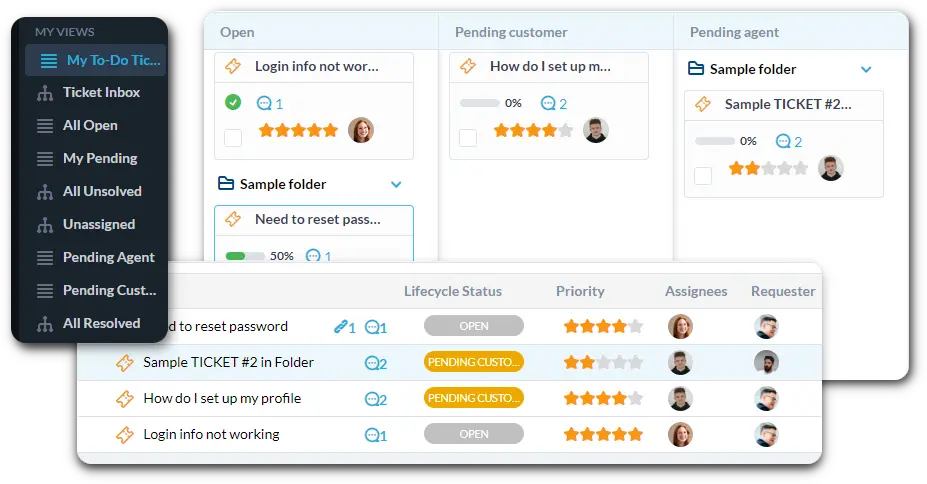
Connect your help desk email to automatically create tickets. Use custom views to filter issues by severity, such as "Urgent Printer Fixes" or "Software Access Requests." Track which hardware asset is assigned to which staff member directly within OneDesk.

Automate IT Triage to Save Your Team Time

Let automation handle the first layer of support. Automatically assign any ticket mentioning "server down" to the highest priority level. Send all "New Hire Setup" tickets to the relevant IT technician instantly. Use rules to send a satisfaction survey after a ticket is closed.

Branded IT Portal and Knowledge Base for Staff

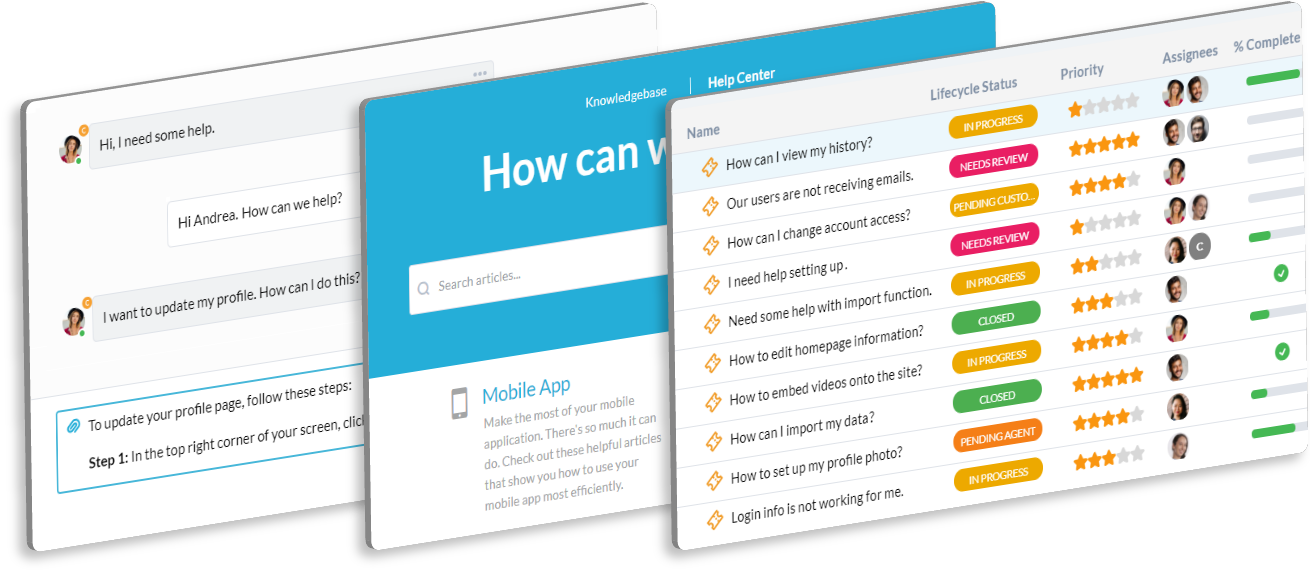
Give staff a simple way to submit IT issues and requests. The portal allows employees to track the status of their laptop repair or software installation request. The Knowledge Base can host "How-To" guides for common issues like password resets. This cuts down on repetitive calls.

AI Quickly Diagnoses and Suggests IT Solutions

When a complicated error is reported, the AI can help. Paste error logs or lengthy descriptions into the ticket. The AI can summarize the issue and suggest known fixes or potential causes. This speeds up the diagnosis process for your technical team.

Integrate with your tools

Enterprise Grade Security

FAQ

OneDesk has affordable pricing based on your product, plan, and number of user licenses.
See our pricing page for full details. 

OneDesk is available both in the cloud and on-premise.  Pricing for OneDesk On-Premise is the same as for our Cloud Enterprise plan, but is only available for annual or longer-term subscriptions. To evaluate OneDesk, please sign up for a 14-day free trial of our cloud software. If after evaluation of the software, you would like to purchase on-premise licenses, please Submit a Request we will send you an invoice for the number of users you require.

Of course! You can visit our feature index page for a full list of features. To compare product or plan features see our feature comparison page

You can ask our AI agent questions via the live chat or knowledgebase in our widget. A human agent is also available to chat during business hours.

We also offer other support options including booking a live demo or submitting an email or ticket

OneDesk provides a high level of security. You can learn about the measures we take at our security center

See for yourself how OneDesk can help your team.

14 day free trial. No credit card required. 

Scroll to Top