Streamline Dev Support and Internal Bug Tracking
Your Engineering team writes, tests, and deploys the core product code. You need a system to manage internal bugs, feature requests, and technical support without disrupting focus. OneDesk organizes all engineering work.
Trusted by Software Development teams around the world
Inefficient Intake of Internal Bug Reports and Feature Requests
Internal bug reports from QA and feature requests from Product are scattered. OneDesk centralizes all inputs into a single queue. Every bug and idea becomes a trackable ticket, linked to the code repository or project.
Lack of Visibility into Bug Fix Resolution Against Sprint Goals
You need to ensure critical bug fixes are prioritized against development goals. OneDesk allows you to set Service Level Agreements (SLAs) for different bug severities. Prioritize tickets that are close to breaching a release window. Maintain a healthy development velocity.
Integrated Bug Tracking and Feature Request Ticketing
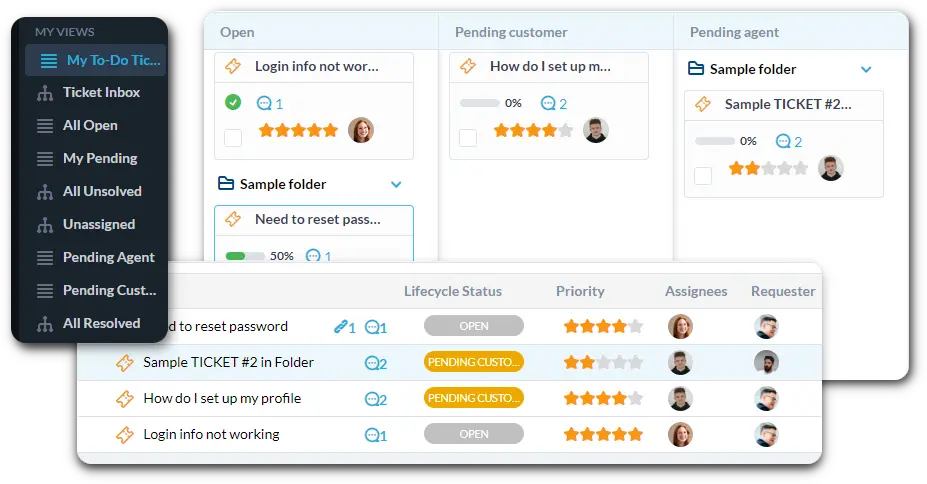
Centralize all internal bug reports and feature ideas from QA, Product, and internal users. Connect internal support emails to auto-create tickets. Use custom views to filter by "Severity 1 Bug - Backend" or "Next Sprint Feature." Convert tickets directly into development tasks.
Automate Triage and Assignment Based on Code Area
Automation ensures immediate attention for high-priority needs. Automatically assign any ticket mentioning a specific microservice or repository to the responsible engineering team. Set critical bugs to a High priority instantly. This saves valuable time on triage.
Internal Portal for Bug Reporting and Status Tracking
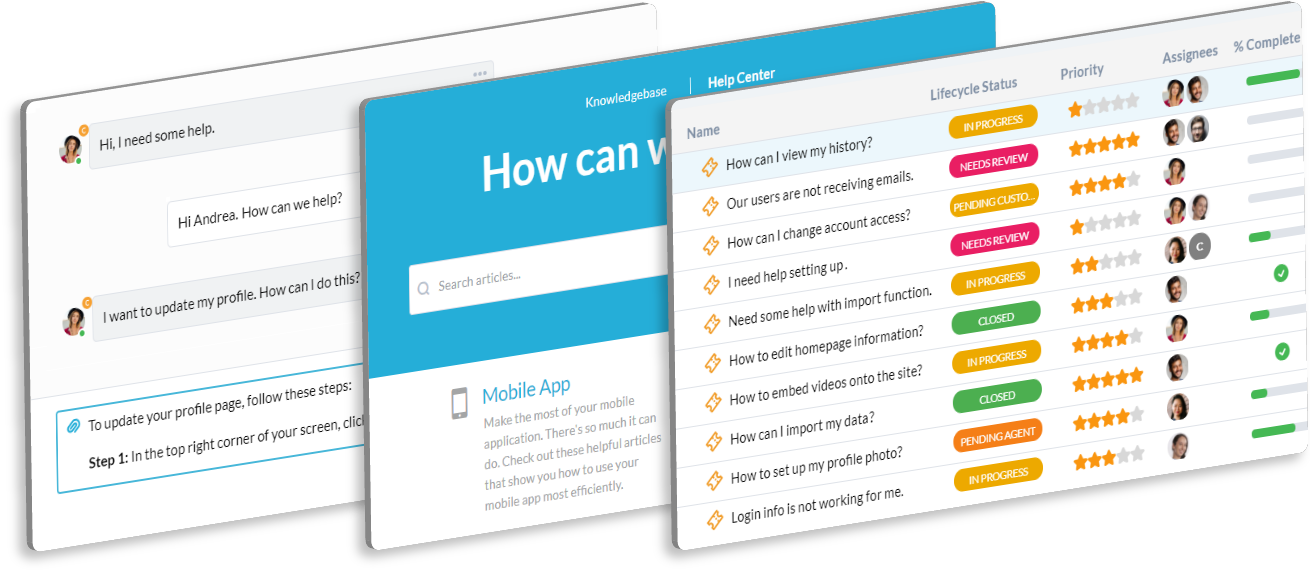
Offer a secure, internal portal where QA and other teams can submit issues and track their status. They can check the progress of their bug fix or feature request. The knowledge base can host technical documentation and deployment guides. This empowers internal users to self-serve.
AI Code and Bug Analysis
Debugging takes time away from coding. OneDesk’s AI can help analyze error logs pasted into tickets. It can suggest potential causes based on common issues. Use the AI chatbot to update project managers on ticket status. It acts as a technical assistant for the team.
Integrate with your tools
Enterprise Grade Security
FAQ
OneDesk has affordable pricing based on your product, plan, and number of user licenses.
See our pricing page for full details.
OneDesk is available both in the cloud and on-premise. Pricing for OneDesk On-Premise is the same as for our Cloud Enterprise plan, but is only available for annual or longer-term subscriptions. To evaluate OneDesk, please sign up for a 14-day free trial of our cloud software. If after evaluation of the software, you would like to purchase on-premise licenses, please Submit a Request we will send you an invoice for the number of users you require.
Of course! You can visit our feature index page for a full list of features. To compare product or plan features see our feature comparison page.
You can ask our AI agent questions via the live chat or knowledgebase in our widget. A human agent is also available to chat during business hours.
We also offer other support options including booking a live demo or submitting an email or ticket.
OneDesk provides a high level of security. You can learn about the measures we take at our security center.
See for yourself how OneDesk can help your team.
14 day free trial. No credit card required.