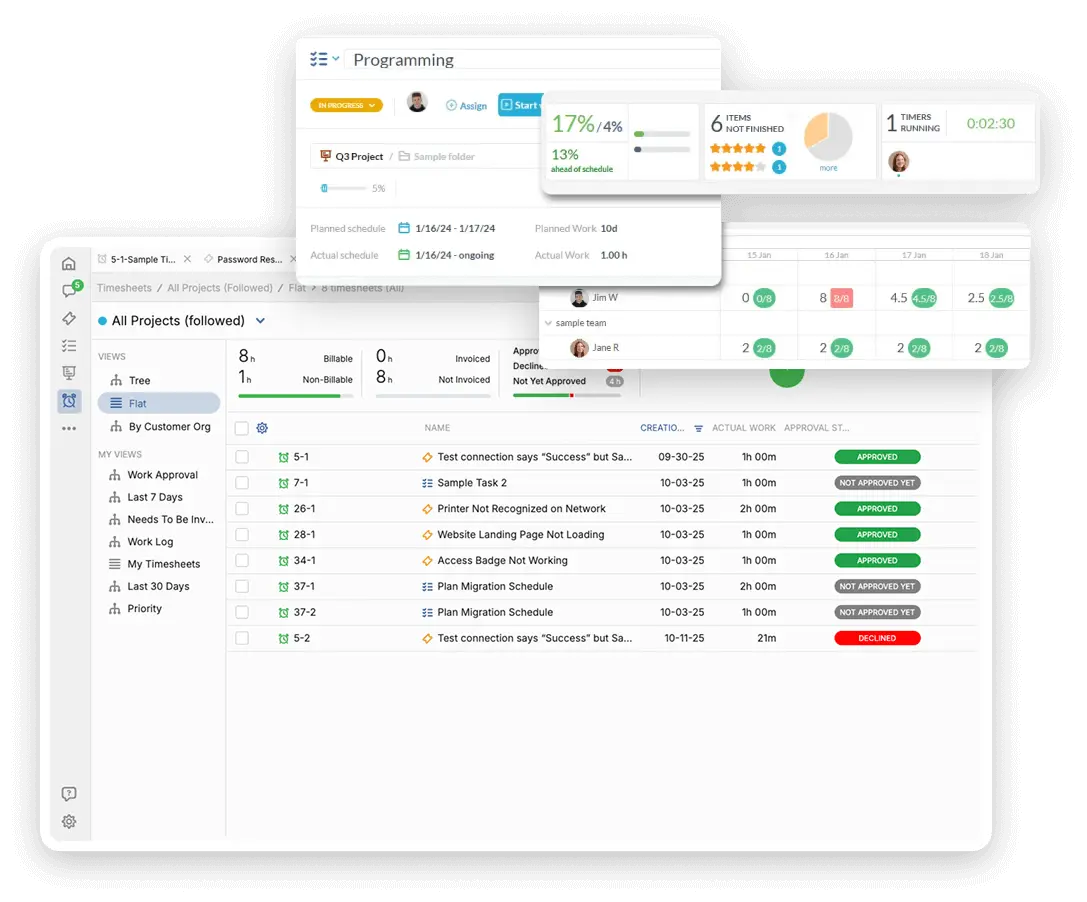
Control School Budgets and Expense Workflows

District Finance manages school budgets, state funding, payroll, and procurement. You need efficient, trackable workflows for every financial task across the district. OneDesk brings structure and compliance to your financial operations.

Trusted by K–12 School District teams around the world

Uncontrolled Internal Budget and Expense Requests

District finance teams are overwhelmed with requests for fund transfers, POs, and expense approvals from dozens of school sites. OneDesk centralizes all internal finance requests into a single queue. Use custom workflows to enforce multi-step, compliance-driven approvals. Ensure transparency and accountability.

Ticketing for School Financial Support

Provide a secure internal portal for school secretaries and administrators to submit purchase orders or budget inquiries. Turn emails from vendors or state agencies into trackable tickets instantly. Set up priority for urgent payroll or grant deadlines. Custom views let the Payroll team see one queue and the Budget team see another.

Manage Audits and Financial Reporting Projects

Treat the annual audit cycle, major state reporting, or grant closeouts as a structured project. Use task lists to ensure all necessary documentation is collected from schools on time. Assign accountability for each step of the process. Track progress against regulatory deadlines. Ensure financial compliance runs smoothly.

Automate Financial Approval Chains and Compliance

Automatically route a school-level purchase order over a certain amount to the relevant principal and director for approval. Set up rules to change a budget request status once funds have been transferred. Send automated reminders to staff for overdue expense report submissions. Automation ensures compliance and accelerates the financial process flow.

Track Vendor Payments and Internal Fund Quotes

Generate quotes for internal services offered to schools (e.g., district-level printing). Log and track billable time for any services offered to outside organizations or joint-use programs. Track internal non-billable time spent managing specific grant funds. Use the data to report on resource use and justify spending.

Use AI to Summarize Grant and Audit Documents

The AI assistant can quickly summarize lengthy state grant requirements or complex audit findings. Use AI to draft professional, compliant communication to state agencies or school principals. It can categorize incoming finance questions instantly. This reduces the time spent on reading and responding to standard queries.

Integrate with your tools

Enterprise Grade Security

FAQ

OneDesk has affordable pricing based on your product, plan, and number of user licenses.
See our pricing page for full details. 

OneDesk is available both in the cloud and on-premise.  Pricing for OneDesk On-Premise is the same as for our Cloud Enterprise plan, but is only available for annual or longer-term subscriptions. To evaluate OneDesk, please sign up for a 14-day free trial of our cloud software. If after evaluation of the software, you would like to purchase on-premise licenses, please Submit a Request we will send you an invoice for the number of users you require.

Of course! You can visit our feature index page for a full list of features. To compare product or plan features see our feature comparison page

You can ask our AI agent questions via the live chat or knowledgebase in our widget. A human agent is also available to chat during business hours.

We also offer other support options including booking a live demo or submitting an email or ticket

OneDesk provides a high level of security. You can learn about the measures we take at our security center

See for yourself how OneDesk can help your team.

14 day free trial. No credit card required. 

Scroll to Top
Salir de la versión móvil