Manage Nonprofit Tech Projects Efficiently

Build better tools for your cause. OneDesk organizes your engineering backlog and aligns it with organizational goals. Ship code that helps your community.

Trusted by Nonprofit Organization teams around the world

Balancing Maintenance and New Features

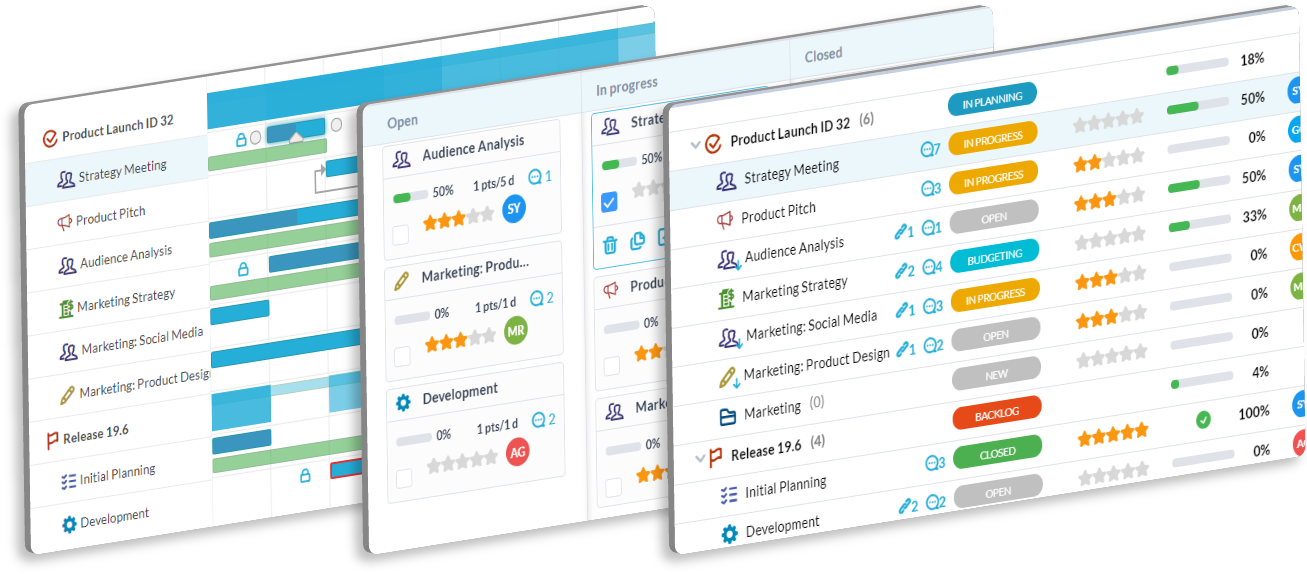
You have legacy systems to fix and new apps to build. It is a tough balance. OneDesk lets you merge support tickets into your project backlog. You can weigh bugs against new features. This helps you prioritize what matters most.

Transparent Development Cycles

Non-technical stakeholders need to know what is happening. OneDesk provides clear status updates without you writing emails. Connect tasks to milestones. Everyone stays in the loop on launch dates.

Agile Tools for Mission-Driven Teams

Manage sprints and releases easily. OneDesk supports subtasks and dependencies. You can break down large donor platform updates into small steps. Keep your developers focused on code, not process.

Auto-Route Technical Issues

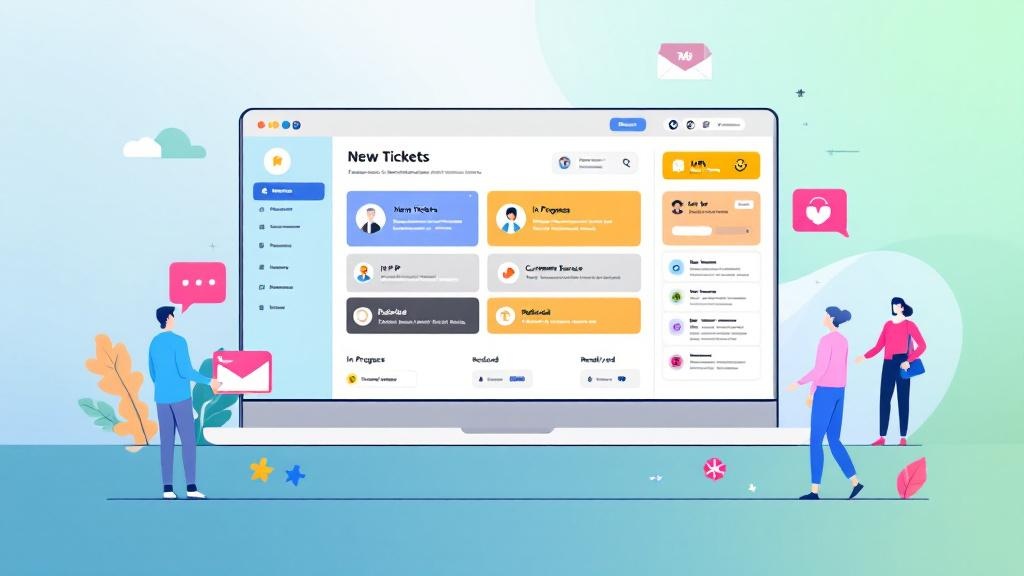
Don't waste time dispatching tickets. OneDesk automates this. If a bug report comes in about the "Donation Page," it auto-assigns to the web team. This speeds up critical fixes.

Gantt Charts for Long-Term Planning

Visualize your technology roadmap. Use the Gantt chart to see how projects overlap. It helps you plan around major fundraising seasons. You can adjust timelines with a simple drag and drop.

Engineering Velocity Reports

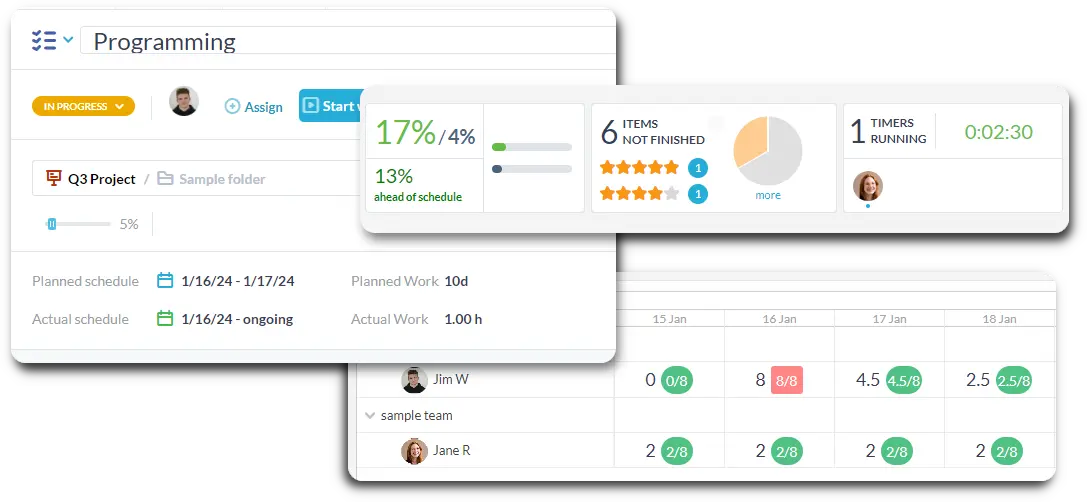
Track how fast your team is shipping. OneDesk provides burn-down charts and velocity metrics. Use this data to improve your sprint planning. It proves the value of your engineering team.

Integrate with your tools

Enterprise Grade Security

FAQ

OneDesk has affordable pricing based on your product, plan, and number of user licenses.
See our pricing page for full details. 

OneDesk is available both in the cloud and on-premise.  Pricing for OneDesk On-Premise is the same as for our Cloud Enterprise plan, but is only available for annual or longer-term subscriptions. To evaluate OneDesk, please sign up for a 14-day free trial of our cloud software. If after evaluation of the software, you would like to purchase on-premise licenses, please Submit a Request we will send you an invoice for the number of users you require.

Of course! You can visit our feature index page for a full list of features. To compare product or plan features see our feature comparison page

You can ask our AI agent questions via the live chat or knowledgebase in our widget. A human agent is also available to chat during business hours.

We also offer other support options including booking a live demo or submitting an email or ticket

OneDesk provides a high level of security. You can learn about the measures we take at our security center

See for yourself how OneDesk can help your team.

14 day free trial. No credit card required. 

Scroll to Top
Salir de la versión móvil